
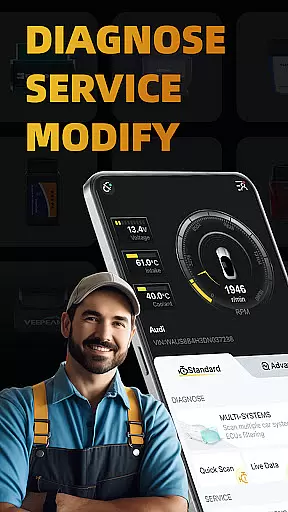
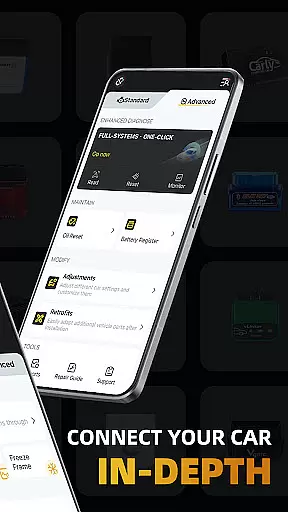
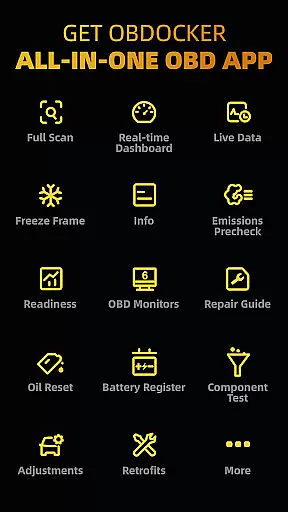
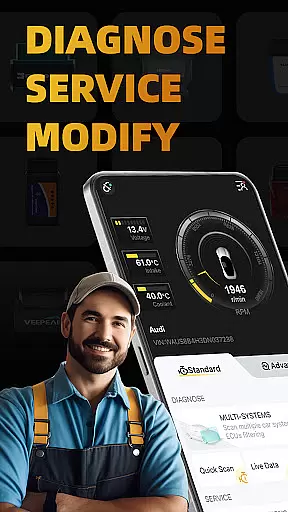
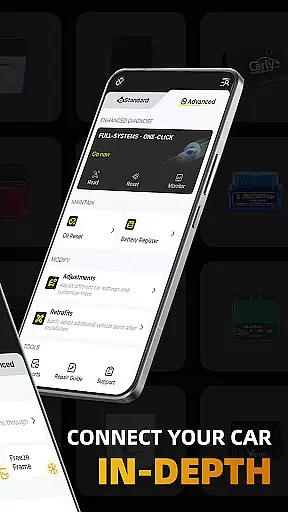
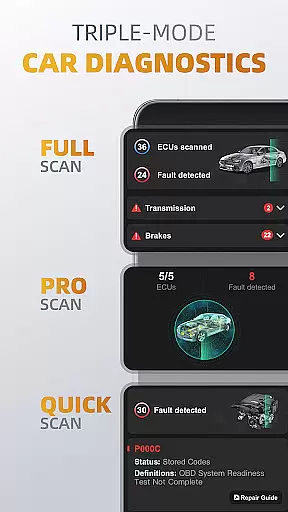
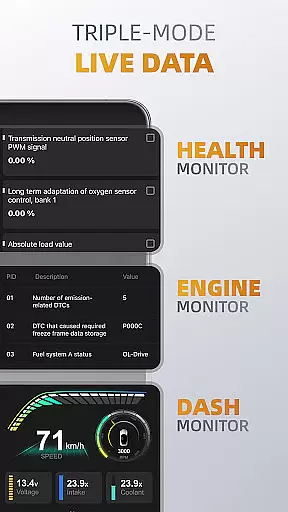
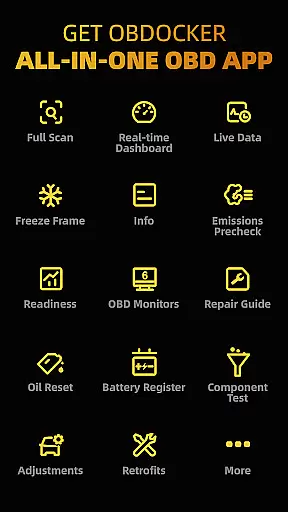
OBDocker is a professional OBD2 car scanner app designed for vehicle diagnostics and customization. It offers triple-mode diagnostics including full-systems, multi-systems, and quick scans, allowing users to efficiently identify and resolve vehicle issues. The app also provides real-time monitoring of vehicle performance through its triple-mode live data feature.
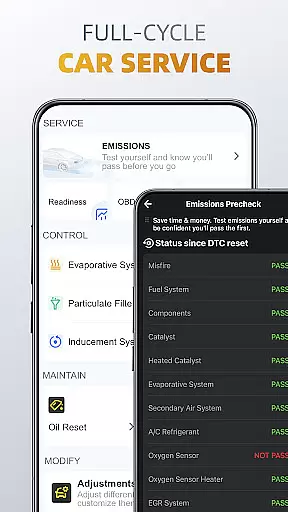
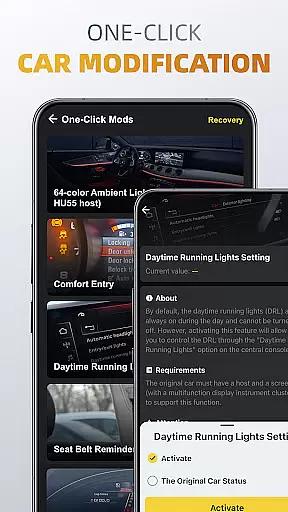
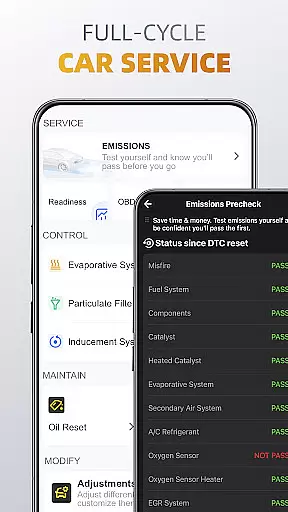
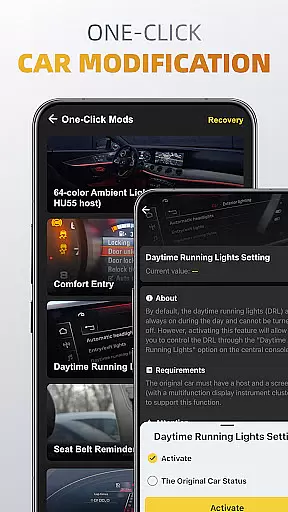
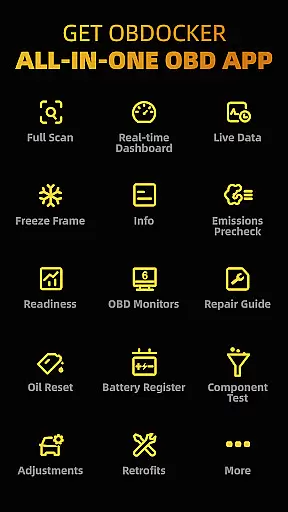
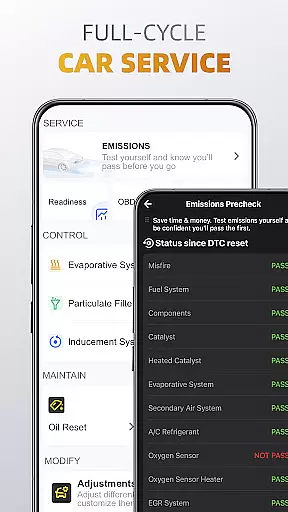
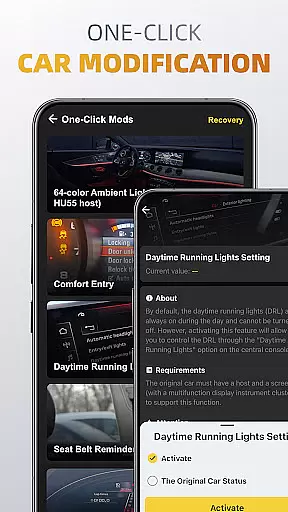
With a comprehensive full-cycle service suite, OBDocker supports emissions pre-checks, control tests, oil resets, and battery registration. Additionally, the one-click modification feature enables users to adjust car settings and retrofit additional parts with ease. This makes it an essential tool for both vehicle enthusiasts and professional mechanics.
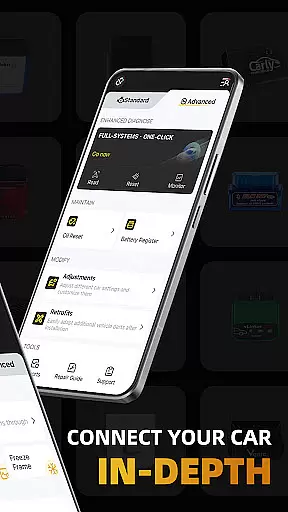
The app requires a compatible OBD adapter and works with a wide range of vehicles, offering both standard and advanced modes. While it provides extensive functionality, the actual features available depend on the vehicle's onboard systems. Available on Android, OBDocker offers a free trial with optional Pro or Pro Max subscriptions for unlimited access.
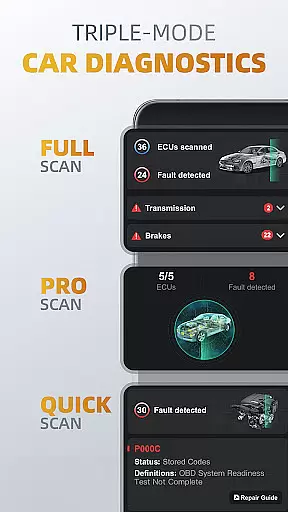
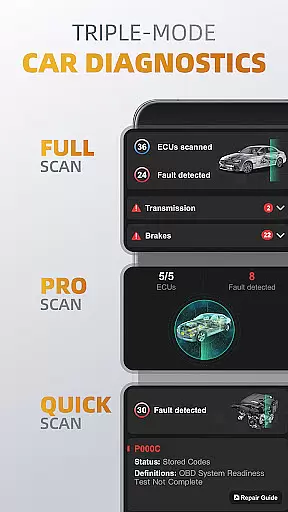
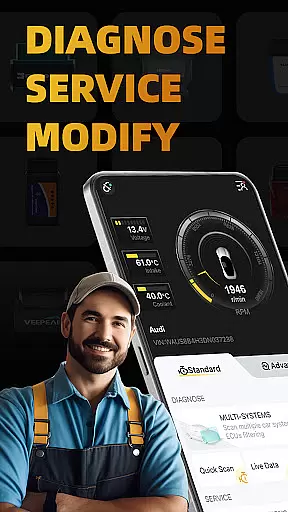
OBDocker stands out with its triple-mode diagnostics system. The full-systems diagnose performs OE-level diagnostics across all vehicle systems with a single click. Multi-systems diagnose allows scanning of specific ECUs such as TMS, SRS, ABS, TCM, and BCM, while the quick scan swiftly reads and clears engine fault codes.
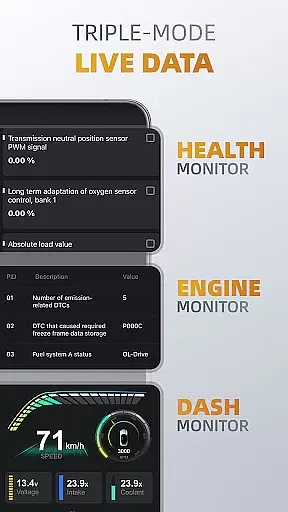
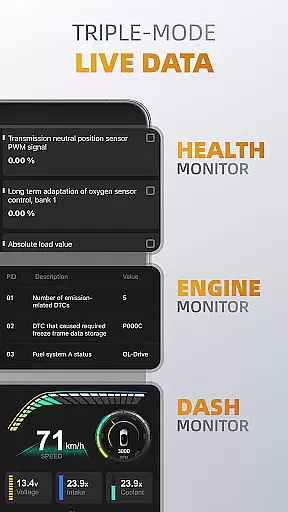
The triple-mode live data feature provides real-time vehicle metrics. The health monitor tracks system performance through detailed parameters, the engine monitor focuses specifically on engine performance, and the dash monitor visualizes key metrics in real-time. These features give users comprehensive insights into their vehicle's condition.
OBDocker also offers a complete service cycle including emissions testing, EVAP leak detection, DPF reinitialization, oil reset, and battery registration. Its one-click modification tools allow easy adjustments and retrofits. The app supports various OBD adapters, recommending high-performance options like Vlinker and OBDLink series for optimal results. With compatibility across numerous vehicle brands, it delivers professional-grade diagnostics to a wide user base.
Accessing detailed vehicle information is crucial for effective car maintenance and diagnostics. OBDocker provides comprehensive data across multiple systems, allowing users to understand their vehicle's condition at a granular level.
The app's triple-mode diagnostics feature enables users to perform full-system scans, multi-system checks through ECUs filtering, and quick engine fault code readings. This ensures that every aspect of the vehicle, from TMS to SRS and ABS, can be thoroughly examined.
With real-time monitoring capabilities, users can track system performance metrics, visualize vehicle data, and maintain optimal engine health. These insights empower car owners to make informed decisions about necessary repairs or adjustments.
This level of detailed information helps prevent unexpected breakdowns and allows for timely maintenance, ultimately extending the vehicle's lifespan while ensuring safety and reliability.
Price transparency in automotive services is essential for consumers to make informed financial decisions. OBDocker addresses this by offering clear pricing structures through its subscription plans.
The app provides a free trial period that gives users complete access to all features, allowing them to evaluate the service before committing financially. For extended use, customers can choose between Pro and Pro Max subscriptions, with costs clearly outlined.
This transparent approach extends to the recommended OBD adapters as well. The app categorizes adapters into high, middle, and low performance tiers, with corresponding price ranges and quality expectations.
By maintaining clear and upfront pricing information, OBDocker builds trust with its users while helping them budget effectively for their vehicle diagnostic needs.
User-friendly interface
Comprehensive diagnostics
Real-time monitoring
Wide vehicle compatibility
Professional-grade features
Requires separate OBD adapter
Premium features need subscription
Functionality varies by vehicle
Some features may overwhelm beginners
Adapter quality impacts performance

The Smarter Way Forward
 3.30
3.30
Attention! This is the theme for the Car Launcher app
4.1
Monitor specific TOYOTA parameters by adding this plugin to Torque Pro.
2.00
* This app needs an adapter cable and a certain OBD2 adapter to work *
4.20
Oil change service & coupons for car maintenance at Valvoline Instant Oil Change
4.70
Instantly redesign your car with AI. From sporty to futuristic, try it all.
4.50
Take state-specific DMV permit tests and ace the exam.
3.90
Your car is talking. Start listening.
4.30
Find Your Local Store or Shop Online for the Car, Truck, or SUV Parts You Need
4.70
Marathon ARCO Rewards members earn rewards & apply the rewards for fuel savings!
4.80
MySubaru: Download. Connect. Love.
4.70
Listings of Tesla's with FSD - Included package
4.60
Find Fast EV Chargers | Charge Your Vehicle at 1,100+ Fast Car Charging Stations
4.60
OBDII - ELM327 Terminal tool for 96-00 Volvos
4.50
Launcher for use in the car
4.40
A full featured, real-time transit locator system
4.30
Better fuel to help keep you on the road
3.20
App Mirroring for Tesla Car's Browser
2.80
Theme for Car Launcher
4.0


User Reviews