
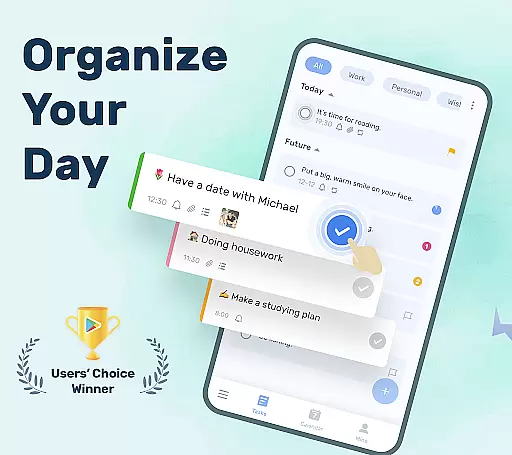
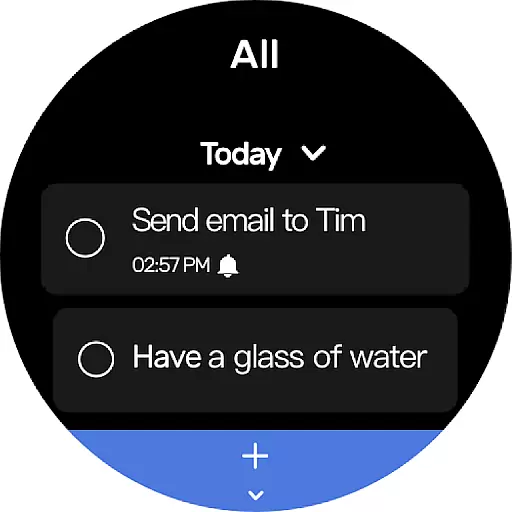
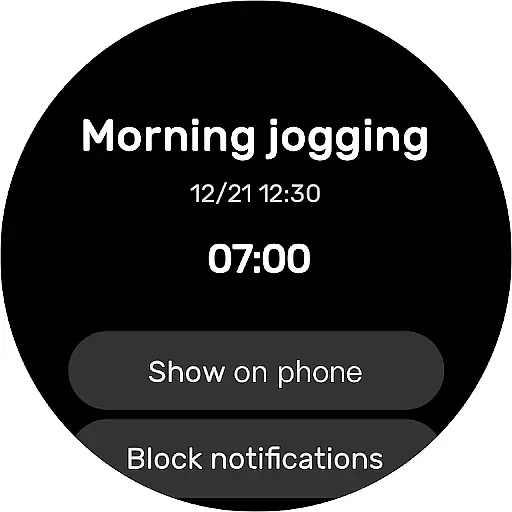
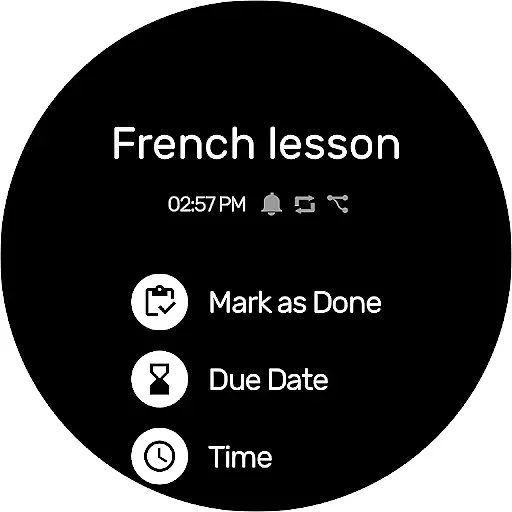
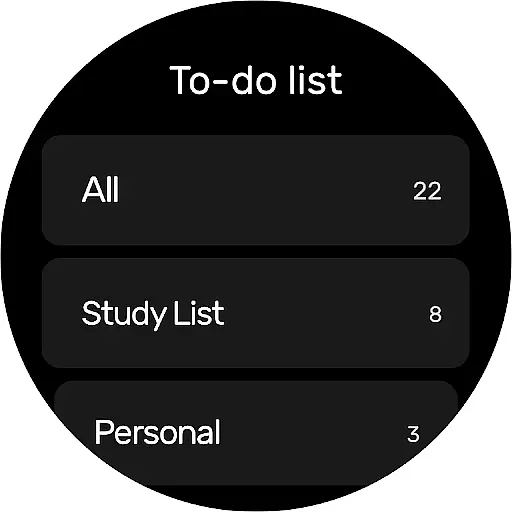
To-Do List is a comprehensive task management app designed specifically for Android Wear devices. This free and intuitive to-do list manager helps users organize their daily schedules, set important reminders, and maintain productivity on the go. With its sleek interface and customizable themes, the app makes task tracking both efficient and visually appealing.
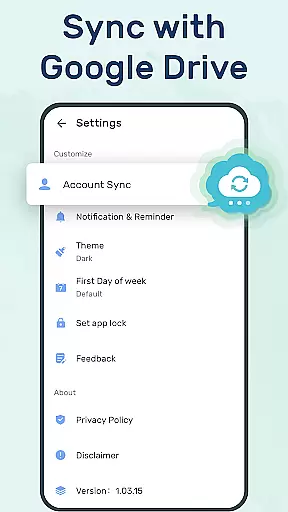
One of the standout features is its ability to sync tasks across multiple devices through Google Drive, ensuring that users never lose their important to-do lists. The app also supports Wear OS, allowing seamless integration with smartwatches. Whether it's managing work projects, personal goals, or special occasions, To-Do List provides a reliable solution for staying organized anytime, anywhere.
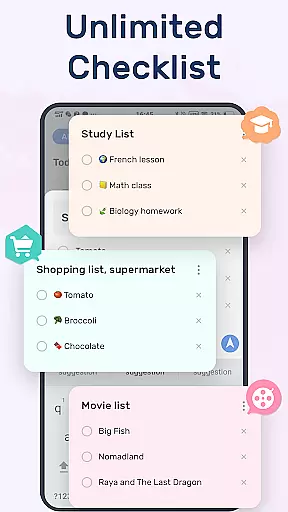
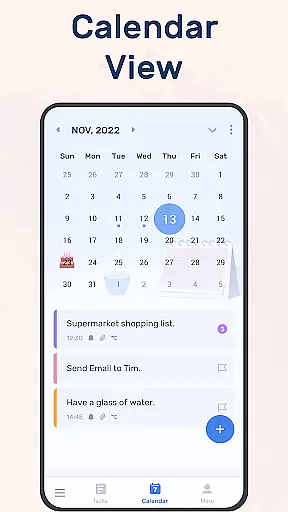
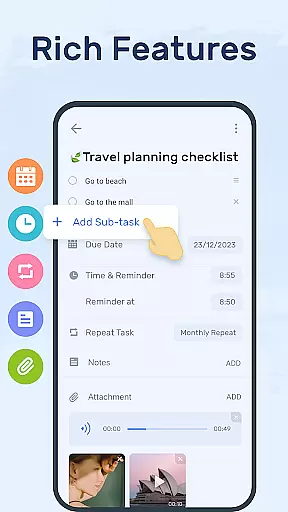
To-Do List offers an impressive array of features that cater to various productivity needs. Users can create multiple task lists with just a few taps, categorize them using labels and priorities, and even add sub-tasks for more complex projects. The app's calendar view provides a clear overview of daily, weekly, and monthly schedules, making long-term planning effortless.
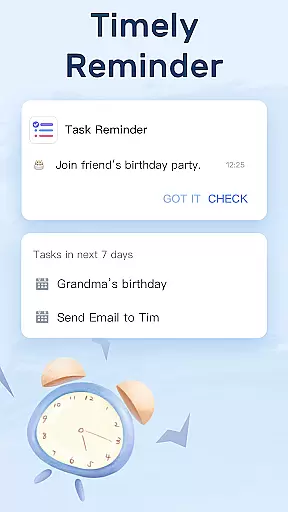
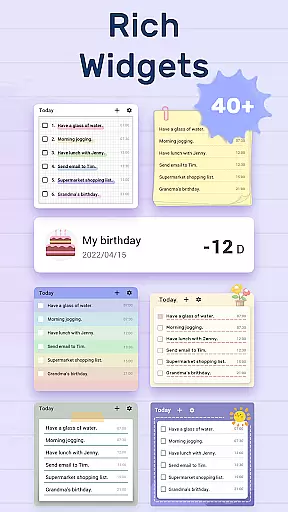
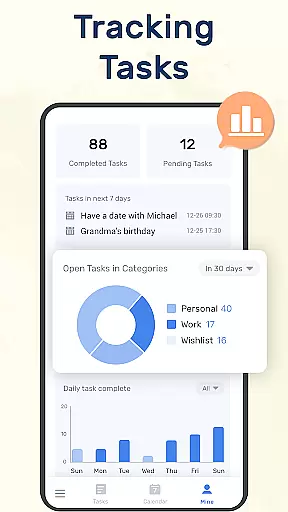
Setting reminders is made easy with customizable alarms and repeat options for recurring tasks. The app's widget functionality allows quick access to your to-do lists directly from your phone's home screen. Additionally, the inclusion of a completion tracker on the 'MINE' page motivates users by showing their progress over time. These thoughtful features combine to create a powerful yet user-friendly task management experience.
Companion app integration is essential for users who want seamless functionality between their mobile devices and wearable technology. To-Do List - Schedule Planner & To Do List Task Manager offers a comprehensive solution by ensuring that your tasks and schedule planners are synchronized across all your devices, including Wear OS watches.
This to-do list application provides the convenience of checking your to-do lists, tracking daily planners, or receiving task reminders on your Wear OS device. This means you can stay updated with your schedule without needing to take out your phone, making it perfect for those on the go.
The synchronization feature via Google Drive ensures that your data is not only available across devices but also backed up securely. This eliminates the risk of losing important information and allows you to access your to-do lists from any location, at any time.
By integrating companion app features, To-Do List enhances user experience by offering flexibility and reliability. Whether you're managing work projects or personal errands, having your planner accessible on your wearable device ensures you never miss an important task or reminder.
For users invested in the Wear OS ecosystem, device compatibility is a crucial factor when selecting productivity applications. To-Do List - Schedule Planner & To Do List Task Manager shines in this aspect by providing full support for Wear OS, ensuring that users can manage their daily planners directly from their smartwatches.
This compatibility allows for an intuitive interface on your wearable device, where you can easily view and interact with your to-do lists. The app's design takes into account the limited screen space of wearables, presenting information in a clear and concise manner that is easy to read at a glance.
With the ability to sync via Google Drive, the app ensures that all your devices reflect the most current version of your to-do list. This cross-device consistency means that whether you update your list from your phone or your Wear OS watch, you'll see the changes instantly reflected everywhere.
Ultimately, the Wear OS compatibility of To-Do List empowers users to maintain productivity without being tied to their phones. By having essential task management features available on your wrist, you can enjoy both the freedom and efficiency that truly smart technology provides.
User-friendly interface
Customizable themes
Google Drive sync
Wear OS support
Comprehensive reminders
Limited advanced features
Occasional sync issues
No team collaboration
Basic analytics
Premium feature lock

Christmas - Festive - Christmas Village - Winter - Christmas lights
 5.00
5.00
A heartwarming Christmas scene featuring a cute image of Santa and Rudolf
4.2
Beautiful artistic animated digital watch face, with a customizable layout!
4.40
The #1 source of faces for your smartwatch!
4.00
Funny animated watch face for Thanksgiving
4.2
Viewer for Wyze/Yi/Eufy/Arlo/ONVIF/RTSP/P2P IP cams w/ adv. features & DIY DVR
4.00
A realistic hybrid watch face with many customization options.
4.60
Your music, your playlists, and more—offline and unlimited.
4.20
Download full tracks, listen to music offline, make unlimited playlists.
4.80
Hyperlocal rain alerts by MyRadar using patent-pending technology, radar & more
4.80
Simple, helpful messaging by Google
4.60
Fast and smart typing with Emojis, GIFs, and more
4.50
Embrace the holiday spirit with this magical animated watch face!
4.40
Embrace the festive spirit with our Christmas Countdown watchface for Wear OS
4.10
sleep, alarm, snoring, stress, healing, focus, sound therapy, circadian rhythm
4.10
Christmas is near, let's count together the days left until Santa comes
4.3
A Wintery Snow Globe on Your Wrist; now celebrating Christmas!
4.3
Analog watch face with 8 complications and expedition styling
4.3
Stunning modern digital watch face with 7 complications and strong contrast
4.3


User Reviews