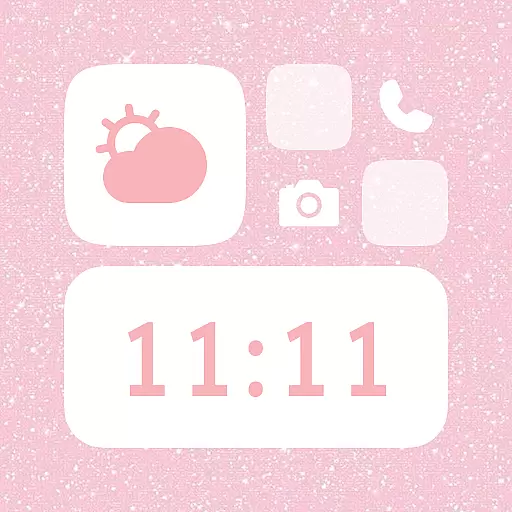
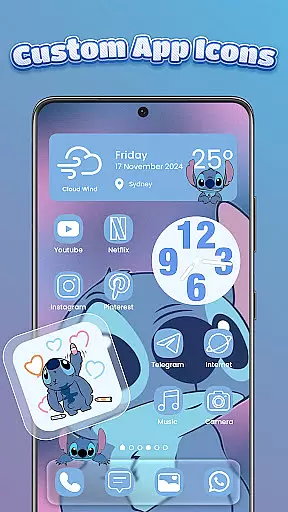
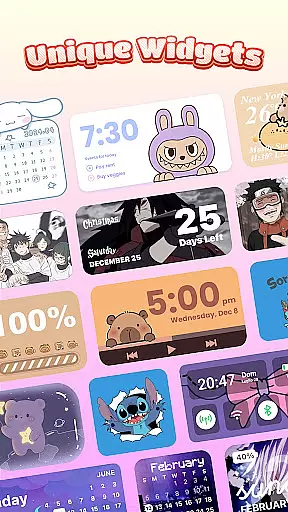
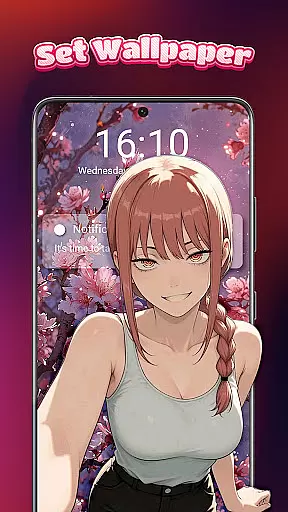
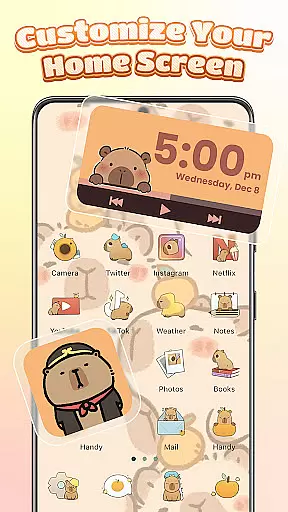
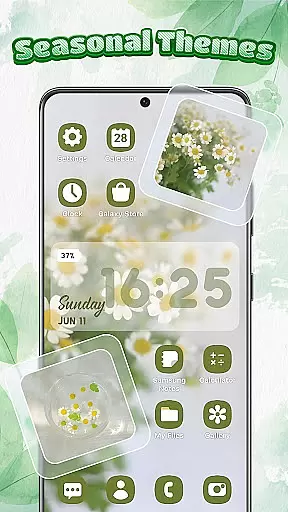
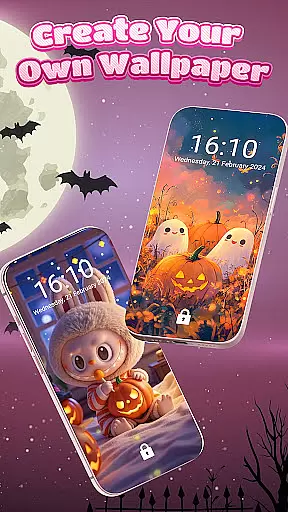
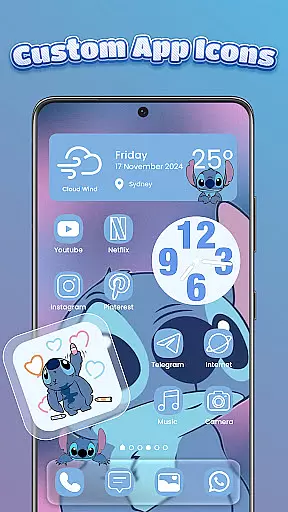
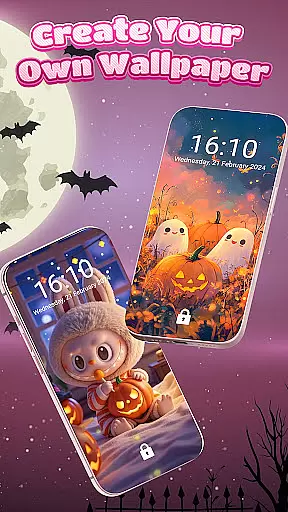
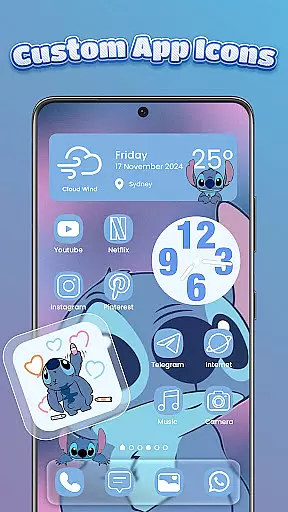
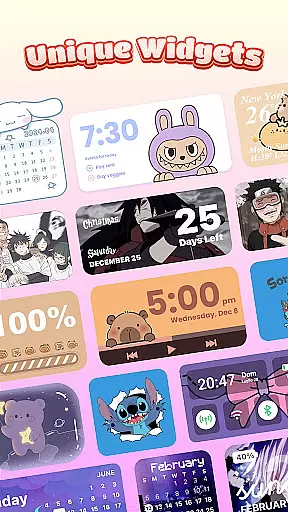
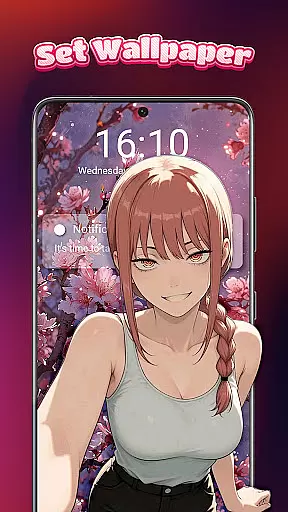
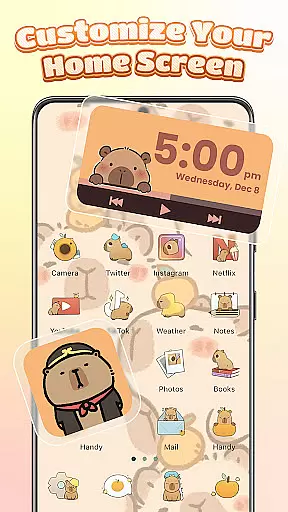
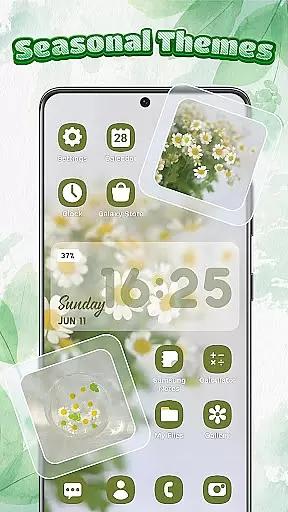
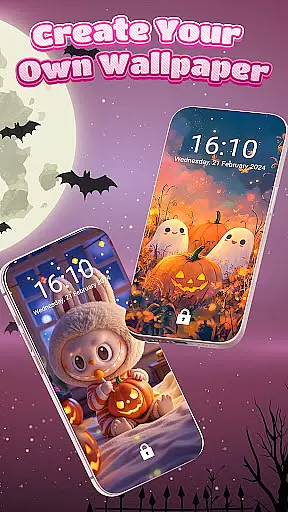
Themebox is a comprehensive personalization app that allows users to fully customize their smartphone's appearance. The core functionality includes an app icon changer, color widgets, wallpapers, and control center customization. With over 1000 beautifully designed themes, it caters to various aesthetic preferences including pastel, dark mode, neon, and anime styles.
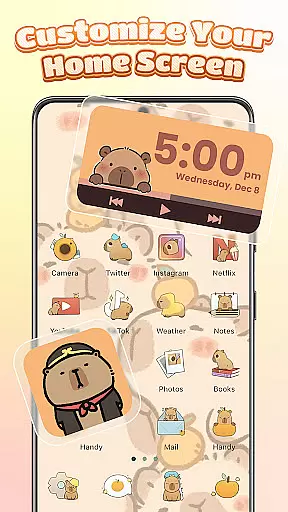
The app provides extensive creative freedom through its DIY features. Users can modify icon styles, fonts, colors, and transparency levels while also creating custom home screen layouts with personalized widgets. The floating smart control center enables quick access to essential system settings, making device management both stylish and efficient.
This level of customization proves particularly valuable for users who want to express their personality through their phone's interface or those seeking more functional and visually appealing home screen arrangements. Themebox combines aesthetic appeal with practical utility, offering daily theme updates and exclusive releases while maintaining fast performance and lightweight operation.
Themebox distinguishes itself through several innovative features. The one-tap icon changer allows users to instantly transform their app icons with various styles, fonts, and background options. The DIY customization capabilities extend to controlling transparency levels and mixing different design elements, enabling the creation of unique icon combinations that reflect personal preferences.
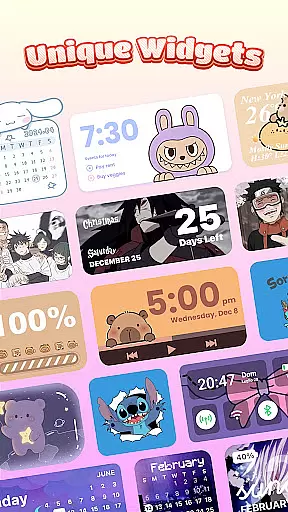
The app's collection of interactive color widgets stands out as a major feature. These include battery status indicators, calendar displays, weather information, and image widgets that can incorporate personal gallery photos. Each widget type offers customization options to ensure seamless integration with chosen themes and home screen layouts.
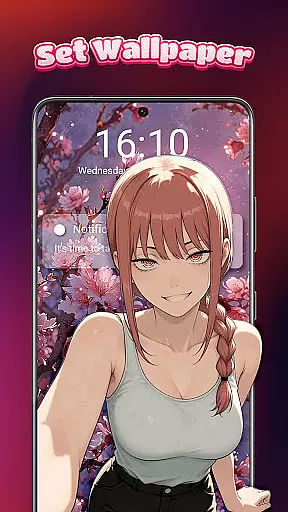
Additional notable features include the floating smart control center, which provides quick access to system functions, and the extensive library of wallpapers and themes covering multiple styles from anime to vintage aesthetics. The app maintains a lightweight footprint while delivering these comprehensive customization tools, making it suitable for both casual users seeking aesthetic enhancements and advanced users requiring detailed control over their home screen appearance.
Themebox stands out in the personalization category by offering an extensive range of customization options that cater to every user's unique style and preferences. With over 1000 beautifully designed themes, users can transform their home screens into personalized works of art.
The app icon changer feature provides a vast selection of icon packs, allowing users to give their apps a fresh new look. Whether you prefer cute and colorful or sleek and modern styles, Themebox lets you mix and match with ease. You have control over fonts, colors, transparency, and backgrounds to create the perfect icon combo that resonates with your personal vibe.
In addition to icons, Themebox offers color widgets that are not only stylish but also functional. These include battery status, calendar, weather, and smart control panel widgets, all customizable to blend seamlessly with your chosen theme. This level of detail ensures that every element on your home screen is cohesive and expressive.
Ensuring theme compatibility across various devices and Android versions is crucial for a seamless user experience, and Themebox excels in this area. The app provides themes that maintain visual consistency and functionality regardless of the device you're using.
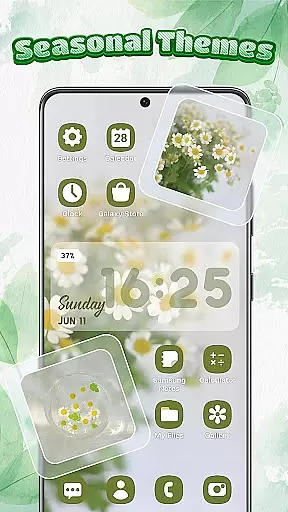
Users can choose from an array of styles such as anime, vintage, minimalist, pastel, or neon themes. Each theme is crafted to be compatible with different screen sizes and resolutions, ensuring that your personalized design looks great on any device. Themebox's dedication to compatibility means you won't have to worry about distorted images or misplaced elements when customizing your home screen.
Beyond static aesthetics, Themebox includes dynamic features like the Smart Control Centeru2014a floating panel providing quick access to essential system settings. This feature uses the AccessibilityService API for seamless integration without compromising performance or security. By focusing on both form and function, Themebox guarantees a harmonious blend of appearance and usability across all supported platforms.
User-friendly interface
Extensive customization options
Regular theme updates
Lightweight performance
Versatile widget collection
Requires accessibility permission
Premium themes available
Android only support
Learning curve for beginners
Occasional compatibility issues

Ultra realistic high quality analog watch face for Wear OS.
 4.60
4.60
Interactive Miniature Painting Catalogue
3.30
⭐ OneUI inspired Fluffy Icon Pack – Soft. Stylish. Standout. ⭐
4.4
Color phone with cool effects for call screen, flash alert & ringtones music
4.50
Customize your home screen with stunning themes, blur, widgets & icons.
4.60
HappyLighting is a Bluetooth lamp control software.
3.40
Choose your keyboard with RGB colors effect, themes, fonts, emojis.
4.60
Adorable pets roam and play right on your phone screen!
3.30
A minimalist productivity launcher. One-hand-friendly. Zero ads.
4.70
100+ Stylish Fonts, Emojis, Symbols keyboard for Instagram & TikTok!
4.80
350+ widgets with a premium glass-style finish, perfect for home & lock screens.
4.70
Bring adorable pets to life on your screen. Playful, interactive and full of fun
4.60
Customizable screen pets that play, climb, and keep you company.
4.50
Aesthetic Widgets, HD Wallpapers, Themes in Mico Widget for Home and Lock Screen
4.50 4.50
4.50
Romantic Kiss Stickers App. Start romantic messaging now!
4.30
Launcher OS™ Pro without ads help make your phone simple and pretty
4.30
Crystal-clear, square icon provides a sleek and sophisticated visual upgrade
4.00 3.50
3.50


User Reviews