
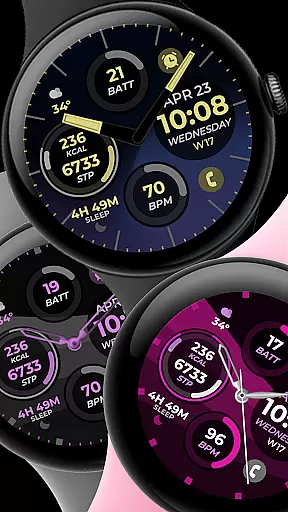
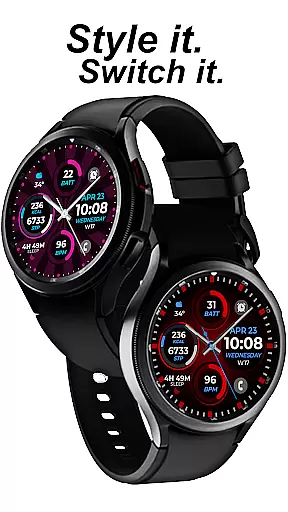
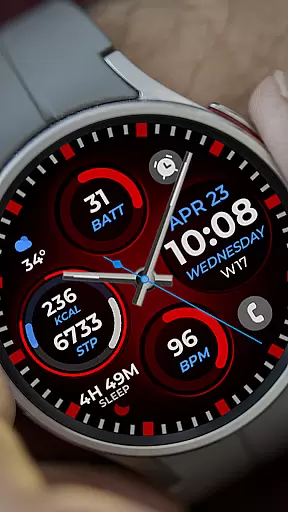
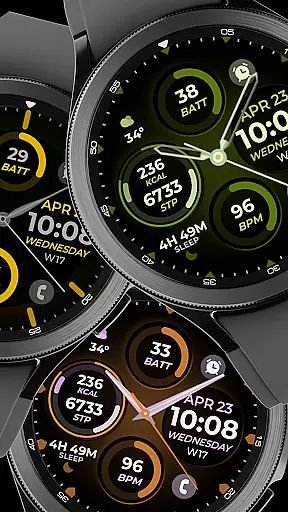
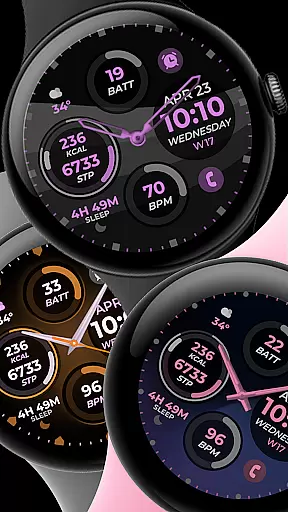
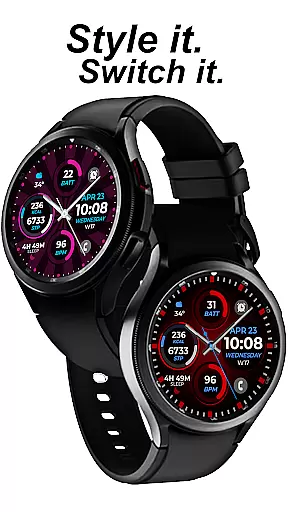
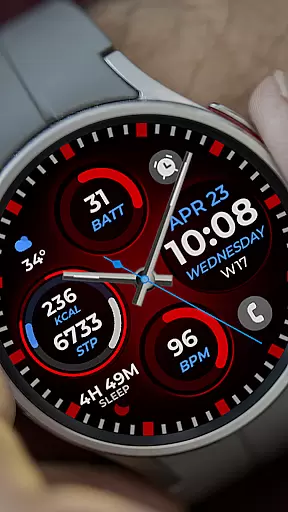
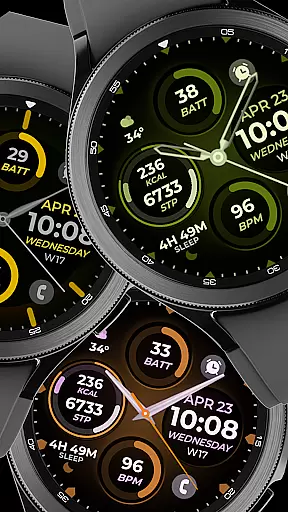
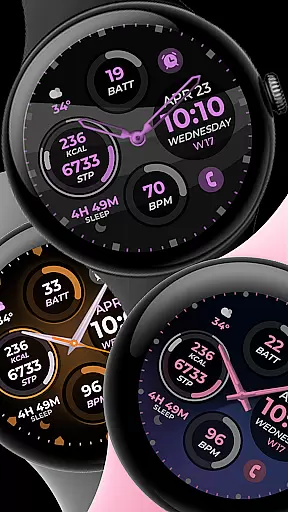
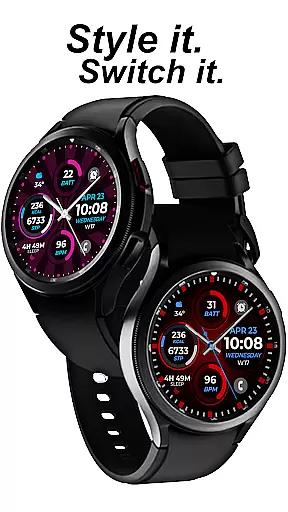
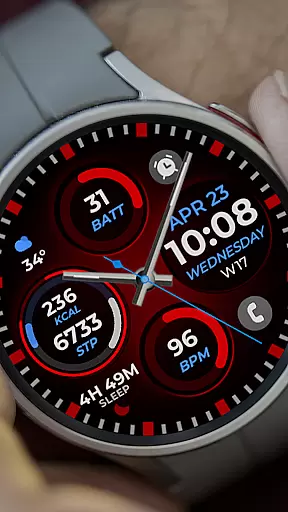
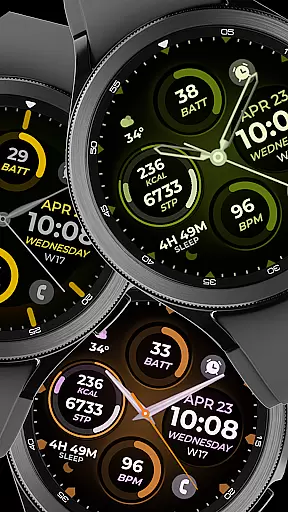
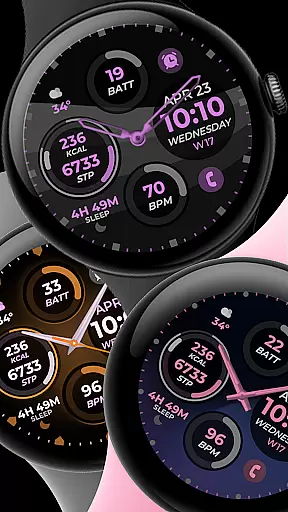
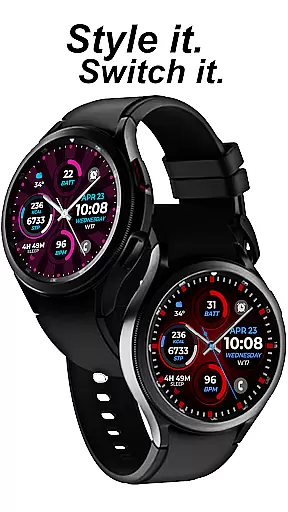
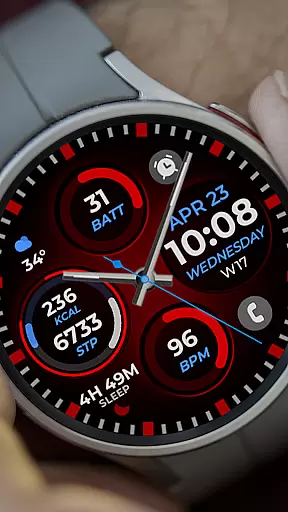
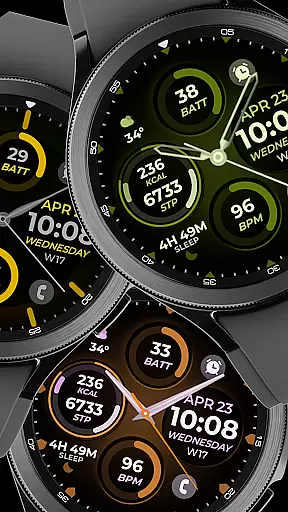
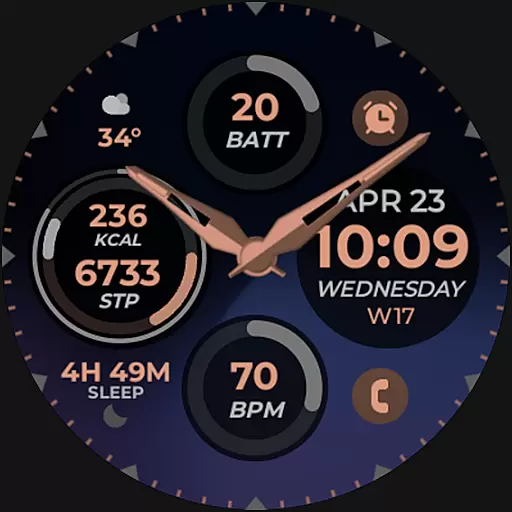
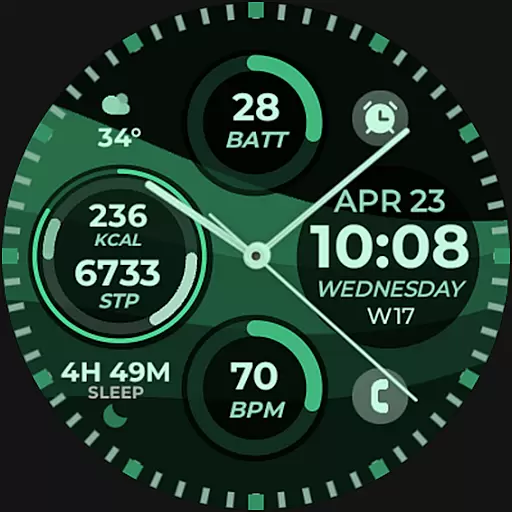
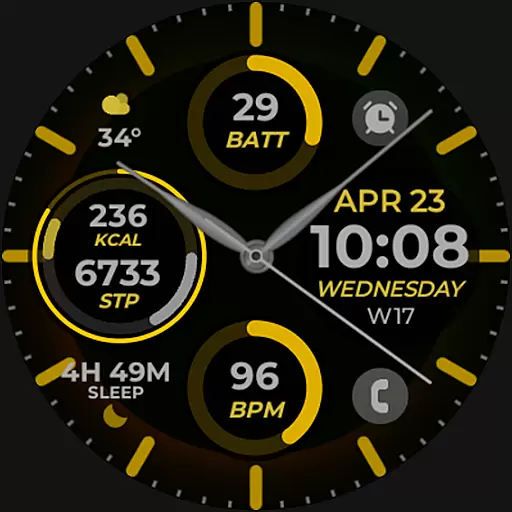
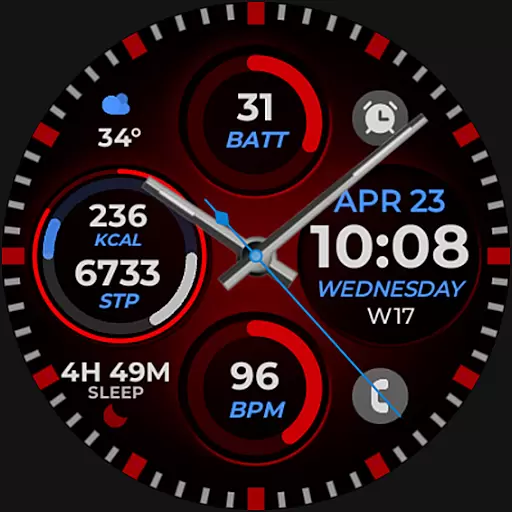
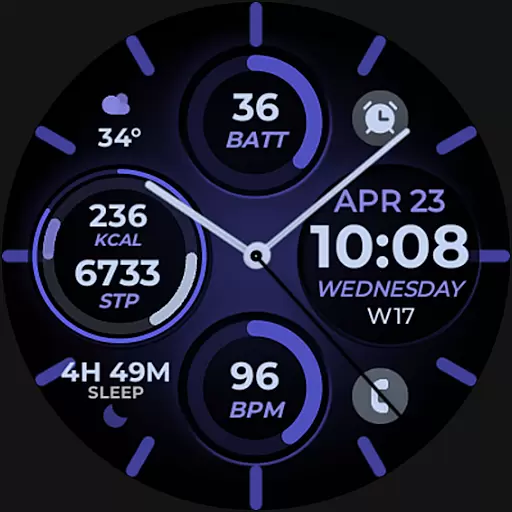
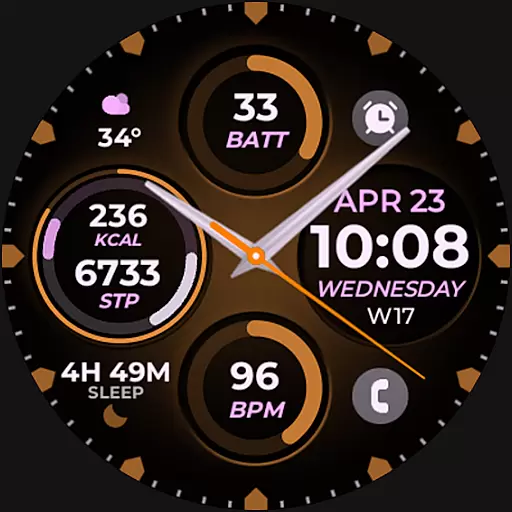
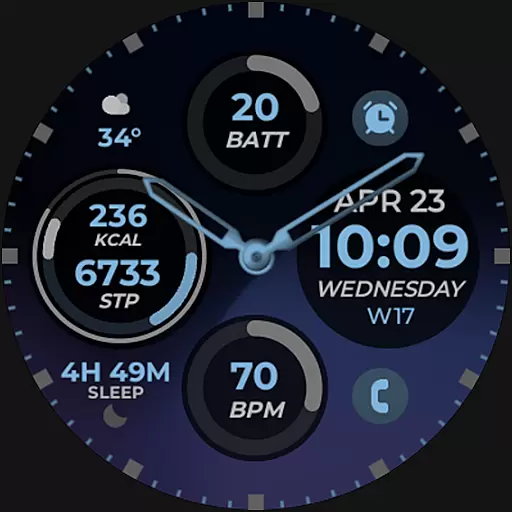
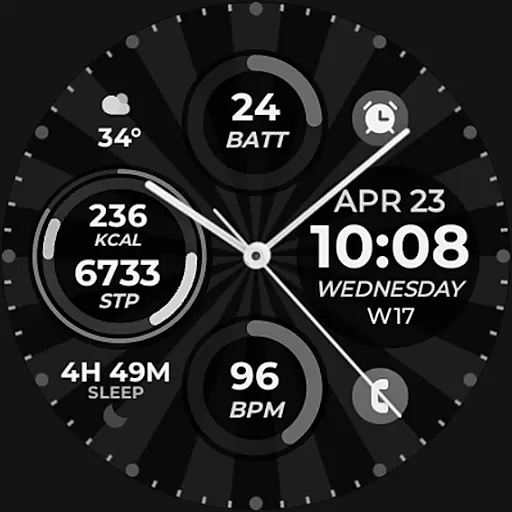
Vibrant Fit Hybrid is a feature-rich watch face app designed specifically for Wear OS devices, including the Samsung Galaxy Watch 4. This application offers users a customizable and visually appealing interface that enhances their smartwatch experience.
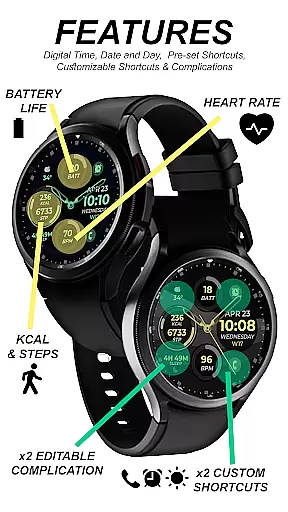
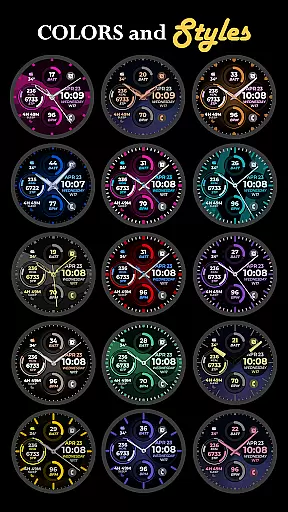
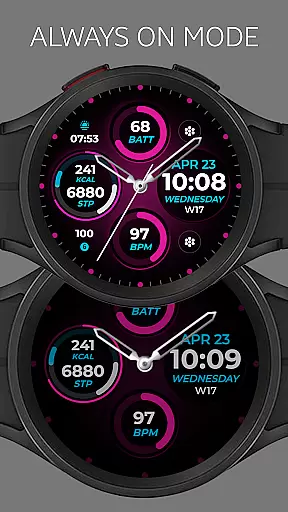
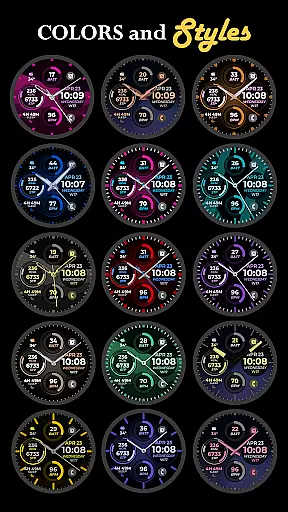
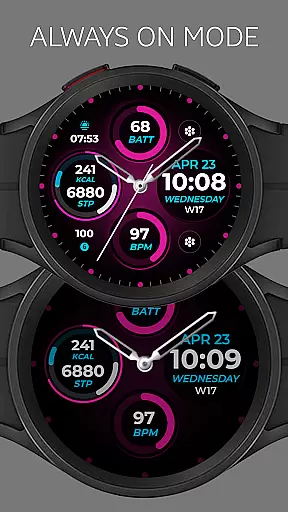
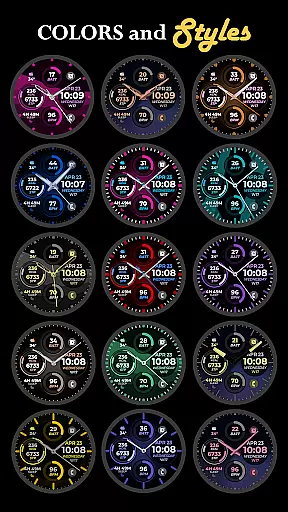
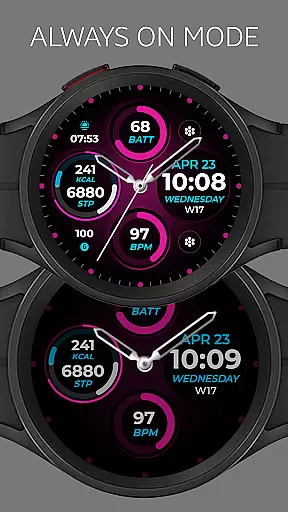
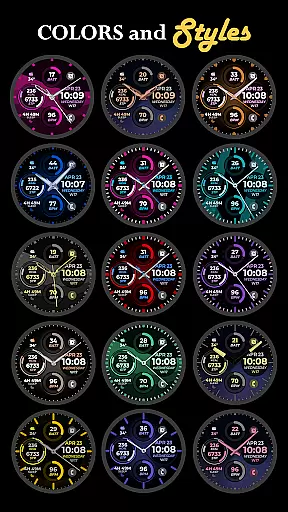
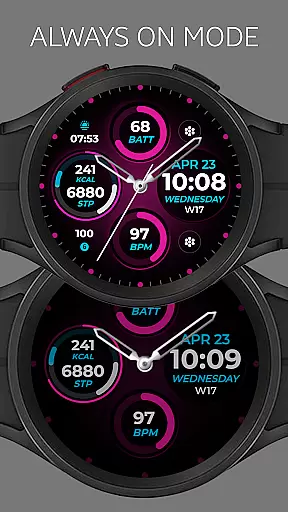
The app provides essential timekeeping functions through digital and analog clock displays, along with date information and an Always-On Display (AOD) feature. Users can personalize their watch faces with preset or custom app shortcuts, complications, color palettes, watch hands, and index styles. These customization options allow for a tailored experience that suits individual preferences and needs.
Whether you're looking to match your watch face with your outfit or need quick access to frequently used apps, Vibrant Fit Hybrid delivers both style and functionality. Its seamless integration with Wear OS ensures reliable performance and easy installation across compatible devices.
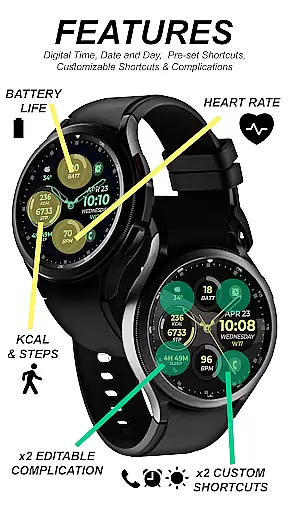
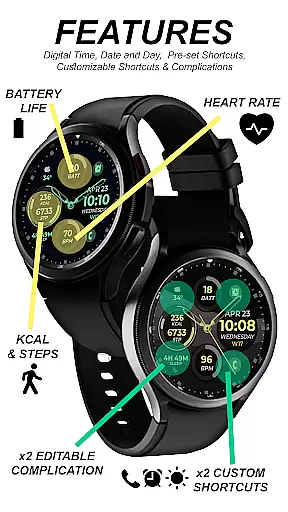
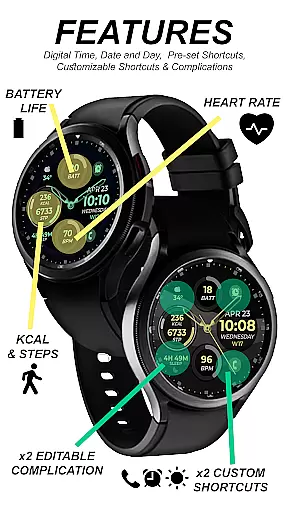
Vibrant Fit Hybrid stands out with its comprehensive set of features designed to enhance user interaction and personalization on Wear OS devices. The app includes digital and analog clock options, ensuring users can choose their preferred time display format. The inclusion of date information and an Always-On Display (AOD) adds practicality by keeping important details visible at all times.
One of the key highlights is the ability to customize app shortcuts and complications. This allows users to create a personalized layout that grants quick access to their most-used applications directly from the watch face. Additionally, the custom color palette, watch hands, and index styles enable further personalization, making each watch face unique to its owner.
These features collectively provide a versatile and engaging user experience. By offering extensive customization options alongside essential timekeeping functions, Vibrant Fit Hybrid caters to both aesthetic preferences and functional requirements, setting it apart in the Android Wear category.
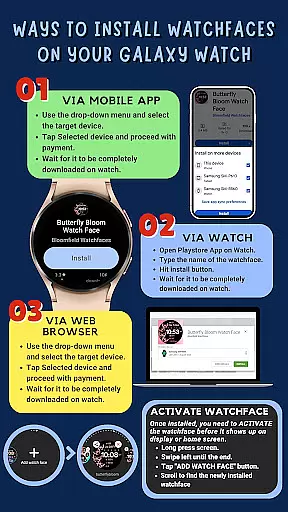
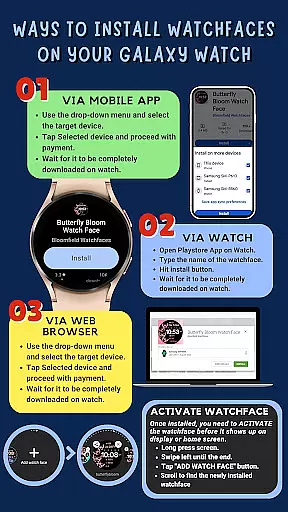
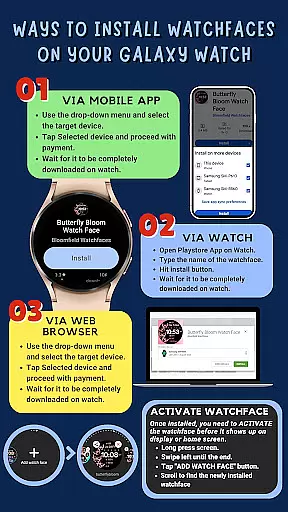
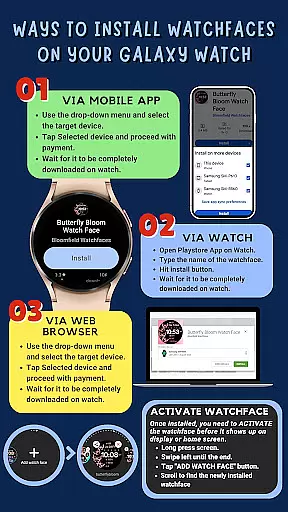
Companion app integration is essential for a seamless smartwatch experience. Vibrant Fit Hybrid ensures that all features are perfectly synced between your phone and watch. The installation process requires a strong WiFi connection and Google account login on both devices, guaranteeing secure and reliable data transfer.
The app provides clear installation guidance, ensuring users can set up without hassle. Once installed, the watch face does not change automatically. Users need to add it manually from the home display settings. This method gives users more control over their watch face selection and configuration.
Vibrant Fit Hybrid offers extensive customization options, including digital and analog clock styles, date display, and always-on functionality. These features are easily managed through the companion app, allowing users to tailor their watch faces to their preferences. Such flexibility enhances user satisfaction and engagement with the product.
Ensuring compatibility across various Wear OS devices is crucial for any smartwatch application. Vibrant Fit Hybrid is developed using Samsung's 'Watch Face Studio' tool, making it compatible with devices running on the new Wear OS Google/One UI Samsung operating system, such as the Samsung Galaxy Watch 4. This compatibility ensures a broad user base can enjoy the app's features.
The app supports a wide array of functionalities, including digital and analog clocks, date display, always-on display (AOD), preset app shortcuts, custom app shortcuts, and complications. Additionally, users can customize color palettes, watch hands, and index styles. However, some features may not be available on all watches, depending on the device specifications.
Vibrant Fit Hybrid stands out by offering comprehensive support and clear instructions. If users encounter issues during installation, they can refer to the detailed guide or contact support via email. A YouTube tutorial is also available for visual learners. This robust support system ensures users can maximize the potential of their Wear OS devices.
User-friendly interface
Extensive customization
Reliable performance
Quick access shortcuts
Visually appealing design
Limited device compatibility
Installation complexity
Feature availability varies
No automatic updates
Premium features cost extra

Christmas watch face. For Wear OS devices.
 4.30
4.30
Animated Watch Face and Customizable with 24 Backgrounds. Perfect for Christmas!
3.90
MyNISSAN® lets you remotely control your car from your phone.*
4.50
Digital watch face. For Wear OS devices.
4.40
Kia Access makes getting your vehicle information easier than ever
4.60
Hyperlocal rain alerts by MyRadar using patent-pending technology, radar & more
4.80
Connect to your Bluelink equipped Hyundai vehicle from your smartphone.
4.50
Bold weather Digital watchface with forecast & optional animated background
4.40
Back up your contacts & access them anywhere
4.30
The Chevron App allows you to pay for fuel from the comfort of your car!
4.80
WTW M17 is a premium and luxurious hybrid watch face
4.70
Your second brain for organizing your life: to-do, calendar, reminder.
4.70
"PER27 Galaxy Digital" is a digital Wear OS watch face designed by PERSONA
4.10
Daily Weather forecast with 15 weather images for Day & Night plus Big Bold time
4.10
A digital watch face that celebrates Christmas.
4.00
Your local weather forecast, storm tracker, radar maps & live weather news
3.40
Stunning modern digital watch face with 7 complications and strong contrast
4.0
Funny animated watch face for Thanksgiving
4.3
Minimalistic design modern digital watch face.
4.5


User Reviews