
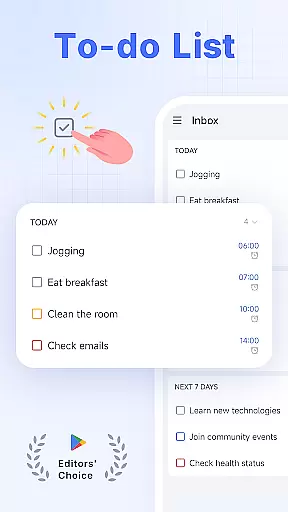
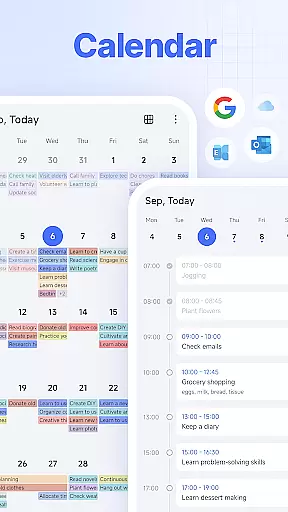
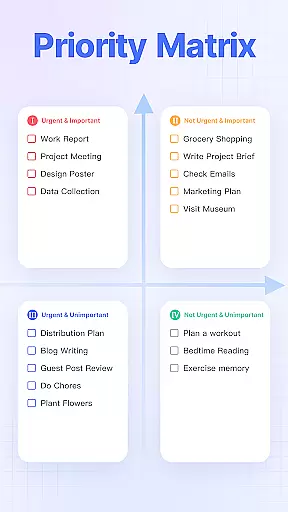
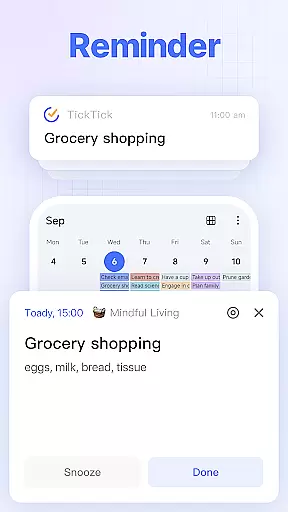
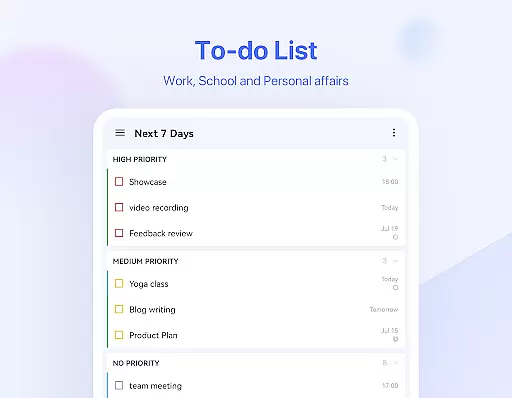
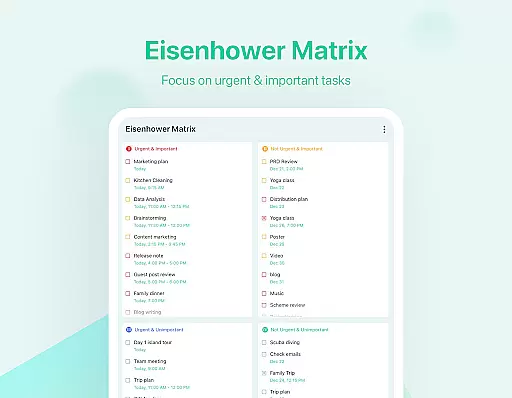
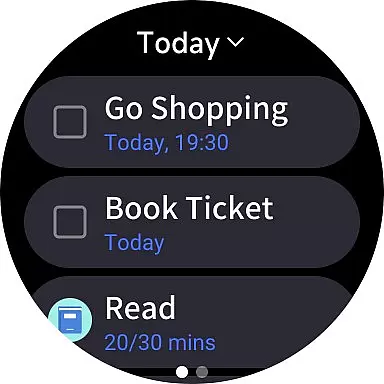
TickTick is a comprehensive productivity app designed to help users manage their tasks, schedules, and habits efficiently. As a multi-dimensional task manager, it consolidates all your to-dos, reminders, and calendars into one intuitive platform. Whether you're at home, in the office, or on the move, TickTick ensures you stay organized and make the most of every moment.
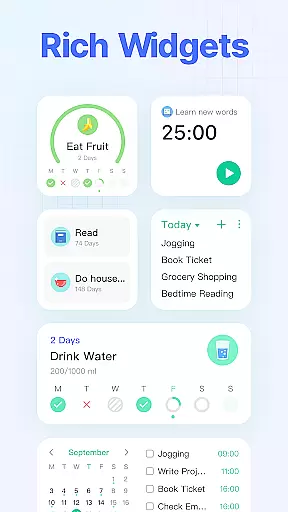
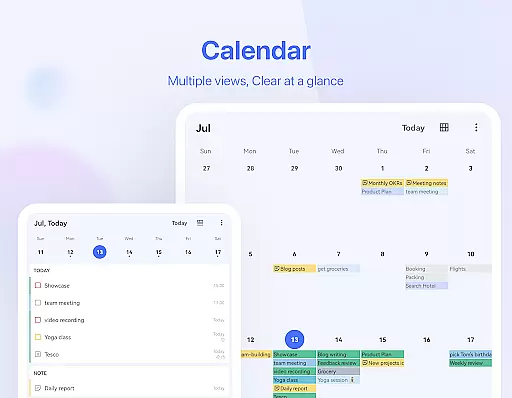
The app offers a range of powerful features including a Pomodoro timer for focus, habit tracking for personal development, and seamless synchronization across multiple devices. With its sleek calendar view, handy widgets, and instant reminders, TickTick provides a complete solution for both personal and professional productivity needs.
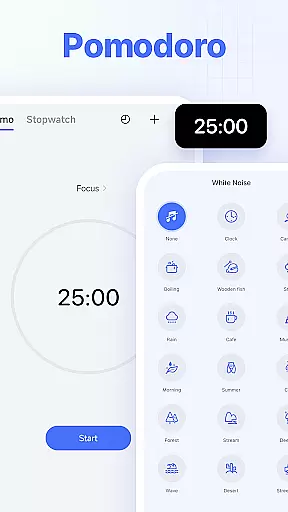
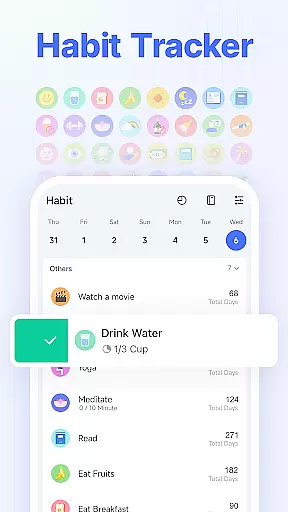
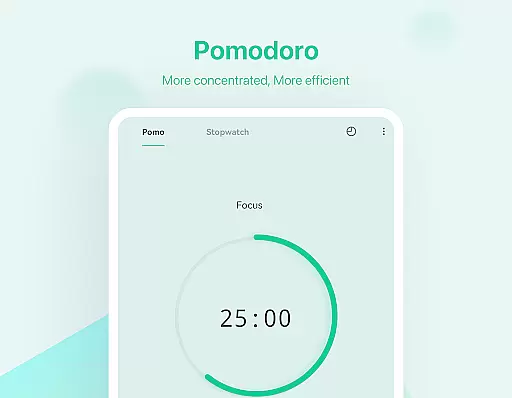
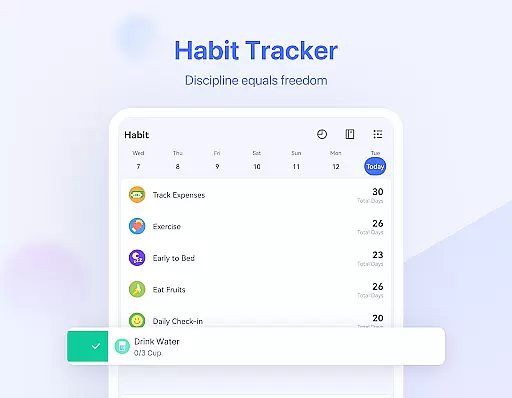
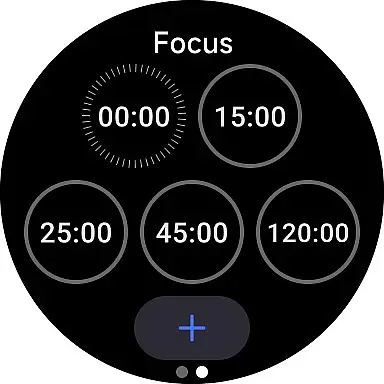
TickTick stands out with its diverse feature set tailored for productivity enthusiasts. The app includes an easy-to-use interface where tasks can be added quickly, along with a Pomodoro timer that enhances focus by logging distractions and offering white noise options. Its habit tracker allows users to build and monitor positive routines like meditation or exercise.
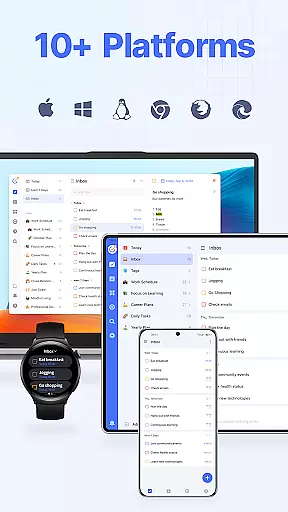
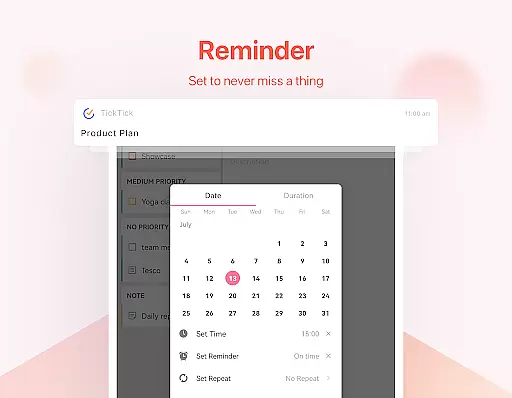
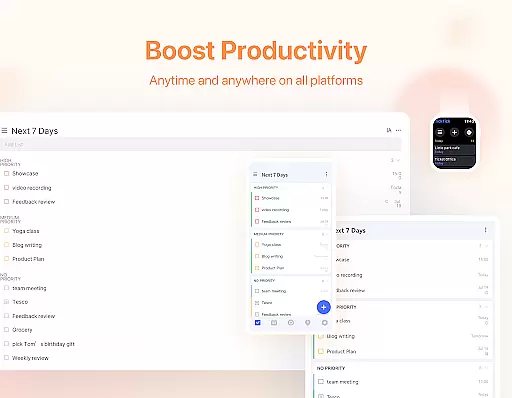
One of the key strengths of TickTick is its cross-platform synchronization. Available on Web, Android, Wear OS, iOS, Mac, and PC, it ensures users can access their tasks anywhere. Additionally, the app provides smart date parsing for setting due dates, instant reminders, recurring task scheduling, and seamless collaboration tools for team projects. These features collectively create a robust environment for managing complex workflows and personal goals.
Companion app integration is essential for users who rely on multiple devices to manage their daily tasks and schedules. TickTick excels in this area by offering seamless synchronization across a wide range of platforms including Web, Android, Wear OS Watch, iOS, Mac, and PC.
This cross-device compatibility ensures that whether you're working from your desktop at the office, using your smartphone while commuting, or checking tasks on your Wear OS smartwatch during a workout, your data remains consistent and up-to-date across all devices.
The ability to view and manage tasks wherever you are not only enhances productivity but also provides peace of mind knowing that important deadlines and personal goals won't slip through the cracks due to device switching.
By integrating companion apps into its ecosystem, TickTick allows users to maintain focus and efficiency regardless of their location or preferred device, making it an indispensable tool for those seeking to streamline their digital life.
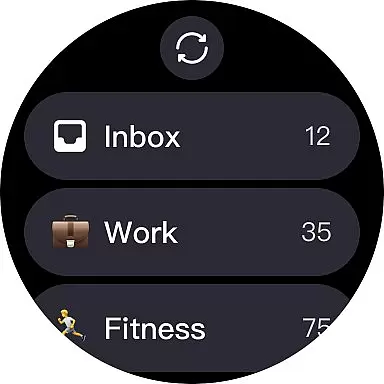
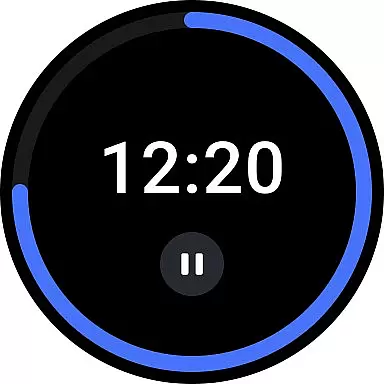
For users invested in the Wear OS ecosystem, having apps that work seamlessly with their smartwatches is crucial. TickTick offers robust compatibility with Wear OS devices, ensuring that users can access their tasks and manage their time directly from their wrists.
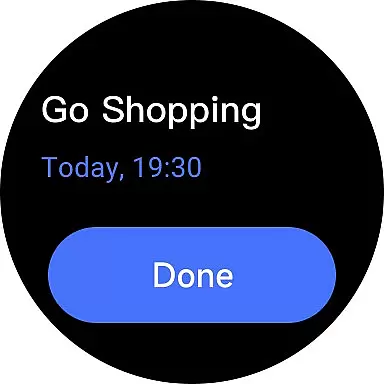
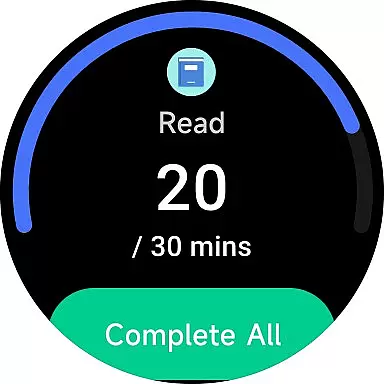
This compatibility extends beyond just viewing tasks; it includes the ability to add new tasks, set reminders, and even track habits right from the watch interface. This means you can capture ideas instantly without needing to pull out your phone or sit down at a computer.
Furthermore, TickTick's Wear OS support includes handy features like voice input for task creation and intuitive gesture controls, which make managing your to-do list as effortless as checking the time.
With TickTick's comprehensive Wear OS integration, staying organized has never been more convenient or accessible, empowering users to take control of their productivity no matter where they are or what device they have at hand.
User-friendly interface
Effective Pomodoro timer
Comprehensive habit tracker
Multi-platform sync
Powerful collaboration tools
Limited free version
Premium subscription cost
Occasional sync delays
Complexity for new users
Fewer themes in free tier

Watch the sharpness of the sky on your wrist..
 3.70
3.70
Wear Os Watch Face - Animated Snow - Sesonal for Christmas & Winter
4.3
Rose gold watch face with festive lights & customizable features.
4.60
Easy Voice Recorder is your everyday companion to record important moments.
4.70
A modern premium sporty hybrid watch face for Wear OS by Ballozi
4.70
The ultimate destination for kids ages 3-8 to explore the Marvel Universe!
4.30
Viewer for Wyze/Yi/Eufy/Arlo/ONVIF/RTSP/P2P IP cams w/ adv. features & DIY DVR
4.00
Fast and smart typing with Emojis, GIFs, and more
4.50
Spam call blocker and caller ID for automatic call protection!
4.40
Christmas - Festive - Christmas Village - Winter - Christmas lights
5.00
Gym Log & Workout Tracker | Fitness Journal, Training & Weight Lifting Planner
4.90
Diet tracker for weight loss - track calories, food and macros. Simple and easy!
4.70
Gym & home workout plans with strength training, exercise tracking, HIIT & more.
4.60
MyNISSAN® lets you remotely control your car from your phone.*
4.50
Deck out your Wear OS Watch face with a beautifully decorated pine wreath!
4.50
The #1 source of faces for your smartwatch!
4.00
A full-featured Amazon Alexa voice assistant that can show you things.
3.70
an Analog Watch Face for winter season with freeze winter background for Wear OS
4.1
A watch face that fuses motorsport precision with contemporary smartwatch design
4.5


User Reviews