
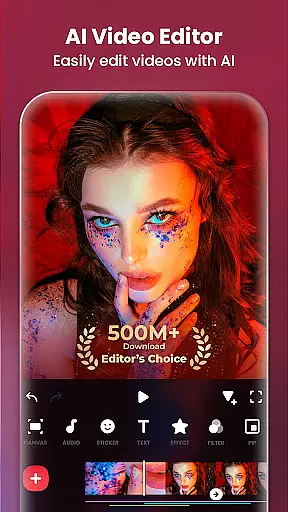
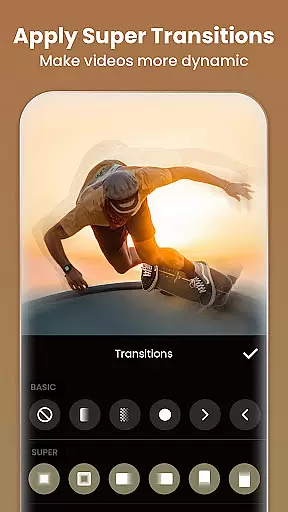
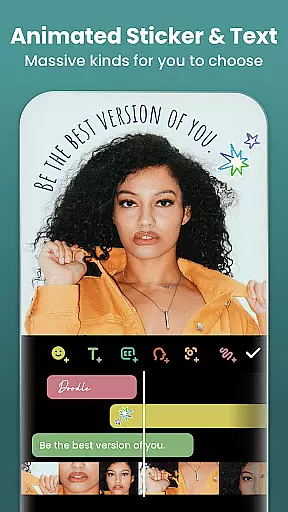
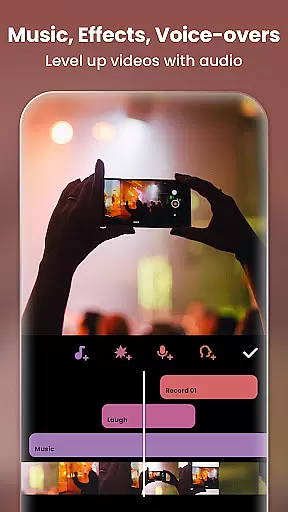
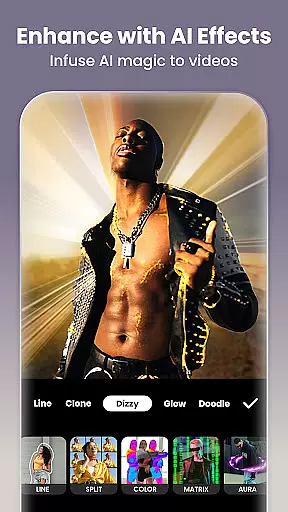
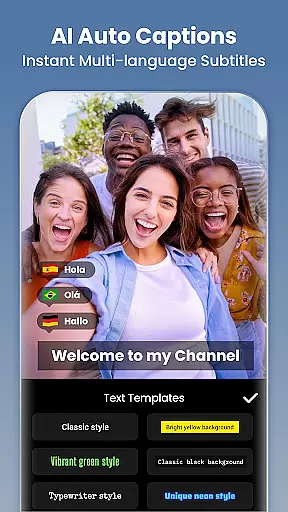
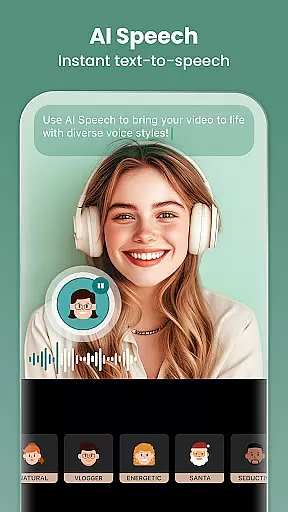
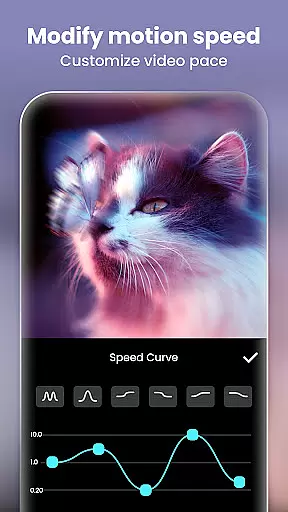
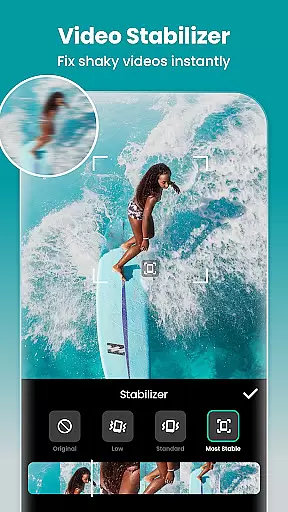
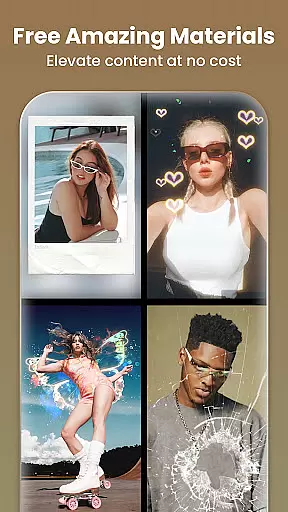
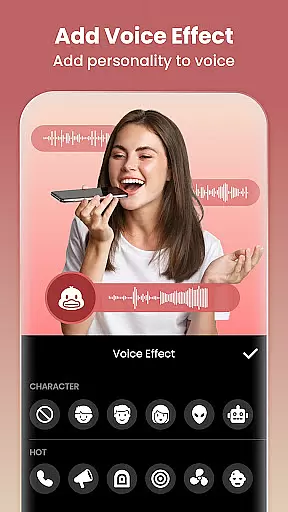
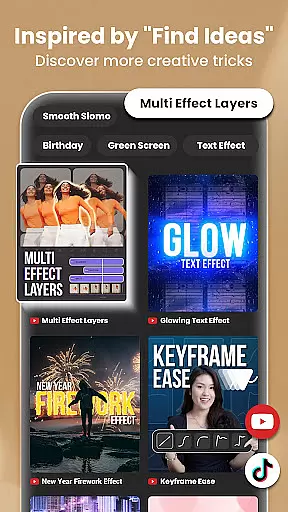
InShot is a versatile video editing and photo enhancement application designed for both casual users and professional content creators. This all-in-one tool allows you to edit videos with features like trimming, merging clips, adding music, text, and transition effects, making it ideal for creating engaging vlogs or social media content. The app also offers advanced functionalities such as AI-powered tools, chromakey editing, and speed control, enabling users to produce high-quality videos effortlessly.
Additionally, InShot serves as a powerful photo editor and collage maker. It provides an array of filters, effects, and background editing options, allowing users to enhance their photos and create visually appealing Instagram story covers or posts. With support for 4K 60fps export and easy sharing across multiple platforms, InShot ensures your creations look professional and reach a wider audience.
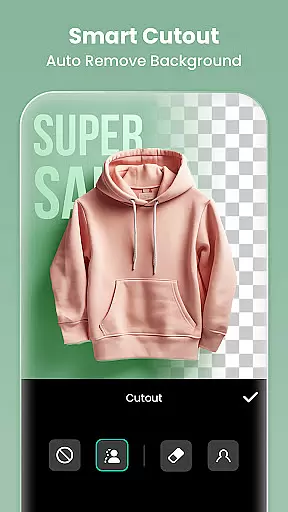
InShot stands out with its comprehensive suite of editing tools tailored for both video and photo content creation. The app's AI-powered features include auto captions, background removal, smart tracking, and smooth slow-motion effects, which streamline the editing process and add dynamic elements to your projects. These innovative tools make it simple to elevate your content with minimal effort.
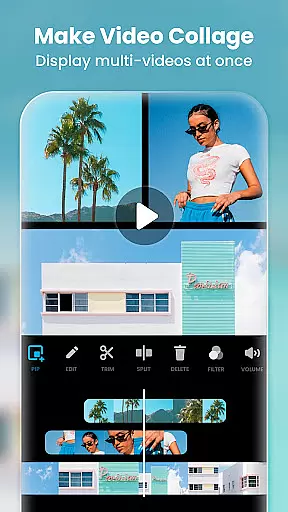
The app excels in full-featured video editing capabilities, offering functions like trimming, merging, reversing, and adjusting video speed. Users can apply various cinematic filters, adjust brightness and contrast, and utilize unique effects such as glitch and retro styles. Moreover, InShot supports advanced techniques like keyframe animations, chromakey editing, and picture-in-picture, providing users with the flexibility to create multi-layered and visually stunning videos.
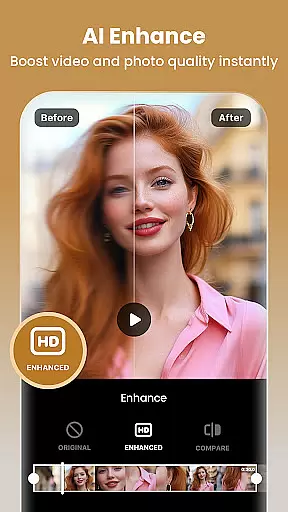
InShot also includes robust photo editing and collage-making features. Users can blur backgrounds, remove unwanted objects, and enhance image quality using AI tools. With over 100 customizable collage layouts and a variety of stickers and texts, the app makes it easy to design creative and stylish photo collages. Whether you're editing videos or photos, InShot's intuitive interface and extensive feature set ensure a seamless and enjoyable editing experience.
Real-time capture and preview functionality is essential for ensuring that users can see exactly what they are recording or editing at the moment. InShot, as a video editor and maker, provides an intuitive real-time preview feature that allows creators to visualize their edits instantly.
The application supports instant application of effects, transitions, and filters, which means that users can see the results of their creative choices without any lag. This immediate feedback loop enhances the editing process, making it more efficient and engaging.
With real-time capture, users can record and edit videos on-the-go, seeing the changes in real-time. This feature is particularly beneficial for content creators who need to produce high-quality videos quickly for platforms like Instagram, TikTok, and YouTube.
InShot's real-time capabilities ensure that creators can fine-tune every detail of their video projects with precision, thus improving the overall quality of the content they produce. The ability to preview edits instantly not only saves time but also allows for more creative freedom and experimentation.
AI beauty and enhancement features have become a staple in modern photo and video editing applications. InShot incorporates advanced AI algorithms to provide users with tools that enhance the natural beauty of their media while maintaining authenticity.
The AI body effects and background removal tools allow users to create polished and professional-looking content. These features intelligently identify and adjust elements within the frame, such as smoothing skin tones or removing unwanted backgrounds, all while preserving the natural aesthetics of the original image or video.
In addition to beautification, InShot offers AI-powered tools like auto captions and smart tracking, which contribute to a more seamless editing experience. These features help maintain the natural flow of the video, ensuring that enhancements do not detract from the content's genuineness.
By leveraging AI for beauty and enhancement, InShot empowers users to elevate their content with subtle yet effective modifications. This approach not only enhances visual appeal but also keeps the focus on the content itself, allowing creators to produce compelling media that resonates with their audience.
User-friendly interface
Extensive editing tools
AI-powered enhancements
High-quality export options
Versatile content creation
Some features require payment
Occasional ads in free version
Advanced tools may overwhelm beginners
Large file size after export
Limited offline functionality

Photobooth mini FULL app will allow you to add more fun to your parties
 4.00
4.00
What celebrity do you look like? Celebs will find your celebrity match!
4.10
Light-weight Media Gallery app for Android made with Jetpack Compose
4.60
Photo editor & gallery. Crop pictures & edit photos offline, no wifi!
4.50
Raw Image Viewer. Gallery with support of raw images (.cr3, .cr2, .nef, .raf).
2.00
Add a dreamy vibe to your selfies and videos with soft style filters
4.0
Use AI Video Generator to turn your words to ai generated videos.
4.50
Transform Photos: Edit, Beautify and Craft Memories & Make Collages!
4.10
Catch sunlight, sunrise sunset times and sun phases with the AR sun tracker.
4.10
Create funny photos and videos with the popular Time Warp Scan filter.
4.90
Gallery show photo, video, slideshow, is perfect 3D effect private photo albums.
4.80
Enhance, upscale, and transform your images — on your device, without limits
4.70
Easily create custom gifts, cards, photo books & more on the Shutterfly app!
4.60
AI photo editor with hair editor, retouch tools, hair color changer & filters!
4.50
AI portrait generator and polaroid AI selfie, fun AI generated AI photo creator!
4.30
Create AI Photos, Improve and restore quality of blurry, old or damaged pics.
4.20
A light meter for true photographers.
4.20
Create & Edit with AI: AI Remove, Enhance, Retouch, Filter
4.10
How old age camera Gender Swap App Face Shape Hairstyle App Hair Styler App fun!
4.00


User Reviews