
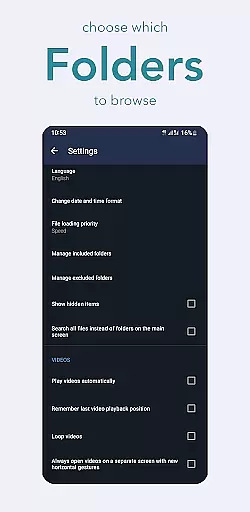
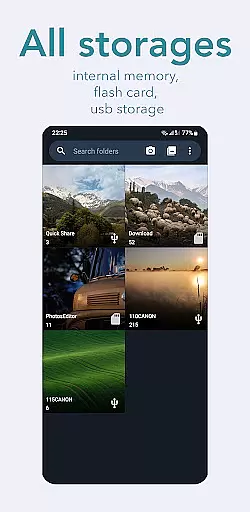
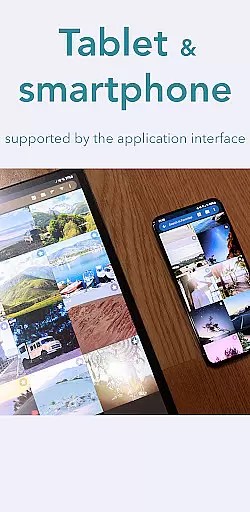
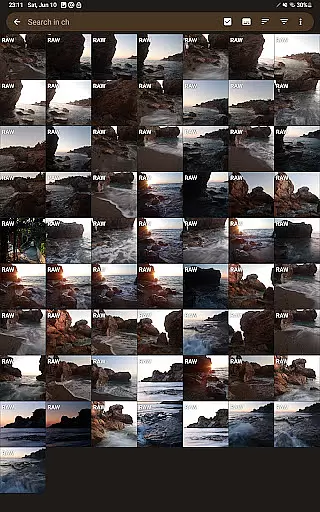
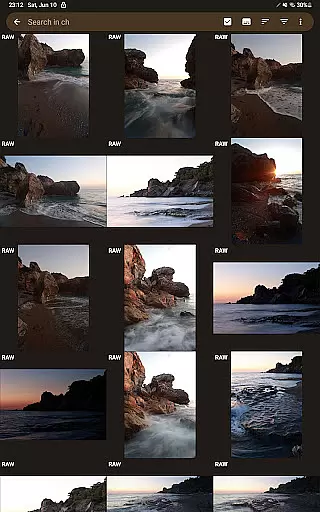
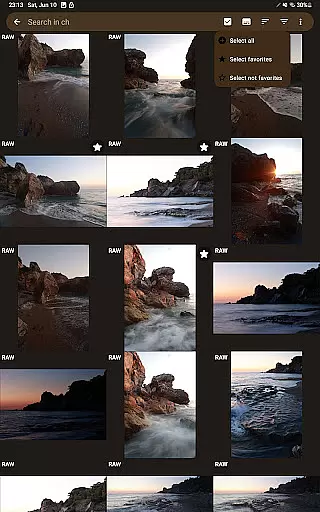
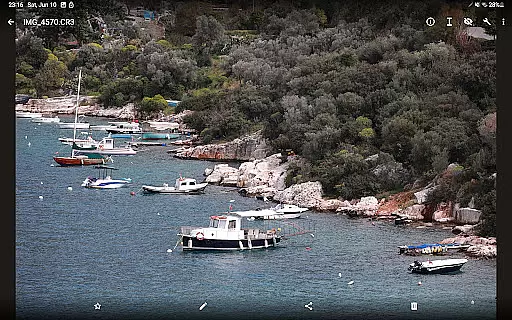
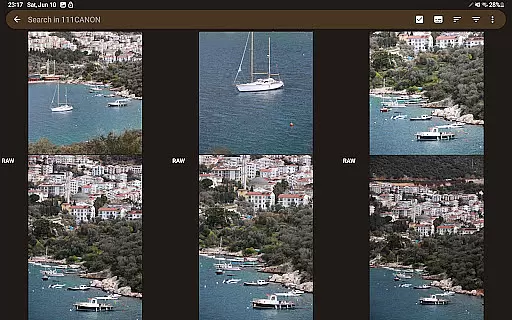
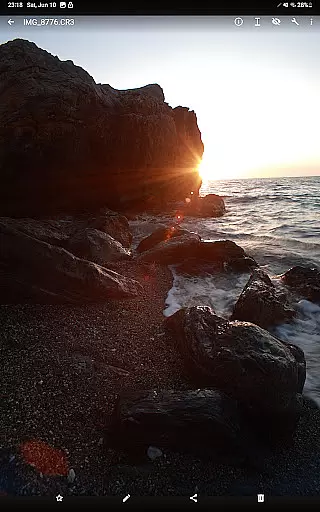
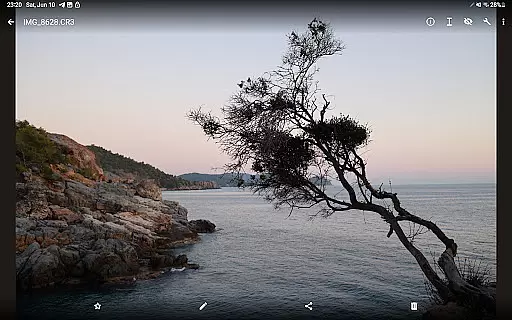

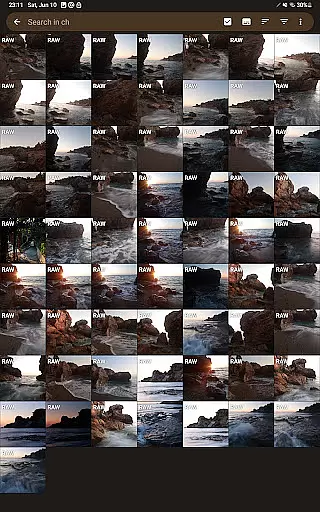
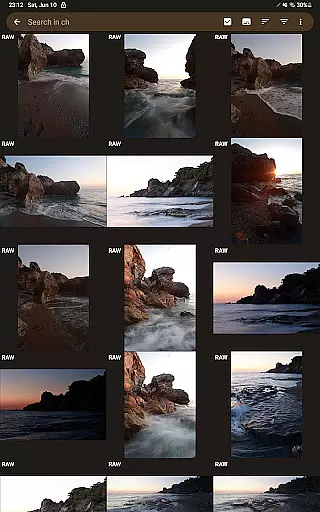
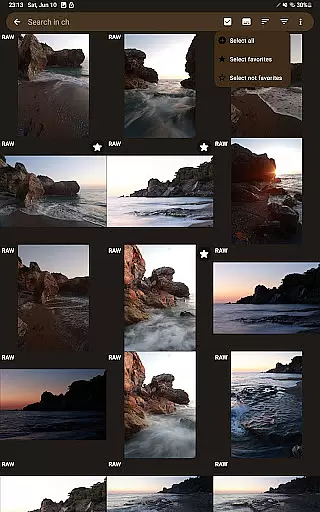
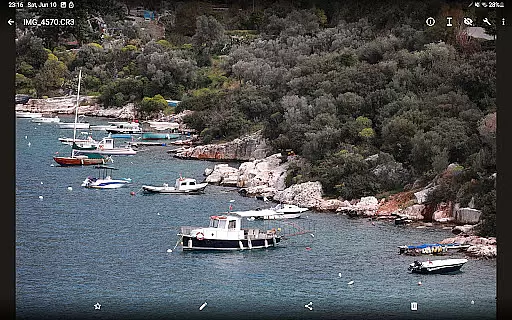
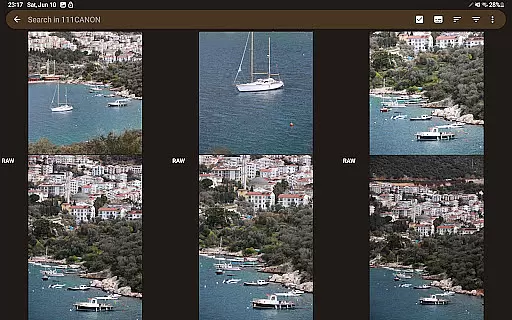
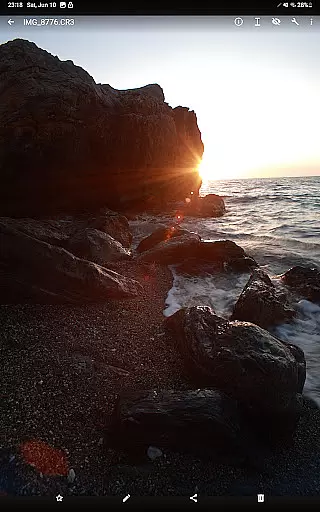
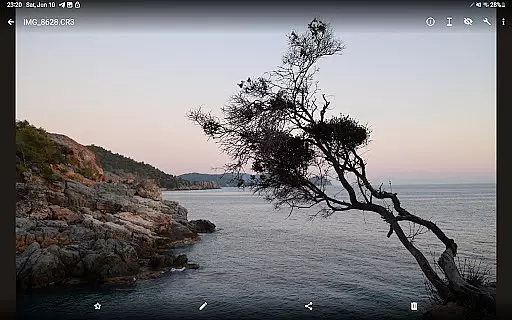

GalleryRAW is a specialized photography application designed for professional photographers and enthusiasts who need to manage and view raw image files on their Android devices. The app supports various raw formats including .cr2, .cr3, .nef, and .raf from leading camera brands like Canon, Nikon, Sony, and Fujifilm.
One of the standout features of GalleryRAW is its ability to function as a file manager for raw images. Users can easily import, view, and transfer raw files between USB storage devices such as HDD/SSD disks and camera flash drives connected via USB adapters. This makes it an invaluable tool for photographers who need to quickly review and select photos directly on their tablets or smartphones.
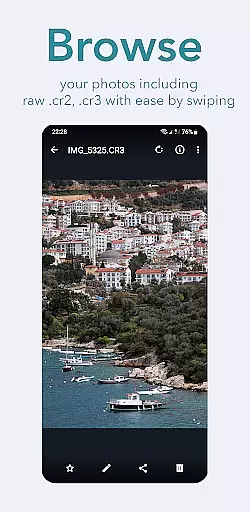
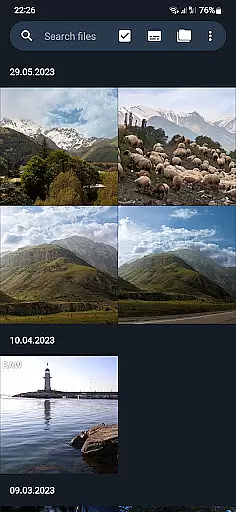
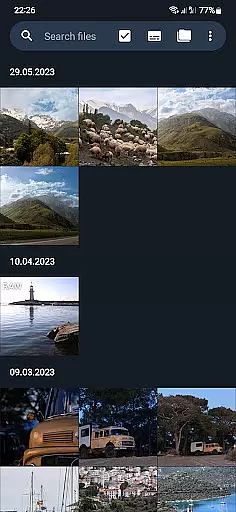
The app's full-screen viewing mode allows users to swipe through hundreds or even thousands of raw images stored on camera flash cards. Photographers can efficiently select only the desired photos, copy them to the device's internal memory, and delete unwanted files from the external USB storage. This functionality helps optimize storage space and streamline the photo selection process.
GalleryRAW offers a comprehensive set of features tailored specifically for managing raw image files. As a dedicated raw image viewer, the app provides support for multiple raw formats including Canon's .cr2 and .cr3, Nikon's .nef, Sony's .raf, and Fujifilm's proprietary formats. This ensures compatibility with a wide range of professional cameras.
The application functions as an advanced file manager for raw images, enabling seamless file operations across different storage media. Users can connect USB storage devices containing raw photos and efficiently transfer files between their Android device and external storage. The app also supports direct connection with camera flash drives via USB adapters, making it convenient to access and manage photos without needing a computer.
GalleryRAW's intuitive interface allows photographers to view raw images in full-screen mode by simply swiping through them. This feature is particularly useful when dealing with large volumes of photos, as it enables quick review and selection. Selected photos can be copied to the device's internal memory or flash card, while unwanted files can be deleted from the external USB storage to free up space for new shots.
GalleryRAW offers a unique real-time capture and preview feature that allows photographers to instantly view their raw images from professional cameras on their Android devices. This functionality is crucial for those who need to quickly assess the quality of their shots without waiting for post-processing.
The application supports various raw formats including .cr2, .cr3, .nef, and .raf, ensuring compatibility with Canon, Nikon, Sony, and Fujifilm cameras. Users can swipe through hundreds or even thousands of photos in full-screen mode, making it easy to review large volumes of images efficiently.
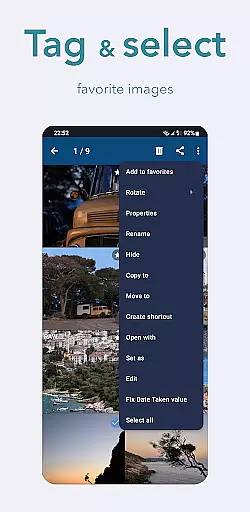
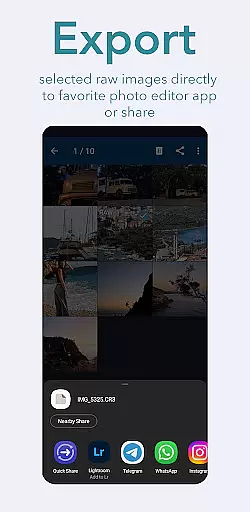
This instant preview capability not only saves time but also enhances workflow productivity by enabling users to select only the best shots from their camera flash cards connected via USB. Photographers can then copy these selected images to their device's internal memory or flash card, optimizing storage space and streamlining the selection process.
While GalleryRAW focuses primarily on raw image viewing and management, it also incorporates AI-driven beauty and enhancement features that maintain the natural quality of photographs. These tools are designed to refine images subtly without compromising their original integrity, which is essential for professional photographers who demand authenticity in their work.
The AI enhancements include automatic adjustments for exposure, contrast, and color balance, providing a polished yet genuine look to raw images. This ensures that every photo viewed through GalleryRAW retains its true essence while benefiting from subtle improvements that enhance overall visual appeal.
By integrating these sophisticated AI capabilities, GalleryRAW empowers users to present their work in the best possible light, whether they're reviewing photoshoots on-the-go or preparing images for client presentations. The result is an enhanced viewing experience that respects the photographer's artistic intent and the inherent qualities of raw imagery.
User-friendly interface
Wide format compatibility
Efficient file management
Full-screen viewing mode
Direct USB support
Limited editing capabilities
No cloud integration
Premium feature lock
Occasional performance issues
Steep learning curve

Photo Album Watch Face shows your favorite pictures as a Watchface.
 1.90
1.90
Trendy TikTok time warp scan funny filter app brings you unique photos & videos.
4.40
Easily stitch panoramas from multiple photos or video.
4.40
Application for remote controlling DSLR
3.00
An interval timer to automate photo taking process for timelapse
2.90
Create & Edit with AI: AI Remove, Enhance, Retouch, Filter
4.10
Cartoon and artistic effects for your photos and videos
4.70
Turn your phone into a professional camera - full DSLR manual photography
4.30
Discover How to Plan any Sun, Moon and Milky Way Photo You Imagine in Seconds
4.70
Amazing Photo Effects - The most fun you can have with your photos!
4.70
Enhance, upscale, and transform your images — on your device, without limits
4.70
1M influencer's special filter
4.60
Create Business Headshots, Polaroid Filter, Retake Photos,Profile Pics,AI Photos
4.50
AI portrait generator and polaroid AI selfie, fun AI generated AI photo creator!
4.30
What celebrity do you look like? Celebs will find your celebrity match!
4.10
How old age camera Gender Swap App Face Shape Hairstyle App Hair Styler App fun!
4.00
How would you look like with a differently shaped nose, chin or lips?
3.90
Superimpose one photo on top of another using the original Superimpose app!
3.20
HD Photo gallery and photo manager to edit, hide private photos, videos & albums
4.1


User Reviews