

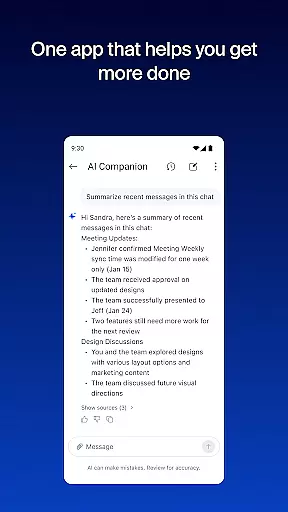



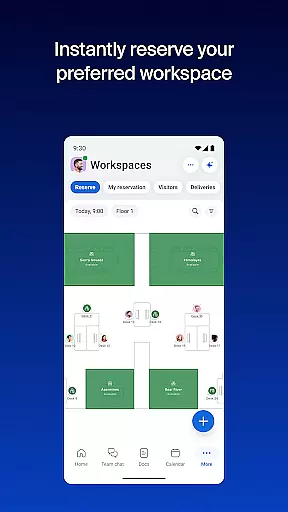

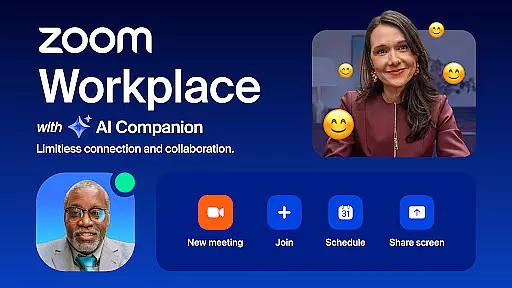
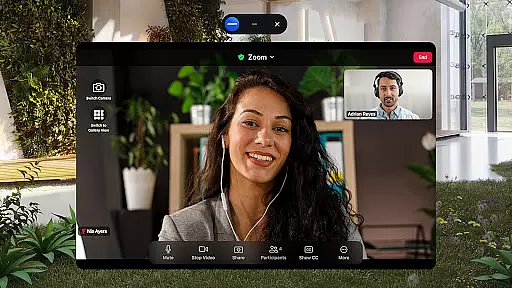

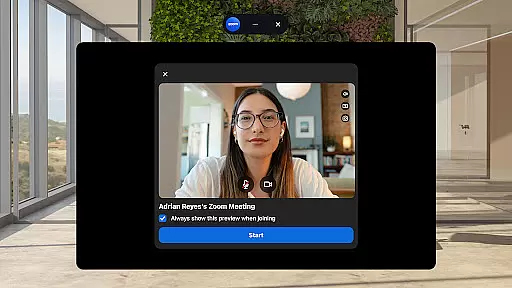
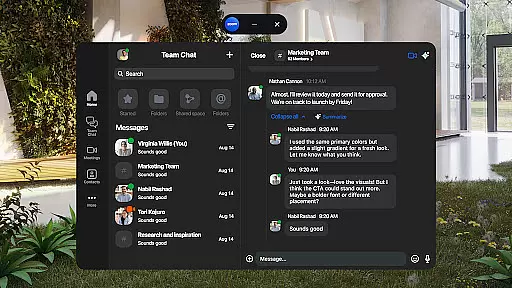
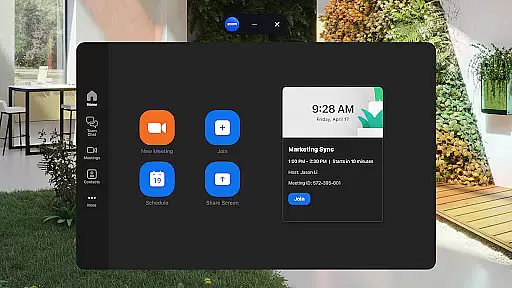
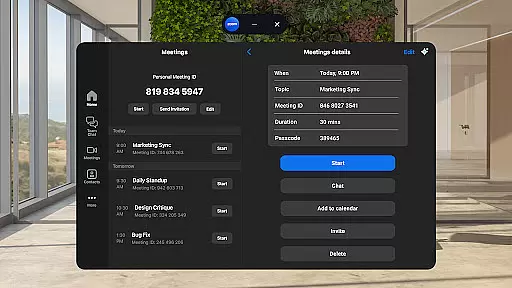
Zoom Workplace is an all-in-one business communication platform that integrates team chat, video meetings, phone calls, whiteboard, calendar, mail, and document collaboration. Designed for both free and paid Zoom users, it offers a unified solution for remote teamwork and productivity. With its AI Companion feature, the app provides intelligent assistance such as summarizing unread messages, drafting content, and preparing for meetings.
The platform is particularly beneficial for professionals who need to stay productive while on the go. It supports seamless transitions between devices, ensuring you can continue your work from anywhere. Whether you're managing internal communications or collaborating with external partners, Zoom Workplace streamlines workflows and enhances efficiency through its comprehensive suite of tools.
For businesses seeking enterprise-grade security, Zoom Workplace ensures data protection with features like SSO and hands-free voice commands. Its ability to consolidate multiple communication channels into one app makes it an ideal choice for modern workplaces looking to simplify operations and improve team collaboration.
Zoom Workplace stands out with its robust set of integrated features designed to enhance productivity and streamline communication. The app combines essential business tools such as team chat, video conferencing, phone capabilities, and collaborative whiteboards into a single platform. This consolidation eliminates the need for multiple applications, making it easier for teams to manage their workflows efficiently.
One of the key highlights is the AI Companion, which uses artificial intelligence to help users catch up on unread messages, draft new content, and prepare for meetings. The app also supports advanced functionalities like automated meeting summaries, virtual brainstorming sessions, and cross-device meeting transfers. These features are particularly useful for teams working across different locations or time zones.
Additionally, Zoom Workplace offers enterprise-grade security measures including SSO and secure data protocols. The app's hands-free voice command feature enables convenient, on-the-go usage. With support for Picture-in-Picture on phones and Split Screen on tablets, users can multitask effectively while staying connected to their meetings and conversations.
Zoom Workplace revolutionizes collaborative work by integrating essential communication tools into a single platform. The application combines team chat, video meetings, phone capabilities, and collaborative whiteboards, all accessible from your mobile device.
With an AI-first approach, the app provides users with AI Companion, which is designed to enhance productivity. This feature allows users to quickly summarize unread messages, draft new content, and maintain focused conversations. Such capabilities ensure that teams can stay aligned and efficient, regardless of their physical location.
The streamlined communication experience supports one-tap meeting scheduling or joining, seamless chatting with colleagues and external contacts, and even placing or receiving phone calls. These functions are crucial for businesses that require dynamic and flexible interaction among team members.
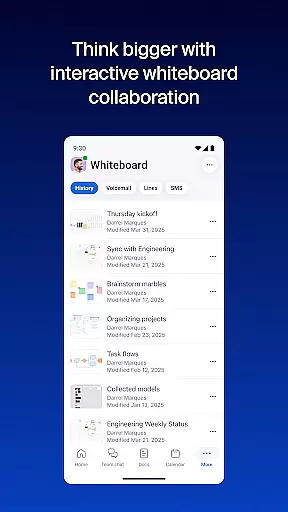
Furthermore, Zoom Workplace ensures that collaboration isn't just limited to meetings. Users can brainstorm on virtual whiteboards and organize information effectively using Zoom Docs. This comprehensive suite of features empowers teams to work smarter and faster, adapting to various work environments without missing a beat.
Task management within Zoom Workplace is designed to improve overall productivity through smart automation and organization tools. One standout feature is the ability to receive automated meeting summaries generated by AI Companion, ensuring that no critical information is lost and allowing users to focus on key discussion points.
In addition to summarizing meetings, the app helps in preparing for upcoming ones. Users can leverage AI to generate first drafts of content, making it easier to get ready for presentations or discussions. This saves valuable time and effort, particularly for professionals who are always on the go.
Zoom Workplace also facilitates organizing and sharing information at scale with Zoom Docs. This functionality is vital for businesses that need to manage large volumes of data while keeping everything accessible and orderly. By centralizing document management, teams can collaborate more effectively and maintain consistency across projects.
Moreover, the task management features extend to multi-tasking capabilities, such as Picture in Picture on Android phones or Split Screen on tablets. These options allow users to handle multiple tasks simultaneously without losing track of ongoing meetings or calls, thus enhancing their ability to manage complex workflows efficiently.
Comprehensive feature set
AI-powered productivity tools
Seamless cross-device functionality
Enterprise-grade security
User-friendly interface
Paid features require subscription
AI Companion has regional limitations
Some features not available globally
Free version has limited capabilities
Occasional connectivity issues

Find jobs and make money fast with JobStack.
 4.60
4.60
Earn crypto with secure cloud mining. Monitor, track & withdraw easily
4.40
Manage work life on the go
4.50
Delivery Track App - Tracking with Fedex, USPS, UPS, DHL. Monitor your Orders.
3.20
Build a store in minutes with our full suite of AI tools. Start for free!
4.20
Job search app that finds jobs for you! Takes the work out of looking for a job!
4.90
Ship, Track, Find a Location or Get a Quote with UPS. Anytime. Anywhere.
4.60
ADP Mobile Solutions is an employee self service app
4.50
We help people get jobs
4.70
Permission Guard is a security app that helps you manage app permissions.
4.80
Get instant construction estimates: accurate home repair & material calculator.
4.70
Access to Paylocity, empowering employees with information they need 24/7.
4.70
Make invoices, bills, receipts & estimates on the go with Invoice Generator.
4.70
Your employer must have UKG Ready software configured for Mobile.
4.60
Paychex Flex - Save Time and Stay Connected
4.60
Master crypto trading with real-time simulations and exciting challenges!
4.50
One marketplace. Hundreds of services. Unlimited possibilities. All on Fiverr.
4.40
VSD Viewer - Visio Drawings Viewer for Android Preview VSD, VDX, VSDX drawings
4.10
Find part-time earning opportunities near you that pay within days.
3.20


User Reviews