
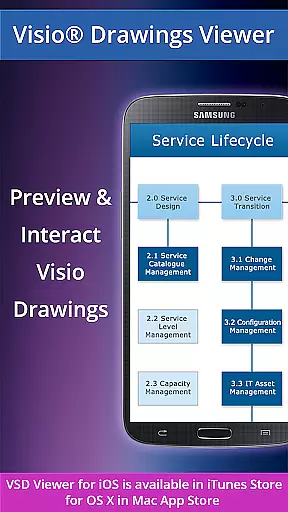
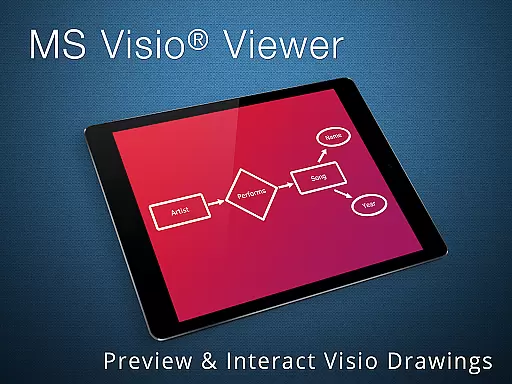
VSD Viewer is a professional-grade application designed specifically for viewing MS Visio drawings on Android devices. This app supports multiple file formats including VSD, VDX, and VSDX, making it versatile for users who need to open and preview any MS Visio 2000-2013 VSD drawing. With its comprehensive feature set, VSD Viewer allows users to scroll, zoom, and navigate through multipage documents seamlessly.
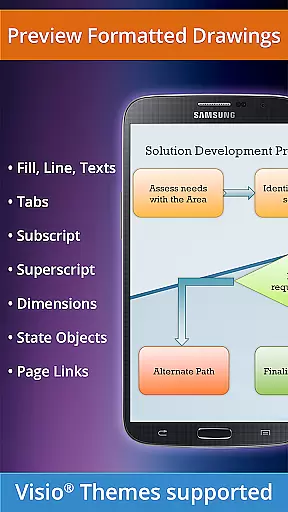
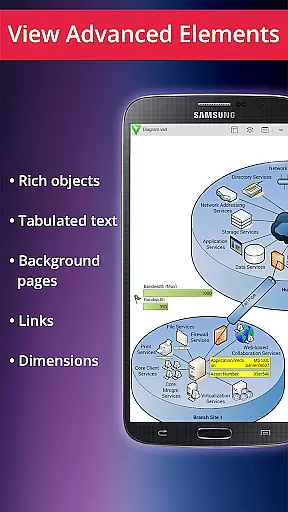
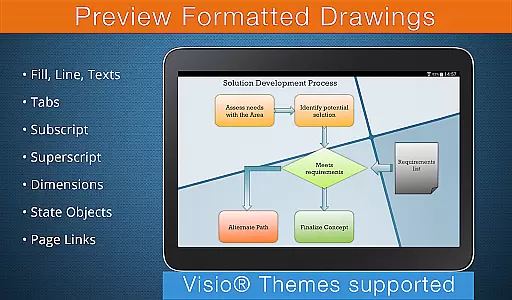
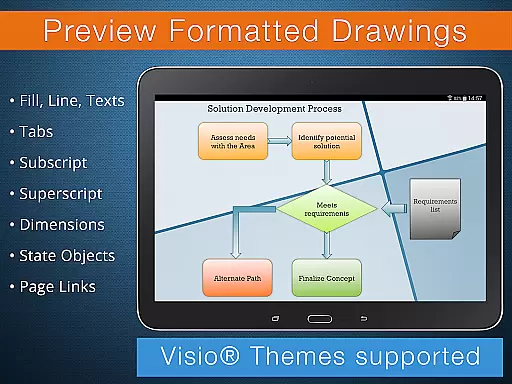
One of the standout features of VSD Viewer is its ability to handle complex formatted objects such as lines, fill, color, gradients, text formatting, and more. Users can also copy drawing texts, switch document guides visibility, and view objects placed outside page boundaries. Whether you are working with technical diagrams or multilayered drawings, this app provides the tools necessary to ensure that every detail is visible and accessible.
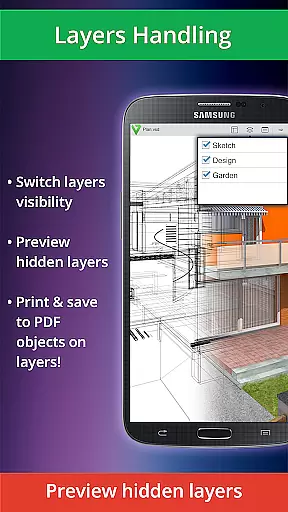
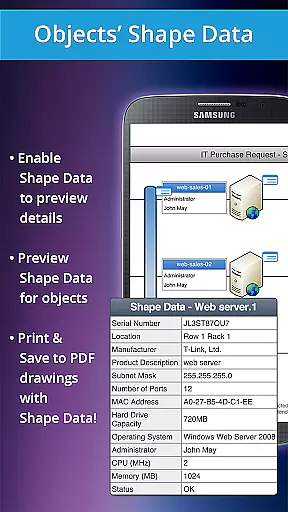
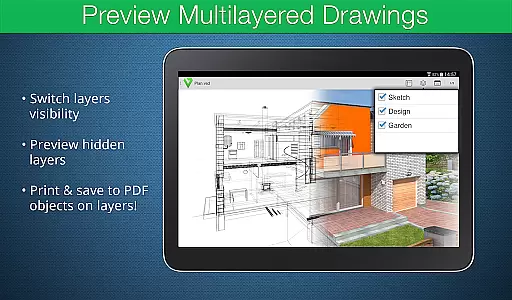
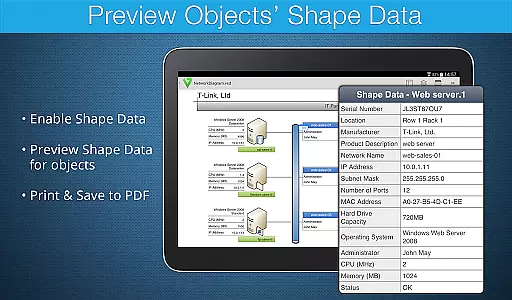
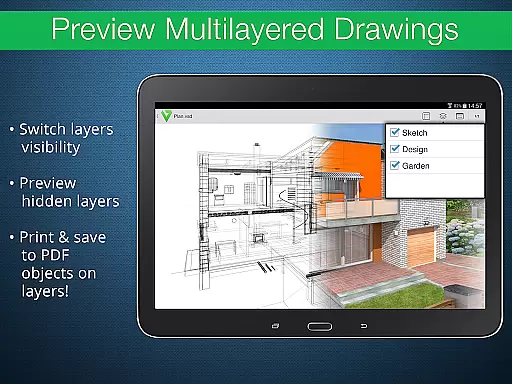
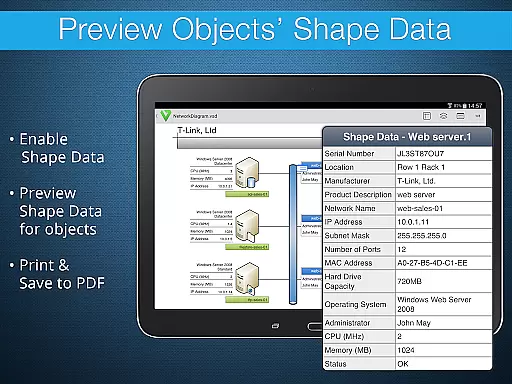
VSD Viewer offers a rich array of features tailored to enhance the user experience when viewing Visio drawings. The basic options include opening and previewing any MS Visio 2000-2013 VSD drawing, previewing drawings in VDX/VSDX file formats, and navigating multipage documents with ease. Advanced options allow users to preview hidden layers, switch layer visibility, and view object shape data, providing an in-depth look at complex drawings.
In addition to these robust features, VSD Viewer supports built-in metafiles and page numbering, ensuring that all elements of a document are accurately represented. While processing huge documents may take time and rendering built-in metafiles requires an internet connection, the overall functionality and performance of the app make it an indispensable tool for business professionals who rely on Visio drawings in their daily operations.
In today's interconnected work environments, the ability to collaborate effectively is crucial. VSD Viewer for Visio Drawings facilitates this by allowing teams to view and interact with MS Visio drawings on Android devices. This ensures that all team members, regardless of location, can stay informed and contribute to projects.
The application supports a variety of file formats including VSD, VDX, and VSDX, ensuring compatibility across different versions of Visio drawings from 2000-2013. With capabilities such as scrolling, zooming, and navigating multipage documents, users can explore detailed diagrams with ease. The option to copy drawing texts further enhances the collaborative experience by simplifying information sharing.
Advanced options like previewing hidden layers and switching layer visibility empower teams to dissect complex multilayered drawings. These features are particularly beneficial when working with technical diagrams where understanding each component is essential. By providing comprehensive tools for viewing Visio files, VSD Viewer enables seamless collaboration among business professionals.
Efficient task management is vital for productivity, and VSD Viewer offers unique functionalities in this area. By enabling users to open and preview any MS Visio drawing, it transforms how tasks associated with these drawings are handled. Users can easily access formatted objects, lines, colors, gradients, and text formatting, which helps in managing tasks related to design and planning.
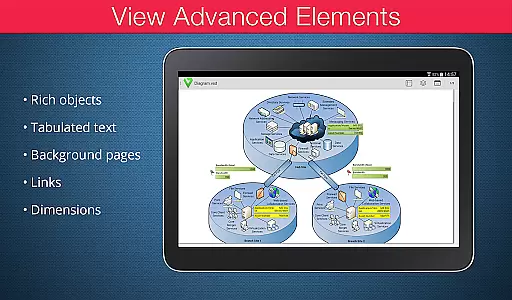
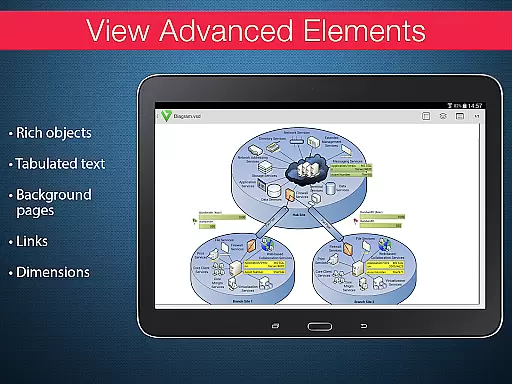
One standout feature is the ability to view complex formatted objects and tabulated texts often used in technical diagrams. This allows project managers and team members to quickly reference important details within their tasks. Additionally, the viewer supports advanced options such as previewing object shape data, which provides deeper insights into specific elements of a task or project.
While there are current version restrictions, such as the need for an internet connection for rendering built-in metafiles, the overall functionality of VSD Viewer greatly aids in task management. Its support for page numbering and MS Visio 2013 themes ensures that users can maintain consistency and clarity in their workflow, making it an invaluable tool for businesses relying on precise visual documentation.
User-friendly interface
Supports multiple file formats
Advanced layer management
Comprehensive text formatting
Accurate rendering of complex objects
Rendering large files can be slow
Internet required for some features
Limited to Android platform
No editing capabilities
Some advanced features locked behind paywall

GoTo Mobile is a simple & secure calling, messaging & meetings solution
 4.80
4.80
Completed Course Lectures on how to use IBM Maximo in Maintenance issues
4.4
BuildCalc - the easiest AND the most advanced construction calculator app.
4.80
Your employer must have UKG Ready software configured for Mobile.
4.60
Manage Your Shop
4.70
Employee Management Made Easy
4.80
Use Generative Summary to understand your rental or insurance docs in seconds.
4.70
Start earning fast. Apply Today.
4.80
Smarter career moves start here. AI job alerts, insights & the right tools.
4.20
Access to Paylocity, empowering employees with information they need 24/7.
4.70
Grow your business and connect with more people with Meta Business Suite.
4.60
Paychex Flex - Save Time and Stay Connected
4.60
No more passwords, easier sign-in, and greater protection for your accounts.
4.60
Amazon A to Z is the place to manage your work-life at Amazon.
4.50
Measure distances, surfaces and draw plans in seconds with CamToPlan!
4.40
enjoy effortless PDF reading anytime, anywhere
3.90
Get your benefits on-the-go.
3.80
All document reader, pdf viewer app, read docs & excel files
3.80
view, manage, and share every PDF file you have
3.60


User Reviews