
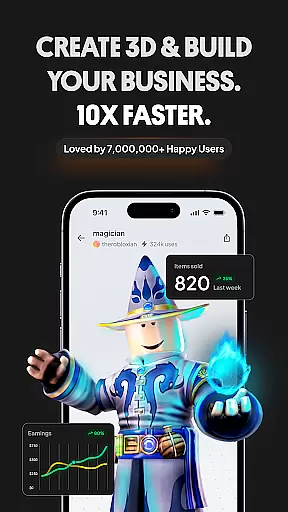
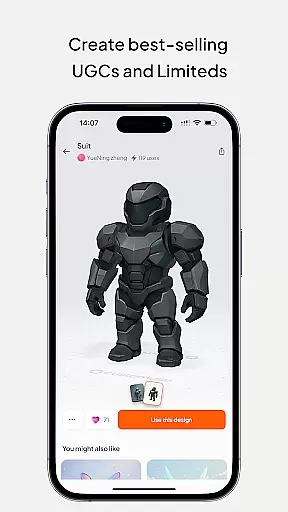
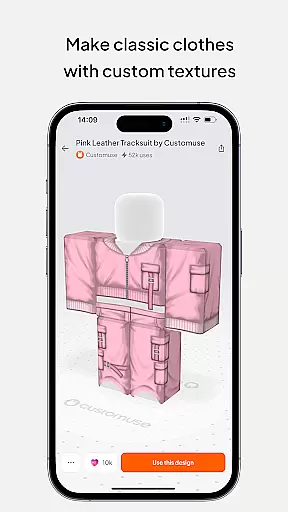
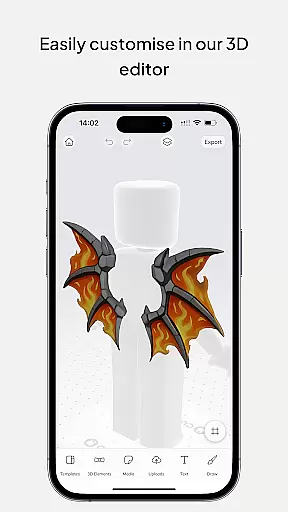
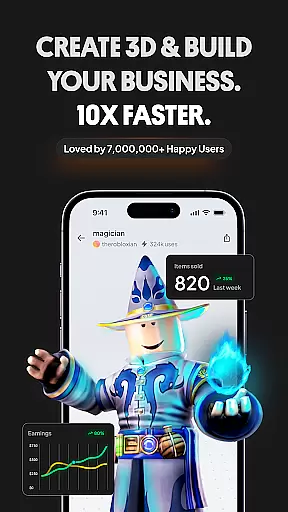
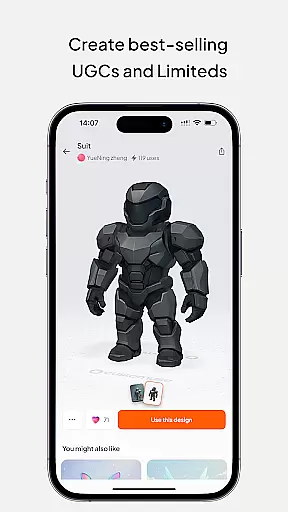
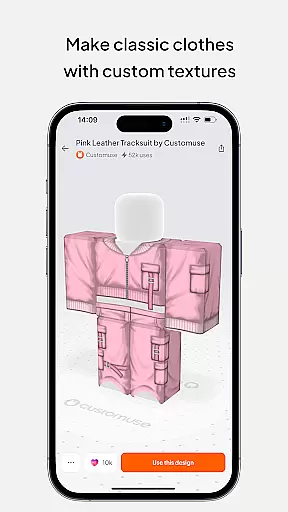
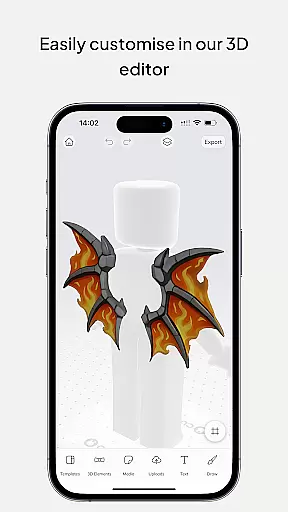
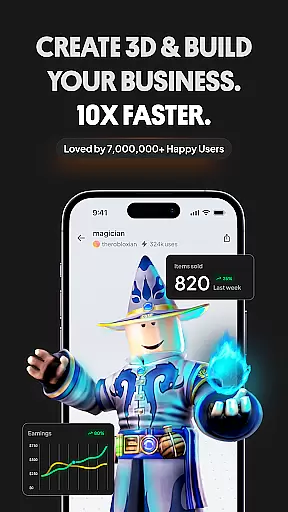
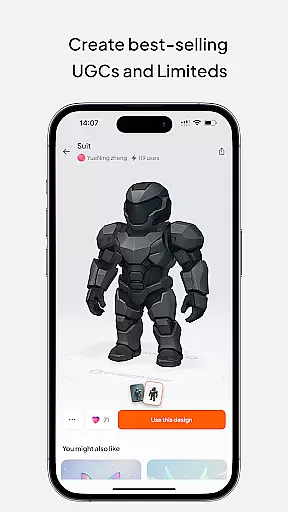
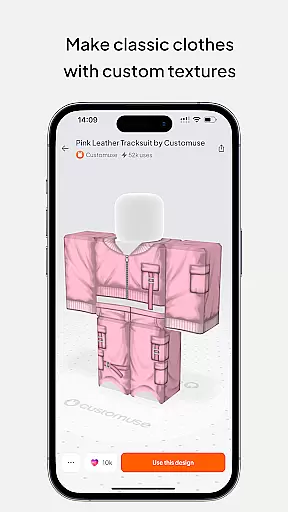
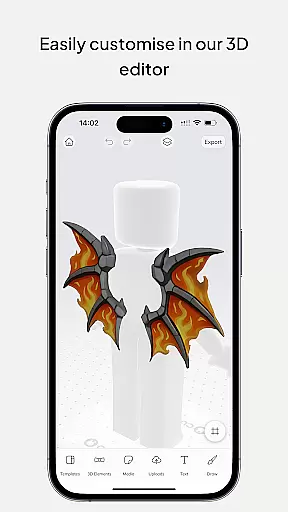
Customuse is the ultimate 3D design tool for creators and designers, offering a versatile platform to design unique digital content across multiple platforms. With over 2 million users, this app allows you to create custom Roblox skins, design Zepeto clothes, craft Minecraft avatars, and even customize AR filters for social media platforms like TikTok, Snapchat, and Instagram.
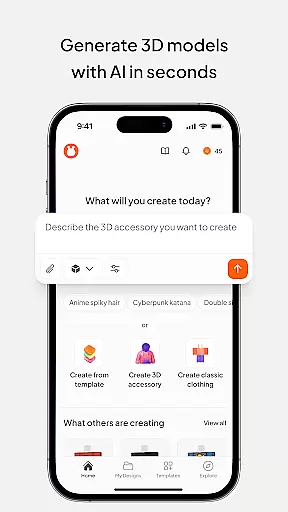
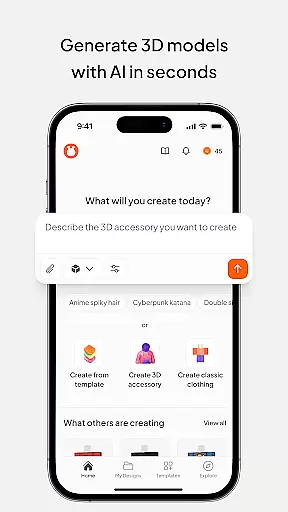
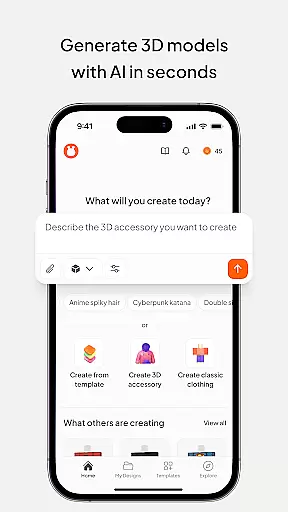
The app stands out with its AI-assisted tools that help generate designs based on simple prompts, making it accessible for both beginners and professionals. Whether you're looking to monetize your creations through marketplaces or simply express your creativity, Customuse provides all the necessary tools to bring your ideas to life while supporting cross-platform functionality on iPhone, Desktop, and iPad.
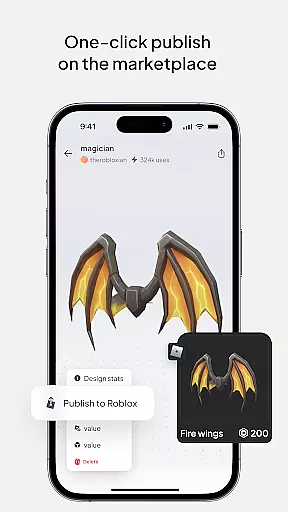
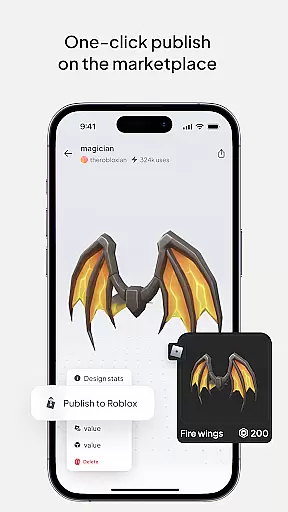
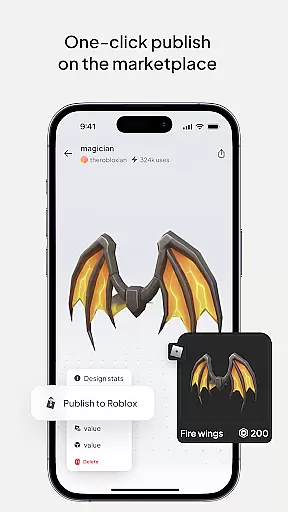
Customuse offers an impressive range of features tailored for creative professionals. One of its core functionalities is the ability to design unique Roblox skins using thousands of templates or starting from scratch. Users can publish their designs directly to Roblox or Roblox Studio and potentially earn Robux by selling their creations on the marketplace.
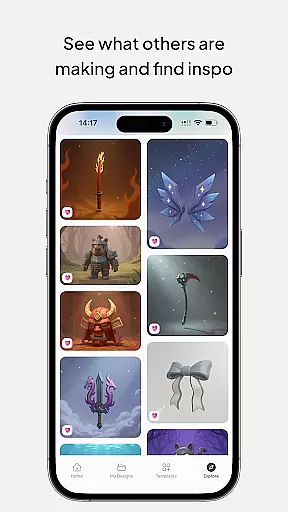
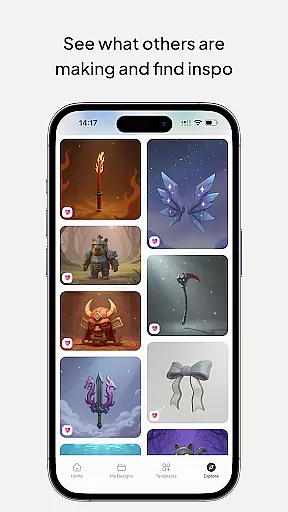
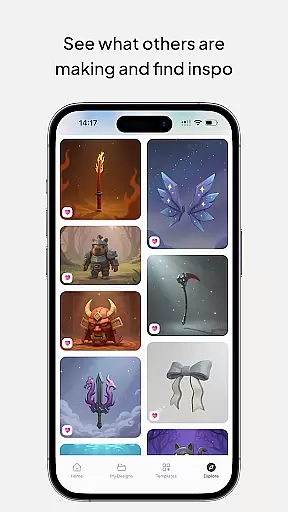
Beyond Roblox, the app supports designing Zepeto outfits, creating Minecraft skins, and developing custom AR filters for social media platforms. The AI tools integrated into the app allow users to generate designs effortlessly, receive tailored suggestions, and explore new realms of creativity. These features ensure that users can expand their creative potential while engaging with a supportive community of designers.
In the realm of digital design, having a comprehensive suite of creative tools is essential for unleashing one's full artistic potential. Customuse positions itself as an ultimate 3D design tool that caters to a wide array of design needs, from creating Roblox skins and Minecraft avatars to designing Zepeto clothes and customizing social media filters. The application offers thousands of templates alongside powerful AI tools that assist in generating designs based on simple prompts, making it accessible for both beginners and professionals.
Customuse stands out by providing specialized features such as virtual try-ons for clothing mockups and dynamic AR elements for social media content creation. These capabilities ensure that users can explore various styles, fabrics, and branding options within their designs, enhancing the overall creative process. With its extensive toolkit, designers are empowered to bring their unique visions to life, whether they're crafting personalized gaming avatars or producing standout social media posts.
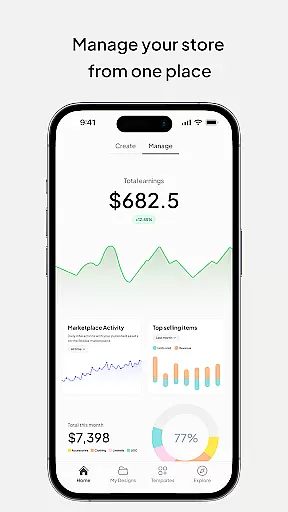
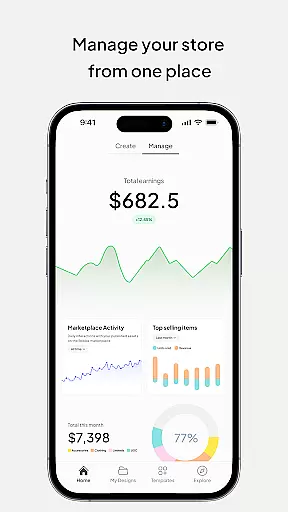
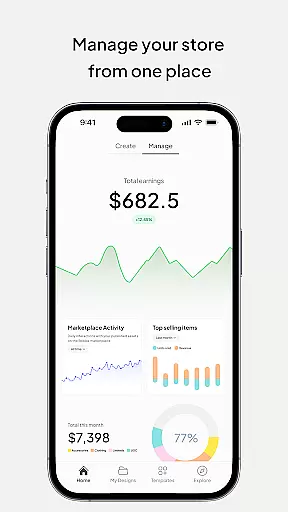
The value derived from using Customuse extends beyond mere design functionality; it enables creators to monetize their work through platforms like the Roblox marketplace and Zepeto, where they can earn Robux and ZEMs respectively. This financial incentive, coupled with the platform's robust feature set, makes Customuse an indispensable asset for anyone looking to make a mark in the digital art space.
Flexibility in canvas and format options is crucial for designers who wish to express their creativity without technical limitations. Customuse addresses this need by offering unparalleled adaptability in design dimensions and formats, accommodating everything from small-scale avatar modifications to large-format clothing mockups. Users can seamlessly switch between different project types, ensuring that their workflow remains uninterrupted and their creative vision uncompromised.
One of the key strengths of Customuse lies in its ability to support cross-platform design sharing and implementation. Whether you're looking to publish your Roblox skins directly to the platform, share Zepeto outfits across social media, or test AR filters on Instagram and Snapchat, Customuse provides the necessary export and compatibility options. This versatility ensures that your creations are not confined to a single medium but can reach a broader audience across multiple digital landscapes.
Moreover, Customuse enhances user experience by allowing direct uploads to platforms like Roblox Studio and easy integration with devices such as iPhone and iPad. This level of format flexibility not only streamlines the design process but also amplifies the impact of your work by maximizing its visibility and accessibility. Designers can thus focus on innovation and expression, knowing that their projects will maintain integrity across all intended platforms and devices.
User-friendly interface
Versatile design options
AI-powered tools
Cross-platform support
Active creator community
Limited free features
Requires learning curve
Premium subscription costs
Occasional bugs
Device compatibility issues

Sketch, plan, take notes and illustrate on an infinite canvas.
 4.20
4.20
Apply cartoon, caricature, and portrait effects to make your photos stand out!
3.60
Create stunning art with AI.
4.80
800+ Drawing, Painting Lessons App to Practice, Sketch & Paint Art.
4.30
Painting, drawing, & sketching
4.50
Resize photos and print photos in exact size with our powerful photo printer!
3.80
2D animation studio for Android tablets - unlimited layers, infinite timeline
4.70
Everything you need to create hand drawn animation, anywhere you go!
4.40
Unleash your inner artist! Sketchar: AR Drawing for Limitless Creativity
4.40
See Color, Paint Color
4.90
Mobile pixel art editor. Simple. Fast. Portable.
4.80
Logo Generator powered by AI: Create stunning logos effortlessly!
4.70
Your AI soulmate — meaningful chats, and unique emotional moments
4.70
Custom Character Creator & PFP Maker!
4.20
Create Logos, Tattoos, AI Art & more with our AI Photo Generator & Design Editor
4.20
OneUI 8.5 icons ✨ Smooth, modern & based on the latest Play Store design ??
4.10
AR Anime Drawing: How to draw anime with AR drawing & sketching apps!
4.00
Create cute cat emojis & PFPs! Fun, custom avatars for cat lovers.
3.70
AI Assistant, powered by ChatGPT GPT-4 & GPT-4o. Your intelligent companion.
3.50


User Reviews