
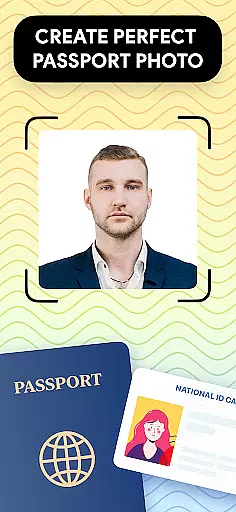
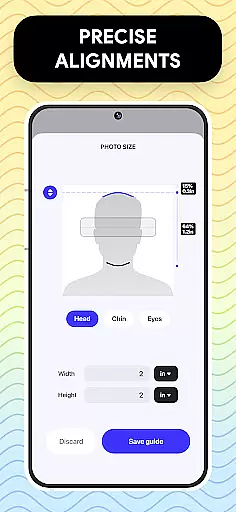
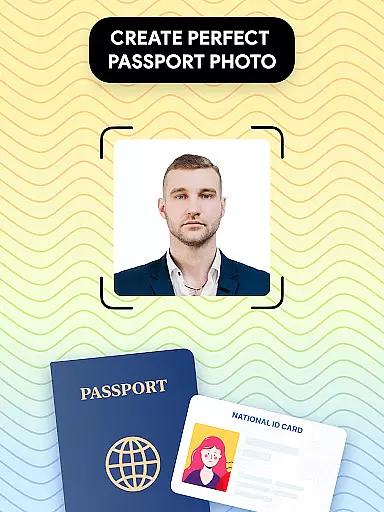
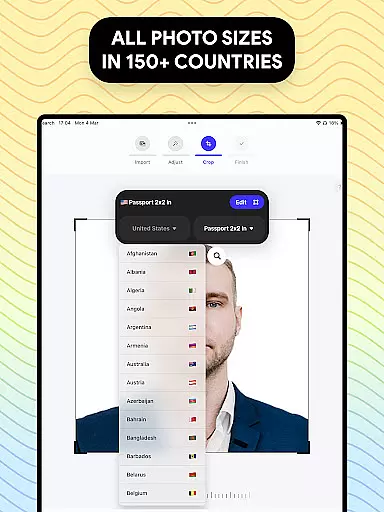
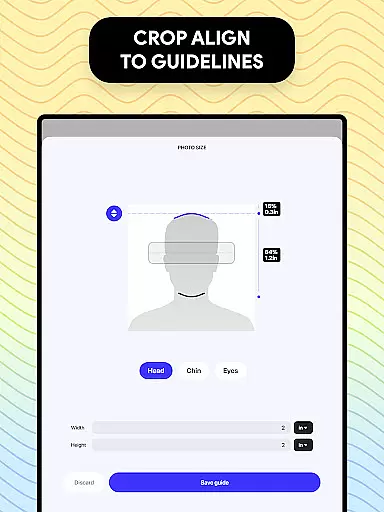
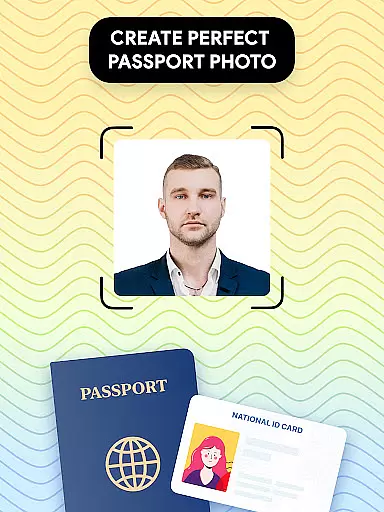
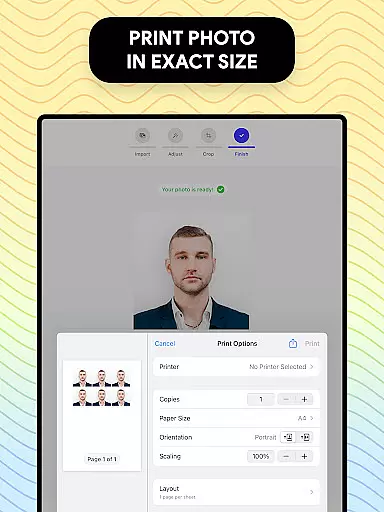
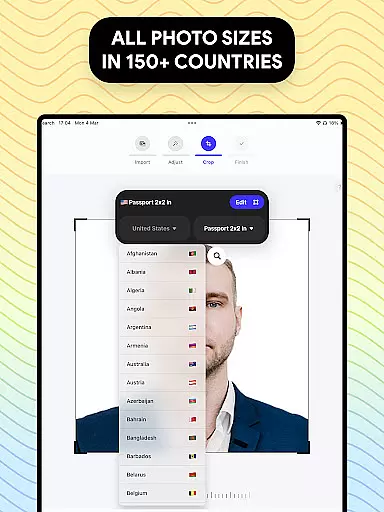
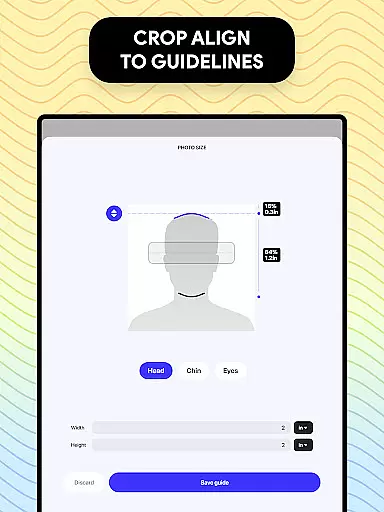
Passport Photo - ID Photo Print is a professional passport photo editor designed to help users create high-quality passport, visa, and ID photos that meet government requirements. The app offers precise size adjustments for various photo dimensions such as 3x4, 4x4, 4x6, 5x7, or 2x2, making it easy to prepare photos for different official documents.
With its advanced features, users can take photos at home using their smartphones and instantly adjust them to the required specifications. The app includes essential editing tools like brightness adjustment, background removal, and aspect ratio customization. Whether you need a US passport photo or one that conforms to another country's regulations, this app provides a convenient solution for creating compliant photos quickly and easily.
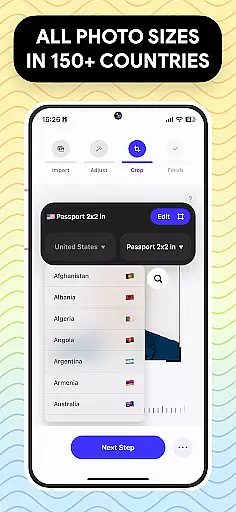
Passport Photo - ID Photo Print stands out with its comprehensive set of features tailored specifically for passport and visa photo creation. One of its key strengths is the ability to customize photos according to specific country requirements, including access to a database of international passport photo regulations. This ensures that your photo will meet all necessary standards without guesswork.
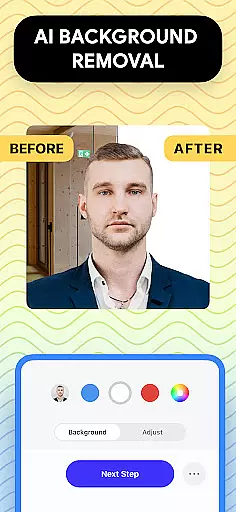
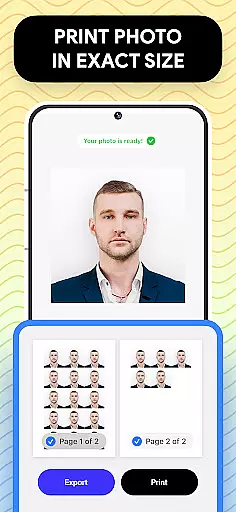
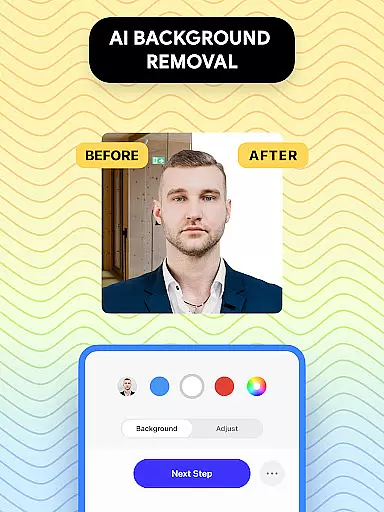
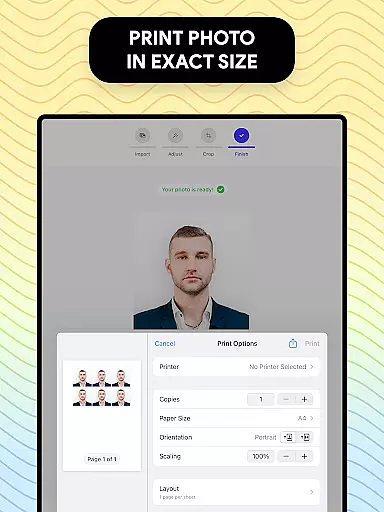
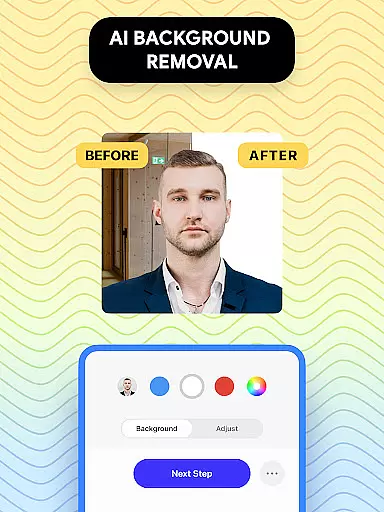
The app also includes powerful editing tools such as background removal, which allows users to replace their photo background with a solid color or white, ensuring compliance with official guidelines. Additionally, users can crop, adjust brightness, sharpen images, and modify other settings to enhance photo quality. With quick export and printing options, users can save or print their edited photos directly from their devices, streamlining the entire process.
Another notable feature is the app’s user-friendly interface, which simplifies the photo editing process even for beginners. Its intuitive design allows users to complete tasks like resizing, formatting, and exporting photos in just a few taps, saving time while delivering professional results.
When it comes to creating passport photos, having access to a comprehensive set of creative tools is essential. Passport Photo - ID Photo Print offers an extensive suite of features that cater specifically to the needs of users who require precise adjustments for their passport-sized images.
This app allows you to effortlessly resize your photos to standard dimensions such as 3x4, 4x4, 4x6, 5x7, or 2x2 inches, ensuring they meet government requirements. The ability to customize and edit your photos with ease is one of the standout aspects of this application.
Moreover, the inclusion of editing tools for brightness, temperature, and sharpness means that users can fine-tune their images to achieve professional-quality results from the comfort of their homes. This complete package empowers users to produce high-quality passport pictures that comply with various regulations without needing to visit a professional studio.
The flexibility in canvas and format options is crucial for an art and design app like Passport Photo - ID Photo Print. It provides users with the capability to change aspect ratios and crop images to exact dimensions, which is particularly important when dealing with diverse international passport photo specifications.
With this app, you're not limited to a one-size-fits-all solution; instead, you have the freedom to adapt your photos according to specific needs, whether it's for US passports or visas for other countries. This adaptability ensures that no matter where you intend to use your photo, it will conform precisely to the required standards.
In addition, the background remover feature adds another layer of versatility by allowing users to create images with white or colored backgrounds. This function simplifies the process of taking passport photos at home, eliminating concerns about finding appropriate backdrops and making the entire experience more user-friendly and efficient.
User-friendly interface
Comprehensive editing tools
Global regulation database
Quick photo adjustments
High-quality results
Limited creative filters
No live customer support
Premium features may require payment
Occasional ads in free version
Advanced tools can be overwhelming

Art of Combination Wear OS Watch faces (for Wear OS 5+ devices)
 3.00
3.00
Image/ Text to Video Generator
4.40
Sketch, trace and master AR drawing with awesome anime art!
3.30
Create neon drawing with magic doodle and fun doodle art effects!
4.50
Convert image to JPG PNG HEIC PDF, support almost all kinds of image formats
4.70
Your AI soulmate — meaningful chats, and unique emotional moments
4.70
Get an overview over all your embroidery threads, projects and more.
4.60
Retouch photos. Create or edit images. Endless capabilities.
2.70
Sketch and paint on your device with the feel and freedom of drawing on paper
4.00
Mobile pixel art editor. Simple. Fast. Portable.
4.80
Logo Generator powered by AI: Create stunning logos effortlessly!
4.70
Digital, Abstract, Classic - all types of color wheels in one app!
4.60
Image resizer to resize, crop, rotate, flip, change dpi photo or picture in bulk
4.60
AI generated images & photos, turn your words into drawing, painting & pictures.
4.30
Customizable Outlined Fonts. Watch Face Format. Battery friendly Digital Clock.
4.20
Paint with oils and sketch with natural tools on a realistic virtual canvas.
3.80
AI Assistant, powered by ChatGPT GPT-4 & GPT-4o. Your intelligent companion.
3.50
Transform photos into amazing monochrome dither art with professional algorithms
4.3
Art of Combination Wear OS Watch faces
4.1


User Reviews