
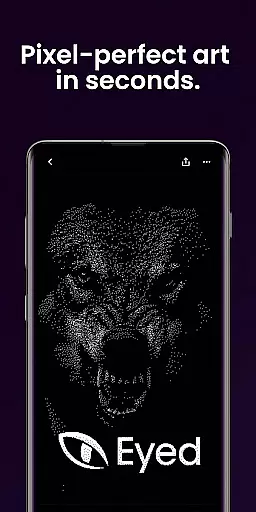
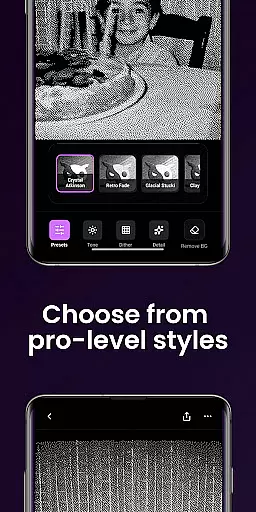
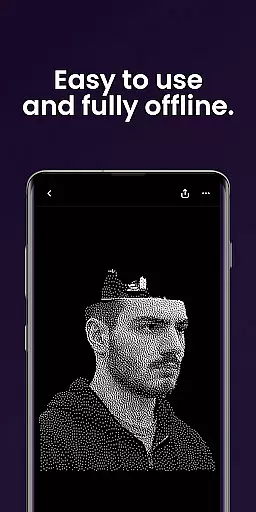
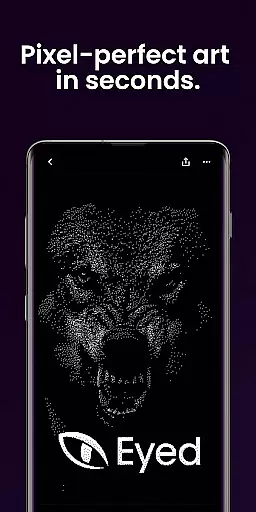
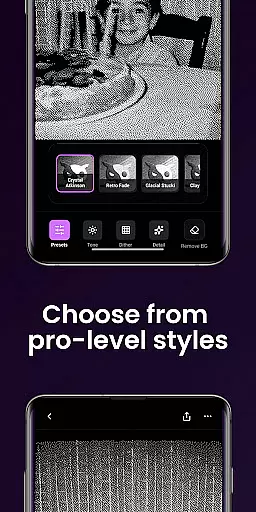
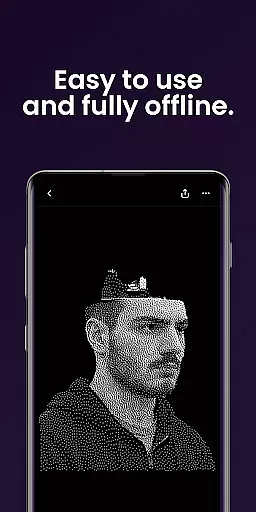
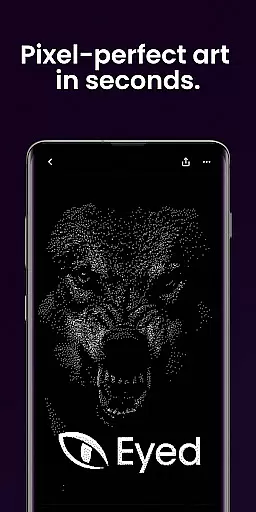
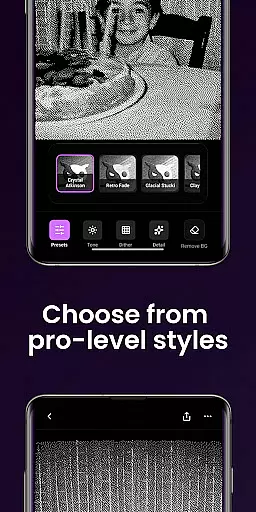
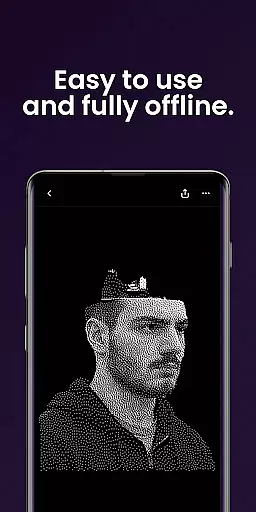
Dither By Eyed is a photo editor app designed to transform your images into print-inspired artwork with expressive results in seconds. It offers iconic processing methods like Floyd-Steinberg, Atkinson, and Stucki, along with curated looks such as Retro Fade and Warm Grain that deliver instant character.
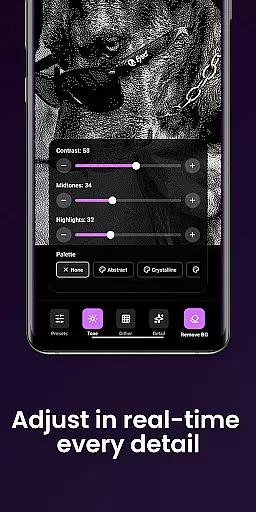
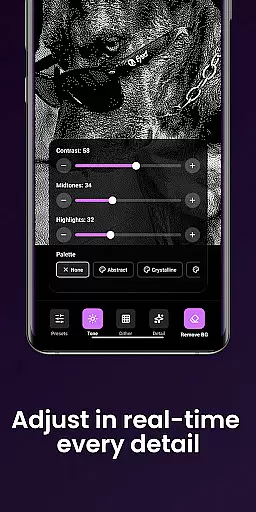
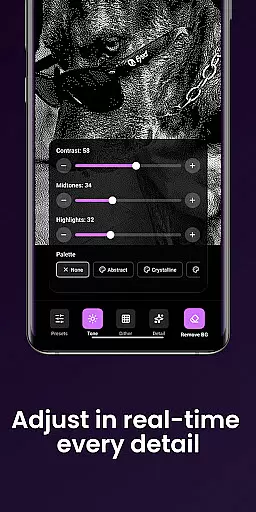
Users can fine-tune contrast, midtones, highlights, blur, scale, and threshold with real-time previews. The app also allows isolating subjects cleanly and exporting high-quality results ready for print or social media. Optimized for both phones and tablets, it features an intuitive interface focused on ease of use without requiring an account.
Dither By Eyed provides a rich set of features tailored for creators who want to add unique textures and styles to their photos. With iconic dithering algorithms such as Floyd-Steinberg and Atkinson, users can explore various processing methods to achieve authentic texture and structure in their images.
The app includes one-tap curated looks like Crystal Atkinson and Glacial Stucki that instantly give photos character. Users have the flexibility to adjust image settings including contrast, midtones, highlights, blur, scale, and threshold with responsive real-time previews. Additionally, background removal tools help create crisp compositions or poster-style silhouettes effortlessly.
Designed thoughtfully for creators, Dither By Eyed supports importing from the photo library or capturing images directly with the camera. Its pinch-to-zoom functionality allows precise adjustments while working on projects. The app is optimized for both phones and tablets with a clean interface and supports common image formats for seamless import and export.
In the realm of digital artistry, having a comprehensive suite of creative tools is essential for bringing visions to life. Dither By Eyedu2122 stands out by offering an extensive array of iconic processing methods such as Floyd-Steinberg, Atkinson, and Stucki. These are not just filters but authentic texture and structure enhancers that transform your photos into expressive artworks with a print-inspired aesthetic.
Moreover, the app provides curated one-tap looks including Crystal Atkinson, Retro Fade, and Warm Grain, which infuse instant character into images. This empowers creators to achieve both timeless and fresh results without any learning curve. The inclusion of responsive real-time previews for adjustments like contrast, midtones, highlights, blur, scale, and threshold ensures that artists can fine-tune their work precisely according to their vision.
The ability to isolate subjects cleanly further augments its creative arsenal. Users can remove backgrounds effortlessly to create crisp compositions or poster-style silhouettes. With support for common image formats and optimization for both phones and tablets, Dither By Eyedu2122 delivers a complete package designed thoughtfully for creators who demand efficiency and quality in their artistic endeavors.
Flexibility in canvas and format options is crucial for artists seeking to express their creativity without constraints. Dither By Eyedu2122 excels in this area by allowing users to import images directly from their photo library or capture new ones using the camera. This seamless integration facilitates a smooth workflow, enabling creators to start their projects with ease and immediacy.
The app's pinch-to-zoom and pan capabilities provide precise control over adjustments, ensuring every detail is perfected. Whether working on small touch-ups or large-scale edits, these features offer the accuracy needed for professional-quality outcomes. Furthermore, Dither By Eyedu2122 supports various image formats, making it versatile for different types of projects and compatible with other software tools used in an artistu2019s toolkit.
Optimized for both phones and tablets, the app boasts a clean, focused interface that enhances user experience across devices. Its design prioritizes usability while maintaining high performance standards. By eliminating the need for an account and streamlining the process to simply open, create, and share, Dither By Eyedu2122 ensures that artists can focus on what truly mattersu2014their artu2014without being hindered by technical limitations or cumbersome procedures.
User-friendly interface
Real-time previews
Wide range of styles
No learning curve
High-quality exports
Limited advanced tools
Few customization options
No account syncing
Basic image formats
Occasional bugs

Create neon drawing with magic doodle and fun doodle art effects!
 4.50
4.50
Photo blender app to create overlay photos & double exposure.
4.40
Unleash Your Creativity with Draw Cartoon - AR Drawing App
4.10
The perfect place to start sketching! Use Sketchbook to draw and paint sketches.
4.50
Draw Trace image sketch by, AR art projector app, Easy to trace any image.
4.50
Powerful home decoration & house design that allows you to design dream home.
3.80
Get creative and make art with your Sesame Friends!
4.00
Art of Combination Wear OS Watch faces (for Wear OS 5+ devices)
3.90
Retouch photos. Create or edit images. Endless capabilities.
2.70
Your AI soulmate — meaningful chats, and unique emotional moments
4.70
Image/ Text to Video Generator
4.40
Draw, make movies & animate cartoons easily with our 2D animation maker app
4.40
800+ Drawing, Painting Lessons App to Practice, Sketch & Paint Art.
4.30
Text to Image, Image to Video & AI Chat
4.20
AR Anime Drawing: How to draw anime with AR drawing & sketching apps!
4.00
Design your dream room with AI. Get decor ideas & plan home interiors
3.90
Pose and morph realistic male and female models! 3D poser app
3.00
Premium version of Shimeji-ee app with no ads & no limit active shimeji
4.0
A luxurious gold watch face for an elegant and refined look.
4.0


User Reviews