
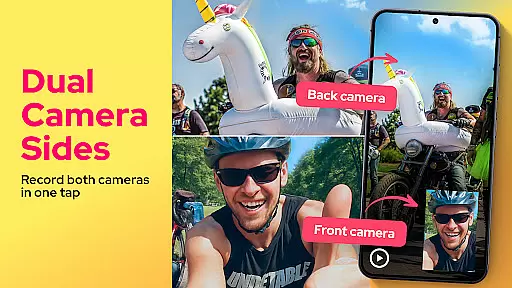
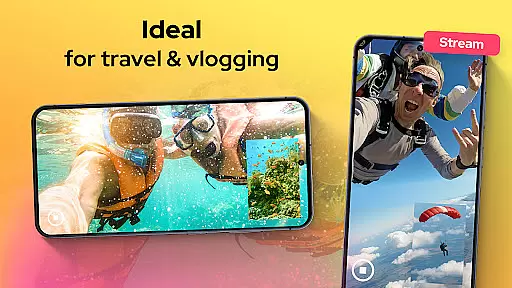
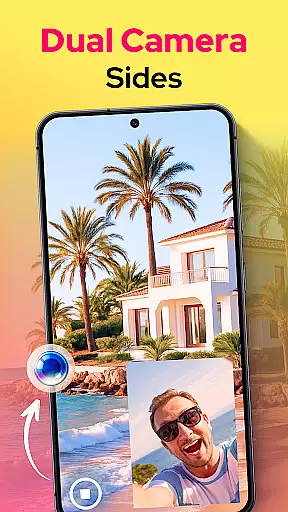
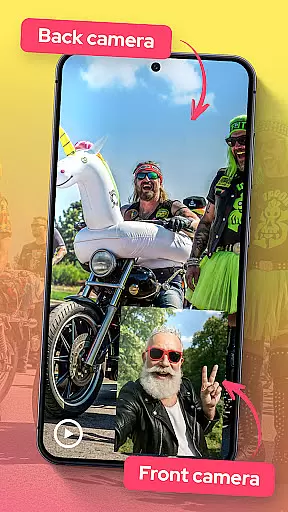
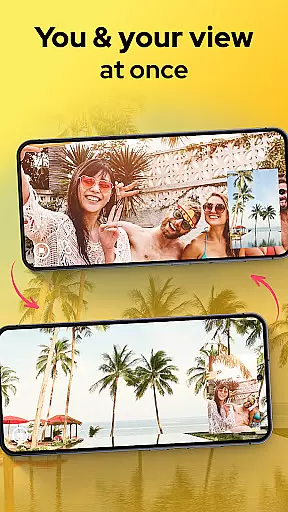
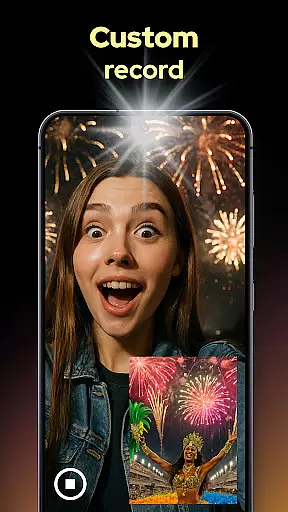
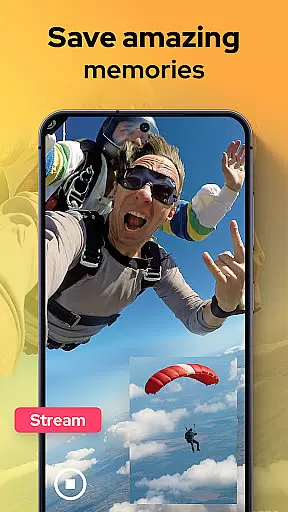
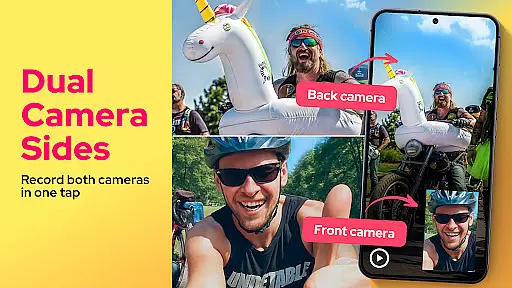
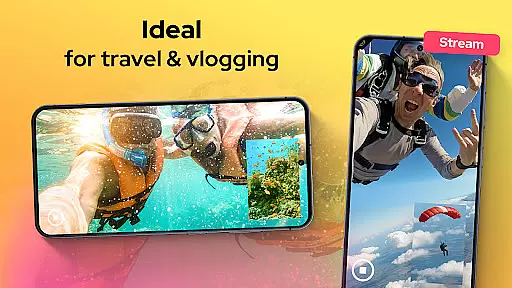
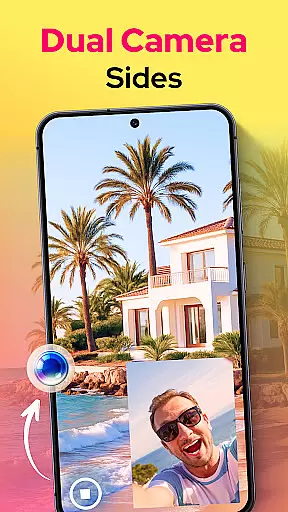
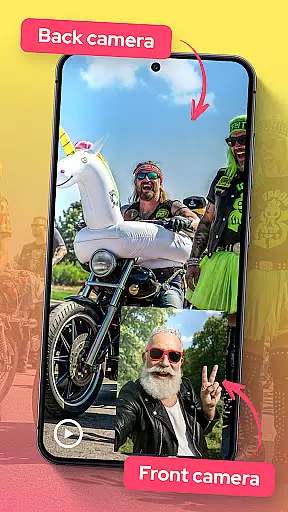
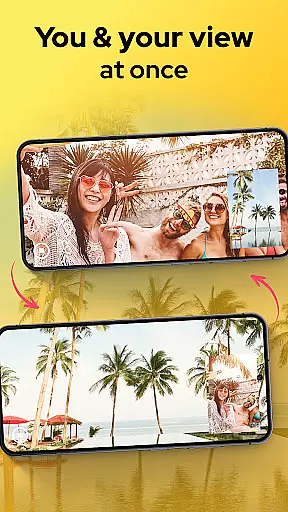
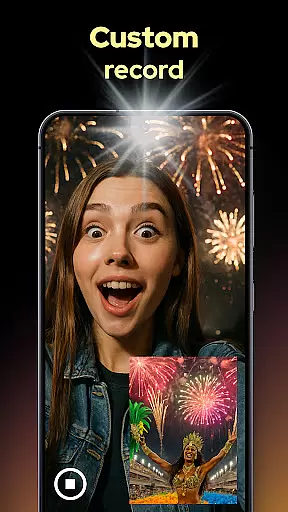
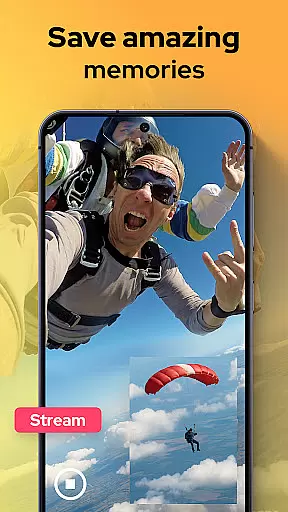
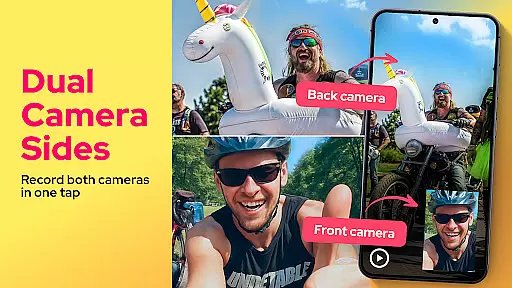
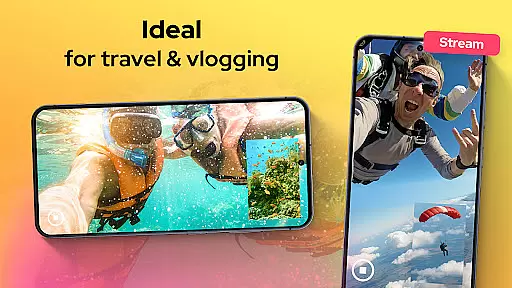
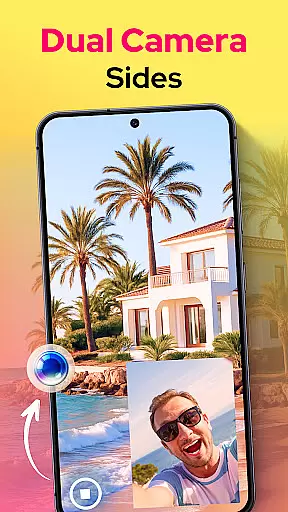
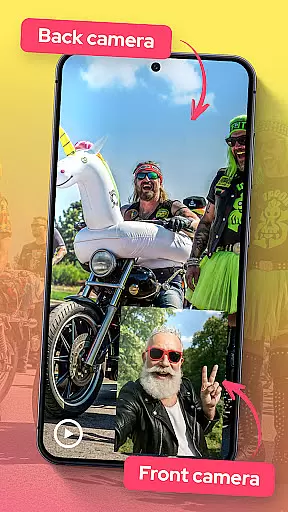
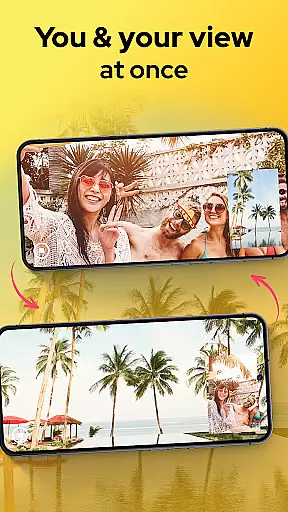
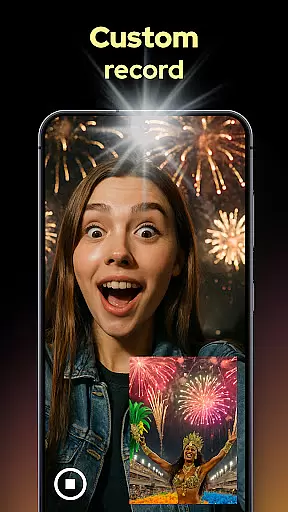
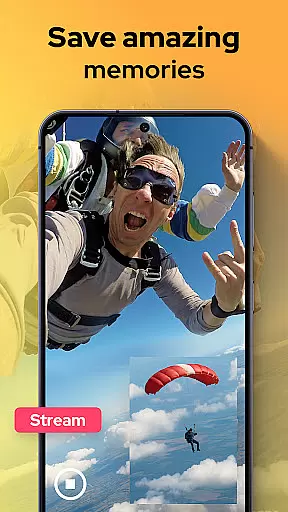
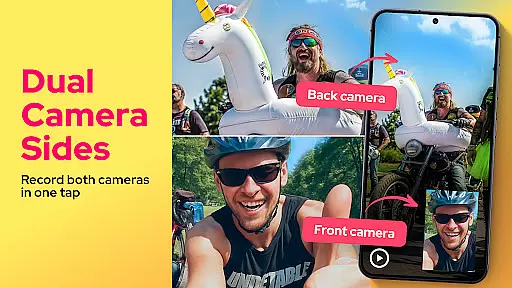
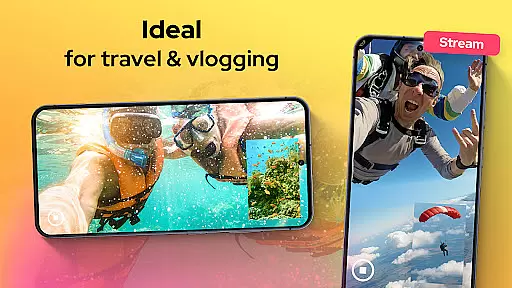
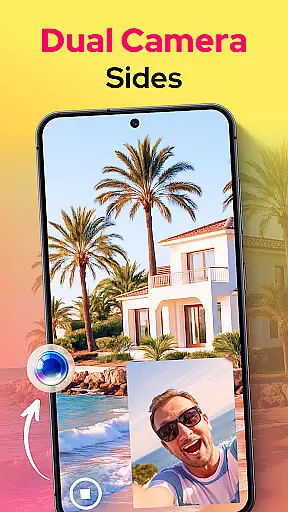
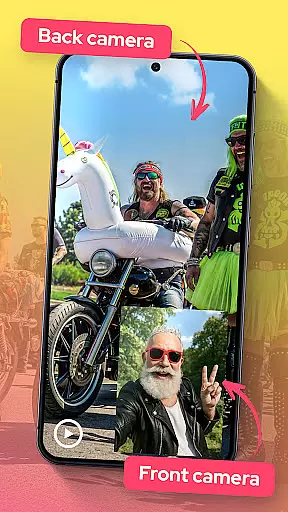
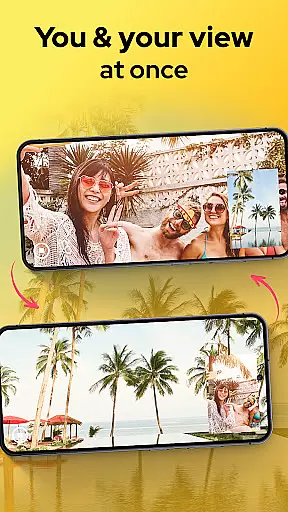
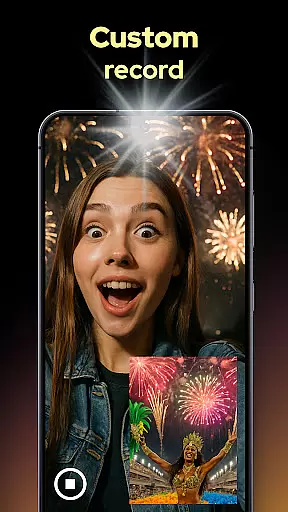
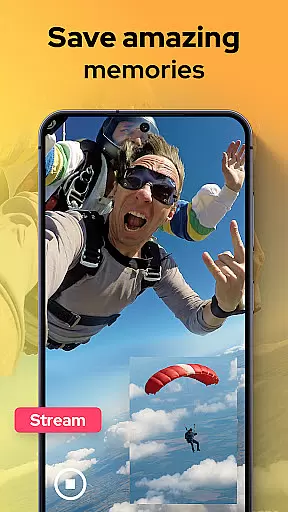
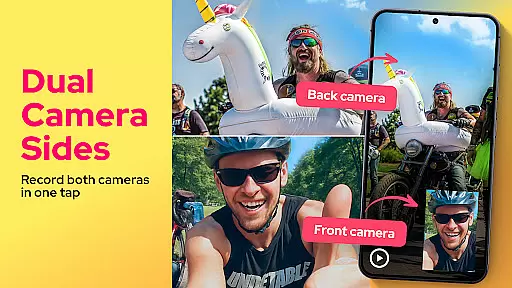
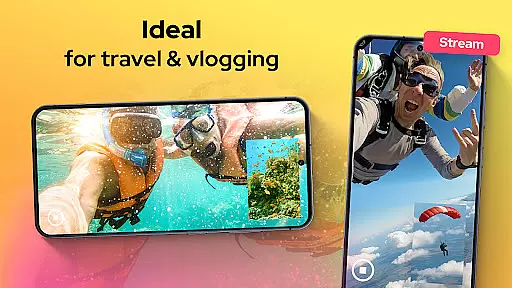
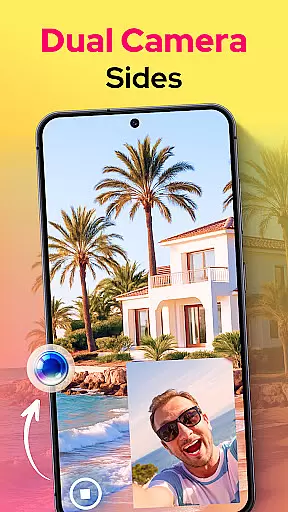
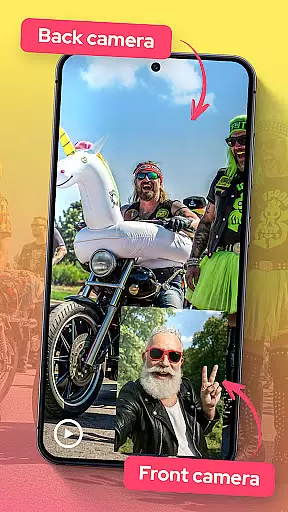
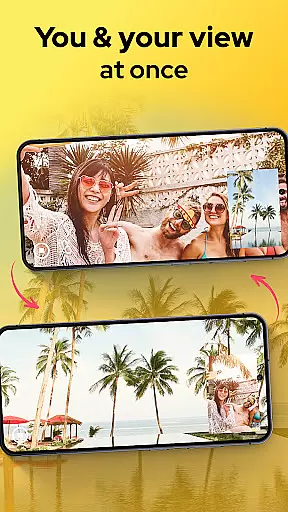
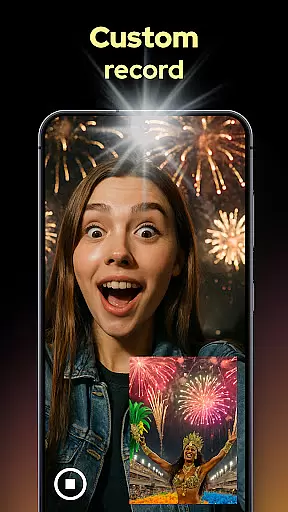
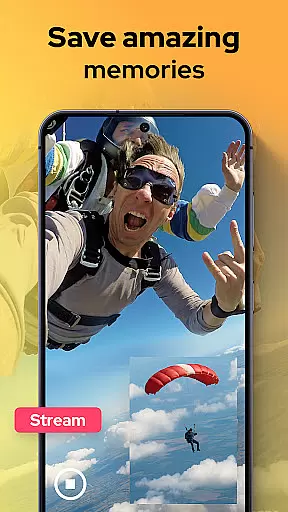
Dual Camera Sides is an innovative video recording app that allows users to capture footage from both the front and rear cameras simultaneously. This dual-camera functionality is perfect for vloggers, storytellers, and anyone who wants to record reactions and actions at the same time.
The app offers multiple display modes including picture-in-picture and split-screen views. Users can also take quick photos while recording and adjust camera settings like focus and exposure manually. The ability to run in background mode ensures uninterrupted recording even when multitasking.
Whether you're creating tutorials, documenting events, or capturing special moments, Dual Camera Sides provides a complete solution for creative storytelling through video.
One of the standout features of Dual Camera Sides is its ability to record from both front and back cameras simultaneously. This is particularly useful for vloggers who want to capture their reactions along with the action.
The app provides flexible layout options such as picture-in-picture, split-screen, and floating window displays. These options allow users to customize their recording style based on their content needs. Additionally, the app supports taking still photos without pausing the video, ensuring no moment is missed.
Advanced manual controls for focus, brightness, and exposure give users professional-grade results. The background recording mode is another valuable feature that lets users continue recording while using other apps, making it ideal for dynamic content creation.
In the realm of mobile photography, Dual Camera Sides offers a comprehensive suite of functionalities that cater to diverse videography needs. The app's hallmark is its ability to record from both front and rear cameras simultaneously, ensuring no moment or reaction is missed. This dual recording feature provides complete scene capture, making it ideal for vloggers and content creators who value thoroughness in their storytelling.
Moreover, the app extends its functionality by allowing users to choose between picture-in-picture or split-screen modes during video capture. Such versatility empowers creators to craft visually engaging content with ease. Whether shooting tutorials, unboxing videos, interviews, or daily vlogs, Dual Camera Sides adapts to various creative styles and preferences, enhancing the narrative quality of each clip.
The inclusion of quick Doubletake shots adds another layer of utility, enabling spontaneous selfies or stills without interrupting ongoing recordings. This seamless integration of photo and video capabilities ensures that users can preserve fleeting moments effortlessly while maintaining the flow of their primary footage.
Dual Camera Sides excels not only in its robust feature set but also in delivering an intuitive and fluid user experience. The app's interface is designed for simplicity, allowing even novice users to navigate its features with ease. With clear live previews and straightforward controls, capturing professional-grade videos becomes accessible to everyone, regardless of technical expertise.
Operational smoothness is further enhanced by the app's ability to adjust focus, brightness, and exposure manually. These manual controls provide users with the flexibility to fine-tune their recordings according to specific environmental conditions, ensuring optimal video quality every time. Additionally, background mode operation allows continuous shooting even when multitasking across other apps, adding convenience without compromising performance.
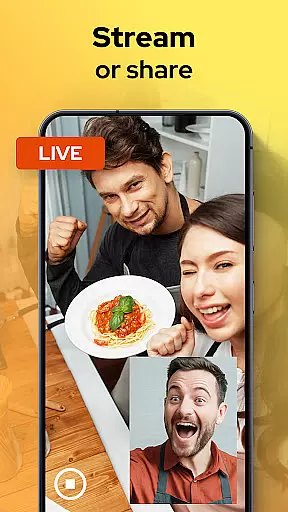
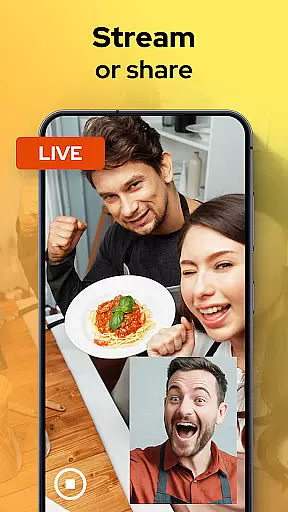
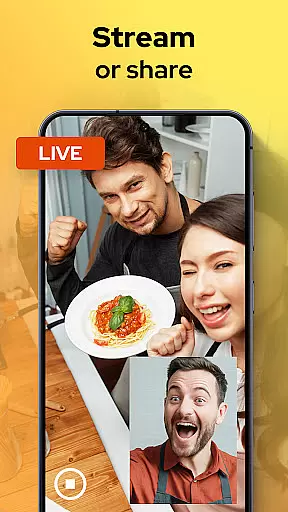
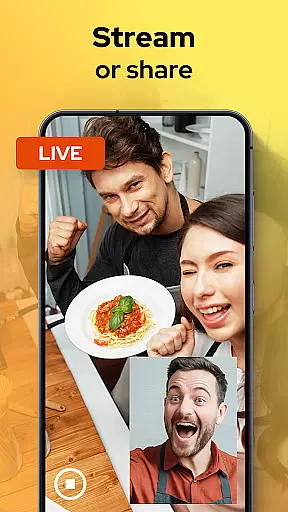
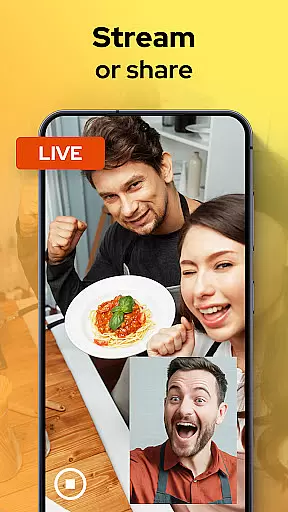
Exporting, sharing, or uploading videos is streamlined within Dual Camera Sides, facilitating swift distribution of content across platforms. Users can share their creations directly from the app, reaching audiences faster and more efficiently. This combination of usability and operational efficiency makes Dual Camera Sides a reliable tool for capturing and sharing life's moments from every angle imaginable.
User-friendly interface
High-quality dual recording
Flexible layout options
Manual camera controls
Background mode support
May drain battery quickly
Limited to compatible devices
Occasional glitches reported
Interface can be complex
Free version has limitations

View your cameras anywhere and anytime
 4.20
4.20
The Free Catholic Latin American Bible in complete Spanish
4.60
Use your Phone as Drone Controller.
3.70
Android secret code for smart phone, mobile codes, with secret codes app
4.20
Enjoy hours of entertainment with our Roblox mobile games app
4.3
Looking to connect your phone to your car screen? Mirror Link is the solution.
3.20
Game booster GFX may reduce interruptions and improve gaming experience.
4.50
Phone Software Update Quick Checker helps you to keep your phone apps up to date
4.50
Experience virtual reality on your smartphone with Cardboard.
3.50
Read Holy Quran Feel Like Real Quran & Listen Al Quran Mp3 Audio Online Offline.
4.70
Enjoy Minecraft Mod Scary Neighbor Granny for Minecraft PE.
4.30
Wireless reverse charging using phone now is possible
4.30
Recite Quran Majeed القران with special 16 line real Kuran page in hand
4.30
Test DPC is a sample device policy controller for use with Android Enterprise.
4.20
charging your phone by other phone easly
4.00
The best PS2 games from your childhood come to life in their mobile version!
4.00
Mirror phone to TV effortlessly! Stream, share & connect with Airplay ease.
3.60
Collection of high-quality, trendy skins and outfits!
4.4
Turn your phone into a wireless Xbox controller – play, stream & control anytime
4.5


User Reviews