
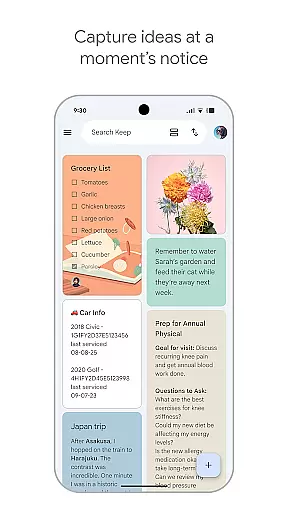
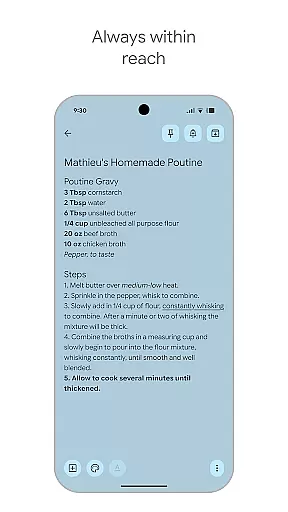
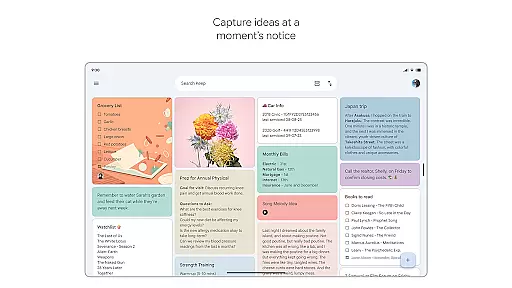
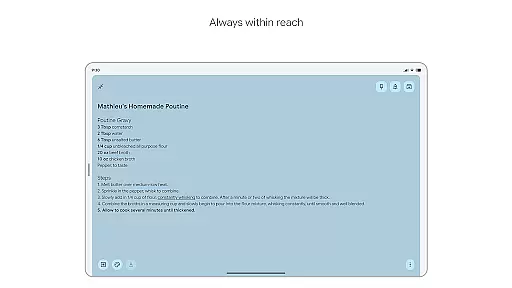
Google Keep is a versatile note-taking application designed specifically for Android Wear and other Android devices. This app allows users to quickly capture thoughts, manage to-do lists, and stay organized through various methods such as text notes, voice memos, and photos. With seamless integration across phone, tablet, computer, and Wear OS devices, Google Keep ensures your information is always synchronized and accessible wherever you go.
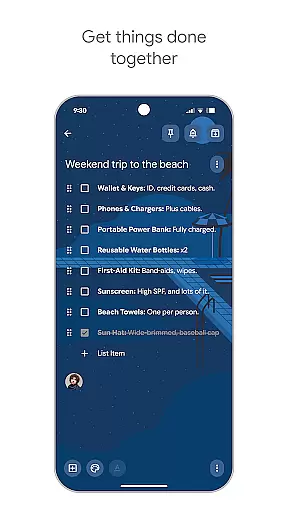
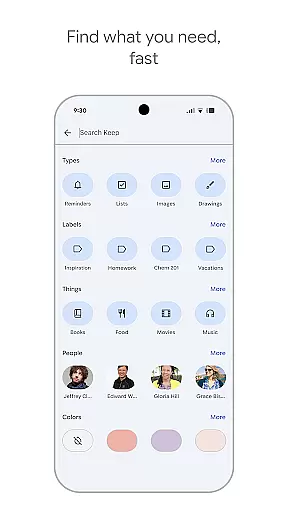
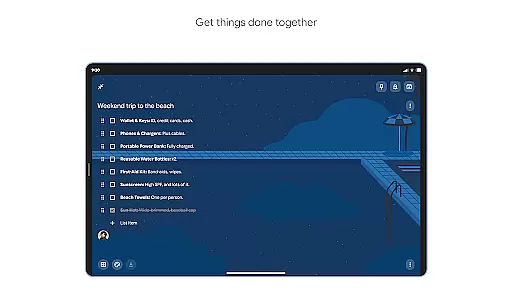
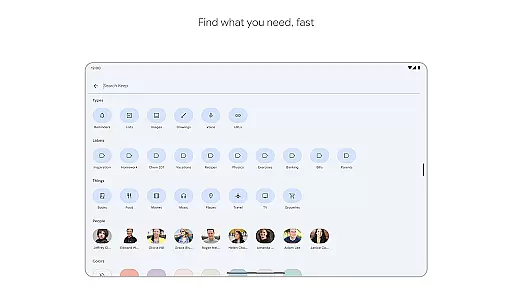
Beyond basic note-taking, Google Keep offers advanced features like collaboration tools for sharing notes with friends and family, making it ideal for planning trips or managing grocery lists together. The app also includes powerful organizational tools such as color-coding, labels, and search functionality, ensuring that users can efficiently find and organize their notes. Additionally, reminders and widgets enhance productivity by keeping important notes and tasks at your fingertips.
Whether you need to jot down a quick idea, set a location-based reminder, or collaborate on a project, Google Keep provides a secure and efficient solution for managing your digital life on Android Wear and beyond.
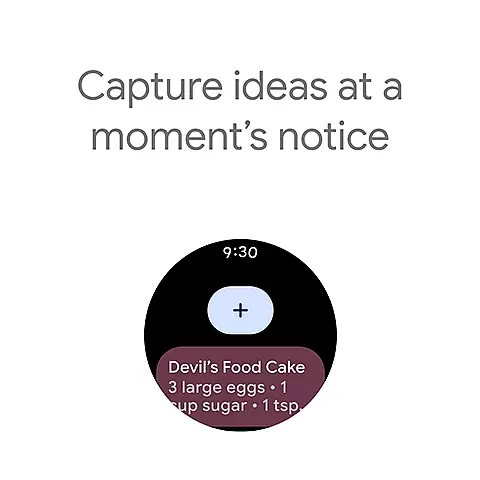
Google Keep stands out with its comprehensive feature set tailored for Android Wear and other devices. One of its key features is the ability to capture notes in multiple formats including text, voice, and images, allowing users to record ideas in the most convenient way possible. The app's widget support on phones and tablets, along with tiles and complications on Wear OS, enables quick access and effortless note-taking.
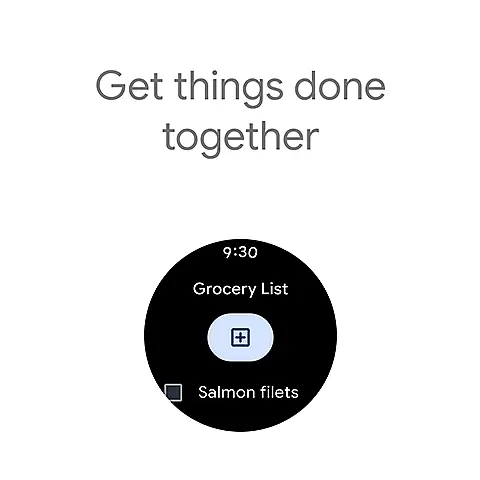
Collaboration is made easy with Google Keep's sharing capabilities. Users can share notes with others, making it perfect for group projects or family planning. The app's organizational features are equally impressive, offering color-coding, labels, and powerful search functionality to help users find notes quickly. Reminders can be set based on time or location, ensuring you never miss an important task.
Security and privacy are prioritized, with all data being protected by Google's advanced security measures. The synchronization across devices means your notes are always up-to-date and accessible, whether you're on your phone, tablet, computer, or Wear OS device. These robust features make Google Keep an indispensable tool for staying organized and productive.
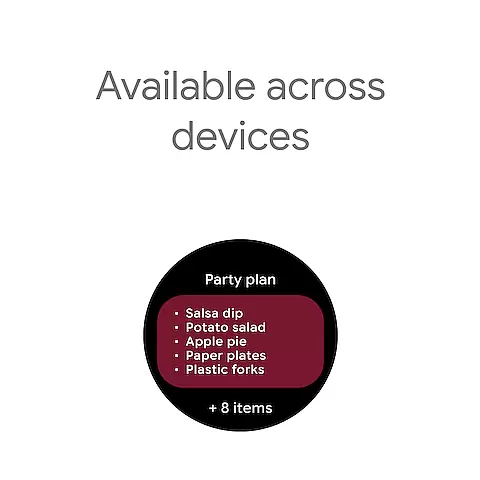
For users of Google Keep, the seamless companion app integration is a standout feature. This functionality ensures that all your notes, lists, and reminders are synchronized across every device you use, including smartphones, tablets, computers, and Wear OS devices.
The synchronization process is not only automatic but also real-time, meaning any change made on one device instantly appears on all others. This allows for an uninterrupted workflow whether you're at home, in the office, or on the move.
Moreover, Google Keep enhances this integration by offering widgets and tiles that can be added to your device's home screen or Wear OS interface. These shortcuts enable quick access and capture of thoughts without needing to open the full application, streamlining the user experience significantly.
Google Keep excels in its compatibility with Wear OS devices, making it an essential tool for smartwatch users. The app is optimized to function smoothly on these devices, providing a user-friendly interface that fits the smaller screen size without losing functionality.
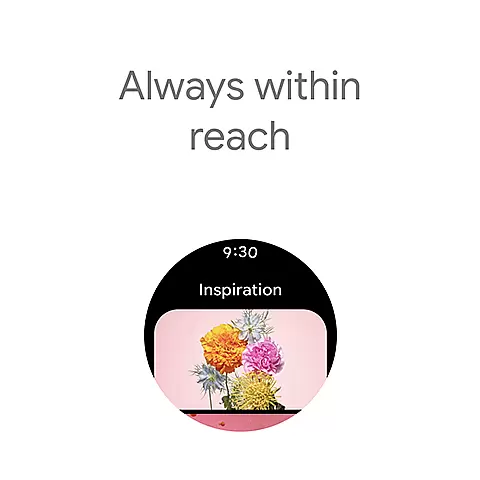
With Wear OS, users can take advantage of complications and tiles that allow them to pin important notes or lists directly onto their watch face or add shortcuts for easy access. This level of integration ensures that vital information is always just a glance away.
In addition to viewing notes, the Wear OS compatibility supports voice memos and reminders, empowering users to capture thoughts hands-free. This feature is particularly useful when multitasking or when your hands are occupied, ensuring you never miss an important idea or task.
User-friendly interface
Seamless cross-device sync
Versatile note-taking options
Powerful organization tools
Advanced security measures
Limited formatting options
No offline collaboration
Basic drawing tools
Fewer integrations
Occasional sync delays

Animated Watch Face and Customizable with 24 Backgrounds. Perfect for Christmas!
 3.90
3.90
Monitor health with the stress test and pulse checker in the heart rate app.
4.60
To-Do List: daily schedule planner, task organizer, to do reminder app, calendar
4.60
The #1 source of faces for your smartwatch!
4.00
Real-time weather radar with temperatures, warnings, hurricanes, and widgets
4.80
Animated video-game inspired “secret agent” simulation, right on your wrist!
4.20
Your local weather forecast, storm tracker, radar maps & live weather news
3.40
Fitbit is dedicated to helping people lead healthier, more active lives.
4.10
Start and succeed with PAP
4.10
Easy Voice Recorder is your everyday companion to record important moments.
4.70
Highly customizable hybrid watch face for Wear OS, perfect for everyday use.
4.60
Nutrition, Macro tracker: Food, fitness & healthy diet tracking for weight loss
4.60
Connect to your Bluelink equipped Hyundai vehicle from your smartphone.
4.50
Embrace the holiday spirit with this magical animated watch face!
4.40
Current temperature, weather hourly, weather radar by the weather forecast app
4.40
"PER27 Galaxy Digital" is a digital Wear OS watch face designed by PERSONA
4.10
A digital watch face that celebrates Christmas.
4.00
Christmas and New Year - Themed Watchface
4.4
Sleek, highly customizable watch face inspired by Galaxy Watch Circle Dashboard.
4.5


User Reviews