
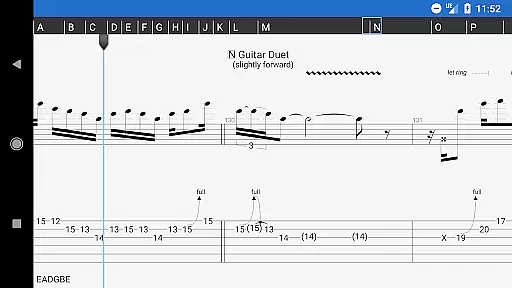
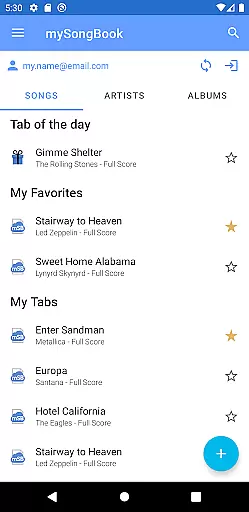
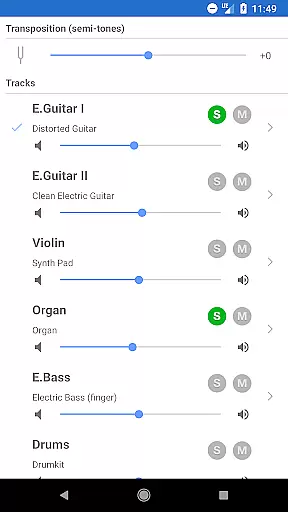
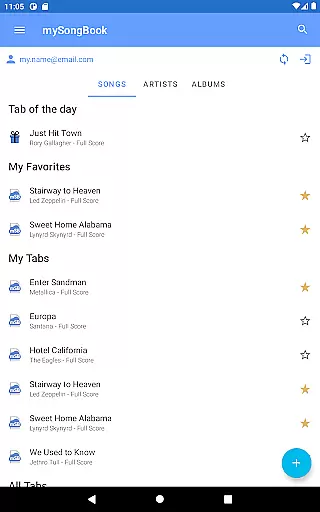
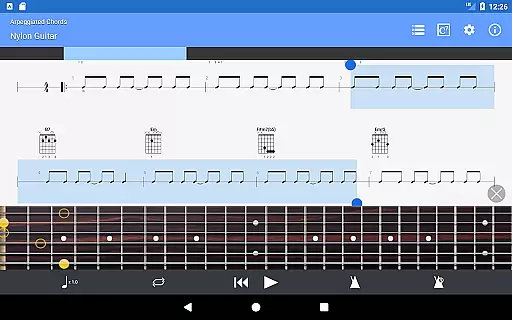
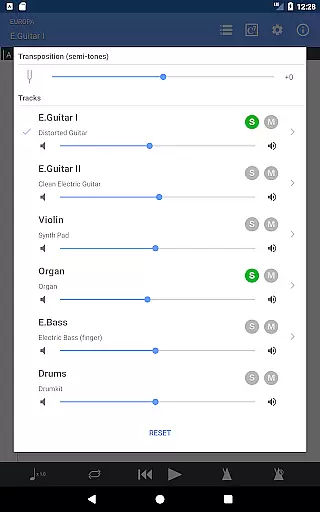
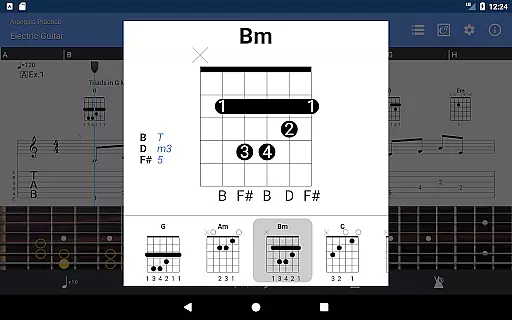
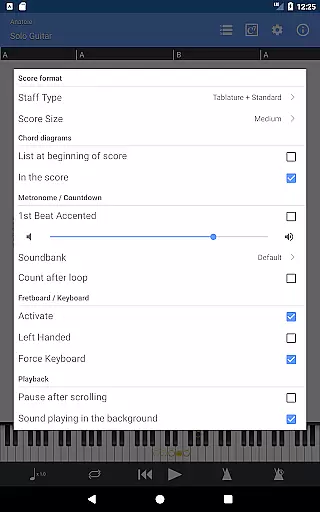
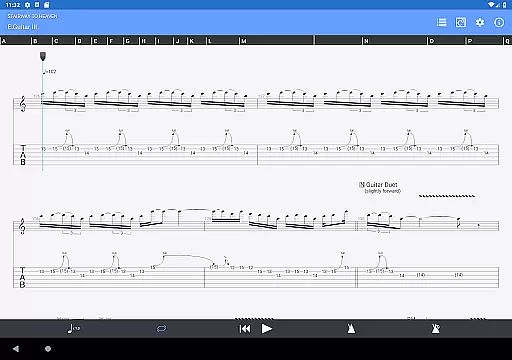
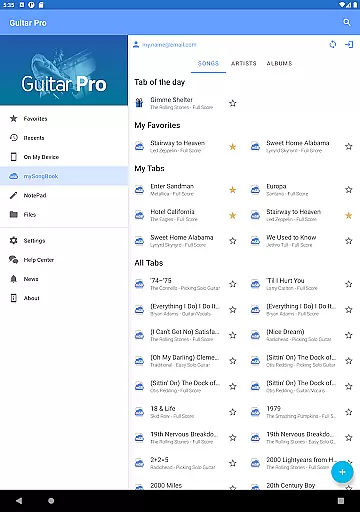
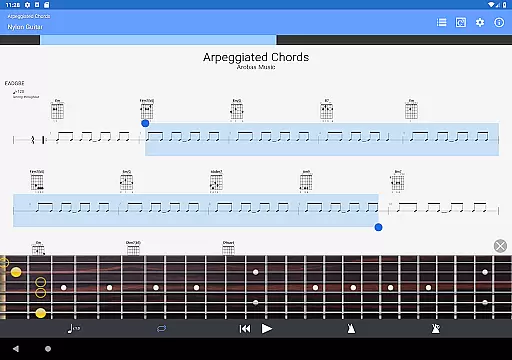
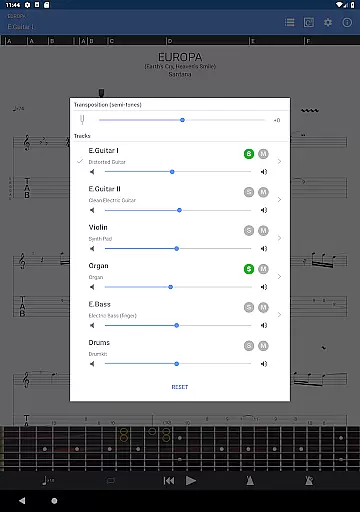
Guitar Pro is a comprehensive mobile application designed for guitarists and musicians who want to view, play, and write tablature directly from their mobile devices. This app supports GP3/4/5/6/7/8 file formats, allowing users to access a wide range of tablature files. It features a powerful score player with multitrack playback, metronome, tempo control, and global transposing capabilities. The integrated sheet-music library offers search, filters, and favorites options, making it easy to organize and access your music collection.
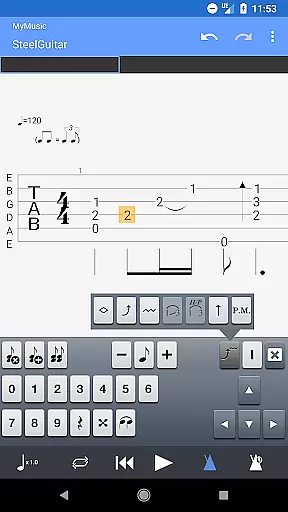
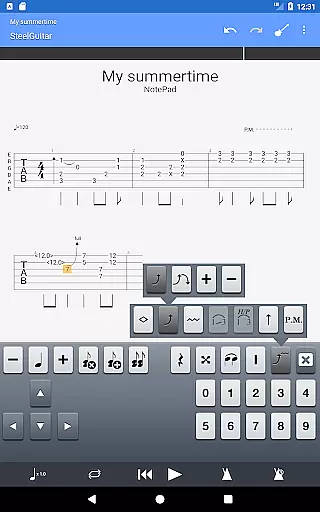
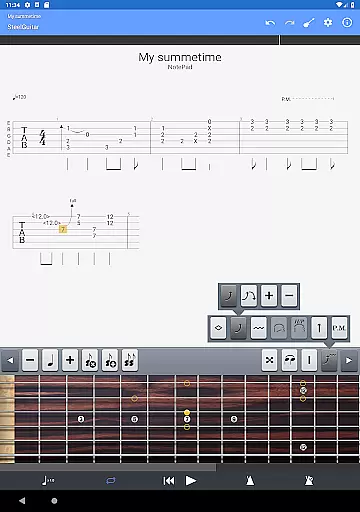
One standout feature is the NotePad tool, which allows users to create single-track tablatures for various stringed instruments like guitar, bass, banjo, ukulele, and mandolin. With customizable tuning, tempo, and 19 built-in sounds, musicians can quickly capture their musical ideas on the go. The app also enables exporting these ideas into Guitar Pro desktop formats, providing seamless integration between mobile and desktop workflows. Whether you're practicing your favorite songs or composing new ones, Guitar Pro offers a versatile platform for all your musical needs.
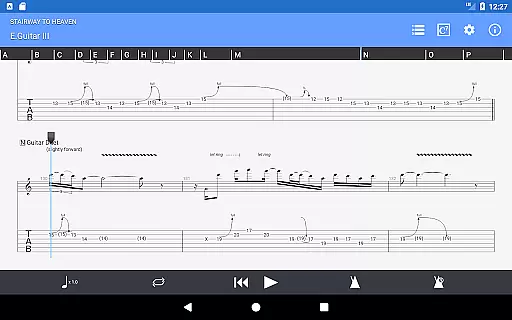
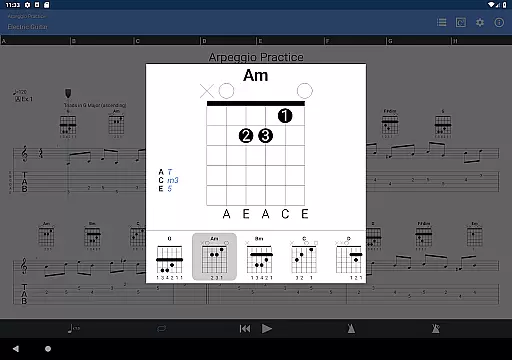
Guitar Pro stands out with its robust set of features tailored for musicians. The app's powerful score player supports multiple file formats and provides detailed notations including tab, slash, and standard formats. Its compatibility with the mySongBook portal (excluding subscription content) expands the available sheet music library. Users can load files via WiFi, web browser, and email, ensuring flexible file management.
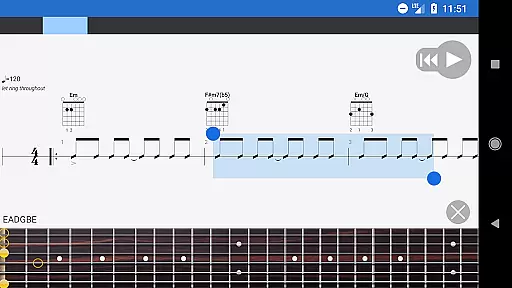
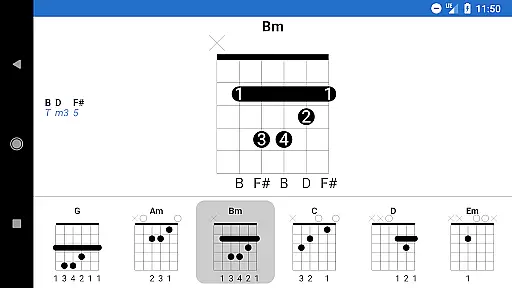
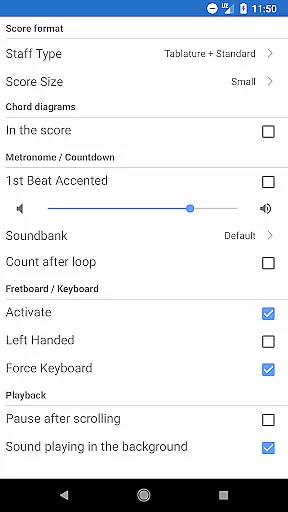
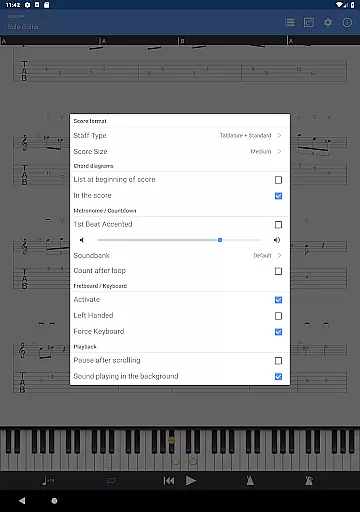
The NotePad tool is another highlight, enabling users to edit single-track tablatures for various stringed instruments. It supports 4- to 8-string instruments and offers customizable tuning and tempo settings. Additionally, the app includes a fretboard for guitar and bass (suitable for both right- and left-handers), a virtual keyboard, and on-the-fly tempo changes. These features collectively enhance the user experience by providing precise control over music playback and composition, making practice sessions more efficient and enjoyable.
Guitar Pro offers an extensive music library that caters to musicians of all levels. The app supports GP3/4/5/6/7/8 file formats, allowing users to access a wide range of compositions shared by the community. This compatibility ensures that guitarists can enjoy a vast selection of songs and exercises.
Copyright authenticity is taken seriously within the Guitar Pro ecosystem. Users can confidently download and use tablatures knowing they are legally shared and free from copyright infringement. The integration with the mySongBook portal further extends this assurance, providing access to professional sheet music (subscription required).
The app's library is not just about quantity but also quality. With features like search, filters, and favorites, musicians can efficiently organize their collection. This makes it easy to find specific pieces or explore new ones, enhancing the overall user experience while respecting intellectual property rights.
Audio quality in Guitar Pro is designed to meet the needs of discerning musicians. The app provides 19 built-in sounds that deliver clear and accurate playback of tablatures. These sounds cater to various instruments including guitar, bass, banjo, ukulele, and mandolin, ensuring that users can practice with high-quality audio feedback.
Customization is key in achieving the desired audio output. Guitar Pro allows users to adjust tuning and tempo, which directly impacts the playback quality. This flexibility enables musicians to tailor each piece to their unique style and preference, whether they're practicing a complex riff or composing their own music.
For those seeking to elevate their compositions further, files created on the mobile app can be exported to Guitar Pro desktop versions. This seamless transition between platforms maintains audio integrity and opens up advanced editing capabilities, thus offering a comprehensive solution for both amateur and professional musicians.
User-friendly interface
Extensive file format support
Integrated sheet-music library
Flexible tempo and tuning options
Seamless mobile-desktop integration
No audio track editing
Limited notation editing
Subscription required for some content
Single-track tablature only
No drum track editing

Time Guru will strengthen your internal sense of musical time via random muting.
 4.30
4.30
Equalizer, Bass Booster and Volume Booster (Eq & Bass) improve sound quality
4.30
Over 100 million tracks available for high quality streaming and download
4.60
Time Trainer: accurate metronome w tools to help you develop your internal time!
4.20
The only true audiophile music player with Hi-Fi audio rendering and DSP engine
3.90
The official Sonos app
4.10
Play KORG’s revolutionary touch-based instrument on a variety of devices.
4.40
Master Salsa Rhythm quickly and with a lot of fun!
4.30
Full featured mp3 and audio player with Chromecast and Android Auto support.
4.40
Unleash your creativity! Turn simple prompts into full fledged songs.
4.70
Recording studio w/ 10k beats, pro vocal FX and a network of 20M rappers & fans!
4.60
Visualize the guitar fretboard, master scales & play through changes like a pro!
4.50
Formerly known as Spotistats! View your top tracks, artists, albums and more!
4.40
Network/Cloud Streaming, Visualization, Graphic Equalizer and Sound Effects.
4.20
Offline and always ad-free - stream in the highest quality available.
4.10
Next generation modular control surface
4.10
MilkDrop for Android TV
3.00
The Minimalistic Premium Music Player. Handmade with passion for music
2.20
Simply convert wav to mp3. Clear. Reliable. Safe.
4.2


User Reviews