
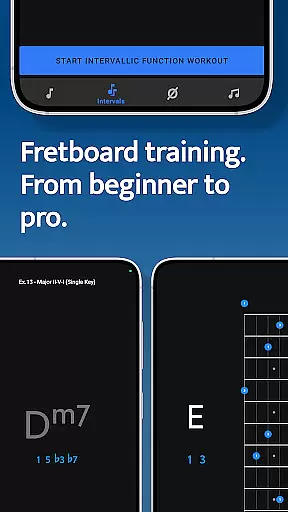
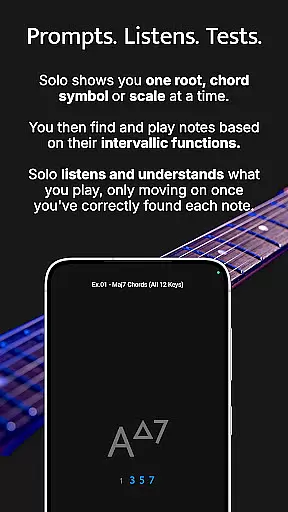
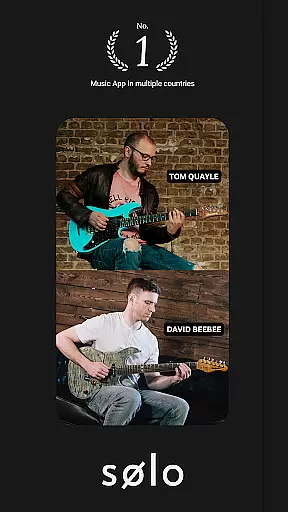
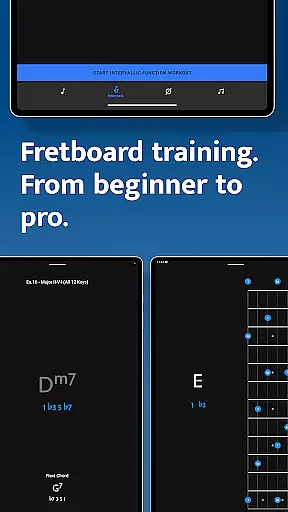
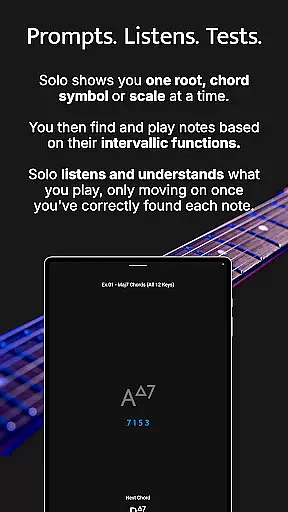
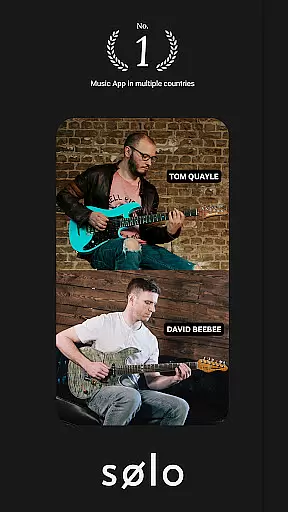
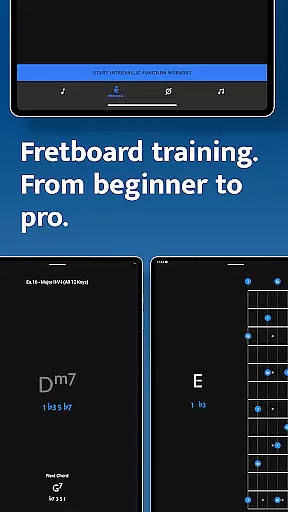
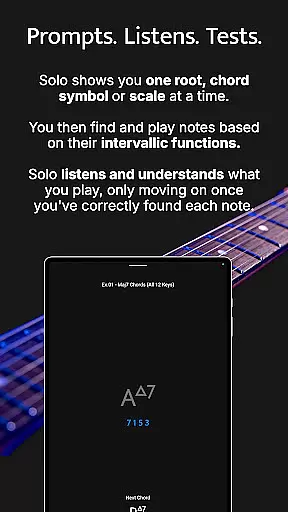
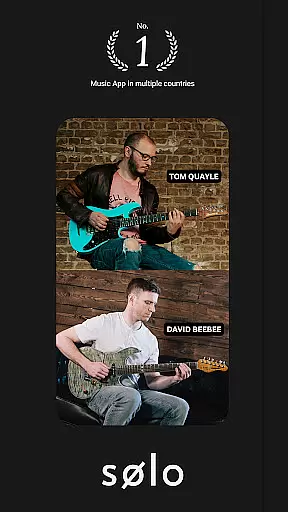
Solo is a comprehensive practice application designed to help guitarists and bassists master fretboard visualization. Developed by renowned guitarists Tom Quayle and David Beebee, this app offers four specialized training modules that target essential aspects of fretboard mastery. Users can work on learning note names, memorizing interval shapes, outlining chord changes, and practicing scales through interactive exercises.
The app's unique approach involves asking users to find intervallic functions against specific root notes, chords, or scales while providing real-time feedback through audio input. This ensures proper understanding and execution before progressing. With support for various string instruments and tunings, including 6-string guitars, 7-string guitars, and 4/5-string basses, Solo caters to a wide range of musicians. Whether you're a beginner looking to learn basic note names or an advanced player aiming to break out of scale boxes, this app provides the tools needed to transform your playing and build confidence on the fretboard.
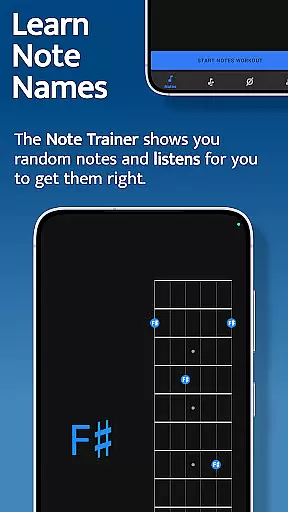
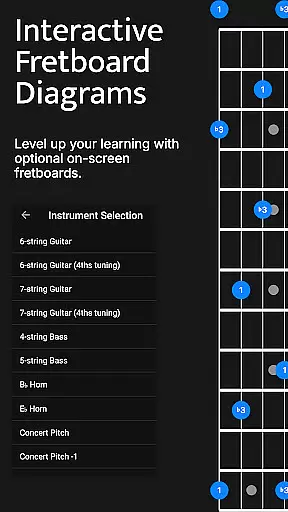
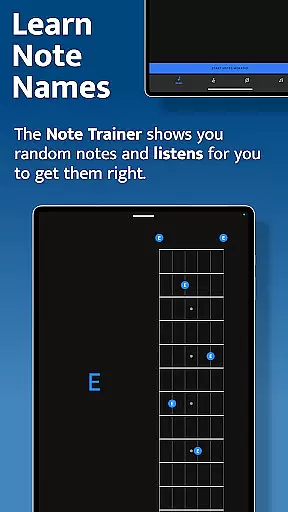
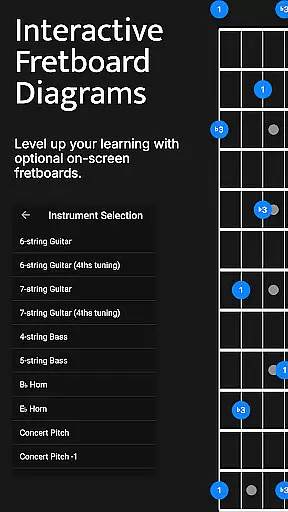
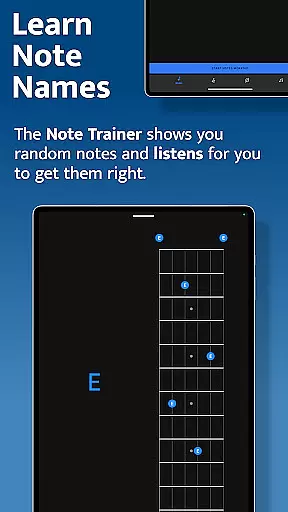
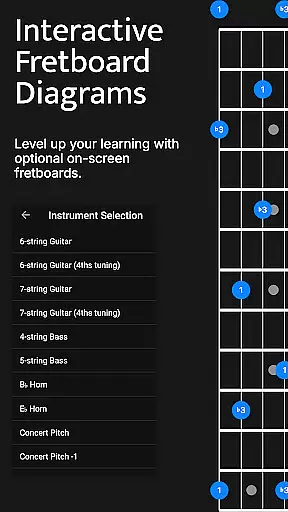
Solo stands out with its four powerful fretboard trainers, each focusing on a different aspect of musical development. The Note Trainer helps beginners and intermediate players solidify their knowledge of note names across the fretboard. It features interactive diagrams, alternative options, and duration-based workouts for optimal practice sessions. Users can choose from multiple instrument configurations, including standard and alternate tunings.
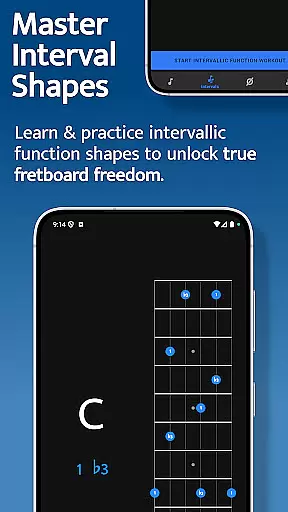
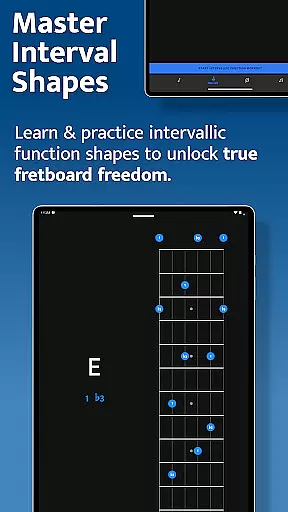
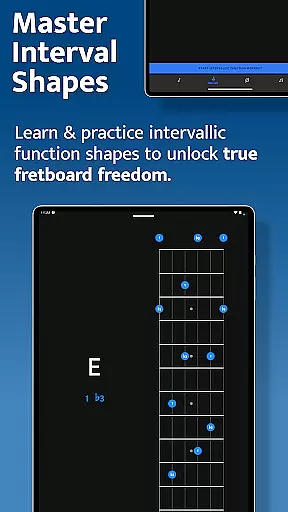
The Interval Trainer revolutionizes how players work on interval shapes by allowing them to practice any combination of intervallic functions. Musicians can create custom interval groups or select intervals based on specific chord types or scales. The trainer randomizes these intervals and challenges users to find them against fixed or random root notes, with visual aids showing all possible positions across the neck.
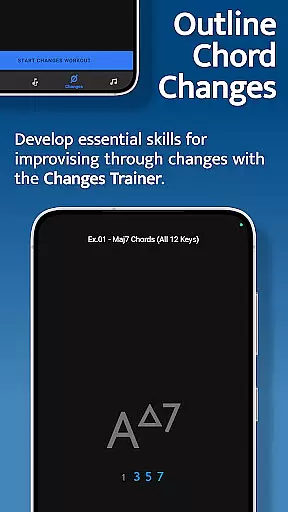
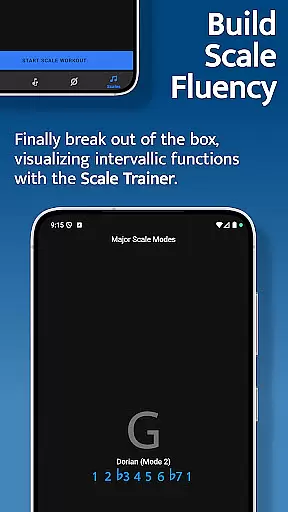
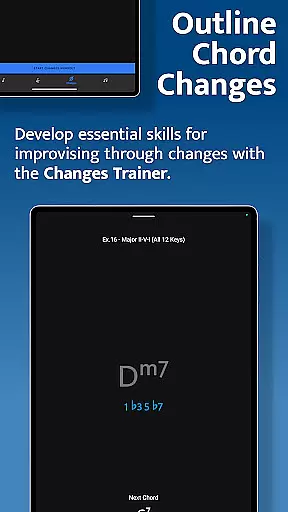
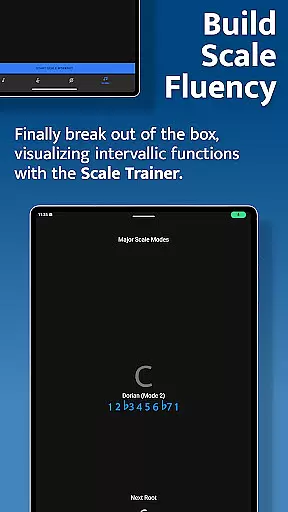
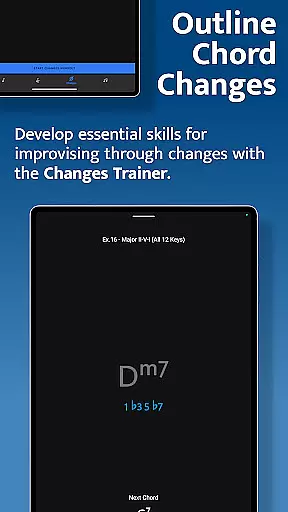
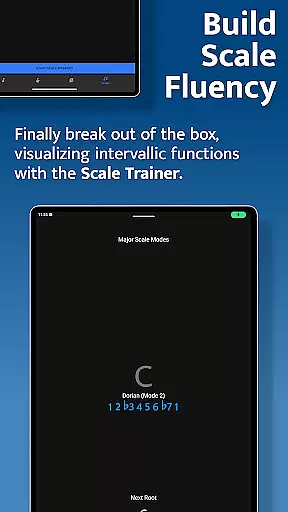
The Changes Trainer focuses on improvisation skills by guiding users through over 100 common chord progressions and single-chord exercises. With 50 levels of intervallic function complexity, it maps correct intervals over chords and listens for proper execution in sequence. Advanced features include key transposition, random key changes, and voice-leading practice through single-note lines. The Scale Trainer completes the package with over 50 scales and modes, melodic sequence options, and customizable workout settings, enabling players to break free from traditional scale patterns and develop deeper understanding.
When it comes to music learning applications, the depth and breadth of the music library are crucial for providing users with a comprehensive learning experience. Solo - Fretboard Visualization offers an extensive collection of scales, chords, and interval functions that cater to guitarists and bassists of all levels.
The app includes over 50 scales and modes in its Scale Trainer, allowing musicians to break out of traditional scale boxes and understand how scales are constructed across the fretboard. This vast array of content is akin to having a rich music library at one's disposal, which not only aids in technical proficiency but also inspires creativity.
Regarding copyright authenticity, Solo ensures that its educational material is crafted by world-renowned guitarists Tom Quayle and David Beebee. Their expertise guarantees that the content provided is both original and respectful of intellectual property rights, offering legitimate and high-quality learning resources.
By using Solo, musicians can be confident they're accessing a wide range of copyrighted materials that have been ethically sourced and designed to enhance their musical journey.
Audio quality is paramount when training your ear and improving your fretboard visualization skills. The Solo app provides various audio quality options that ensure users receive clear and accurate sound feedback during practice sessions.
As you engage with the Interval Trainer or Changes Trainer within Solo, the application listens to the notes you play. It gives precise auditory responses, which are essential for recognizing if you've correctly identified note names or intervallic functions against root notes, chord symbols, or scales.
Moreover, the clarity of these sounds helps in crafting perfect practice sessions as duration-based workouts allow musicians to focus on specific areas without distraction from poor audio fidelity. This feature supports an immersive learning environment where precision in sound equals precision on the fretboard.
Ultimately, by prioritizing superior audio quality options, Solo empowers musicians to develop their skills effectively while ensuring an enjoyable and professional-grade auditory experience throughout their learning process.
Comprehensive training modules
Real-time audio feedback
Wide instrument compatibility
Customizable practice options
Developed by expert musicians
Steep learning curve
Requires dedicated practice time
Premium price point
Advanced features may overwhelm beginners
Dependent on device microphone quality

Simply convert wav to mp3. Clear. Reliable. Safe.
 4.3
4.3
Gorgeous UI, Powerful music Search and Equalizer, the great choice for you!
4.70
VB-AUDIO Software / VBAN-Receptor allows listening to any VBAN Streams
4.10
Save hundreds of dollars for a physical strobe tuner and instead use this app.
4.50
Simple & Intuitive Metronome
4.70
Voice recorder - Audio recorder. Best recorder for recording
4.90
Full featured mp3 and audio player with Chromecast and Android Auto support.
4.40
Customize Your Favorite Songs and Videos with booster.
4.70
Play your music offline without limits
4.80
Play your hearts out on TouchTunes jukeboxes & connect with fellow music lovers.
4.80
Responsive piano with great sounds, graphics, and songs
4.80
Most Advanced AI Song Generator and Music Creator. Rap, Pop, Rock, Gospel & more
4.70
Equalizer, Bass Booster and Volume Booster (Eq & Bass) improve sound quality
4.30
The Music Journey in Your Hands
4.30
Enjoy singing any song, no matter how high or low it is
4.30
The ultimate media player for Android devices
3.90
Powerful beat maker & DJ mixer to remix tracks, make music, & perform DJ mix
3.70
Control your MIDI USB or Bluetooth devices in app and avoid some trampling
3.30
The Minimalistic Premium Music Player. Handmade with passion for music
2.20


User Reviews