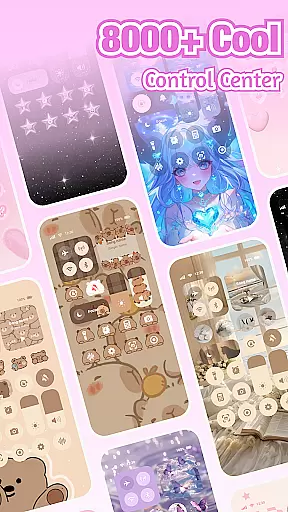
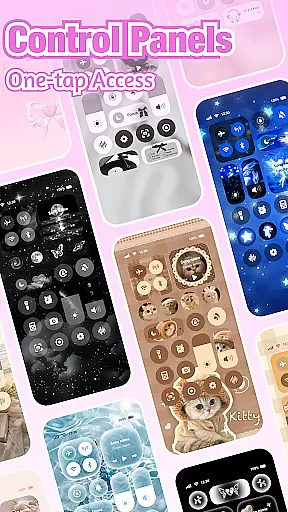
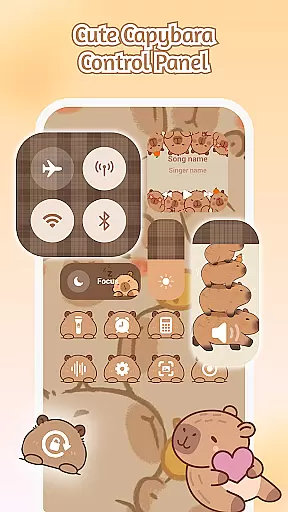
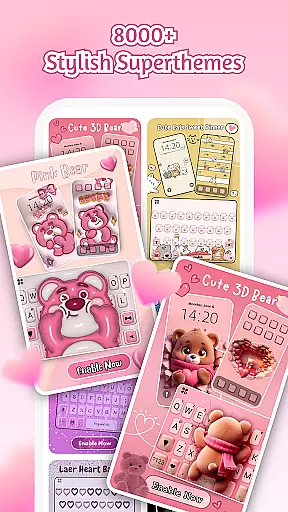
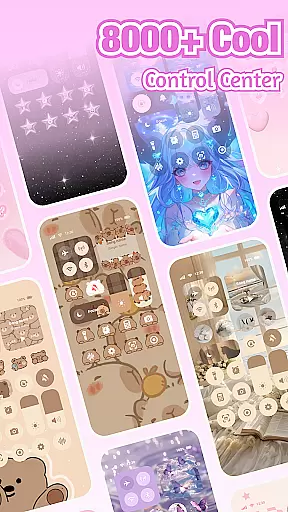
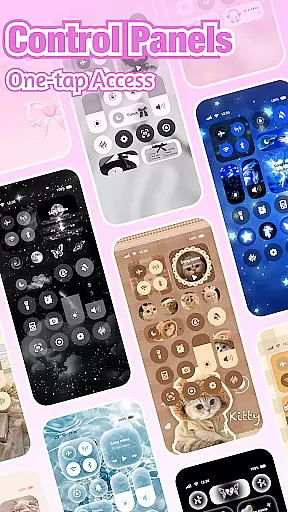
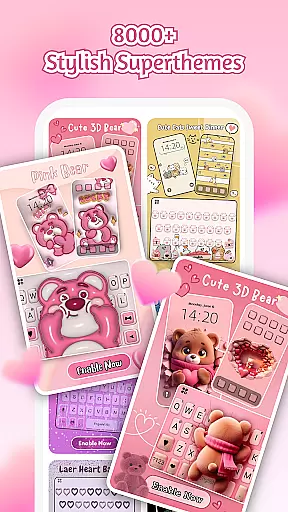
iControl is a feature-rich personalization app designed to transform your Android device into a personalized canvas. The app offers an extensive range of aesthetic control packs, keyboard themes, and customization options that cater to various styles, from simple and trendy to unique designs.
With iControl, users can easily adjust phone settings through the stylish Control Center, create custom keyboards with personalized colors and backgrounds, and enjoy smart typing features like contextual prediction and multi-language support. This makes it not only a tool for personal expression but also enhances usability and accessibility.
The app's unified aesthetics ensure all elements match perfectly, providing a cohesive look across your device. Whether you're looking to redesign your home screen or optimize your typing experience, iControl empowers you to do so effortlessly while maintaining privacy and security.
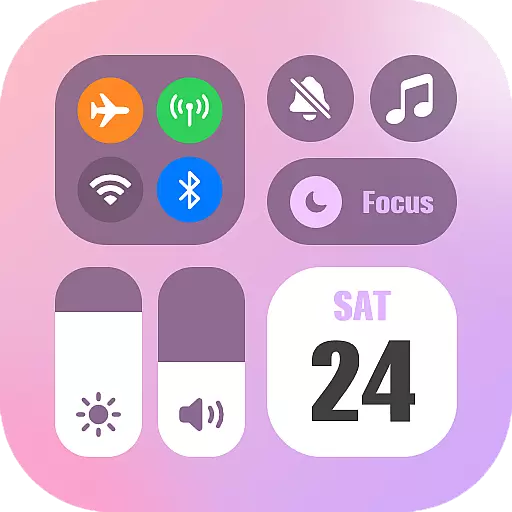
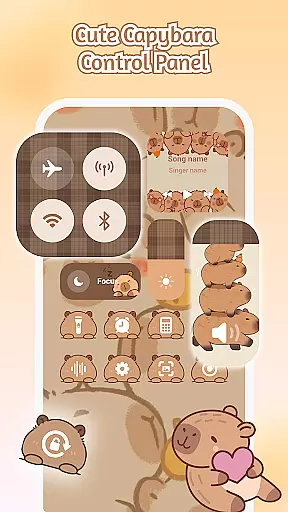
iControl stands out with its comprehensive suite of customization tools. The Control Center provides smart utilities such as brightness and volume adjustment, dark mode switching, Wi-Fi and Bluetooth connectivity, Do Not Disturb mode, screen rotation lock, airplane mode, and flashlight functionality—all wrapped in a sleek design.
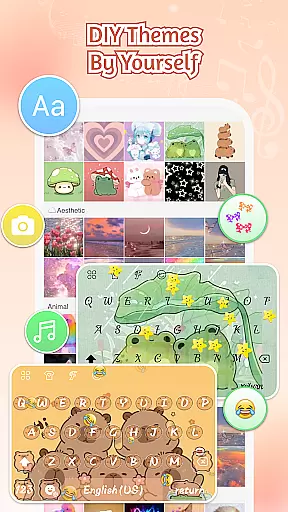
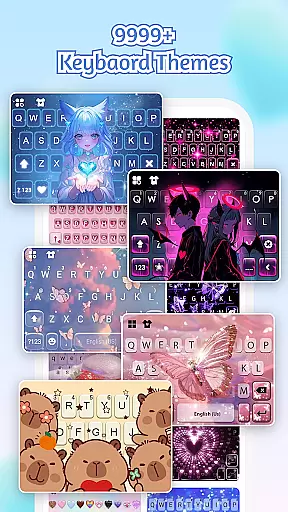
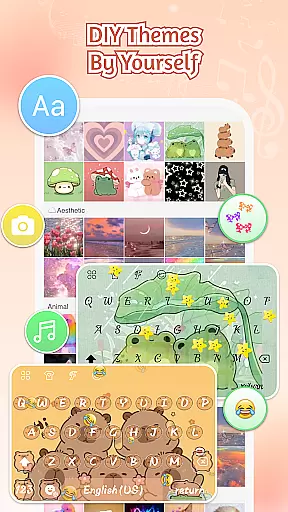
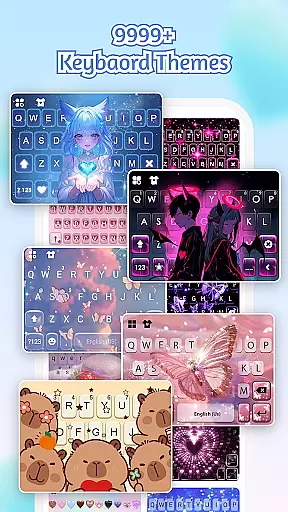
The app excels in keyboard customization, allowing users to choose photos or pictures for exclusive keyboard themes. It supports customizable keyboard colors, backgrounds, sounds, effects, fonts, and layout. Features like clipboard management, swipe typing, contextual prediction, cloud-based next-word prediction, and multi-language typing enhance the typing experience significantly.
Additionally, iControl offers over 500 designer templates updated daily, AI-generated art for professional-level designs, and zero-skill DIY options. Privacy and security are prioritized, ensuring no personal information is collected, making it a reliable choice for personalizing your device without compromising safety.
Customization is at the heart of iControl, offering users a vast array of options to personalize their Android devices.
From aesthetic control packs and keyboard themes to custom keyboard colors, backgrounds, sounds, effects, fonts, and layout, the app provides comprehensive tools for personalization. Users can choose photos or pictures to create an exclusive keyboard that matches their style.
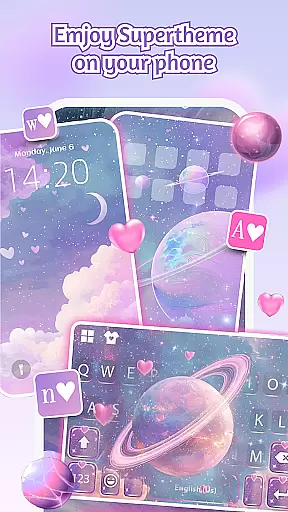
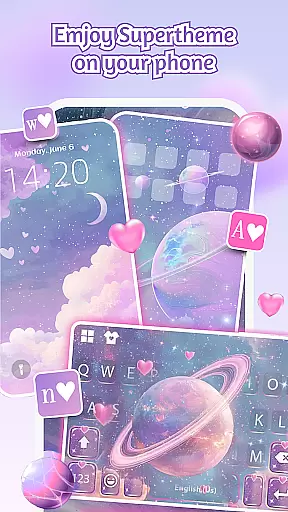
The SuperTheme feature takes customization further by unifying aesthetics across the device. With 500+ designer templates updated daily, users can ensure their themes are always fresh and unique. The ability to import photos allows for truly personalized creations.
This extensive customization empowers users to be their home screen designers, transforming their phones into canvases for creativity. Whether you prefer simple, trendy, or totally unique styles, iControl enables you to express yourself fully through your device's appearance.
iControl ensures seamless theme compatibility across various device functions, enhancing both aesthetics and usability.
The app's Control Center integrates smart tools with stylish design, allowing features like Brightness & Volume adjustment, Dark Mode Switch, Wi-Fi & Bluetooth connectivity, Do Not Disturb, Screen Rotation Lock, Airplane Mode, and Flashlight to work harmoniously with applied themes.
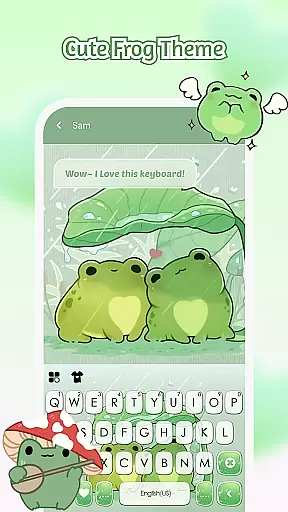
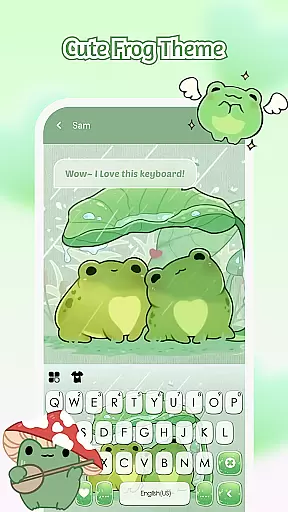
Its unified aesthetics approach extends to keyboard themes, where elements like Galaxy keyboards mirror starry themes, creating cohesive visual experiences. Sakura keys blend perfectly into forest-themed backgrounds, demonstrating the app's attention to detail in maintaining consistent design language throughout the device.
This commitment to compatibility ensures that all customized elements work together seamlessly, providing users with a polished and professional-looking device interface regardless of their chosen style.
User-friendly interface
Extensive customization options
Multi-language support
Privacy-focused design
Daily updated templates
Requires Accessibility Services
Some features may need premium access
Occasional performance lags
Limited iOS compatibility
Ads within the free version

Vertically oriented rectangular icons
 4.70
4.70
Sparkle your screen with Glitter Wallpapers For Girls and Cute Backgrounds!
4.80
Shimeji adds cute animated characters to your screen, lively and fun.
4.70
Customize glowing edges, wallpapers, and caller screen with EdgeAura.
3.50
Vibrant Adaptive Icons with Material You and Enhanced Monet Colors.
4.50
Choose your keyboard with RGB colors effect, themes, fonts, emojis.
4.60
200+ Material Inspired Widgets
4.50
400+ Beautifully crafted widgets inspired by NOTHING.
4.70
Customize phone with anime themes, 3D icons, aesthetic widgets & wallpapers
4.80
Transform your phone with Launcher iOS 26 - Smooth & elegant iOS experience
4.50
Try creating your own keyboard with "Keyboard theme for android" app now!
4.50
AI-powered Copilot. Personalized keyboard with gifs, stickers & themes
4.40
Transform your device in a game console
4.40
App Icon Changer & Shortcut Creator. Customize your icons without any watermarks
4.30
More than 3000+ themes and 9000+ wallpapers for everybody!
4.10 4.10
4.10
Your go to Weather App & Home Screen. Get your weather at a swipe of a finger!
3.80
Adaptive Dot Style IconPack with Light & Dark Theme.
3.70
Prank your friends with realistic broken screen and cracked HD effects!
4.1


User Reviews