



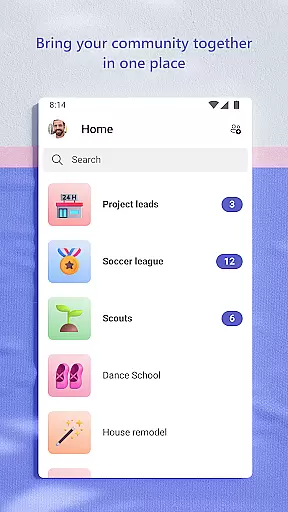
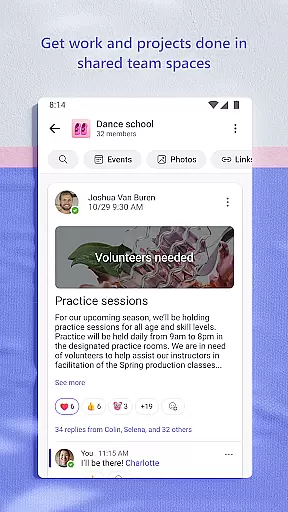
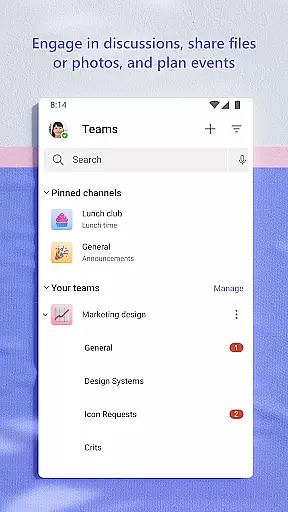
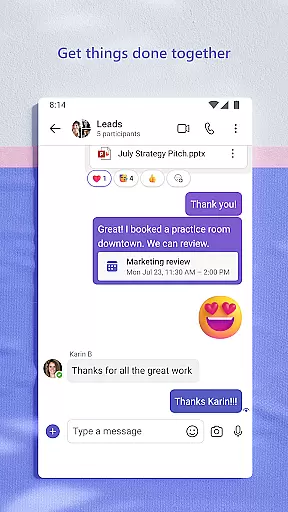
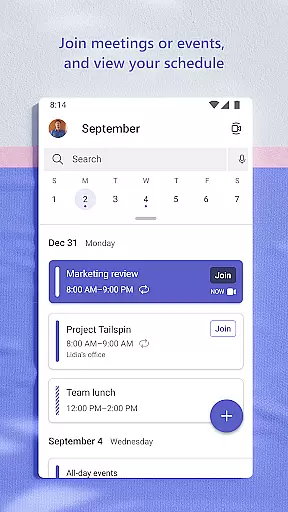
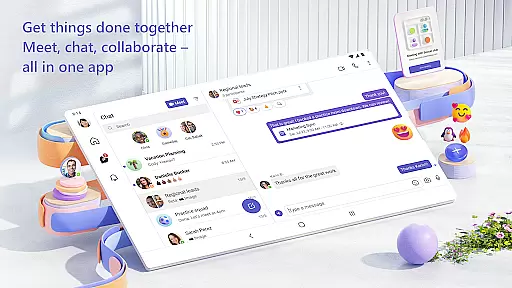
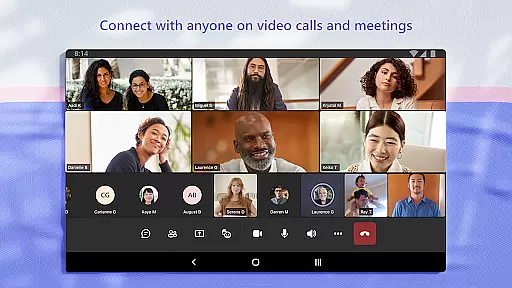
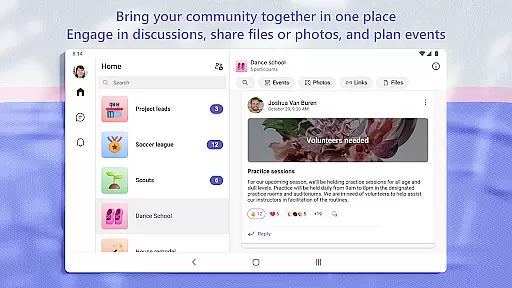
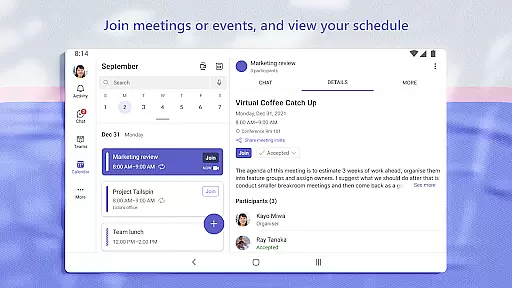
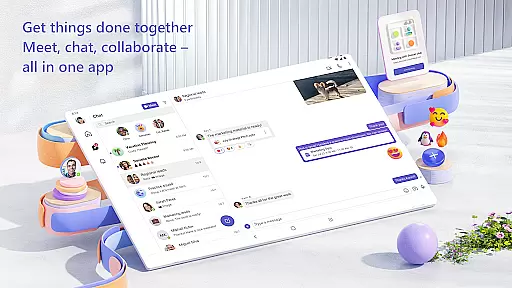
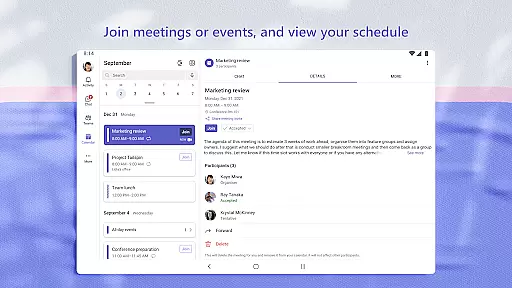
Microsoft Teams is a comprehensive business communication platform that integrates multiple collaboration tools into a single interface. The app enables users to connect with their community, colleagues, or family members through various channels such as chats, audio and video calls, and dedicated communities for specific topics. Its unique selling point lies in bringing together events, chats, channels, meetings, storage, tasks, and calendars in one place.
The application provides robust features for both personal and professional use. Users can join secure audio and video calls, collaborate on documents in real-time, and store files using built-in cloud storage. Whether it's managing team projects, organizing shared content, or ensuring data security, Microsoft Teams offers an all-encompassing solution for efficient teamwork and communication.
One practical scenario where Microsoft Teams excels is remote work environments. Teams working from different locations can seamlessly collaborate, share ideas, and make plans without the constraints of physical proximity. This makes it an invaluable tool for businesses looking to enhance productivity while maintaining flexibility in their operations.
Microsoft Teams stands out due to its rich feature set tailored for modern business needs. One notable feature is the integration of Skype within the platform, allowing users to continue their chats, calls, and contacts directly in Teams. This seamless transition ensures continuity and enhances user experience by consolidating communication tools.
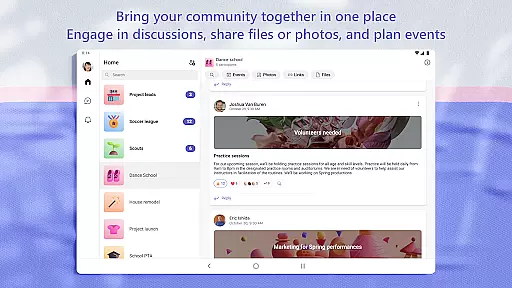
The app supports creating dedicated communities to discuss specific topics, making it easier to organize conversations around projects or interests. Additionally, features like screen sharing, virtual whiteboards, and breakout rooms during meetings provide dynamic ways to engage and interact. These capabilities ensure that meetings are not only informative but also interactive and productive.
Security is another cornerstone of Microsoft Teams. It offers enterprise-level security and compliance expected from Microsoft 365, giving users peace of mind when collaborating with others. Owners can maintain control over data and keep communities safe by removing inappropriate content or members. Such features underscore Microsoft's commitment to providing a secure and reliable environment for collaboration.
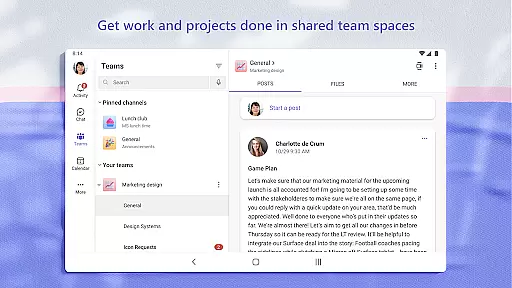
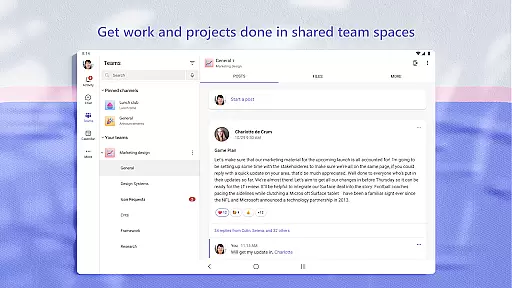
Microsoft Teams revolutionizes collaborative work by integrating multiple functionalities into a single platform. The app allows users to create teams and channels dedicated to specific projects or topics, ensuring that conversations remain organized and accessible.
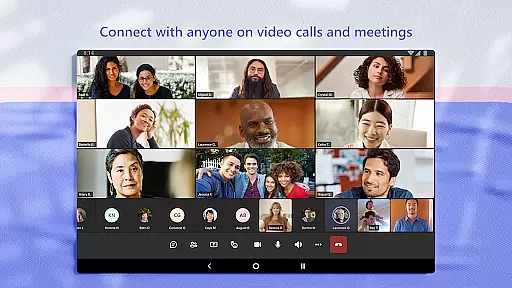
Within these spaces, users can seamlessly conduct audio and video calls, making remote collaboration as effective as face-to-face interactions. The ability to instantly convert group chats into calls enhances communication efficiency, particularly for dispersed teams.
Teams also supports real-time document collaboration, allowing multiple users to work on the same file simultaneously. This feature is crucial for maintaining productivity and ensuring that all team members have access to the most up-to-date information without the confusion of managing multiple versions.
The inclusion of enterprise-level security ensures that while collaboration is enhanced, data protection remains paramount. Users can confidently share sensitive information, knowing that Microsoft's robust security protocols are safeguarding their content.
Task management in Microsoft Teams provides users with powerful tools to keep projects on track. Through integrated task lists, team members can assign tasks, set deadlines, and monitor progress, all within the same environment where they communicate and collaborate.
This system promotes transparency and accountability across teams. By assigning tasks directly within project-specific channels, it becomes easier to maintain context and ensure that responsibilities are clear. Team members can receive notifications about upcoming due dates, helping them prioritize effectively.
Additionally, the ability to cross off completed items gives teams a sense of accomplishment and helps maintain momentum. This visual representation of progress serves as a motivational tool, encouraging continued productivity and engagement.
For organizations using Microsoft 365, these task management features integrate seamlessly with other Microsoft applications like Planner and To Do, creating a comprehensive ecosystem that supports efficient workflow management from start to finish.
User-friendly interface
Integrated communication tools
Robust security features
Real-time collaboration
Versatile functionality
Requires paid subscription for full features
Can be overwhelming for new users
Occasional connectivity issues
Limited customization options
Heavy resource consumption

Ask Accio anything about business. Alibaba-backed, built by experts, not just AI
 4.60
4.60
The Penny Puss app with DG penny finder
4.10
Your employer must have UKG Ready software configured for Mobile.
4.60
Find the right fit, faster.
4.70
Paychex Flex - Save Time and Stay Connected
4.60
A secure, all-in-one team collaboration app
4.30
Access All PDF Files
3.40
ADP Mobile Solutions is an employee self service app
4.50
Work happy with AI Companion
4.10
Grow your business and connect with more people with Meta Business Suite.
4.60
AI-powered document scanner with auto enhance for perfect PDFs.
4.60
Mobile POS for any business: sales, invoices, retail, restaurants & appointments
4.60
Ship, Track, Find a Location or Get a Quote with UPS. Anytime. Anywhere.
4.60
No more passwords, easier sign-in, and greater protection for your accounts.
4.60
Drive and earn extra money
4.50
One marketplace. Hundreds of services. Unlimited possibilities. All on Fiverr.
4.40
FX Plus adds media, networking, and cloud capabilities to FX File Explorer.
4.10
The All-in-One File Manager for Phone, TV, Watch, Cars, XR / VR, Chromebook
4.10
Take the stress out of storage with the all-in-one app to manage your space.
3.70


User Reviews