
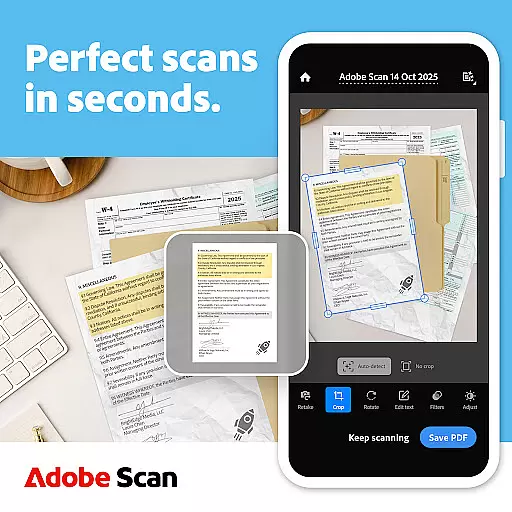
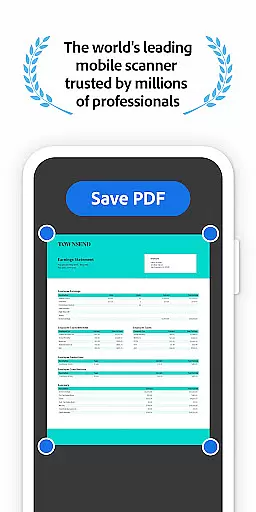
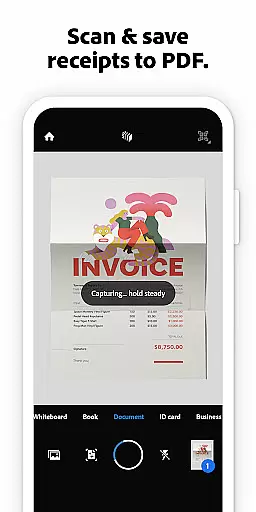
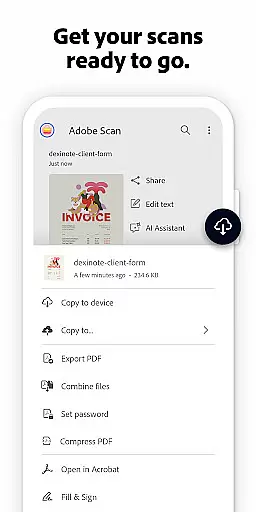



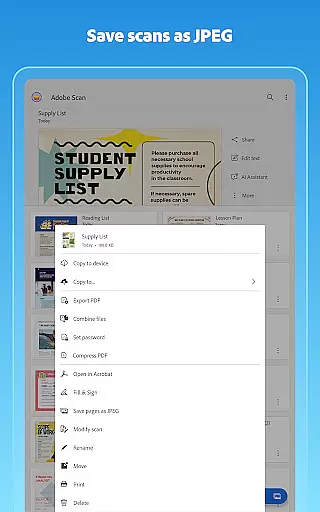
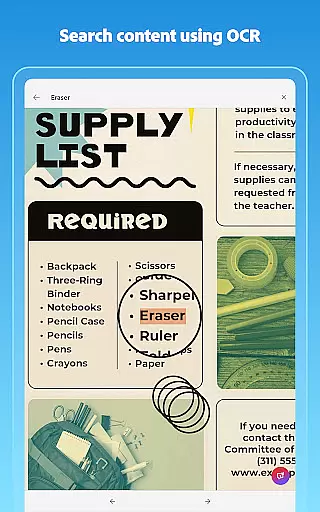
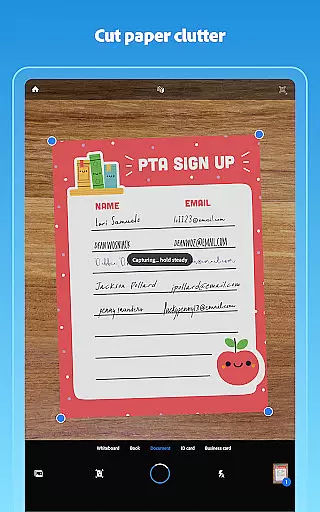
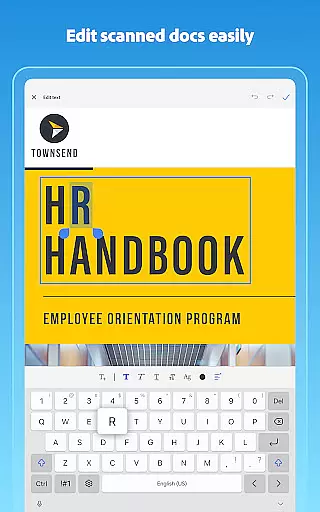
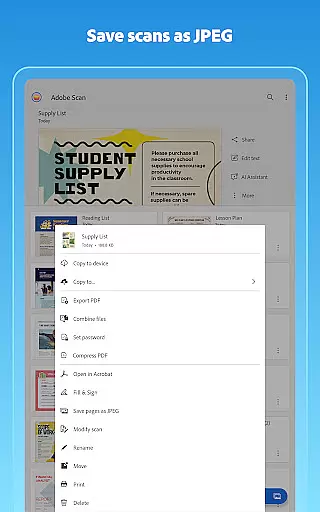
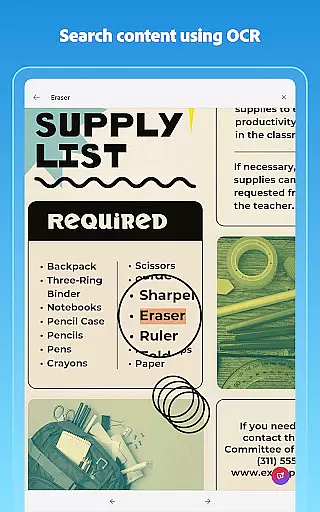
Adobe Scan AI PDF Scanner is a versatile mobile application that transforms your device into a powerful document scanner. It allows users to scan various types of documents, including receipts, notes, and business cards, converting them into high-quality PDFs or JPEGs. The app's advanced OCR technology makes scanned text searchable and editable, enhancing productivity.
One of the standout features is the Straighten tool, which automatically corrects curved or tilted scans, ensuring professional-looking PDFs without extra effort. With capabilities like Generative Summary and AI Assistant, Adobe Scan simplifies document management by extracting key points and enabling smart organization. This makes it an essential tool for both personal and professional use.
The app also offers cloud integration through Adobe Document Cloud, allowing instant access and sharing across multiple devices. Whether you need to scan documents for work, school, or personal archiving, Adobe Scan provides a seamless experience with its intuitive interface and robust functionality, making document digitization efficient and accessible.
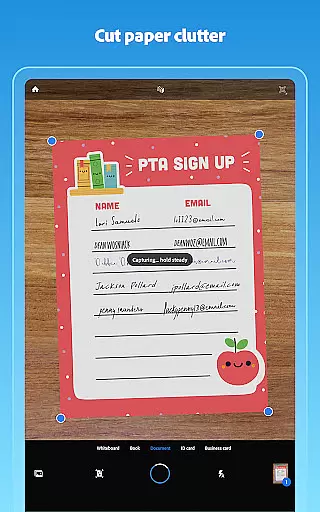
Adobe Scan AI PDF Scanner boasts an array of sophisticated features designed to streamline document management. One of its core functionalities is the High-speed scan option, which enables bulk scanning of documents, turning stacks of paper into PDFs within seconds. This feature is particularly beneficial for users who need to process large volumes of documents quickly and efficiently.
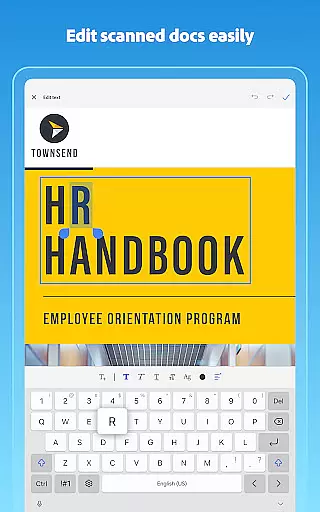
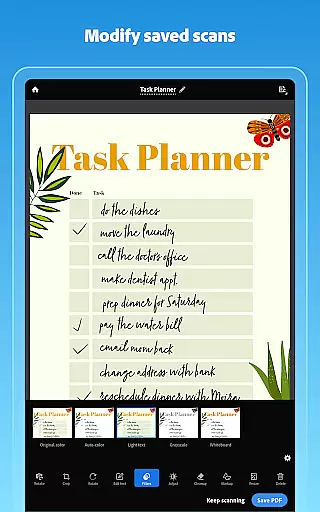
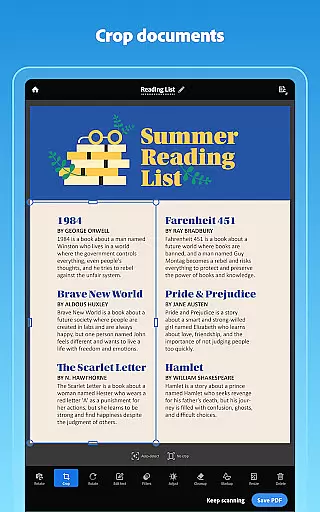
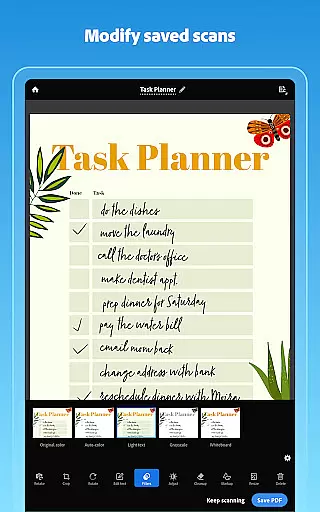
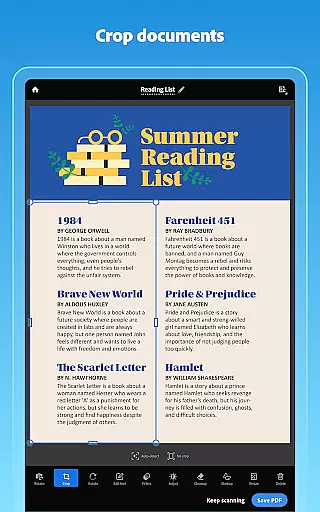
In addition to basic scanning, Adobe Scan incorporates advanced OCR technology that detects document borders, sharpens content, and makes text within images searchable and editable. The Modify tool further enhances this by offering options to crop, rotate, resize, and adjust colors, ensuring every scan meets professional standards. Users can also reorder pages and preview changes before saving, providing complete control over document formatting.
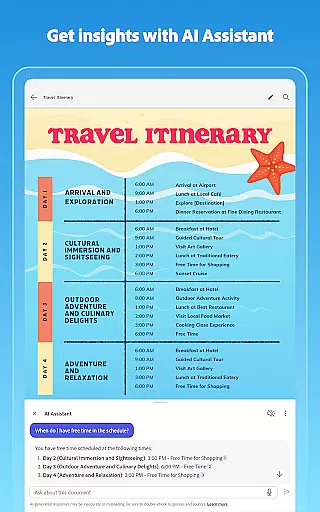
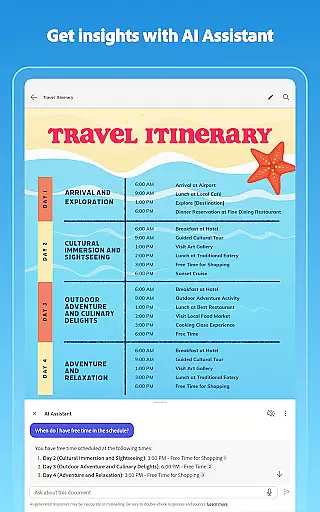
Another innovative aspect is the AI-powered Generative Summary and AI Assistant, which extract key points from scans and help draft emails or reports. These intelligent features save time and improve productivity by automating tedious tasks. Furthermore, the app supports exporting scans to various formats such as Word, Excel, and PowerPoint, facilitating easy sharing and reuse. Overall, Adobe Scan combines powerful scanning capabilities with user-friendly tools to deliver a comprehensive document solution.
In today's interconnected work environment, collaborative work features are essential for seamless teamwork. Adobe Scan AI PDF Scanner excels in this area by integrating with Adobe Document Cloud, allowing users to access and share their scans securely across multiple platforms.
The app enables teams to create high-quality PDFs from scanned documents, making the content easily reusable and editable. With options to export scans into Word, Excel, or PowerPoint formats, team members can collaborate on various document types efficiently.
Moreover, the integration with Acrobat Reader allows users to comment, highlight, fill forms, and sign documents directly within the app. This ensures that all team members can contribute to the document workflow without needing additional software.
By providing real-time access and cross-device synchronization, Adobe Scan supports modern collaborative work environments where remote and in-office teams need reliable document management solutions.
Effective task management is crucial for productivity, and Adobe Scan AI PDF Scanner offers robust tools to help users stay organized. The app allows users to create custom folders for different types of documents, such as work files, personal documents, or school forms, streamlining the task of document organization.
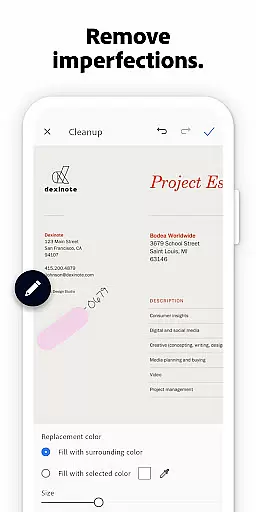
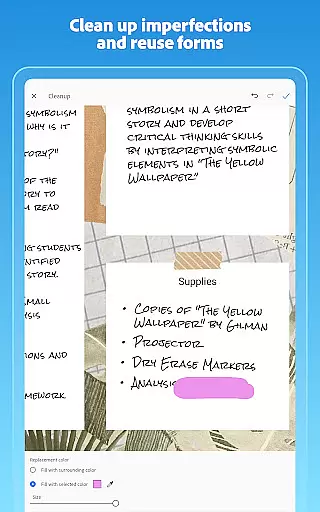
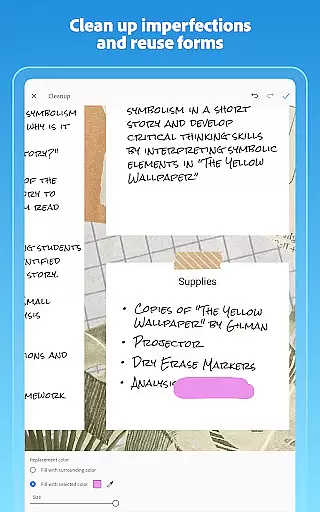
With its advanced OCR technology, Adobe Scan makes scanned text searchable and editable, which simplifies the process of managing and retrieving important information. Users can reorder pages, adjust brightness and contrast, and even clean up imperfections in scans, ensuring that every document is clear and professional.
The Modify tool provides further task management capabilities by enabling users to crop, rotate, resize, and adjust colors in their scans. These features ensure that each document meets specific requirements before it is saved or shared.
Additionally, the Smart Library function automatically detects documents and receipts in the user's photo library, turning them into PDFs. This automation saves time and effort, allowing users to focus on more critical tasks while maintaining an organized digital workspace.
User-friendly interface
Advanced OCR technology
Cloud integration
AI-powered features
Multi-format export
Limited free OCR pages
Premium subscription required
Occasional bugs
Ads in free version
Internet dependency

 4.70
4.70
Quickly open and manage PDF files on your device.
3.80
Convert Your Lovable.dev Website into a Mobile App Instantly!
4.1
Earn free swag, G-Cards & food • Enter sweepstakes • Find stores • So much more.
4.70
Manage work life on the go
4.50
Take the stress out of storage with the all-in-one app to manage your space.
3.70
Simple, Fast & Lightweight
3.90
We are a dynamic team of creatives people of design, marketing, web & apps
3.00
USPS Mobile®Access USPS.com’s most popular tools on-the-go.
4.70
BuildCalc - the easiest AND the most advanced construction calculator app.
4.80
TurboScan turns your phone into a full-featured PDF document scanner.
4.80
Finance, Investing, Stocks, Trading and Stock news
4.60
Drive and earn extra money
4.50
Earn crypto with secure cloud mining. Monitor, track & withdraw easily
4.40
Build a store in minutes with our full suite of AI tools. Start for free!
4.20
Shop, deliver, and earn with the Spark Driver™ App
4.10
Find flexible, hourly jobs hiring near you in restaurant, retail & hospitality!
4.00
Find part-time earning opportunities near you that pay within days.
3.20
Completed Course Lectures on how to use IBM Maximo in Maintenance issues
4.4


User Reviews