
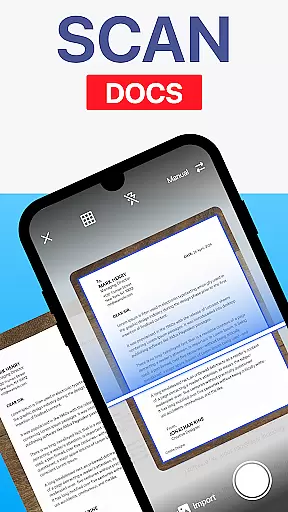
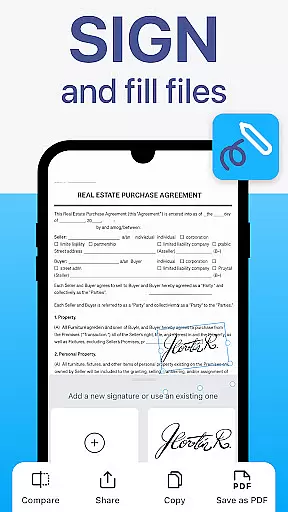
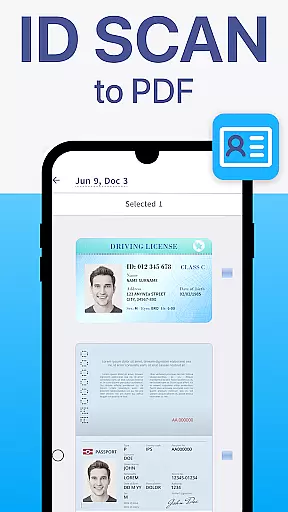
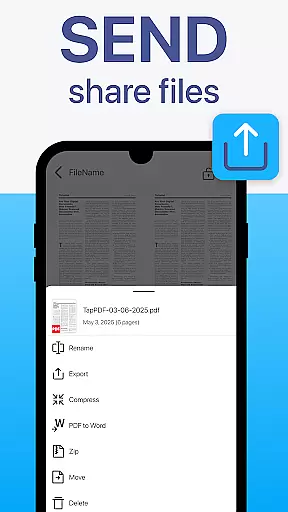
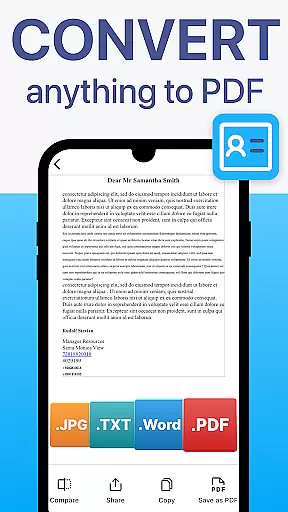
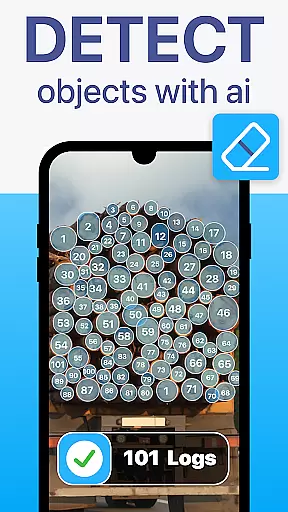
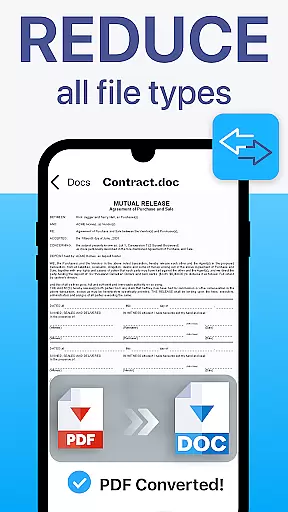
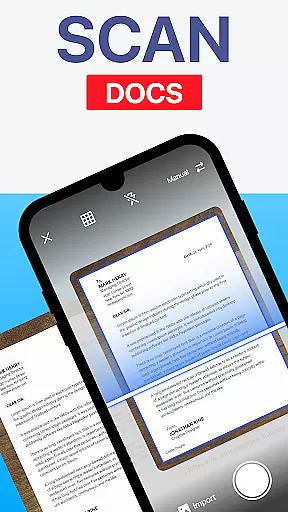
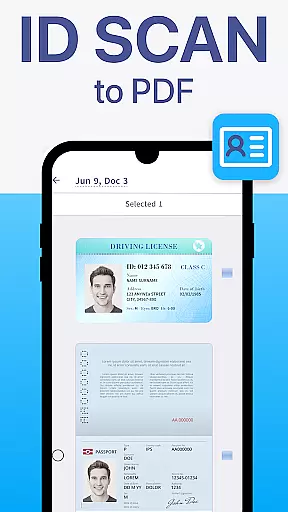
TapScanner is a powerful mobile application that transforms your device into a professional-grade document scanner and comprehensive PDF management tool. Trusted by millions globally, this app enables users to effortlessly capture, organize, and share various types of documents.
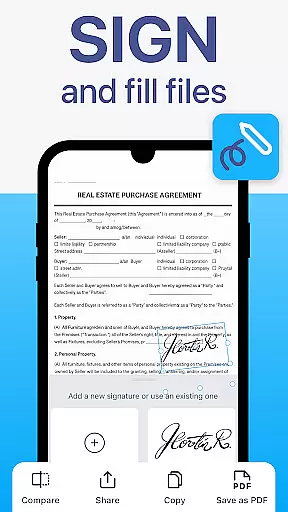
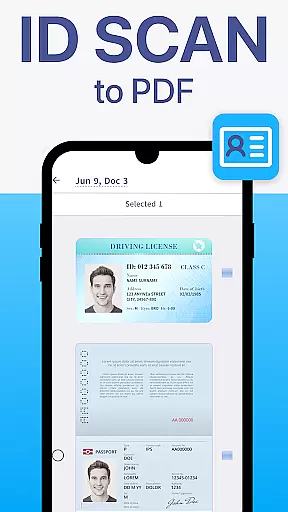
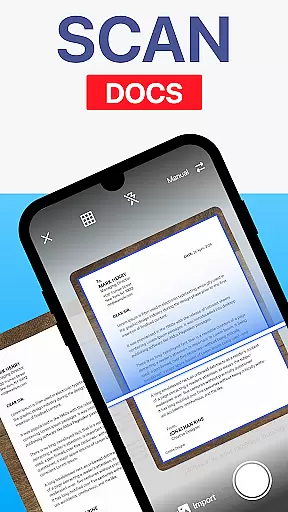
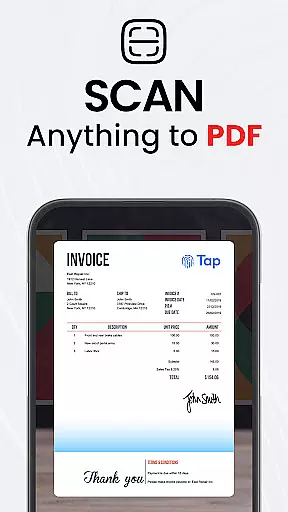
The core functionality includes high-quality scanning with automatic edge detection and image correction, making it ideal for digitizing receipts, contracts, business cards, and multi-page documents. TapScanner also offers advanced PDF editing features such as merging, splitting, reordering, signing, and annotating files directly within the app.
With its OCR text recognition supporting over 110 languages, productivity boosters like batch scanning, and secure cloud backup options, TapScanner is particularly valuable for professionals who need efficient document management solutions on the go.
TapScanner stands out with its complete suite of document management features designed to enhance productivity. The app's automatic edge detection and smart image correction ensure professional-quality scans every time, while its multi-page support allows users to compile dozens of pages into a single, organized PDF file.
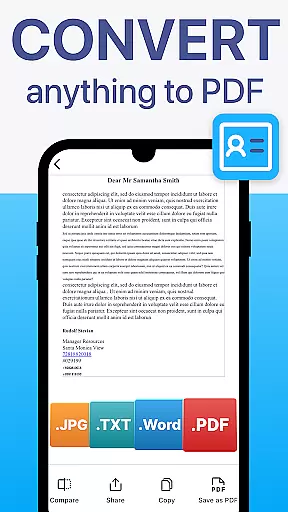
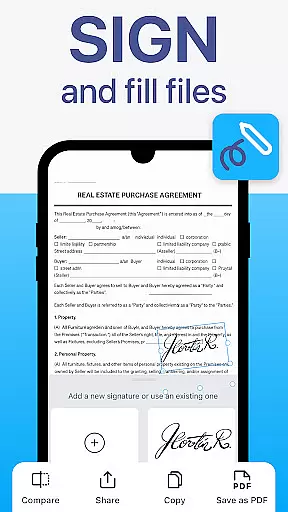
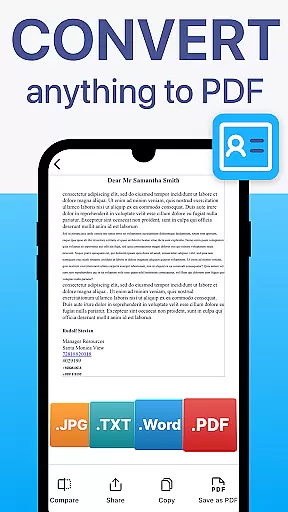
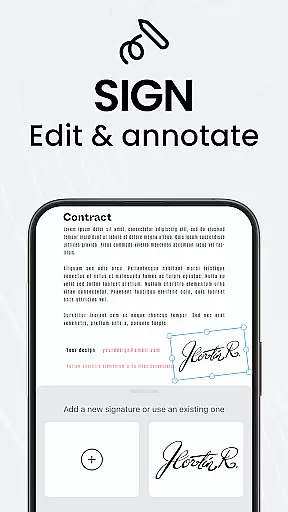
Advanced PDF capabilities include merging multiple files, splitting large documents, reordering pages, adding digital signatures, and creating annotations. The built-in OCR technology converts scanned images into searchable and editable text across more than 110 languages, significantly expanding its usability.
Additional features like image enhancement tools, instant sharing options, and secure cloud integration with services such as Google Drive and Dropbox make TapScanner an indispensable tool for both personal and professional document management needs.
TapScanner offers a comprehensive suite of collaborative work features that streamline document management for teams and professionals. The app allows multiple users to access and manage scanned documents through secure cloud integration with services like Google Drive, Dropbox, and OneDrive.
One of the key collaborative features is its ability to handle multi-page documents seamlessly. Team members can scan dozens of pages and compile them into a single, organized PDF file. This functionality ensures that all relevant information is consolidated, making it easier for teams to review and collaborate on large documents.
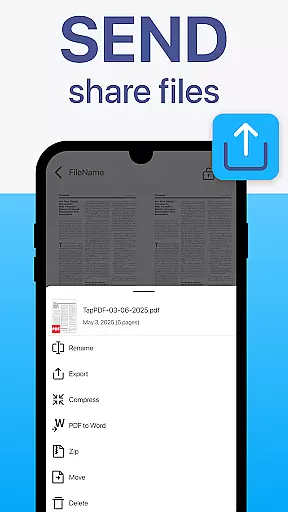
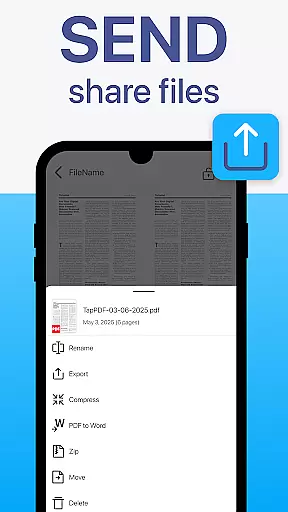
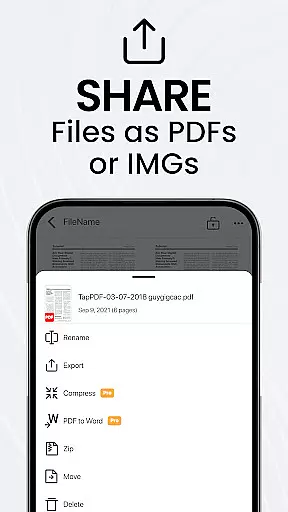
The app also provides advanced sharing capabilities, enabling users to quickly distribute scanned documents via email or messaging apps. Additionally, TapScanner's OCR text recognition in over 110 languages makes shared documents easily searchable and editable by team members across different regions.
Furthermore, the app's annotation tools allow users to add notes and highlights directly to PDFs, facilitating clear communication and feedback exchange within teams. These collaborative features significantly enhance productivity and ensure efficient document handling across various professional environments.
TapScanner excels in task management by providing users with powerful tools to organize and track their document-related workflows. The app's intuitive interface enables users to efficiently manage their scanning tasks through features like batch scanning and automated file organization.
With batch scanning, users can process multiple documents in one go, saving considerable time when dealing with large volumes of paperwork. The app automatically names and organizes files, eliminating the need for manual sorting and reducing the risk of misplacing important documents.
TapScanner's multi-page support feature allows users to maintain complex document structures while keeping related pages together. This capability is particularly useful for managing projects that involve lengthy contracts or reports, as it helps maintain document integrity throughout the workflow.
Additionally, the app's cloud synchronization ensures that all completed tasks are securely backed up and accessible from any device. Users can set up automatic syncing with their preferred cloud storage services, providing peace of mind and enabling seamless continuation of work across different devices and locations.
User-friendly interface
High-quality scans
Advanced PDF editing
Multi-language OCR
Secure cloud backup
Paid subscription required
Limited free features
Internet needed for cloud
Occasional bugs reported
Ads in free version

All Your Gig Work. One App.
 4.30
4.30
Windows App allows you to connect to remote PCs and virtual apps.
3.70
Manage work life on the go
4.50
Get instant construction estimates: accurate home repair & material calculator.
4.70
Finance, Investing, Stocks, Trading and Stock news
4.60
Find work, shifts and gigs near you. Jobs lasting a few hours to a few months.
4.30
Deliver and earn money
4.30
Start earning fast. Apply Today.
4.80
On the go? Take FedEx with you.
4.00
TurboScan turns your phone into a full-featured PDF document scanner.
4.80
Permission Guard is a security app that helps you manage app permissions.
4.80
Recover what matters — quickly and easily.
4.70
Access to Paylocity, empowering employees with information they need 24/7.
4.70
Make invoices, bills, receipts & estimates on the go with Invoice Generator.
4.70
Paychex Flex - Save Time and Stay Connected
4.60
Measure distances, surfaces and draw plans in seconds with CamToPlan!
4.40
Simple, Fast & Lightweight
3.90
We are a dynamic team of creatives people of design, marketing, web & apps
3.00
viewing and sharing PDFs and other files—anytime, anywhere!
4.5


User Reviews