
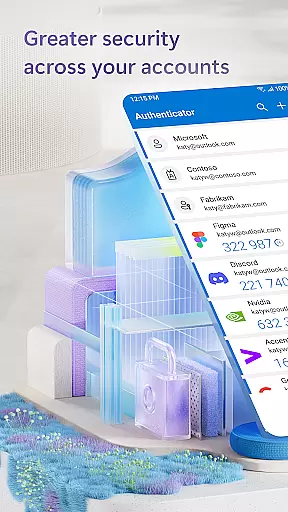
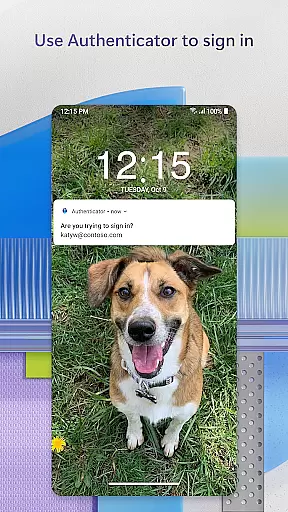
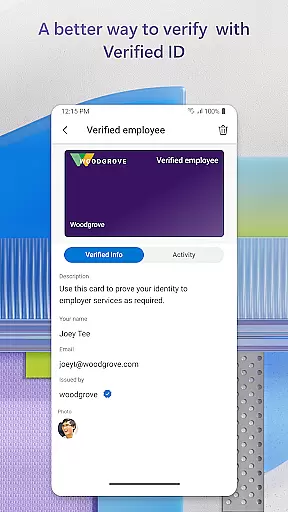
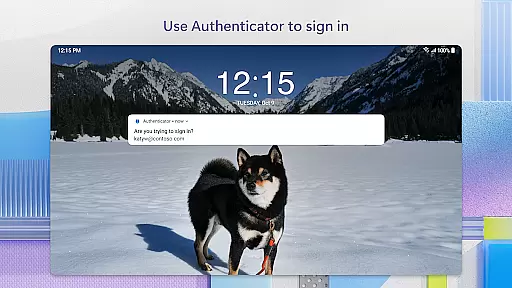
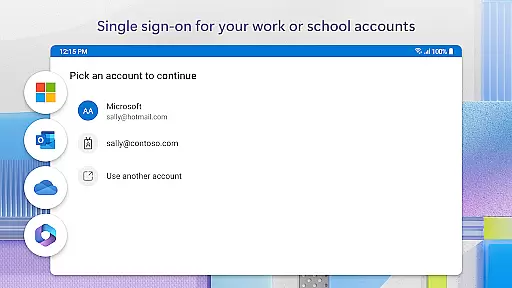
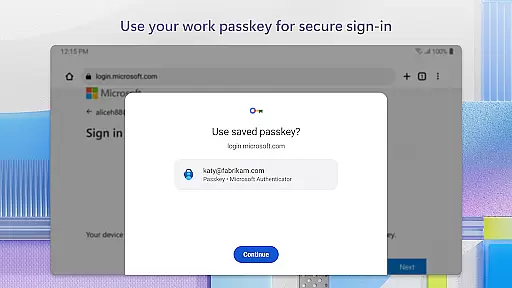
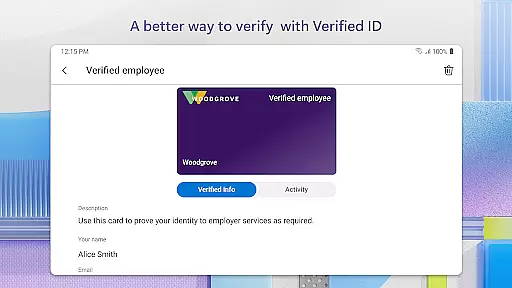
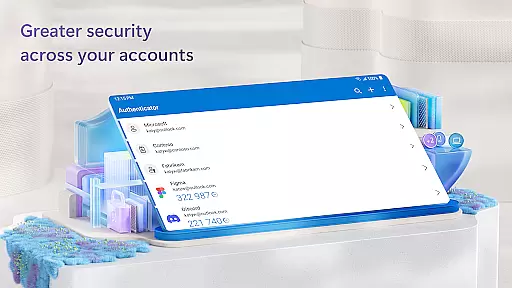
Microsoft Authenticator is a business-focused authentication app that provides secure login options for online accounts through multi-factor authentication (MFA), passwordless login, and traditional passwords. The app supports both personal Microsoft accounts and work/school accounts, offering users a reliable second layer of security when accessing sensitive resources.
With features like one-time passwords (OTP) that refresh every 30 seconds, integration with biometric verification methods such as fingerprint and face ID, and support for cert-based authentication, the app ensures top-tier security while maintaining ease of use. It also allows organizations to implement trusted-device policies, making it an essential tool for businesses that require secure access to files, emails, and internal applications.
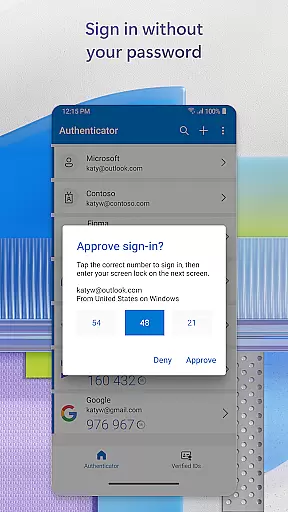
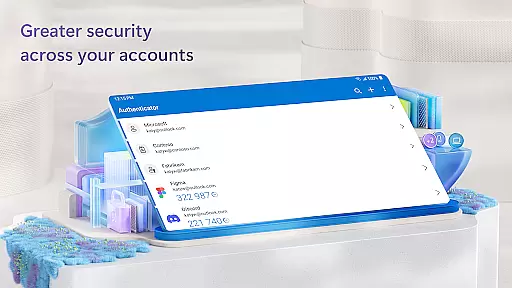
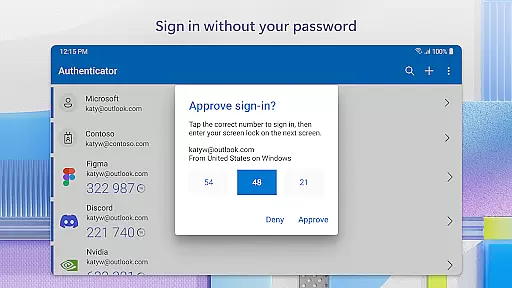
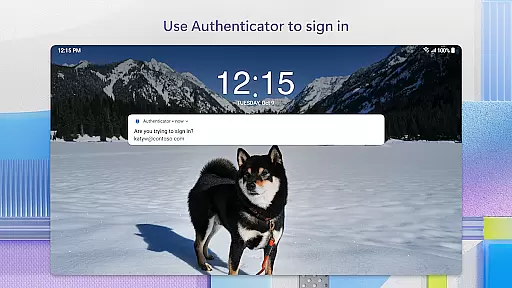
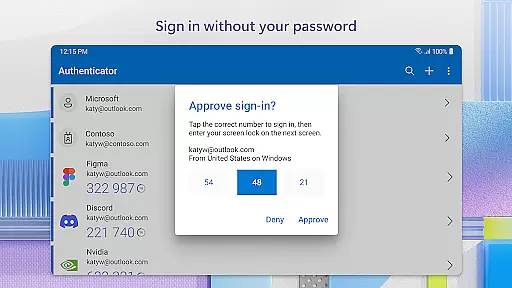
Microsoft Authenticator stands out with its comprehensive approach to account security. The app's multi-factor authentication process requires users to enter their password and then approve a notification or input a time-sensitive OTP code generated within the app itself. This ensures that even if a password is compromised, unauthorized access remains nearly impossible.
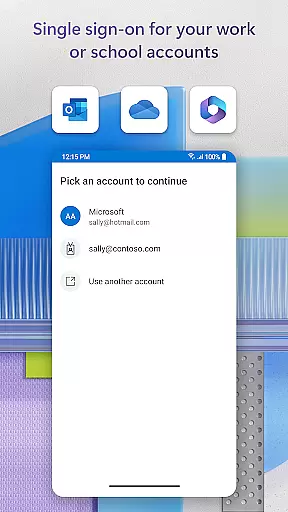
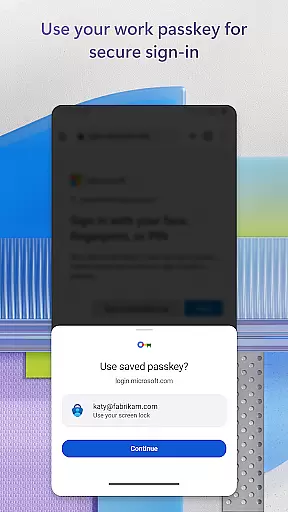
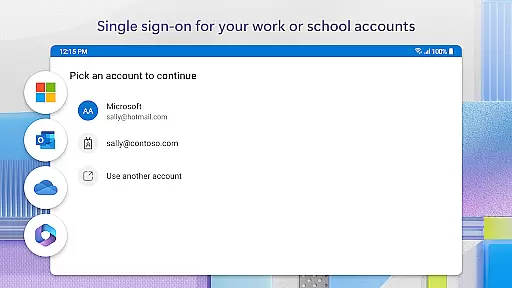
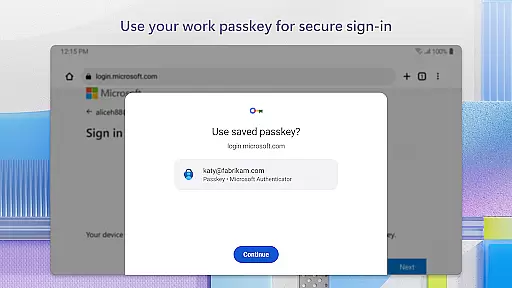
In addition to MFA, the app offers passwordless login capabilities using biometric data or PINs, streamlining the login process while enhancing security. For enterprise users, the app supports single sign-on (SSO) and cert-based authentication, allowing organizations to verify device trustworthiness and provide seamless access to multiple Microsoft services without repeated logins. Optional permissions like camera access for QR code scanning and location tracking for policy compliance further extend its utility in professional environments.
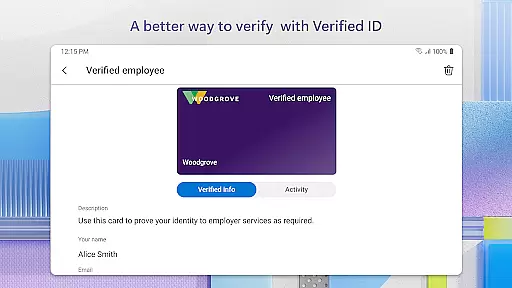
Microsoft Authenticator enhances collaborative work environments by providing secure access to organizational resources. The app supports cert-based authentication, issuing a certificate on your device that verifies the sign-in request is from a trusted source. This feature allows teams to access shared files, emails, and applications without compromising security.
The app's integration with Microsoft products and services like Outlook, OneDrive, and Office ensures seamless transitions between tasks. Once users authenticate using the app, they gain access to all necessary tools for effective collaboration. This streamlined process saves time and reduces friction in team workflows.
Additionally, single sign-on capabilities eliminate the need for repeated logins across different Microsoft applications. After initial verification through fingerprint, face ID, or PIN, employees can focus on their work without interruption. This convenience promotes productivity while maintaining robust security protocols.
While primarily a security application, Microsoft Authenticator indirectly supports task management by ensuring uninterrupted access to essential business tools. By facilitating secure logins through multi-factor authentication and passwordless methods, users can efficiently manage their daily tasks without worrying about security breaches.
The app's ability to store multiple accountsu2014including non-Microsoft services like Facebook, Amazon, and Googleu2014helps professionals organize their various responsibilities. With quick access to these accounts through one-time passwords or push notifications, users can swiftly transition between different tasks and platforms throughout their workday.
Furthermore, the 30-second timer on one-time passwords (OTPs) ensures that users always have current authentication codes available. This feature prevents delays in task execution due to expired credentials. The offline functionality of OTP generation means that even without network connectivity, users can maintain their workflow and complete assigned tasks efficiently.
Enhanced Security
Easy to Use
Multi-Factor Authentication
Passwordless Login
Enterprise Support
Requires Internet
Limited Offline Features
Dependent on Device
Complex Setup
Premium Features Locked

Find jobs and make money fast with JobStack.
 4.60
4.60
Find flexible, hourly jobs hiring near you in restaurant, retail & hospitality!
4.00
The Penny Puss app with DG penny finder
4.10
BuildCalc - the easiest AND the most advanced construction calculator app.
4.80
TurboScan turns your phone into a full-featured PDF document scanner.
4.80
Windows App allows you to connect to remote PCs and virtual apps.
3.70
All your team communication in one place
4.70
Master crypto trading with real-time simulations and exciting challenges!
4.50
Permission Guard is a security app that helps you manage app permissions.
4.80
Get instant construction estimates: accurate home repair & material calculator.
4.70
Earn money with the driver & delivery partner app for Uber, UberEats & Postmates
4.60
ANDROID'S TOP MOBILE OFFICE - Word, Excel, PowerPoint and PDF at your fingertips
4.50
Manage work life on the go
4.50
Collaborate seamlessly with Google Chat, part of Google Workspace
4.50
One marketplace. Hundreds of services. Unlimited possibilities. All on Fiverr.
4.40
All-in-one Mobile solutions for employees & managers to succeed at work
4.30
Get your benefits on-the-go.
3.80
Find part-time earning opportunities near you that pay within days.
3.20
viewing and sharing PDFs and other files—anytime, anywhere!
4.3


User Reviews