
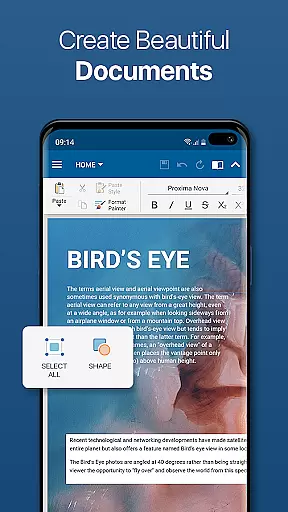
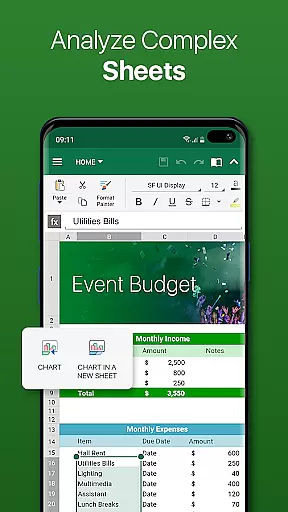
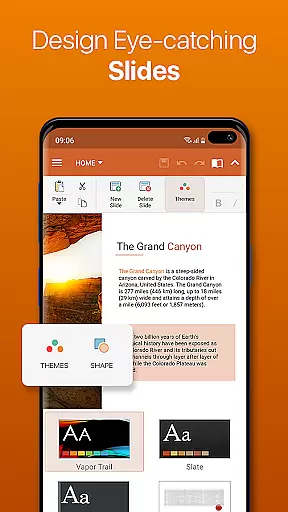
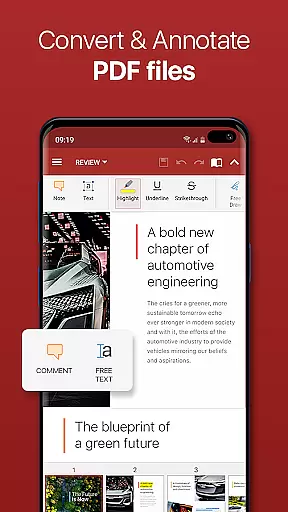

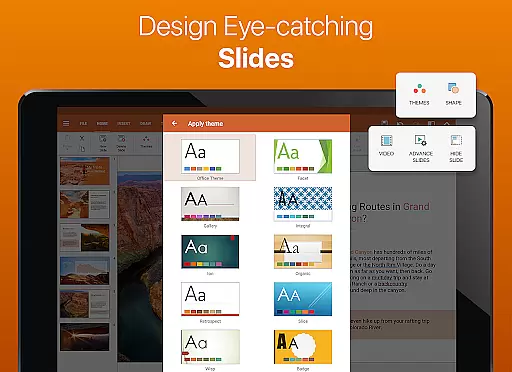
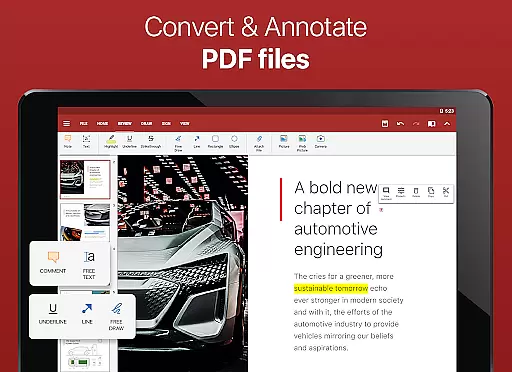

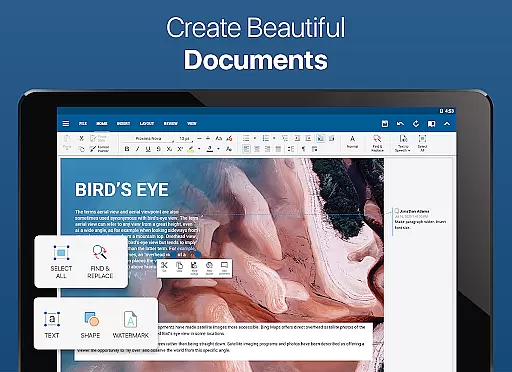
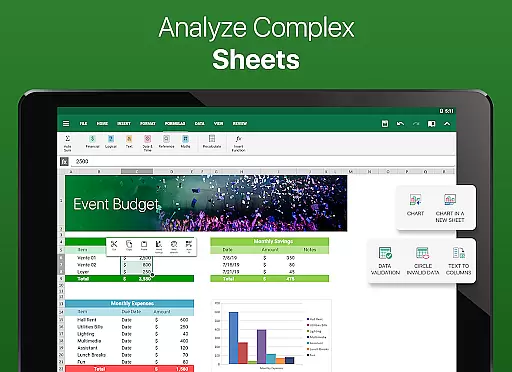
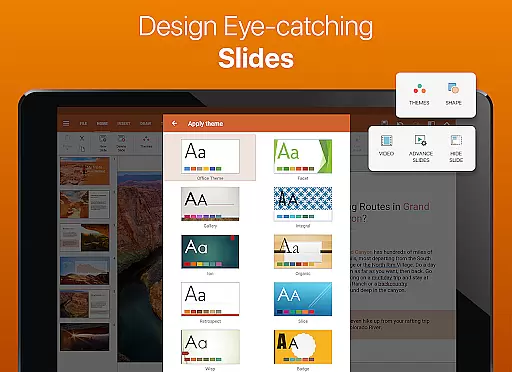
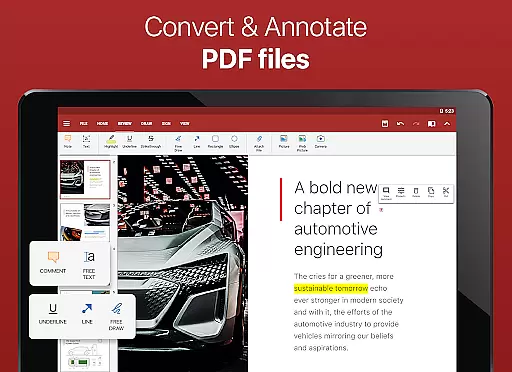

OfficeSuite Pro + PDF is a comprehensive business application designed for seamless document management on the go. This professional-grade office suite allows users to view, edit, and create Word, Excel, and PowerPoint documents with ease. The app stands out with its full compatibility with Microsoft Office formats and advanced PDF handling capabilities, including PDF conversion and digital signatures.
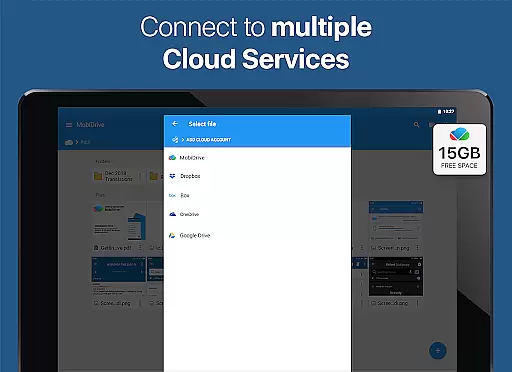
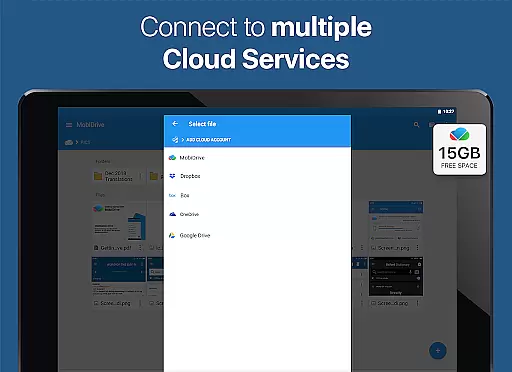
What sets OfficeSuite Pro apart is its desktop-style interface that ensures intuitive operation and smooth workflow. Business professionals can benefit from integrated cloud services, supporting Dropbox, Google Drive, and other major platforms. With over 200 million installations worldwide, this award-winning app is preloaded on devices from top manufacturers like Sony and Amazon, making it an essential tool for mobile productivity.
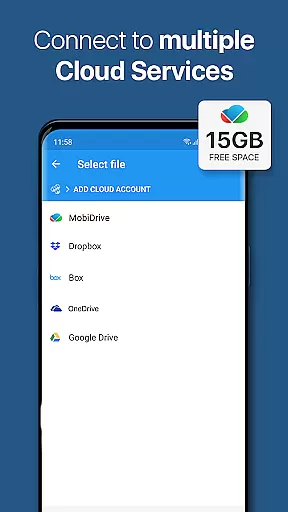
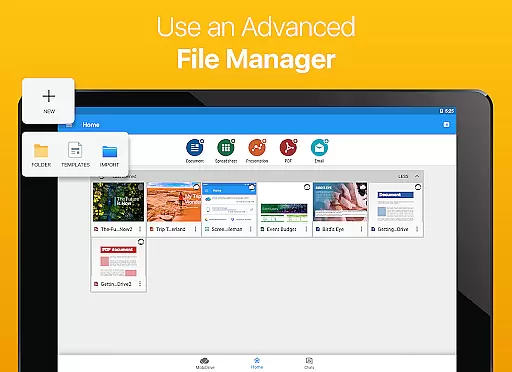
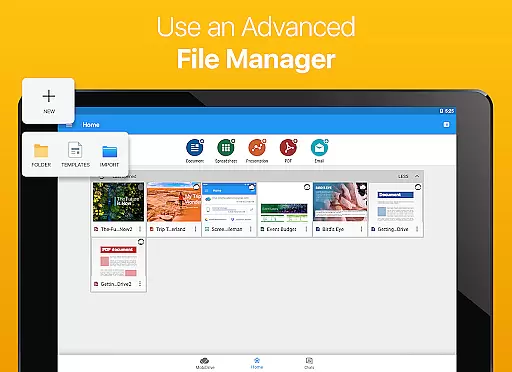
OfficeSuite Pro + PDF offers an impressive array of features that cater to diverse business needs. The app supports all major document formats including DOCX, XLSX, PPTX, and advanced PDF functions. Its unique selling point is the integrated File Commander for advanced file synchronization and MobiSystems Drive that provides 15GB cloud storage.
Recent updates have introduced innovative functionalities such as OfficeSuite Chats for real-time collaboration and Android Q optimized features. Users can now work on multiple documents simultaneously using split-screen mode, while Chromebook users benefit from enhanced mouse support. The app's security features allow working with password-protected files, while the Format Painter and Track Changes tools ensure professional-grade document management.
Collaborative work features are essential for modern business applications, enabling teams to work together efficiently regardless of location. OfficeSuite Pro + PDF excels in this area by offering multiple advanced functionalities that facilitate seamless collaboration.
The application provides real-time document sharing and editing capabilities through integrated cloud services like Google Drive, Dropbox, and OneDrive. This ensures that team members can access and modify documents simultaneously, maintaining version control and data integrity.
One standout feature is the OfficeSuite Chats functionality, which allows users to communicate and exchange documents directly within the app. This integration of communication and document management streamlines workflows and enhances productivity.
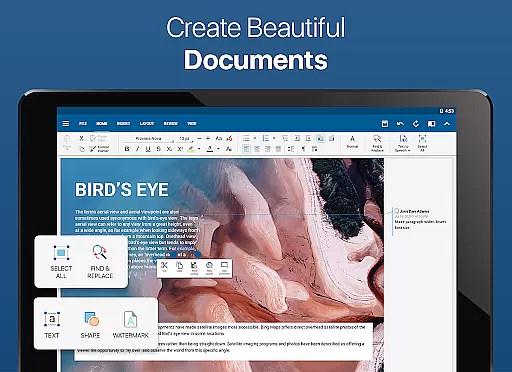
Additionally, the app supports track changes with multiple author support, ensuring that all modifications are clearly visible and attributable. These collaborative features make OfficeSuite Pro + PDF a powerful tool for businesses seeking to improve their team's efficiency and coordination.
Effective task management is crucial for maintaining productivity and meeting deadlines in business environments. OfficeSuite Pro + PDF offers several features that significantly enhance task organization and execution.
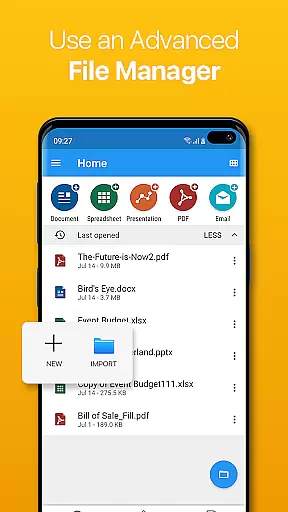
The application enables users to create, edit, and manage various types of documents, including Word, Excel, and PowerPoint files. This comprehensive document management capability allows professionals to keep all their work materials organized in one place.
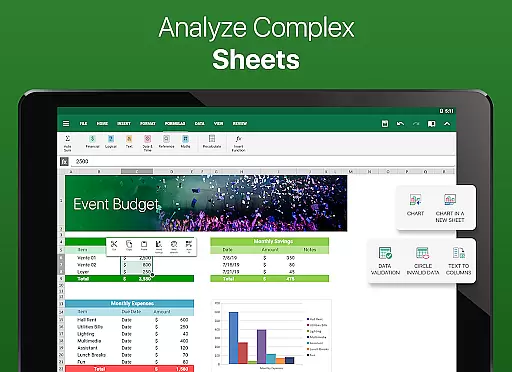
OfficeSuite Pro + PDF also includes advanced features such as Format Painter and Insert Filter in Excel, which help streamline repetitive tasks and complex data operations. These tools save time and reduce errors in document preparation.
Furthermore, the app's ability to protect individual sheets and cells in spreadsheets adds an extra layer of security to task management. Users can confidently share documents knowing that sensitive information remains protected, making it an ideal solution for managing both individual and team-based projects.
Comprehensive format support
Intuitive desktop-style interface
Advanced PDF capabilities
Integrated cloud services
Real-time collaboration tools
Some features require in-app purchase
Occasional performance issues
Advanced tools may overwhelm beginners
Limited free version functionality
High storage requirements

The All-in-One File Manager for Phone, TV, Watch, Cars, XR / VR, Chromebook
 4.10
4.10
Convert Your Lovable.dev Website into a Mobile App Instantly!
4.5
TurboScan turns your phone into a full-featured PDF document scanner.
4.80
Employee Management Made Easy
4.80
Recover what matters — quickly and easily.
4.70
Deliver and earn money
4.30
Permission Guard is a security app that helps you manage app permissions.
4.80
Say hello to the mobile work experience built to help you thrive at work.
4.30
ADP Mobile Solutions is an employee self service app
4.50
Use Generative Summary to understand your rental or insurance docs in seconds.
4.70
Paychex Flex - Save Time and Stay Connected
4.60
Grow your business and connect with more people with Meta Business Suite.
4.60
From Gone to Back Again — In Just a Few Taps
4.50
Make money as a delivery driver with DoorDash and work when you want as a Dasher
4.30
Formerly Facebook Ads Manager. Manage and create ads on the go.
4.20
enjoy effortless PDF reading anytime, anywhere
3.90
Get your benefits on-the-go.
3.80
Windows App allows you to connect to remote PCs and virtual apps.
3.70
viewing and sharing of PDFs
3.60


User Reviews