
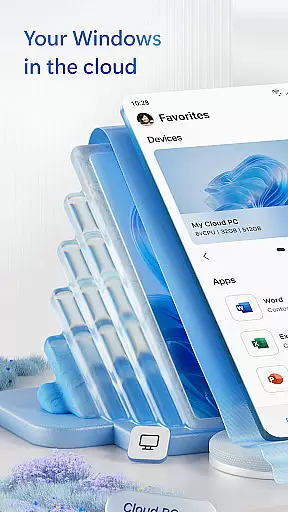
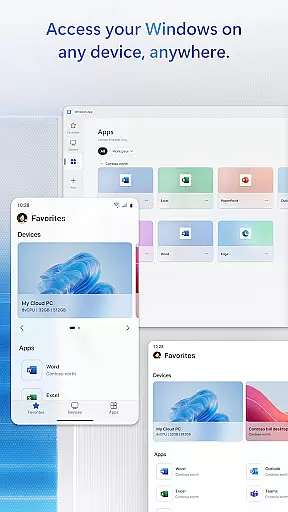
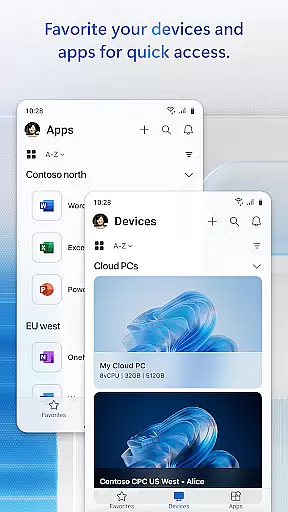
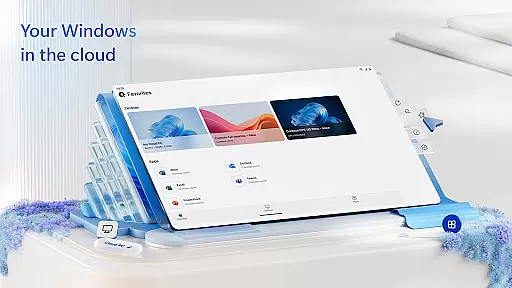
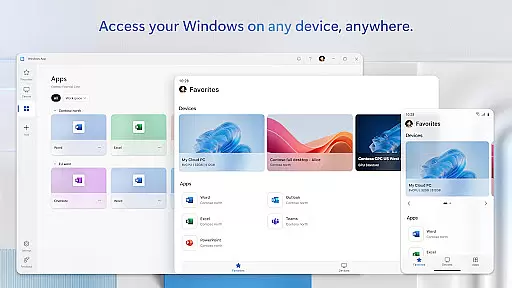
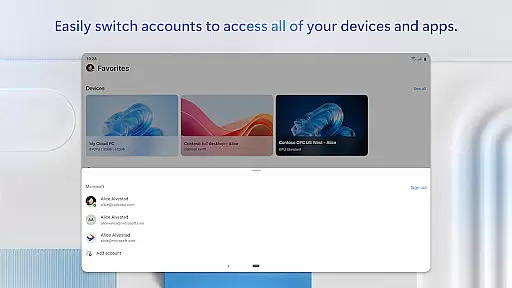
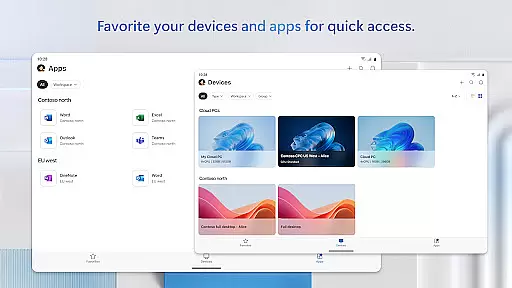
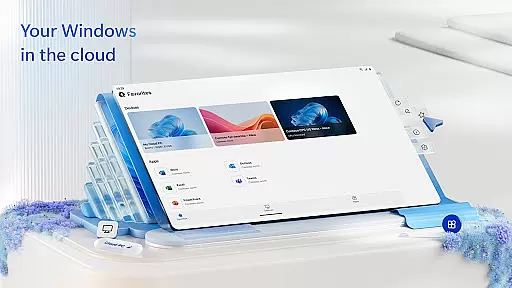
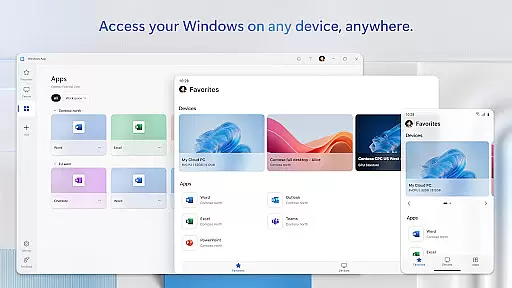
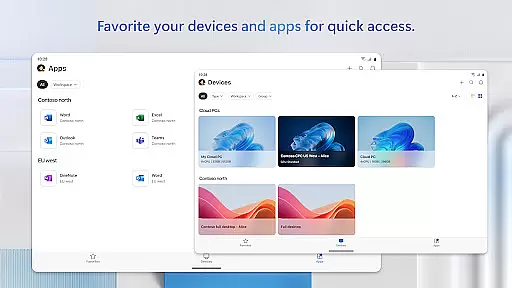
Windows App is a powerful business tool that enables secure remote connections to various Windows services and environments. It supports access to Azure Virtual Desktop, Windows 365, Microsoft Dev Box, Remote Desktop Services, and remote PCs, making it an essential solution for professionals who need to work remotely.
The app is compatible with Android devices running version 11 or higher, including tablets, smartphones, VR headsets, and Chromebooks. This broad compatibility ensures users can stay productive regardless of their device choice. With its robust feature set, Windows App delivers a seamless remote working experience that maintains security and performance.
Windows App offers a comprehensive set of features designed to enhance remote work capabilities. The app's core functionality revolves around secure remote desktop connections, allowing users to access their virtual desktops and applications from anywhere.
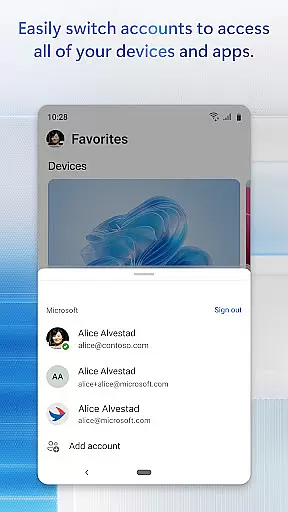
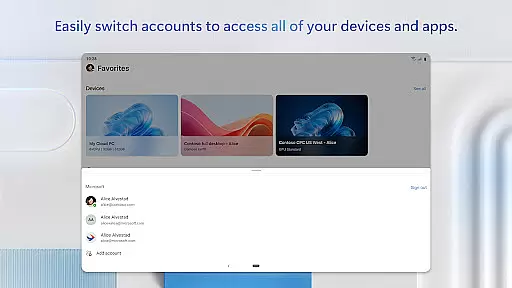
One standout feature is the support for multiple remote environments, including Azure Virtual Desktop and Windows 365. The app also provides advanced security protocols to protect sensitive business data during remote sessions. Additionally, the intuitive interface makes it easy for users to manage their connections and switch between different remote environments efficiently.
Furthermore, Windows App is optimized for various Android devices, ensuring consistent performance across smartphones, tablets, and even VR headsets. This versatility makes it an ideal choice for businesses looking to implement flexible work arrangements without compromising on functionality or security.
In today's interconnected world, the ability to collaborate effectively is paramount. Windows App excels in providing robust collaborative work features that securely connect users to remote Windows environments. This includes seamless access to Azure Virtual Desktop, Windows 365, and other remote services, enabling teams to work together from any location.
The app ensures real-time sharing of desktops and applications among team members, regardless of their physical location. With support for Microsoft Dev Box and Remote Desktop Services, it facilitates a cohesive work environment where files, applications, and resources are easily accessible to everyone involved in a project.
Permissions management within Windows App allows administrators to control access levels, ensuring sensitive information remains protected while still being accessible to authorized personnel. This feature not only enhances security but also streamlines workflow processes by allowing team members to focus on their tasks without worrying about data breaches or unauthorized access.
Efficient task management is crucial for maintaining productivity, especially when working across different devices and platforms. Windows App offers comprehensive task management capabilities designed to keep users organized and efficient. By integrating with various remote services such as Azure Virtual Desktop and Windows 365, it provides a unified platform for managing daily tasks and long-term projects alike.
Users can schedule sessions, set reminders, and track progress directly through the app. The intuitive interface allows for easy navigation between multiple virtual desktops and applications, making it simple to switch contexts and manage priorities throughout the day. Additionally, its compatibility with Android devices running version 11 and above ensures that these tools are available wherever you go.
By leveraging advanced synchronization technologies, Windows App keeps all your devices updated in real time. Whether you're using a smartphone, tablet, or Chromebook, you'll always have access to the most current information and resources needed to stay productive and meet deadlines efficiently.
Secure remote connections
Wide device compatibility
Supports multiple environments
Advanced security features
User-friendly interface
Limited to Android 11+
No iOS version available
Requires stable internet
Some features may be complex
Subscription costs may apply

GoTo Mobile is a simple & secure calling, messaging & meetings solution
 4.80
4.80
Find jobs and make money fast with JobStack.
4.60
ANDROID'S TOP MOBILE OFFICE - Word, Excel, PowerPoint and PDF at your fingertips
4.50
The MyWalmart App is available for all associates in stores.
4.70
Earn free swag, G-Cards & food • Enter sweepstakes • Find stores • So much more.
4.70
Manage work life on the go
4.50
viewing and sharing PDFs and other files—anytime, anywhere!
4.1
Use Generative Summary to understand your rental or insurance docs in seconds.
4.70
All your team communication in one place
4.70
Job search app that finds jobs for you! Takes the work out of looking for a job!
4.90
Get instant construction estimates: accurate home repair & material calculator.
4.70
Chat, meet, and collaborate to achieve more together, all in one place on Teams
4.60
The app that lets you deliver with Amazon.
4.50
All-in-one Mobile solutions for employees & managers to succeed at work
4.30
Make money as a delivery driver with DoorDash and work when you want as a Dasher
4.30
Work happy with AI Companion
4.10
enjoy effortless PDF reading anytime, anywhere
3.90
Get your benefits on-the-go.
3.80
Completed Course Lectures on how to use IBM Maximo in Maintenance issues
4.2


User Reviews