
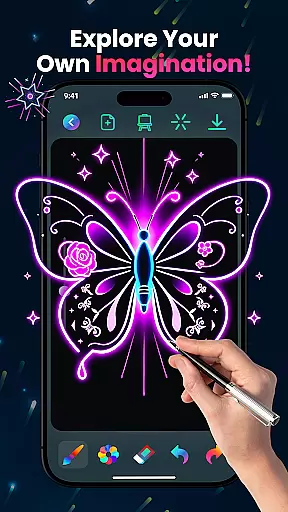
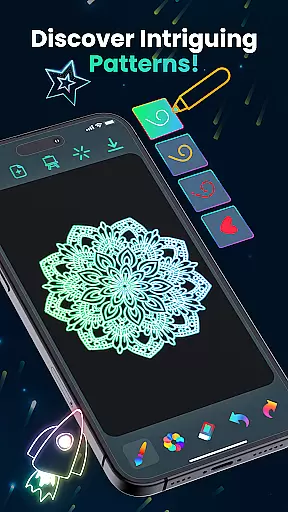
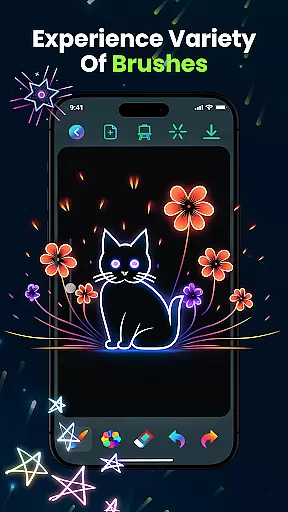
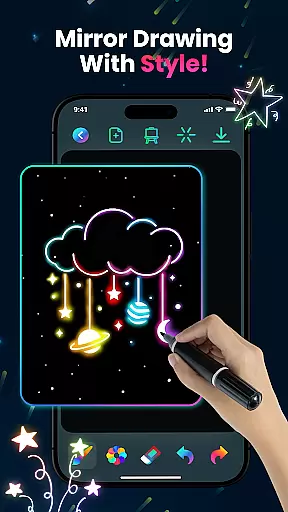
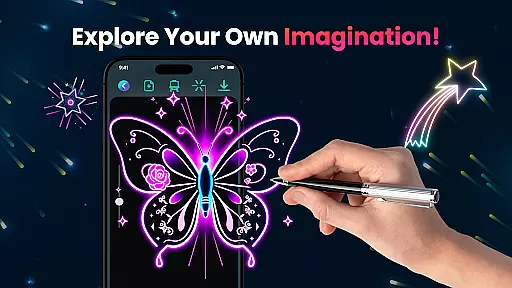
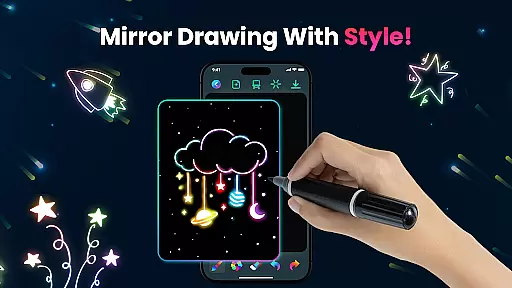
Magic Doodle is an innovative art application designed for both kids and adults who love to express their creativity through digital drawing. The app offers a vibrant canvas where users can explore glowing neon colors and create stunning artworks with ease.
With its intuitive interface, Magic Doodle provides a seamless experience for artists of all skill levels. From beginners to professionals, the app allows users to experiment with mesmerizing neon hues and a variety of sketch tools that bring their artistic visions to life.
Whether you're looking to create magical doodles or simply enjoy stress-free drawing, Magic Doodle transforms your ideas into glowing masterpieces. Its kid-friendly design and unlimited color options make it perfect for family-friendly creative sessions.
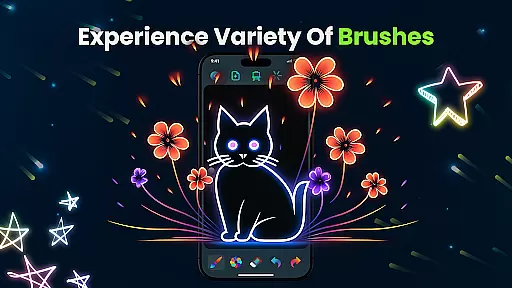
Magic Doodle stands out with its rich set of features tailored for digital artists. The app includes glowing brushes and sketch tools that allow users to craft intricate designs with precision. These tools are complemented by vibrant neon colors that add depth and life to every artwork.
One of the key highlights is the app's user-friendly interface, which ensures that even first-time users can navigate effortlessly. The inclusion of undo and redo buttons provides flexibility, allowing creators to refine their work without limitations.
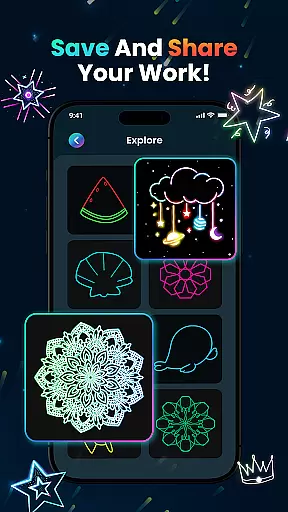
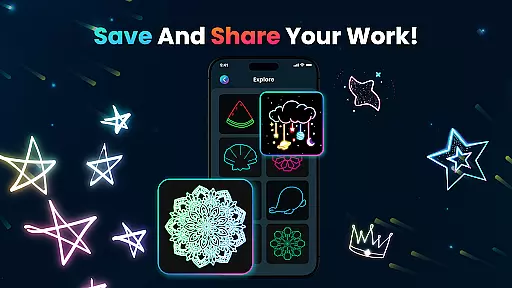
Additionally, Magic Doodle supports saving and sharing capabilities, enabling users to preserve their creations and showcase them on social media platforms. This feature not only enhances user engagement but also fosters a community of like-minded artists who appreciate neon art.
In the realm of digital art, having a comprehensive set of creative tools is essential for unleashing an artist's full potential. Magic Doodle offers a rich palette of vibrant neon glow colors and glowing brushes that transform simple sketches into stunning neon artworks.
The app provides users with intuitive sketch tools that cater to both beginners and professionals, ensuring that every stroke can be executed with precision and flair. With features like undo and redo buttons, artists have the freedom to experiment without the fear of making irreversible mistakes.
Furthermore, Magic Doodle supports artistic expression by allowing creations to be saved and shared effortlessly. This encourages artists to showcase their work on social media platforms, gaining recognition and feedback from peers and audiences alike.
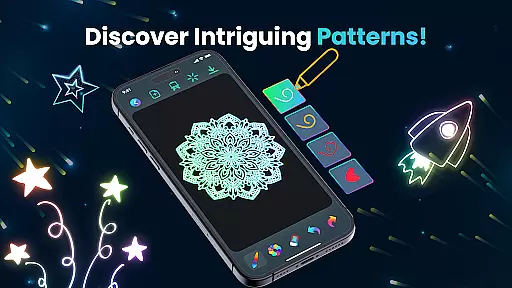
A versatile canvas is the foundation of any great artwork, and Magic Doodle excels in providing users with a wide drawing canvas that adapts to various artistic needs. Whether you're sketching intricate mandalas or bold neon lines, the app's interface is designed to accommodate all styles and complexities.
Magic Doodle stands out by offering an easy-to-use platform where creativity is not limited by format restrictions. Artists can freely explore their imagination on a digital canvas that feels as limitless as real-world art forms.
Additionally, this kid-friendly app ensures that users of all ages can enjoy stress-free doodling. The flexible canvas allows for everything from finger painting to working with predefined images, making it perfect for educational purposes and casual fun alike.
User-friendly interface
Vibrant neon colors
Kid-friendly design
Undo and redo functionality
Social sharing options
Limited advanced tools
No offline mode
Occasional ads
Basic brush variety
Small canvas size

Art of Combination Wear OS Watch faces
 4.2
4.2
Create stylish invitation cards using templates for weddings, birthdays & RSVP.
4.20
Unleash your drawing and painting potential
4.50
Create color palette from Image, RGB & RYB Color wheel harmonies, Color Scheme
4.50
800+ Drawing, Painting Lessons App to Practice, Sketch & Paint Art.
4.30
Create and Design Custom Logos in Seconds with AI-Powered Tools!
4.40
Just trace a projected picture on paper and color! Draw & Paint with AR drawing
4.40
Create amazing pictures and unleash your creative genius with AR Drawing Sketch
4.40
An intuitive, high-performance painting app that lets you focus on creating
4.40
Logo Generator powered by AI: Create stunning logos effortlessly!
4.70
Castle is social media for creating and playing games!
4.60
Turn your drawings into flipbook-style animations with simple creative tools
4.60
Easy 3D drawing design maker & creator. Model designing, Sculpting. Create&paint
4.00
Sketch and paint on your device with the feel and freedom of drawing on paper
4.00
Design unique, funny and adorable cat stickers that reflect your own style!
3.80
AI Assistant, powered by ChatGPT GPT-4 & GPT-4o. Your intelligent companion.
3.50
Vidu is an AI video generator made for creators and aspiring makers.
3.30
Inky runs Inkscape on Android devices and Chromebooks
2.90
Art of Combination Wear OS Watch Faces
4.2


User Reviews