
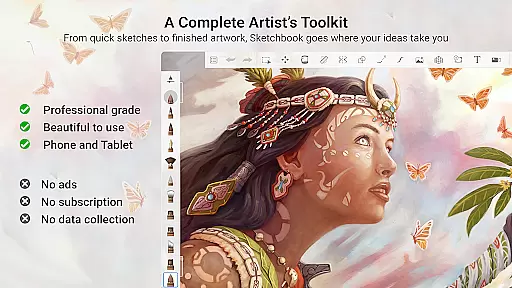
Sketchbook is a versatile drawing application designed for artists and creative professionals. This app allows users to create anything from quick sketches to fully finished artwork, making it an ideal tool for both casual doodling and professional projects. With its award-winning features, Sketchbook provides a natural drawing experience that mimics traditional tools while offering the advantages of digital art.
The app includes professional-grade tools such as customizable brushes, layers with blend modes, and precision guides. These features ensure that users can achieve the exact look they envision without any distractions. Whether you're an illustrator refining your craft or a hobbyist exploring new ideas, Sketchbook's elegant interface supports uninterrupted creativity.
Available on multiple platforms, Sketchbook is perfect for anyone who loves to draw. Its intuitive design and robust feature set make it suitable for capturing spontaneous ideas or developing complex artworks. By focusing on user experience and creative freedom, Sketchbook empowers artists to bring their visions to life.
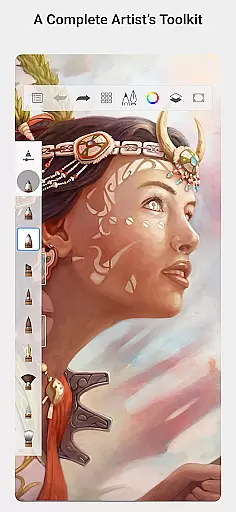
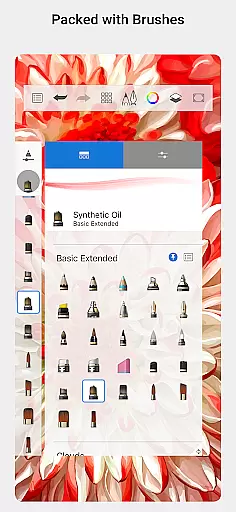
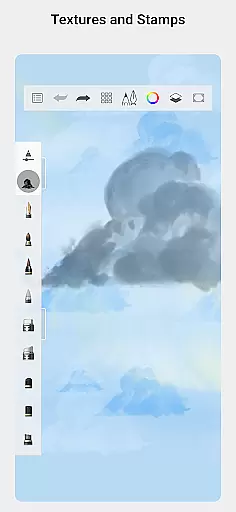
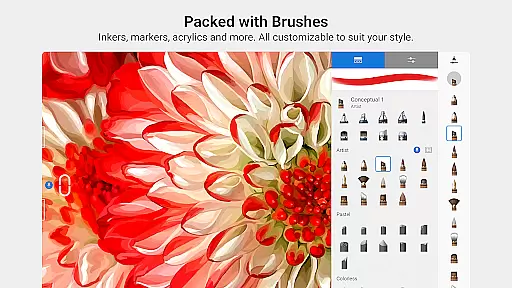
Sketchbook stands out with its comprehensive set of brush types, including pencils, markers, airbrushes, and smear tools. Each brush type is meticulously designed to mimic its physical counterpart, providing an authentic drawing experience. Users can further customize these brushes to suit their specific needs, allowing for endless creative possibilities.
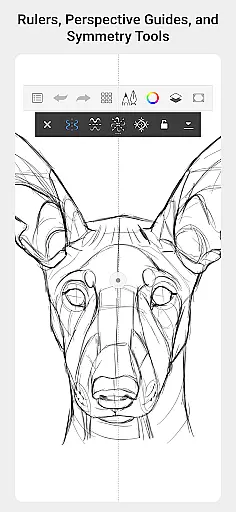
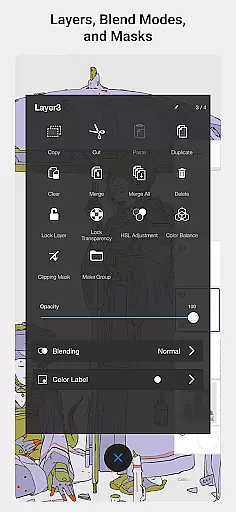
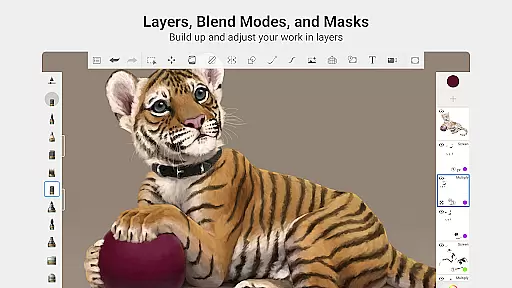
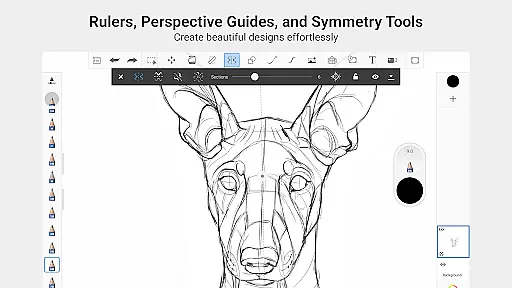
In addition to its impressive brush library, Sketchbook offers advanced tools like guides, rulers, and stroke controls. These features are particularly useful for artists who require precision in their work. The app also supports layers with various blend modes, enabling users to build up drawings and experiment with colors effortlessly.
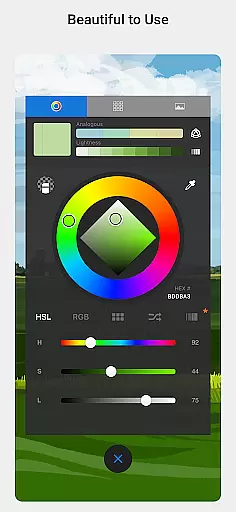
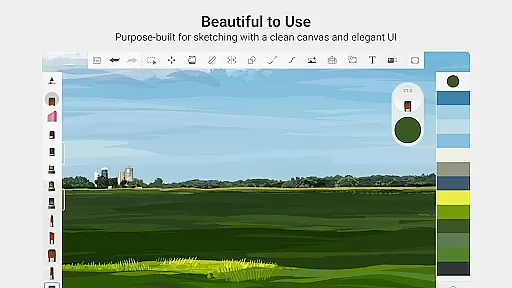
What truly sets Sketchbook apart is its purpose-built interface that remains clean and unobtrusive. This design philosophy ensures that users can focus entirely on their artwork without any distractions. Whether you're sketching quick ideas or working on detailed illustrations, Sketchbook provides all the necessary tools in an intuitive and accessible manner.
Sketchbook offers a comprehensive suite of creative tools that cater to both amateur and professional artists. The app includes a full range of brush types such as pencils, markers, airbrushes, and smear tools, each designed to mimic their physical counterparts. This attention to detail ensures that users can achieve the same effects digitally as they would with traditional media.
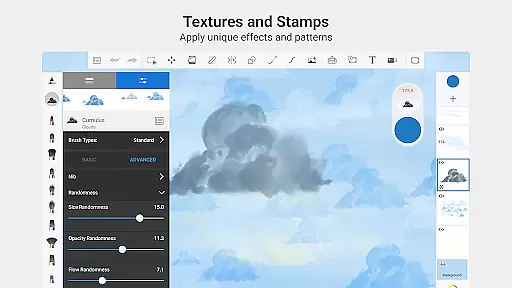
One of the standout features is the high level of customization available for brushes. Users can modify various parameters to create unique brush styles tailored to their specific needs. This flexibility empowers artists to experiment and develop their own signature techniques within the digital environment.
In addition to brushes, Sketchbook provides guides, rulers, and stroke tools that support precision work. These features are particularly beneficial when working on detailed illustrations or technical drawings where accuracy is paramount. The inclusion of layers with blend modes further enhances the creative process by allowing complex compositions and color explorations.
Sketchbook excels in providing canvas and format flexibility, ensuring that artists have the freedom to work on projects of varying sizes and resolutions. Whether you're sketching quick ideas or creating fully finished artwork, the app supports multiple canvas dimensions and resolutions. This adaptability allows users to tailor their workspace according to the requirements of each project.
The interface is purpose-built for sketching, maintaining a clean and unobtrusive design that keeps the focus on the artwork. By eliminating distractions, Sketchbook enables artists to immerse themselves in the creative process without any interruptions. This streamlined approach helps maintain workflow efficiency and encourages spontaneous creativity.
Furthermore, Sketchbook's compatibility with various file formats ensures seamless integration into different workflows. Artists can import and export files in formats that suit their needs, whether it's for sharing drafts with clients or finalizing pieces for print. This versatility makes Sketchbook an indispensable tool for anyone involved in art and design.
User-friendly interface
Highly customizable brushes
Professional-grade features
Clean and distraction-free workspace
Supports layers and blend modes
Limited free features
Advanced tools require subscription
Steep learning curve for beginners
Occasional performance issues
Not ideal for photo editing

AI generated images & photos, turn your words into drawing, painting & pictures.
 4.30
4.30
Premium version of Shimeji-ee app with no ads & no limit active shimeji
4.4
Customizable Outlined Fonts. Watch Face Format. Battery friendly Digital Clock.
4.20
Trace, draw, and create art with AR - from memes to masterpieces!
4.30
Design unique, funny and adorable cat stickers that reflect your own style!
3.80
Mobile pixel art editor. Simple. Fast. Portable.
4.80
Android 14 style widgets and wallpapers app.
4.3
Just trace a projected picture on paper and color! Draw & Paint with AR drawing
4.40
An intuitive, high-performance painting app that lets you focus on creating
4.40
Draw glowing spinners, relax, and spin your creative art
4.60
Turn your drawings into flipbook-style animations with simple creative tools
4.60
Digital illustration drawing & painting pad app to paint Anime and Manga art
4.50
Text to Image, Image to Video & AI Chat
4.20
AR Anime Drawing: How to draw anime with AR drawing & sketching apps!
4.00
Art of Combination Wear OS Watch Faces
3.30
Meet the magic aı 3d photo generator and smart AI video generator app.
3.20
Draw anime easily with AR guidance, sketch templates & trace tools!
3.10
Download now for a stylish and functional timepiece
4.3
A luxurious gold watch face for an elegant and refined look.
4.5


User Reviews