
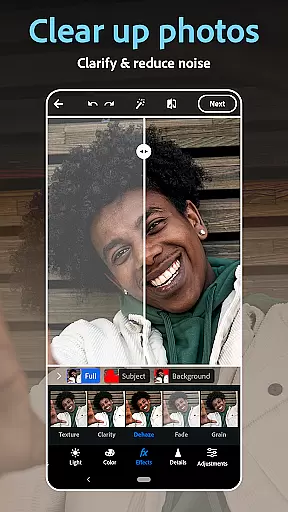
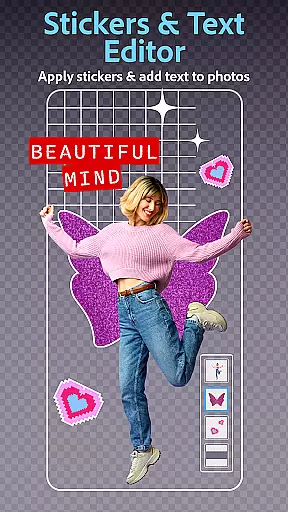
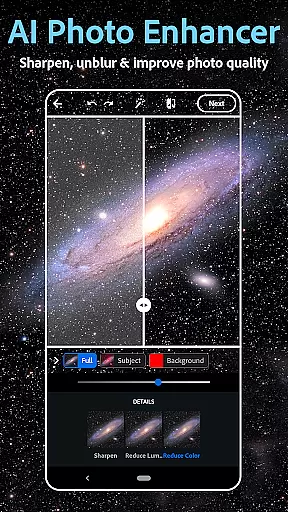
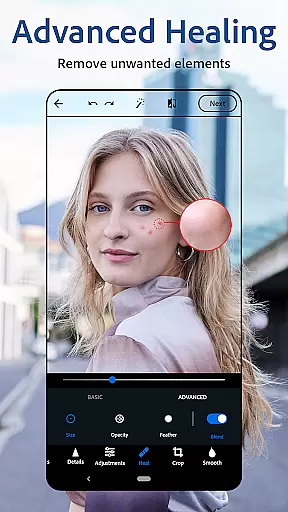
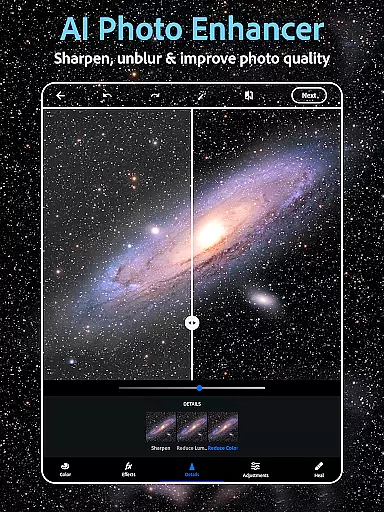
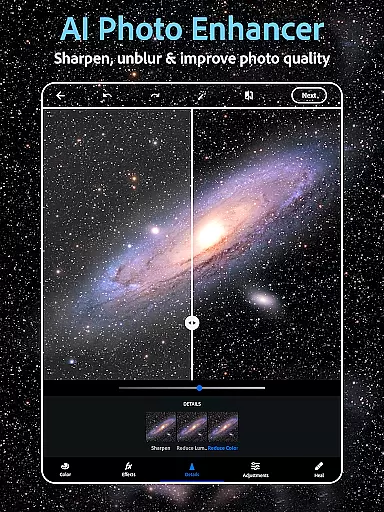
Photoshop Express is a versatile photo editing app that brings professional-grade tools to your fingertips. This application allows users to effortlessly enhance their photos with features like AI-powered retouching, one-tap filters, and advanced airbrush tools. Whether you're looking to correct minor imperfections or completely transform an image, Photoshop Express provides the necessary tools within a user-friendly interface.
The app stands out with its comprehensive feature set that includes creative text overlays, collage making, and even an AI image generator. These features make it suitable for both casual users who want quick edits and more serious photographers seeking detailed control over their images. With support for various file formats and seamless social media integration, this app ensures your edited photos can be easily shared across platforms.
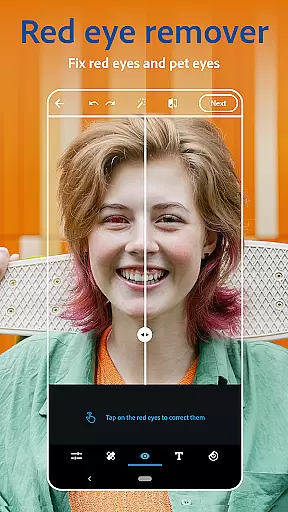
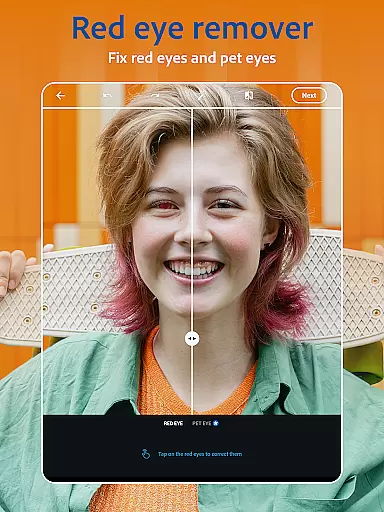
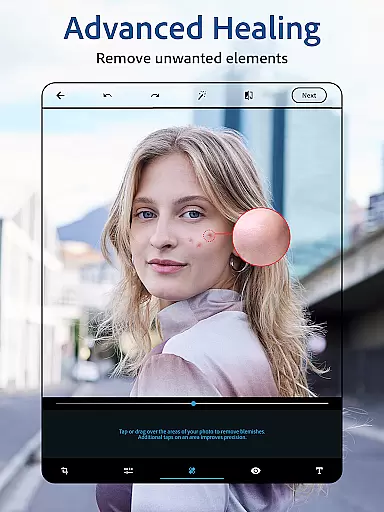
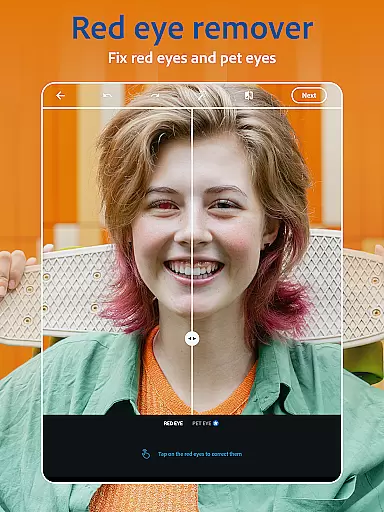
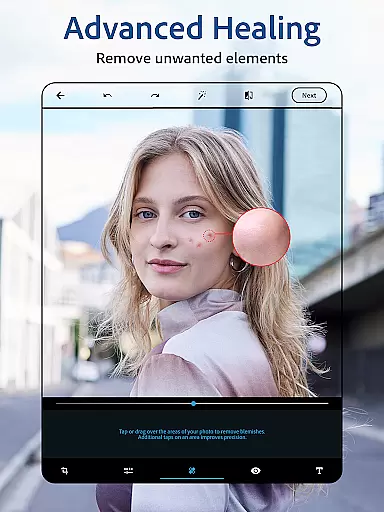
One notable use case is enhancing portrait photos using the specialized face editor tools. Users can remove blemishes, correct red-eye, and apply makeup effects with just a few taps. This functionality demonstrates how Photoshop Express combines powerful editing capabilities with intuitive controls, making professional-quality photo editing accessible to everyone.
Photoshop Express offers an impressive array of features designed to satisfy diverse photo editing needs. The app's AI-powered tools enable users to perform complex edits with minimal effort. For instance, the intelligent object removal function allows users to erase unwanted elements from photos while automatically filling in the background, saving significant time compared to manual editing methods.
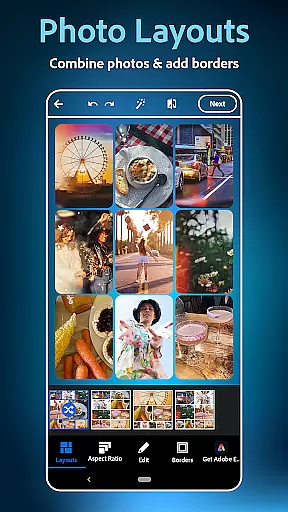
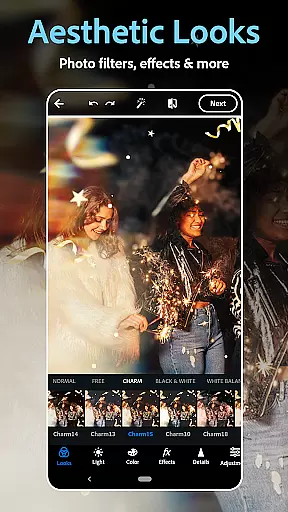
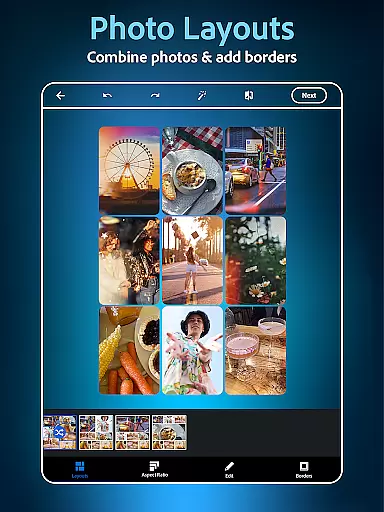
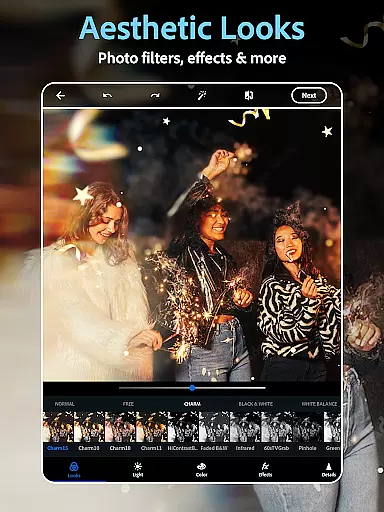
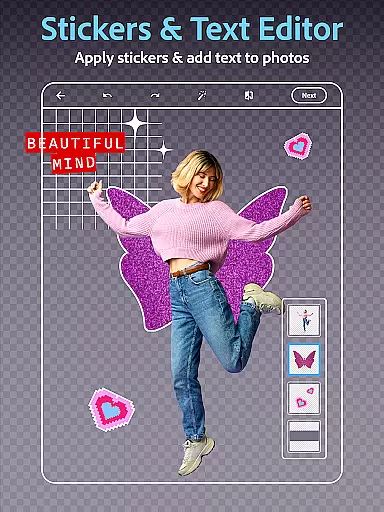
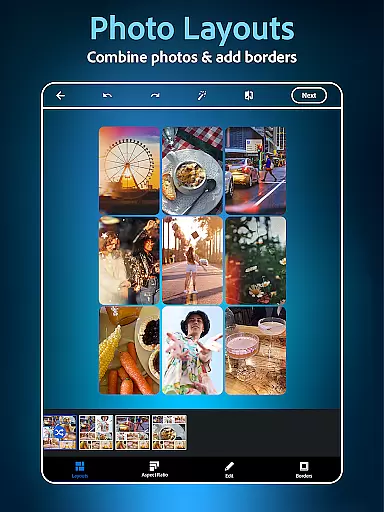
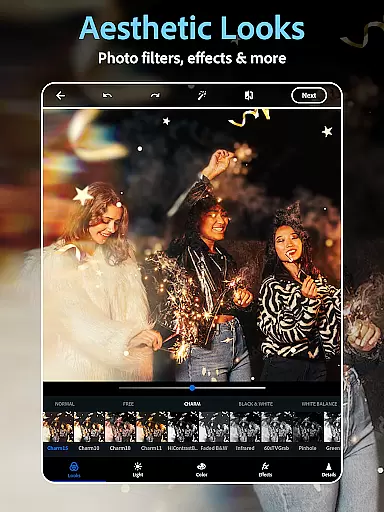
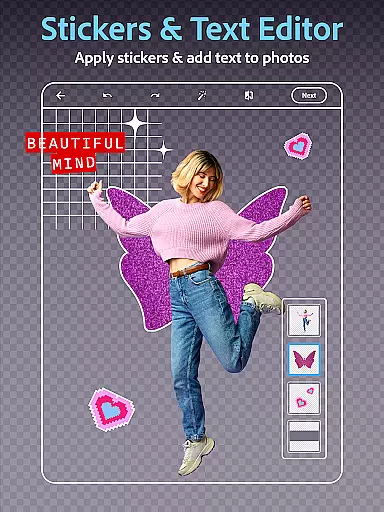
A standout feature is the extensive collection of vintage camera filters and film effects that can instantly transform modern digital photos into nostalgic masterpieces. Additionally, the app includes robust text editing capabilities, letting users add captions or create memes with customizable fonts and layouts. The built-in collage maker provides multiple templates and layout options, making it easy to combine multiple images into creative compositions.
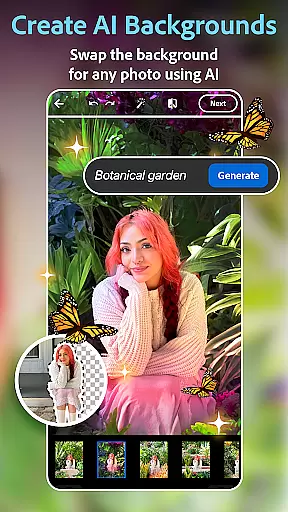
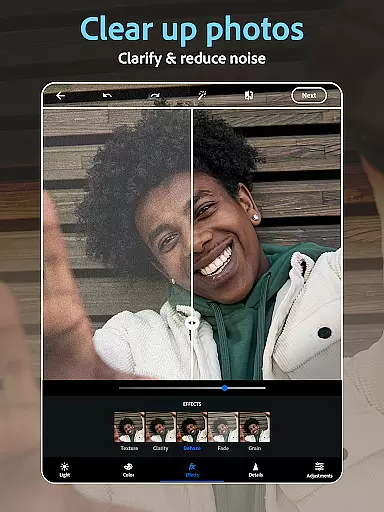
The app's innovative Text-to-Image AI generator represents a significant advancement in mobile photo editing. This feature allows users to generate unique visual content based on text prompts, opening new possibilities for creative projects. Furthermore, advanced editing tools like background replacement and precise color correction demonstrate how Photoshop Express bridges the gap between mobile convenience and desktop-level editing power.
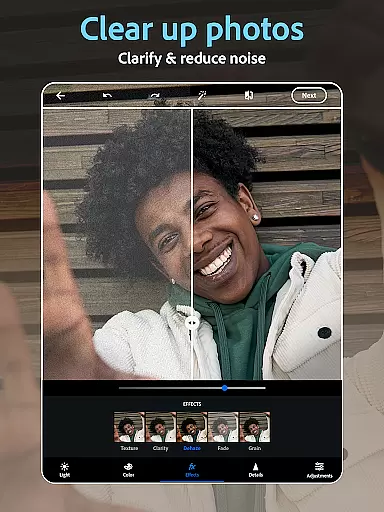
Real-time capture and preview functionality is essential for ensuring that every photo taken meets the desired quality standards. With Photoshop Express, users can leverage advanced AI tools to instantly see the effects of filters and edits applied to their images.
This application provides a dynamic preview feature that allows users to experiment with various vintage camera filters, text overlays, and retouching tools before finalizing their edits. The real-time feedback helps in making precise adjustments, thus enhancing the overall photo editing experience.
By integrating real-time capture capabilities, Photoshop Express ensures that users can immediately correct issues such as red-eye or blemishes on selfies. This instant correction ability not only saves time but also significantly improves the quality of the final image, making it ready for sharing across social media platforms.
The app's real-time features are designed to be intuitive, catering to both amateur and professional photographers. Whether you're looking to apply film effects or simply adjust lighting, the immediate visual feedback provided by Photoshop Express empowers users to achieve their creative vision efficiently.
AI beauty and enhancement features focus on improving the natural appearance of photos without making them look overly processed. Photoshop Express employs state-of-the-art AI algorithms to ensure that enhancements like skin smoothing, eye brightening, and teeth whitening appear realistic and retain the subject's original features.
One of the standout aspects of Photoshop Express is its ability to intelligently enhance facial features while maintaining authenticity. The face editor app uses AI-driven tools to remove blemishes, correct red-eye, and apply subtle makeup effects that look genuine and enhance natural beauty.
Users benefit from the app's sophisticated AI which analyzes each photo individually to apply enhancements that complement the existing aesthetics. This personalized approach ensures that every edit enhances the photou2019s original charm, providing results that look professionally retouched yet naturally beautiful.
Furthermore, the AI beauty features extend beyond just facial enhancements. Users can apply AI-powered filters that adapt to different lighting conditions and environments, ensuring consistent and natural-looking enhancements across various types of photos. This versatility makes Photoshop Express an invaluable tool for anyone looking to elevate their photography with minimal effort.
User-friendly interface
Extensive filter collection
Powerful AI tools
Versatile editing options
Seamless social sharing
Premium features locked
Advanced tools complex
Occasional lag
Limited free content
Subscription required

Find time and duration of different sunlight phases at any location
 4.90
4.90
HD Photo gallery and photo manager to edit, hide private photos, videos & albums
4.4
Pet Camera
3.70
Future baby face generator: AI kids generator, kid face! What my baby look like?
4.40
AI Photo Editor with 100+ Filters, Effects! Remove BG, Retouch & Photo Enhancer.
4.80
Transform Photos: Edit, Beautify and Craft Memories & Make Collages!
4.10
A light meter for true photographers.
4.20
Unlock the full potential of your DJI drone with Litchi
4.50
Welcome to ProShot, the most powerful camera app on Android.
4.20
Gallery show photo, video, slideshow, is perfect 3D effect private photo albums.
4.80
Perfect body tune & face app - photo retouch, makeup, slim body & beautify face.
4.80
Enhance, upscale, and transform your images — on your device, without limits
4.70
Take videos and pictures with the popular TikTok TIME WARP SCAN filter.
4.60
HD Camera Pro with HD Video shooting, Panorama, Photo editor , Beauty Camera.
4.50
AI photo enhancer with Sora 2! Enhance, descratch, and colorize your old photos.
4.50
Search, tag and rate your way to an organized image gallery
4.40
[3DSteroid Pro] is a stereoscopic application for Android.
4.30
Catch sunlight, sunrise sunset times and sun phases with the AR sun tracker.
4.10
Hair color changer, AI haircut app, fun hair editor and buzz cut filter for all!
3.80


User Reviews