
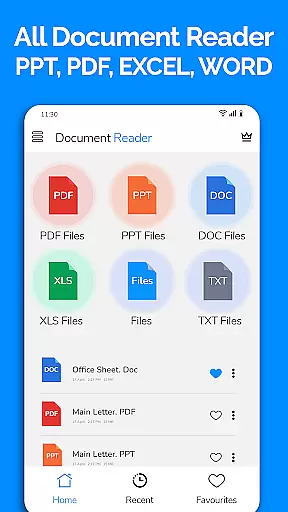
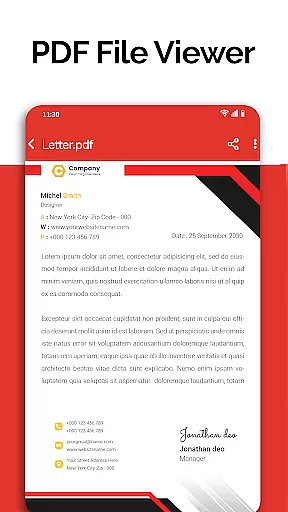
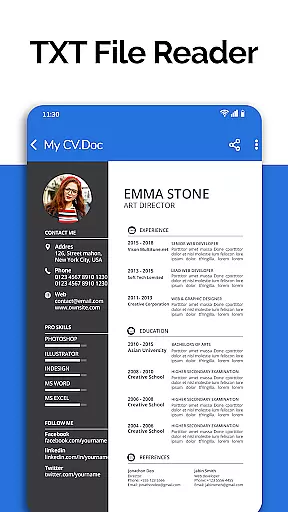
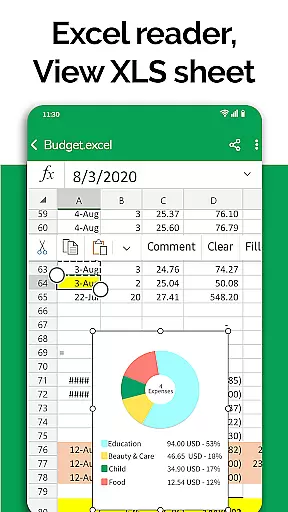
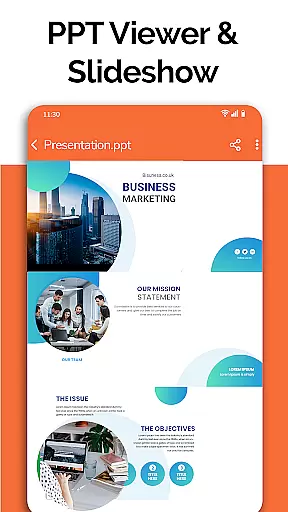
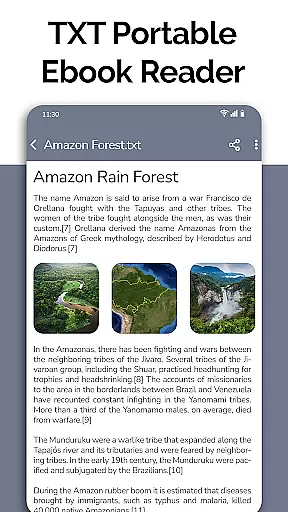
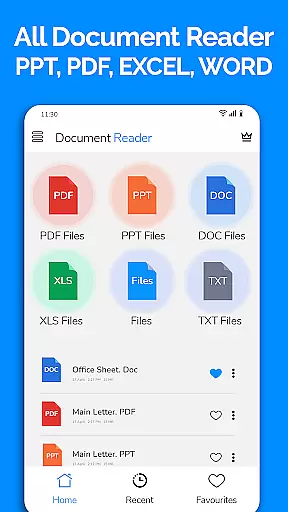
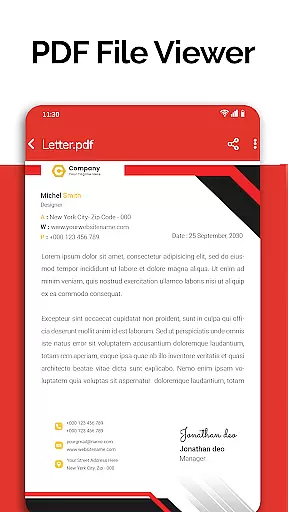
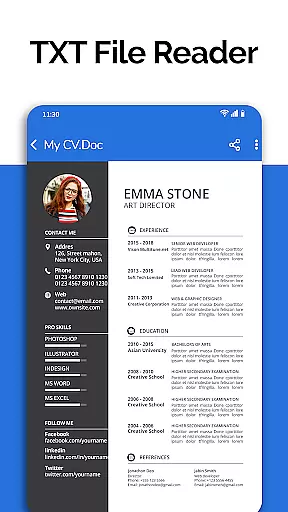
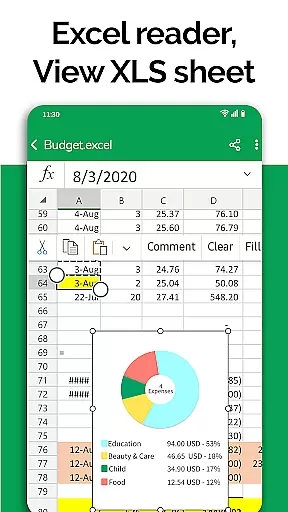
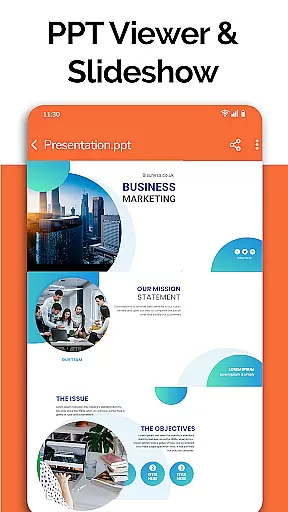
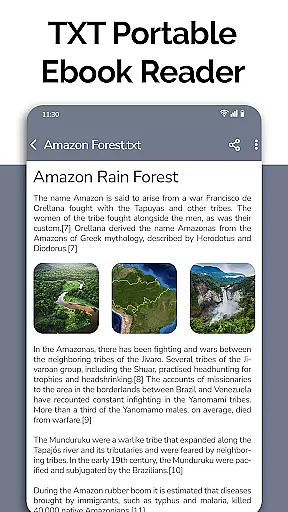
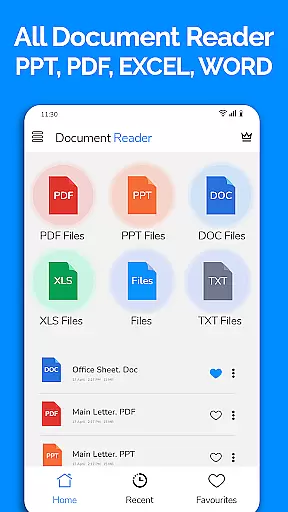
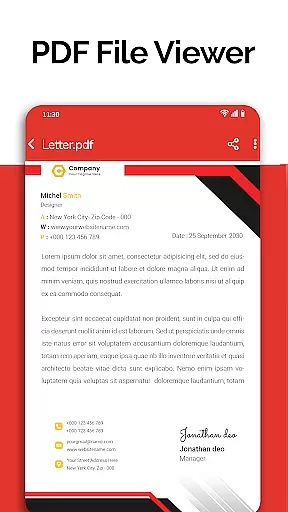
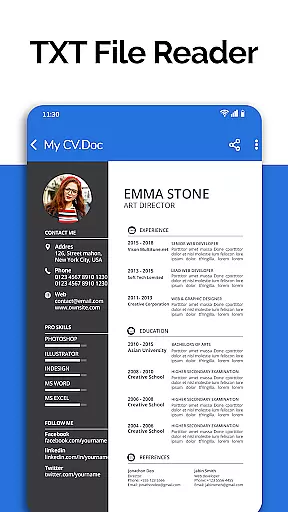
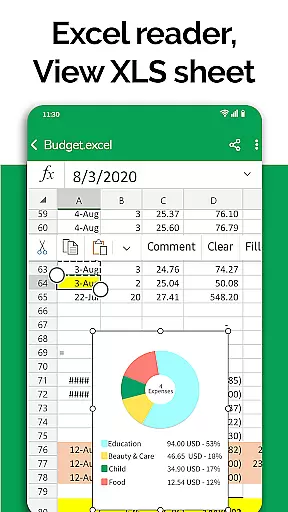
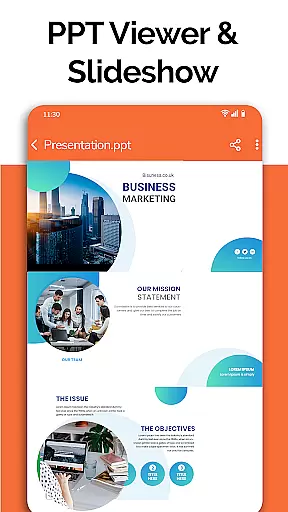
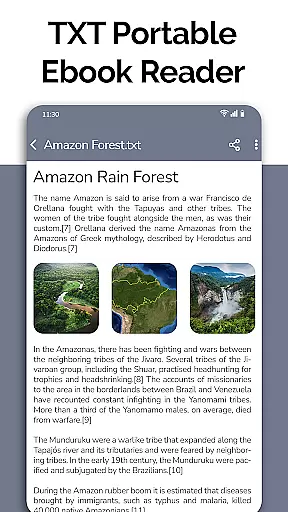
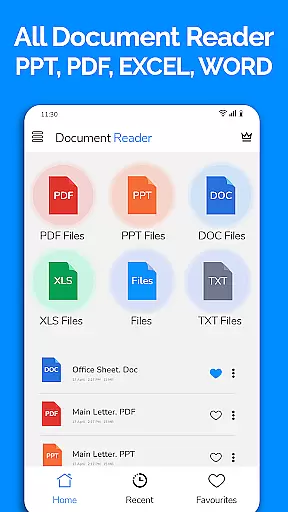
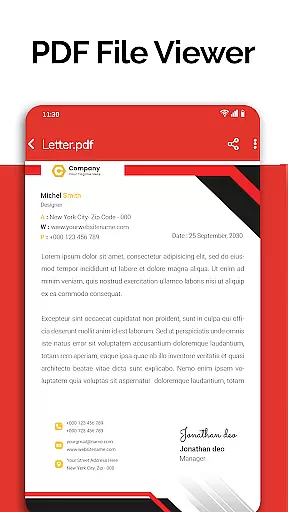
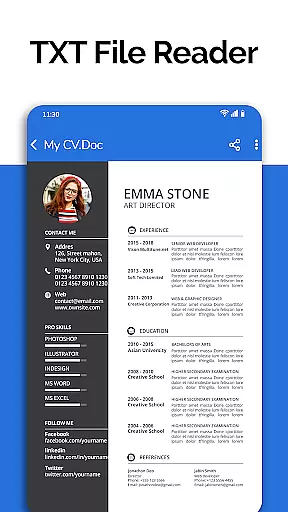
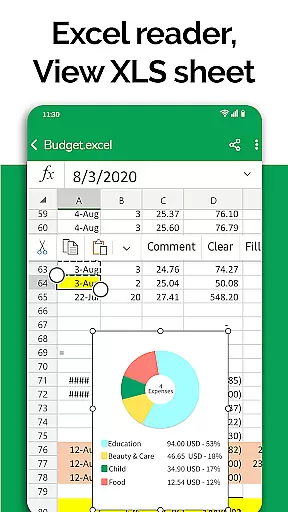
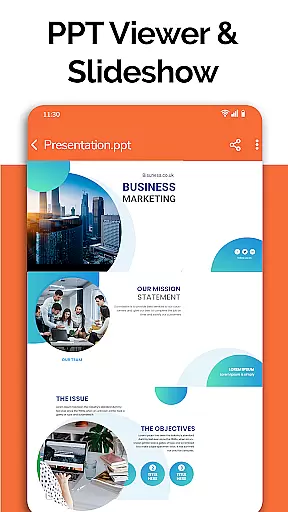
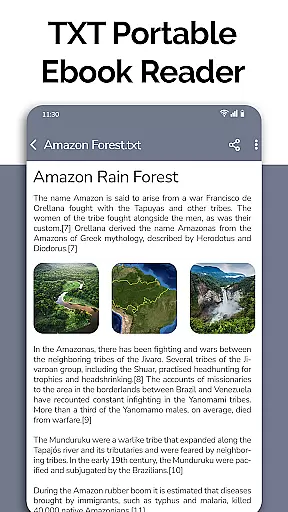
All Document Reader is a comprehensive document management solution that allows users to view, edit, and share various file formats directly from their mobile devices. The app supports multiple document types including PDF, Word, Excel, PowerPoint, and TXT files, making it an all-in-one tool for business professionals, students, and everyday users.
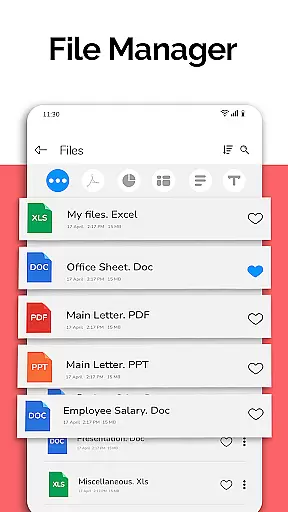
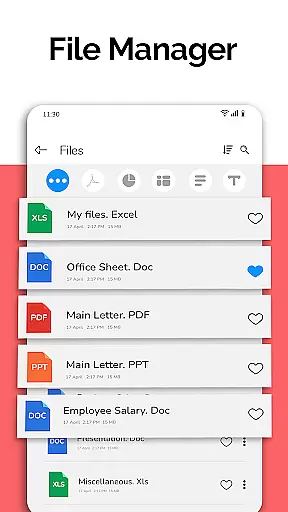
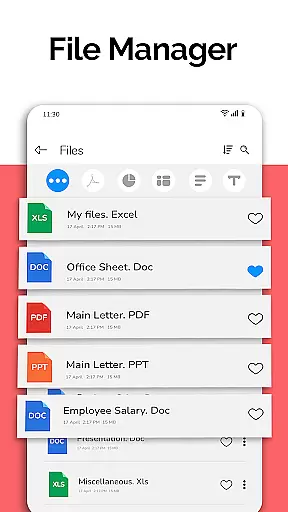
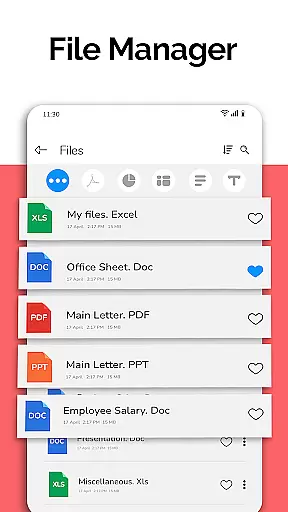
With its intuitive file manager, users can easily organize, search, and access documents. The app's powerful features include smooth navigation, automatic document sorting, and detailed file information. Whether you need to review business invoices, prepare presentation slides, or study classroom notes, All Document Reader provides a seamless experience across different document types.
The application's user-friendly interface ensures effortless document handling without the need for a computer. Its ability to handle large files and provide clear viewing options makes it particularly useful for professionals who require mobile access to important documents while traveling or working remotely.
All Document Reader stands out with its extensive feature set designed to enhance productivity. The app includes specialized viewers for different document formats such as PDF Reader, DOC File Reader, XLSX Viewer, and PPT Viewer. Each viewer is optimized for its specific file type, ensuring accurate rendering and smooth navigation through documents.
Advanced functionality includes document editing capabilities, text search across files, and support for both small and large-sized documents. The built-in file manager automatically organizes documents by type and provides detailed file information including size and modification dates. Users can also take advantage of upcoming features like dark mode, voice search, and image-to-PDF conversion.
Particularly noteworthy is the app's document scanner feature, which eliminates the need for multiple applications. This consolidated approach to document management streamlines workflow and saves valuable storage space on mobile devices. The app's capability to handle ZIP and RAR files further extends its utility beyond basic document viewing.
In today's fast-paced business environment, the ability to collaborate effectively is crucial. All Document Reader: PDF Viewer facilitates collaborative work by allowing users to view, edit, and share various document formats including Word, Excel, PowerPoint, PDF, and TXT files directly from their mobile devices.
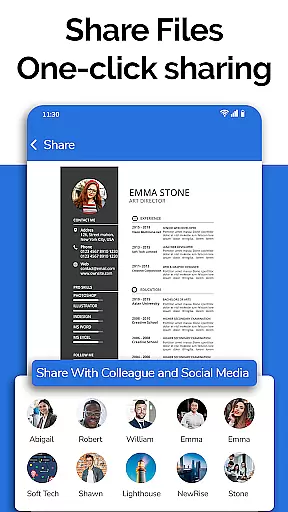
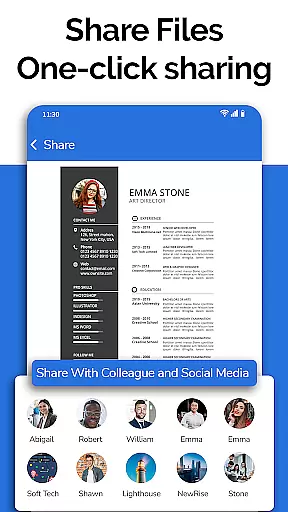
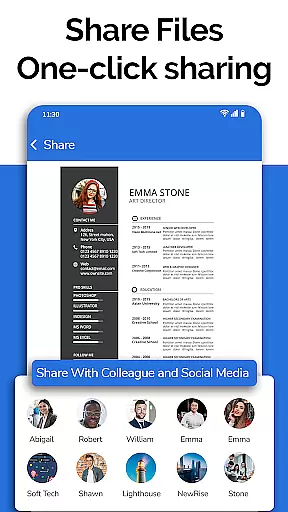
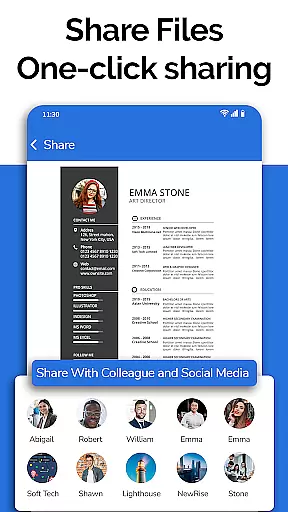
The app simplifies teamwork by providing a comprehensive file manager that organizes documents automatically, making it easy for teams to locate and work on files. With options to delete, rename, and share documents, project collaboration becomes seamless and efficient.
Moreover, the document editor feature supports preparing presentations and reviewing Excel files, ensuring that team members can contribute to projects regardless of their location. This flexibility enhances productivity and ensures that all team members have access to the necessary documents at all times.
Efficient task management is essential for maintaining productivity in any business setting. All Document Reader: PDF Viewer offers robust task management capabilities by enabling users to manage and organize their documents effortlessly.
With the app's automatic sorting and organization features, users can easily keep track of different document types, ensuring that important files are always accessible. The ability to view file details such as path, size, and last modification date further aids in effective document management.
Additionally, upcoming features like dark mode, voice search, and text search across all documents promise to enhance the user experience, making task management even more streamlined. These tools will allow users to focus on their core responsibilities without being bogged down by document management tasks.
User-friendly interface
Multi-format support
Automatic file organization
Comprehensive file information
Offline document access
Limited advanced editing
No cloud integration
Occasional formatting issues
Large app size
Some features require upgrade

AI-powered document scanner with auto enhance for perfect PDFs.
 4.60
4.60
GoTo Mobile is a simple & secure calling, messaging & meetings solution
4.80
The All-in-One File Manager for Phone, TV, Watch, Cars, XR / VR, Chromebook
4.10
Convert Your Lovable.dev Website into a Mobile App Instantly!
4.0
Drive and earn extra money
4.50
Start earning fast. Apply Today.
4.80
All-in-one Mobile solutions for employees & managers to succeed at work
4.30
Shop, deliver, and earn with the Spark Driver™ App
4.10
The app that lets you deliver with Amazon.
4.50
Job search app that finds jobs for you! Takes the work out of looking for a job!
4.90
TurboScan turns your phone into a full-featured PDF document scanner.
4.80
Permission Guard is a security app that helps you manage app permissions.
4.80
All your team communication in one place
4.70
Earn money with the driver & delivery partner app for Uber, UberEats & Postmates
4.60
Find jobs near you and temp work in minutes, from your phone.
4.50
Collaborate seamlessly with Google Chat, part of Google Workspace
4.50
Find work, shifts and gigs near you. Jobs lasting a few hours to a few months.
4.30
Build a store in minutes with our full suite of AI tools. Start for free!
4.20
Take the stress out of storage with the all-in-one app to manage your space.
3.70


User Reviews