
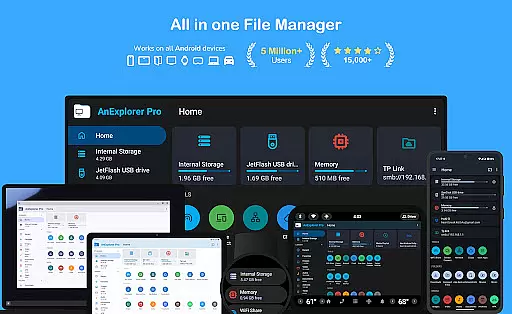
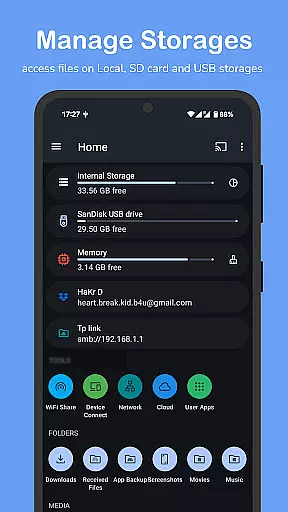
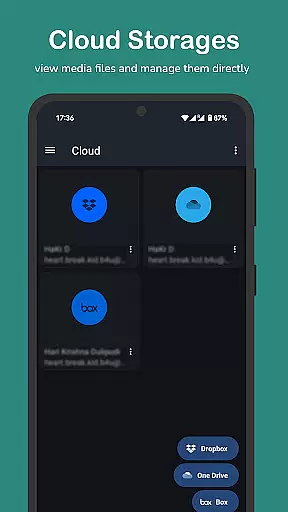

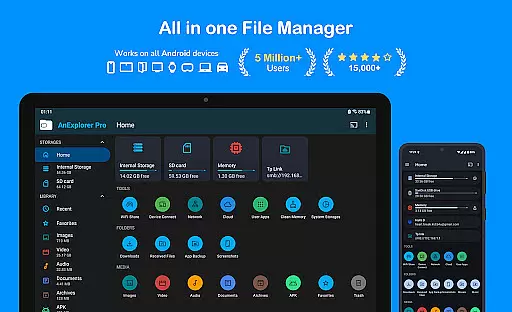
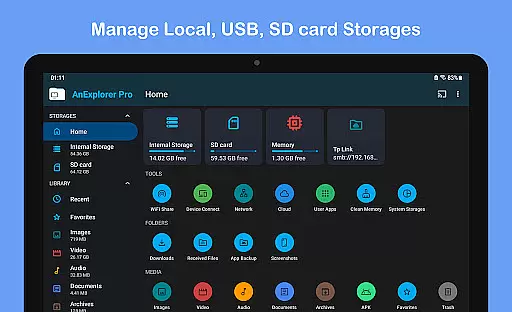
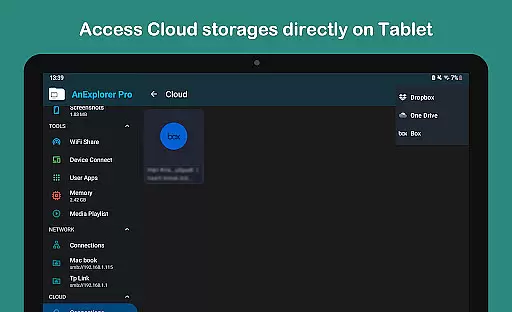

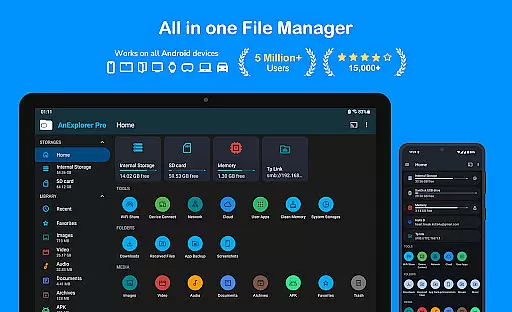
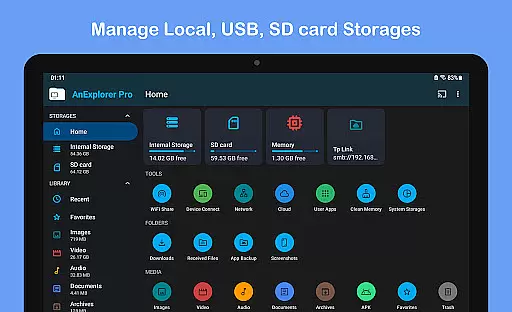
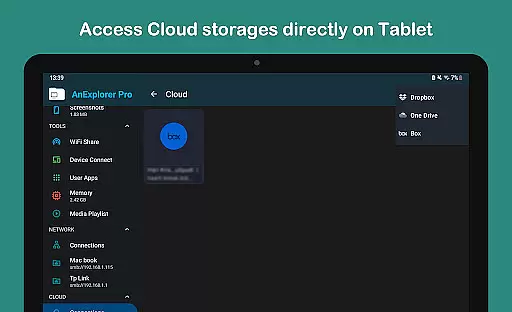

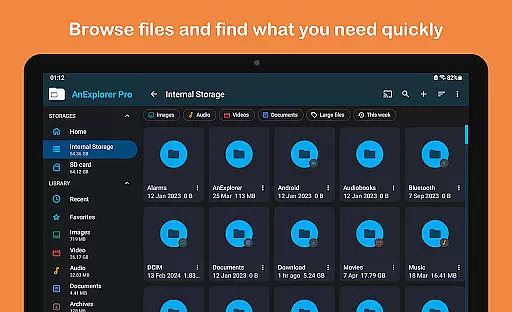
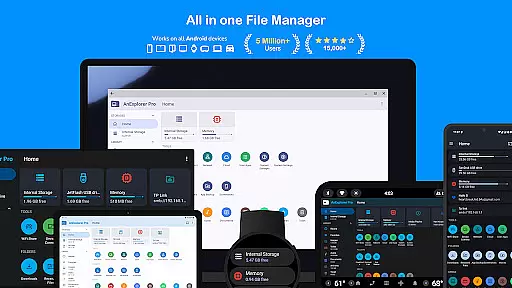
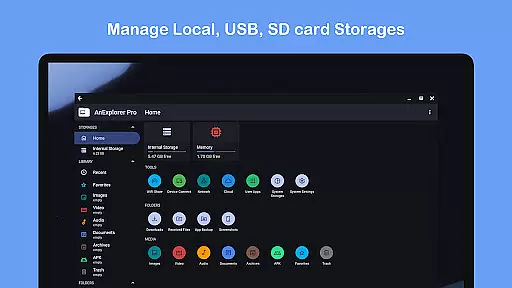
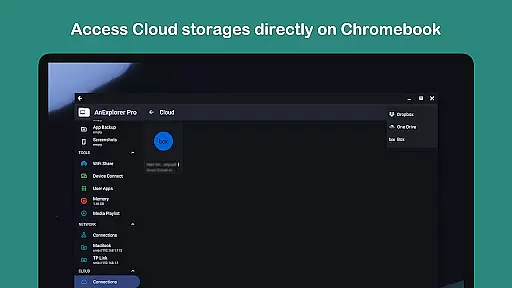
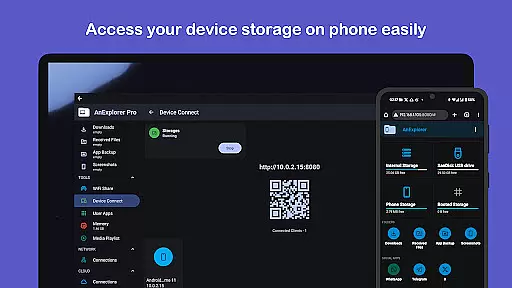
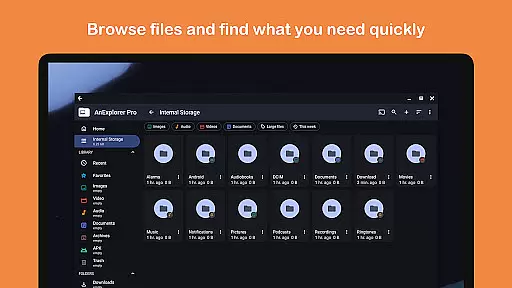
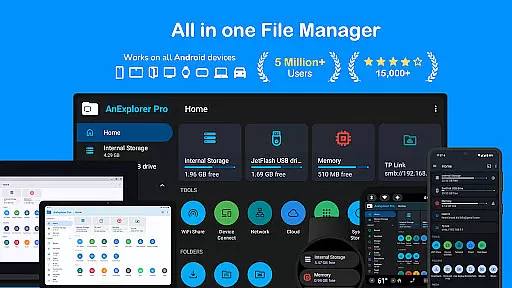
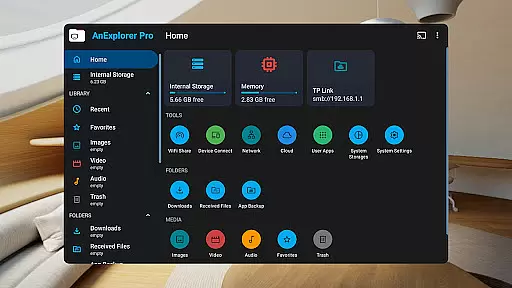
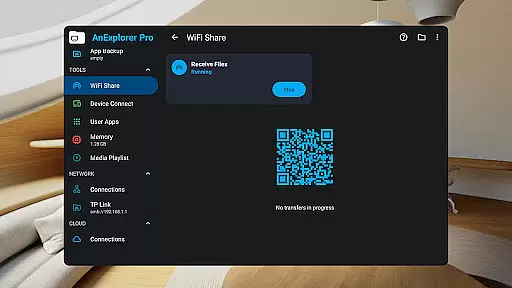
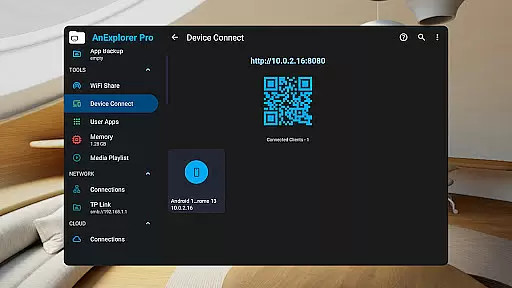
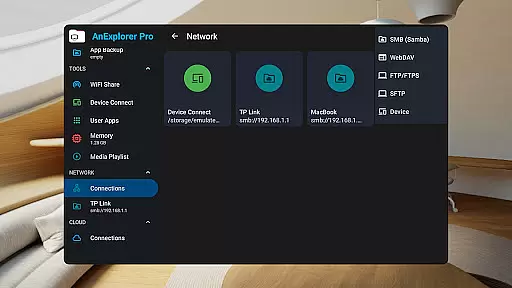
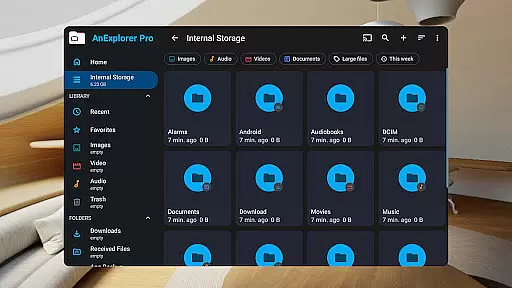
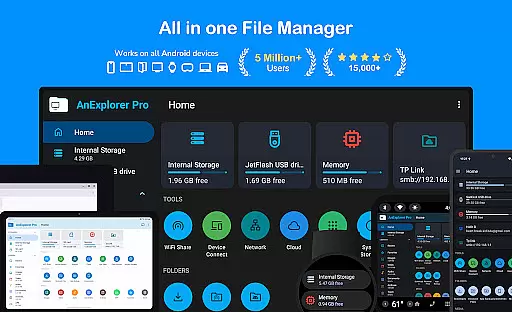
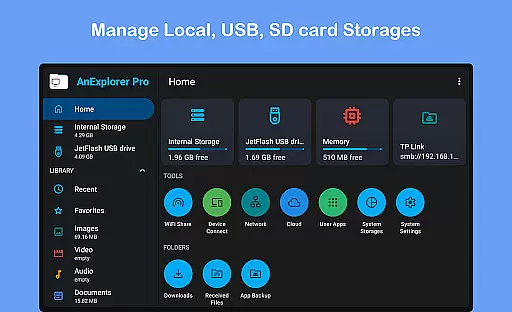
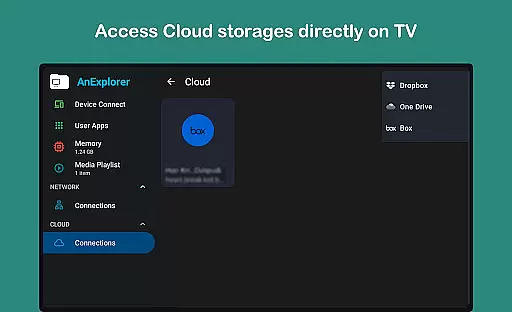
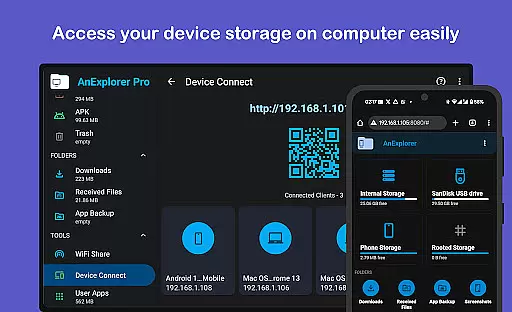

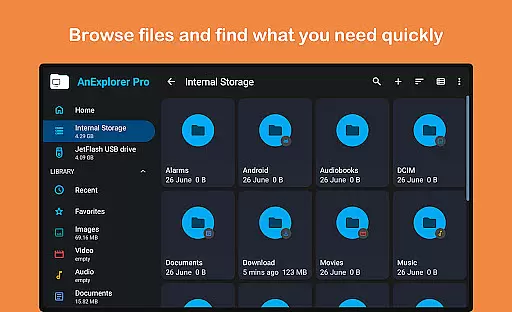




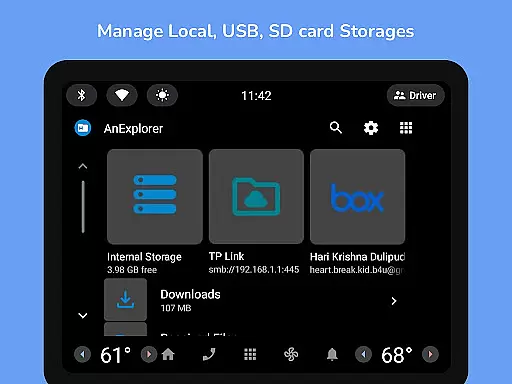
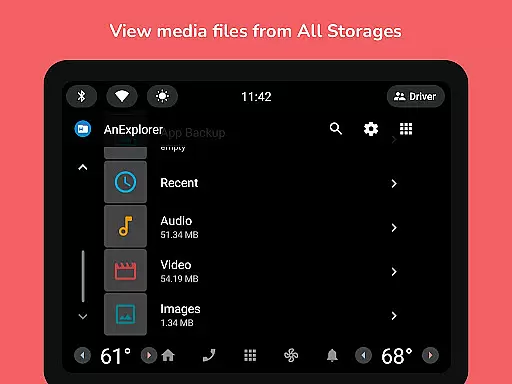
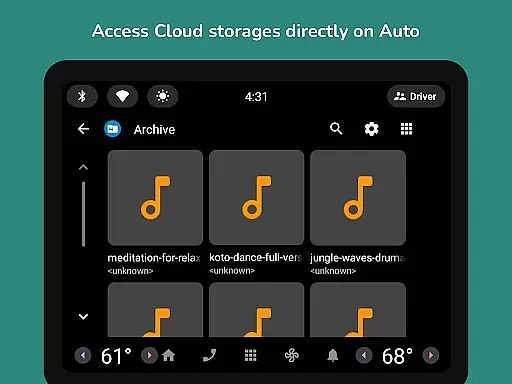

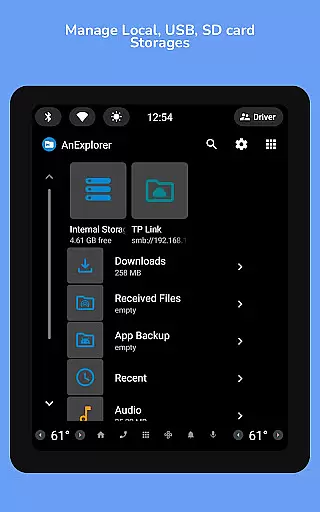

AnExplorer Pro File Manager is a versatile business tool designed for efficient file management across various Android devices. This powerful app allows users to seamlessly organize, transfer, and manage files on multiple storage types including internal storage, USB drives, SD cards, and cloud services. With its intuitive interface and extensive feature set, the app supports complex operations like file compression, extraction, and even root-level system file editing.
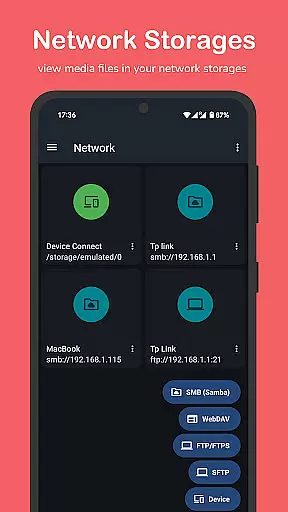
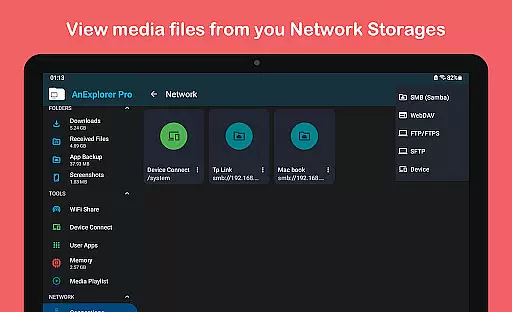
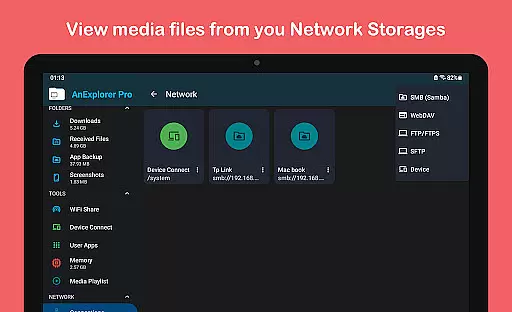
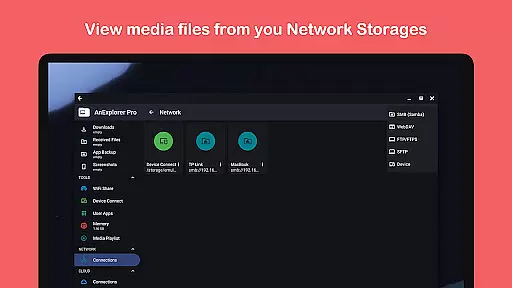
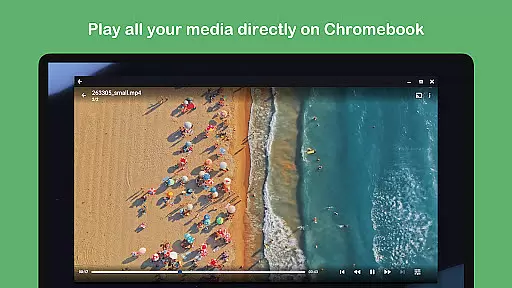
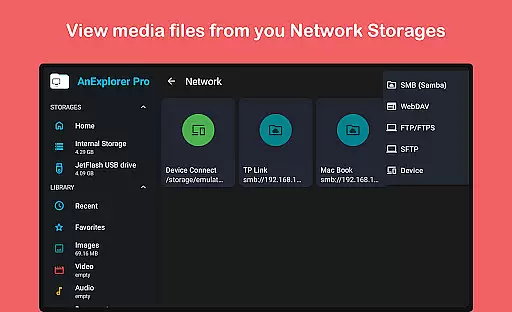
The application stands out with its comprehensive network connectivity options, enabling users to access FTP, SMB, and WebDAV servers. The built-in memory cleaner helps optimize device performance while the media library manager automatically categorizes different file types. These capabilities make it particularly valuable for businesses that require robust file management across diverse devices and platforms, from smartphones to VR headsets.
AnExplorer Pro distinguishes itself through its extensive range of advanced features tailored for business users. The app's file organizer functionality provides complete control over file operations, allowing users to browse, copy, move, rename, delete, compress, and extract files with ease. Its support for various file systems including FAT32 and NTFS ensures compatibility with different storage devices, while the ability to show folder sizes across all storage types enables better storage management.
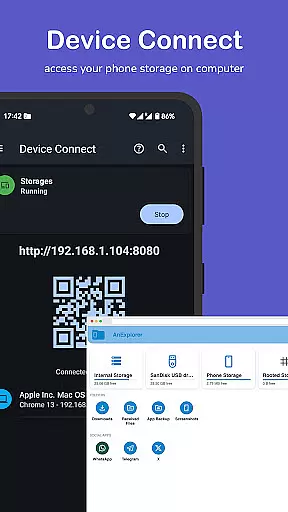
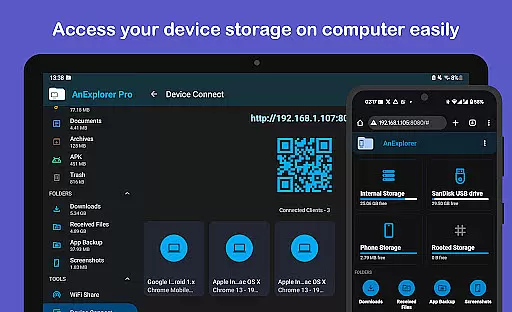
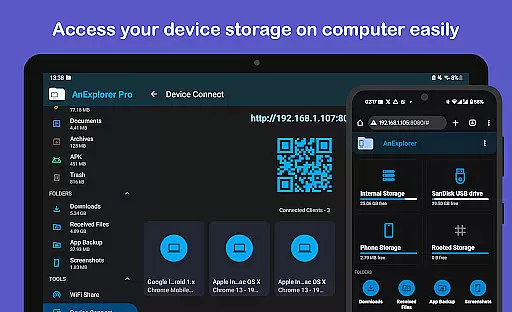
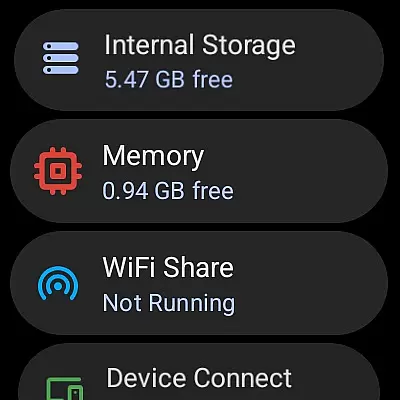
One of the app's key strengths lies in its multi-platform support and versatility. It offers specialized managers for different device types including Android TVs, Wear OS watches, VR/XR headsets, and even car systems. The inclusion of features like offline WiFi sharing, device connection through IP, and Chromecast support demonstrates its commitment to providing flexible file transfer and access solutions. Additionally, the app's capability to handle various file formats including archives, documents, and media files makes it an indispensable tool for comprehensive business file management.
Collaborative work features are essential for modern business applications, enabling teams to work together efficiently regardless of their physical locations. AnExplorer Pro File Manager supports this through its robust network file management capabilities.
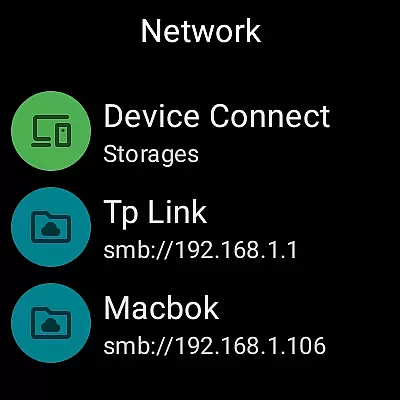
The app allows users to connect to various network storage solutions such as FTP, FTPS, SMB, and WebDAV servers. This functionality facilitates seamless file sharing and collaboration across different devices and platforms, ensuring that team members can access necessary files from anywhere.
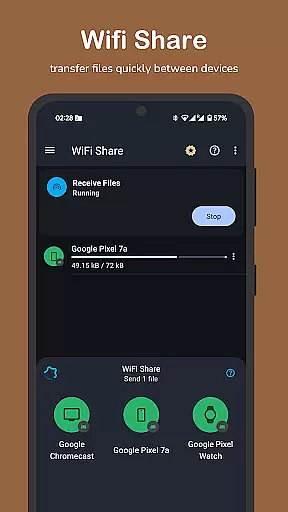
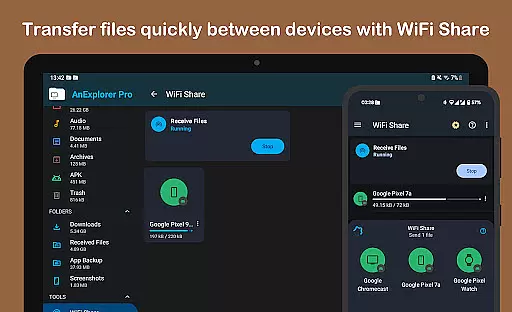
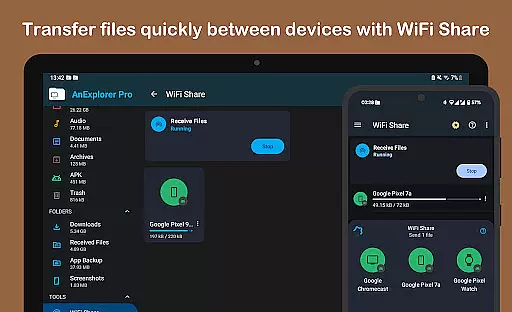
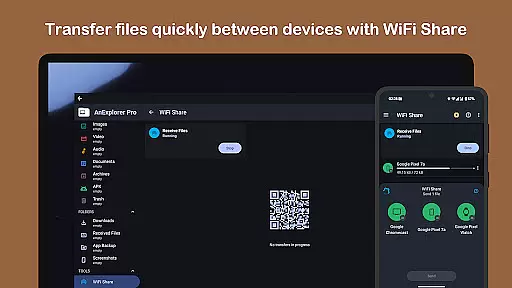
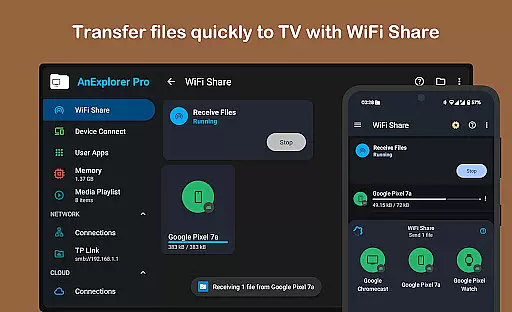
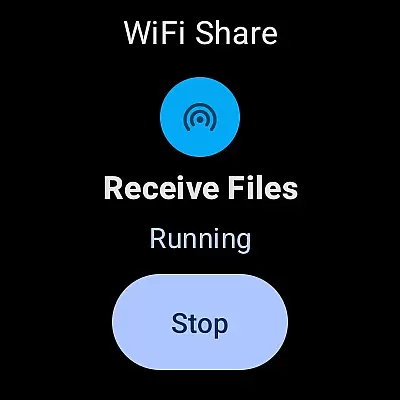
Additionally, the offline WiFi share feature enables wireless file transfers between Android devices on the same network without needing a hotspot. This makes it easy for teams in the same location to quickly exchange documents, media, and other important files.
By integrating these collaborative tools, AnExplorer Pro enhances productivity and ensures that all team members have the resources they need at their fingertips, streamlining workflows and improving overall efficiency.
Effective task management is crucial for maintaining productivity and ensuring that projects progress smoothly. AnExplorer Pro File Manager offers several features that contribute to efficient task management within a business environment.
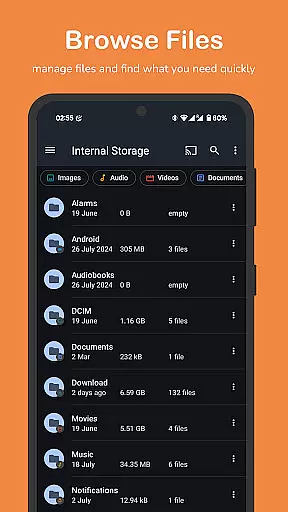
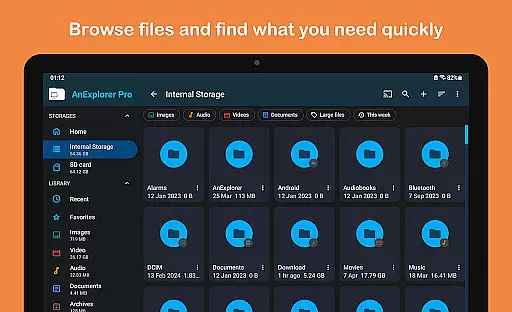
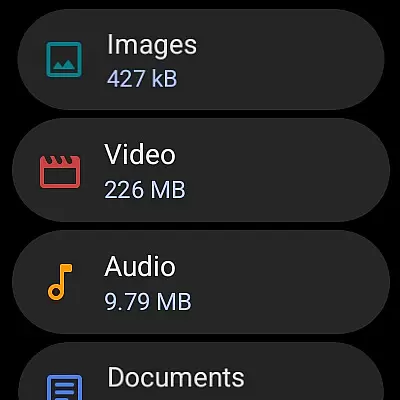
One key aspect is the app's ability to organize files systematically. With auto-categorization of files into Images, Videos, Music, Documents, Archives, and APKs, users can quickly locate and manage their files. This organization extends to managing downloads and Bluetooth transfers, further simplifying file handling.
The app also includes a memory cleaner feature that helps free up RAM and boost device speed. By providing a built-in storage analyzer, it allows users to deep clean cache and junk files, ensuring that devices remain fast and responsive.
Moreover, the bookmarking feature for favorite folders ensures quick access to frequently used directories, saving time and enhancing workflow efficiency. These task management capabilities make AnExplorer Pro an invaluable tool for businesses looking to optimize their operations.
User-friendly interface
Wide device compatibility
Advanced file operations
Comprehensive network support
Efficient storage management
Paid version only
Complex for beginners
Requires technical knowledge
Some features need root access
Extensive permissions required

 4.70
4.70
Quickly open and manage PDF files on your device.
3.80
FX Plus adds media, networking, and cloud capabilities to FX File Explorer.
4.10
Drive and earn extra money
4.50
A secure, all-in-one team collaboration app
4.30
Access All PDF Files
3.40
Earn money with the driver & delivery partner app for Uber, UberEats & Postmates
4.60
ADP Mobile Solutions is an employee self service app
4.50
No more passwords, easier sign-in, and greater protection for your accounts.
4.60
GoTo Mobile is a simple & secure calling, messaging & meetings solution
4.80
TurboScan turns your phone into a full-featured PDF document scanner.
4.80
Permission Guard is a security app that helps you manage app permissions.
4.80
Ship, Track, Find a Location or Get a Quote with UPS. Anytime. Anywhere.
4.60
ANDROID'S TOP MOBILE OFFICE - Word, Excel, PowerPoint and PDF at your fingertips
4.50
Earn crypto with secure cloud mining. Monitor, track & withdraw easily
4.40
All-in-one Mobile solutions for employees & managers to succeed at work
4.30
enjoy effortless PDF reading anytime, anywhere
3.90
Roadie connects people with stuff to send with drivers already going that way.
3.50
Completed Course Lectures on how to use IBM Maximo in Maintenance issues
4.5


User Reviews