
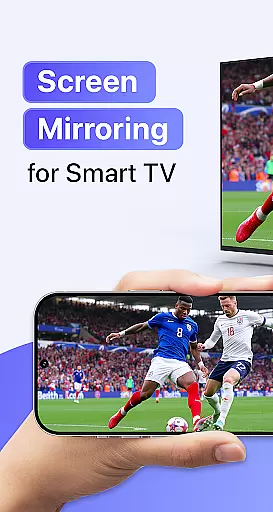
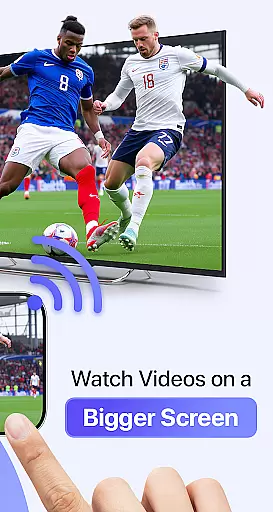
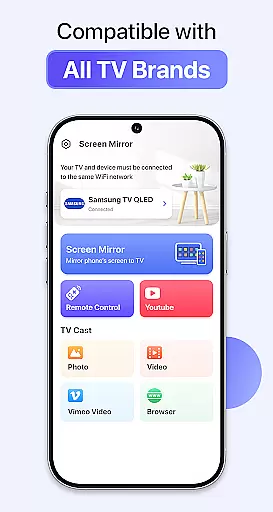
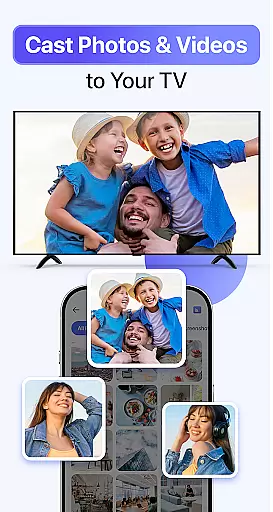
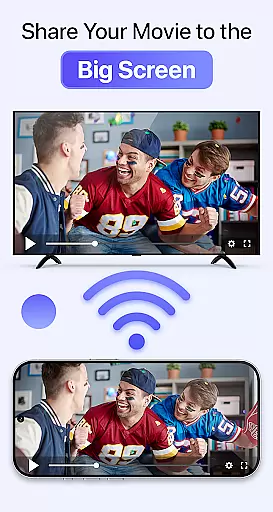
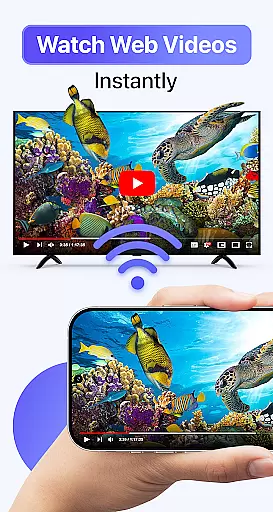
Cast to TV & Screen Mirroring is a powerful tool designed to enhance your multimedia experience by connecting your mobile device with larger screens. This app allows users to cast videos, photos, music, and games from their smartphones to smart TVs or other compatible devices effortlessly. With support for popular platforms like Chromecast, Roku, Amazon Fire TV, Xbox, and AirPlay-enabled TVs, it ensures broad compatibility across various brands including Samsung, LG, and Sony.
The application stands out through its seamless screen mirroring capabilities, providing real-time display of your phone's content on a bigger screen. Whether you're looking to enjoy entertainment or deliver professional presentations, this tool offers high-quality streaming with intuitive controls. Its user-friendly interface requires only three simple steps to connect: ensuring both devices are on the same Wi-Fi network, opening the app, and selecting the device name for an instant connection.
Cast to TV & Screen Mirroring boasts several notable features that cater to diverse user needs. One of its primary strengths is the ability to mirror content in full HD quality without lag, making it ideal for movies, gaming sessions, or business presentations. The app supports AirPlay screen mirroring, which reflects your entire phone display in real time onto any AirPlay-compatible television or DLNA-supported device.
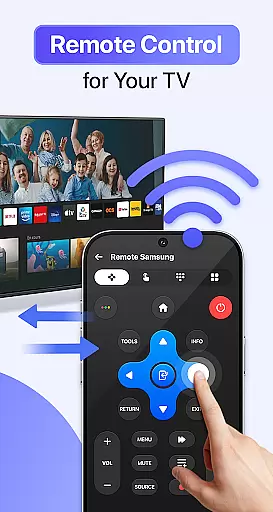
Another significant feature is its wide compatibility range; it works seamlessly with numerous smart TVs and streaming devices such as Chromecast, Roku TV, Amazon Fire Stick, and gaming consoles like Xbox. Additionally, users can control playback directly from their phones—adjusting volume levels or navigating between apps easily. These functionalities ensure a smooth and enjoyable viewing experience while eliminating the need for additional hardware or complex configurations.
Cast to TV & Screen Mirroring delivers exceptional core functionality by enabling users to stream and mirror content from their mobile devices to any smart TV effortlessly. The app supports high-quality streaming of videos, photos, music, and even games, ensuring that every piece of media is reproduced with clarity and precision on a larger screen.
The application's real-time screen mirroring and AirPlay features are engineered for accuracy, reflecting the entire phone display without lag or distortion. This makes it ideal not only for entertainment purposes but also for professional use such as presentations. With compatibility across a wide range of devices including Chromecast, Roku, Fire Stick, Xbox, and various smart TVs, users can enjoy a seamless connection experience regardless of their hardware.
By prioritizing stable performance and crystal-clear display quality, Cast to TV & Screen Mirroring ensures that users can control playback, volume, and navigation directly from their phones. This level of responsiveness enhances user satisfaction by providing an intuitive interface that maintains the integrity of the original content while delivering it through a more immersive medium.
The interface design of Cast to TV & Screen Mirroring emphasizes simplicity and intuitiveness, making it accessible even to those who may not be tech-savvy. With just three straightforward stepsu2014connecting your phone to the same Wi-Fi network as your TV, opening the app, and tapping your device nameu2014you can start enjoying mirrored content almost instantly.
This streamlined setup process eliminates the need for complex configurations or additional hardware, allowing users to focus on their content rather than troubleshooting connectivity issues. The app's layout is clean and uncluttered, presenting essential functions in an easily navigable format that reduces the learning curve typically associated with new technology.
Moreover, the ability to control everything directly from your smartphone adds another layer of convenience. Whether adjusting volume levels or navigating between different types of media, the app provides a smooth and responsive user experience that feels natural and effortless. By combining ease-of-use with powerful functionality, Cast to TV & Screen Mirroring sets itself apart as a versatile tool designed to enhance how we interact with our digital environments.
User-friendly interface
Wide device compatibility
High-definition streaming
Real-time screen mirroring
Intuitive playback controls
Limited offline functionality
Requires stable Wi-Fi
Premium features locked behind paywall
Occasional connection issues
No direct HDMI support

A powerful, easy-to-use flight computer on your phone or tablet!
 3.80
3.80
Transfer Files, APK from Phone to Watch & Install.
4.5
Learn the vast amount of system information about device and monitor it's state
4.70
Unit and currency converter with easy and simple UI.
4.80
Quickly & easily calculate the spacing of handrail balusters
4.20
WiFi Signal Strength Meter help you detect WiFi Signal Strength in real time.
4.80
Remote Play with FSR upscaling, low latency & full controller support
4.80
Creation, Learning, Entertainment & More — The All-in-One AI Search Engine
4.70
Fast VPN USA for any country. Super secure VPN for calls, streaming, games, TV.
4.40
Change your GPS location instantly. Simulate routes anywhere in the world.
4.90
App to pay for FUTO Keyboard
4.60
Mirror your screen to Chromecast and Android TV - Super fast and simple
4.60 4.50
4.50
With videos, electrical calculators, and built-in ebook, Ugly’s has your answer.
4.50
Use your phone as a webcam on your computer over WiFi or USB.
4.40
Universal TV remote control all TVs, Roku, LG, Samsung, Fire, Vizio, Sony, TCL.
4.40
1-Click close all background apps on Android TV
3.90
Unlock your Essential Key. Create custom shortcuts to your favorite apps!
4.3
Download any file easily and quickly with Downloader
4.4


User Reviews