
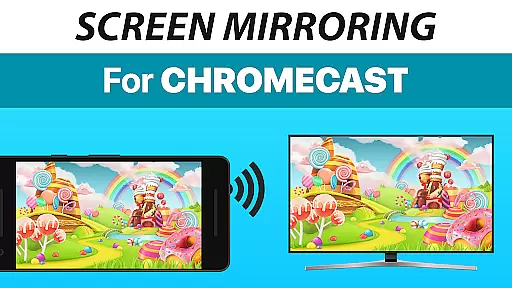
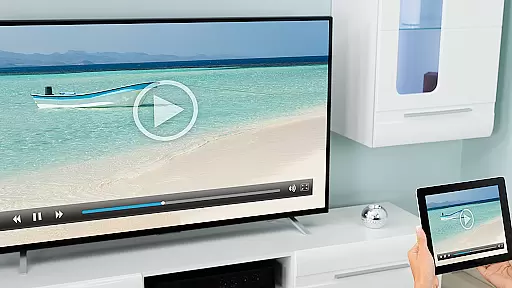
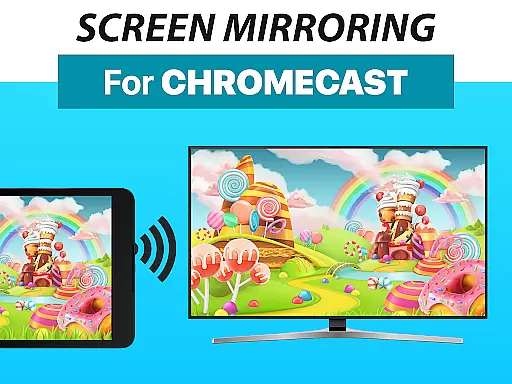
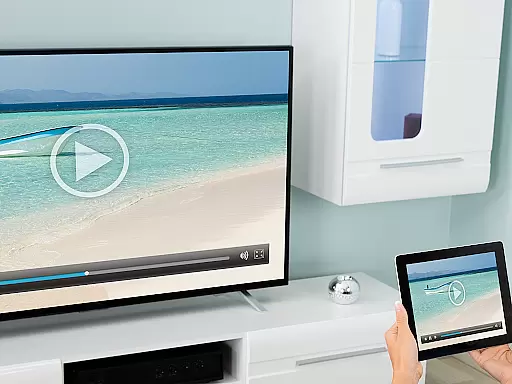
Screen Mirroring + Chromecast is a powerful tool designed to mirror your screen in real-time with HD quality to Chromecast and Android TV devices. This app allows users to share their screen on any Chromecast-enabled device, including Smart TVs from brands like Xiaomi, Sony Bravia, TCL, Vizio, Hisense, Philips, Sharp, or NVidia Shield Gaming Console.
The core functionality of this app revolves around its ability to seamlessly share photos, videos, games, websites, apps, presentations, and documents with friends and family. It supports all Android devices running Android 5.0 and above, ensuring broad compatibility. The unified setup process across all Android devices eliminates the need for changing settings or Wi-Fi options, making it user-friendly.
For optimal performance, a good Wi-Fi network, preferably 5Ghz, is recommended. Sound support is available for Android 10 and above, enhancing the multimedia sharing experience. Whether you're looking to share content at home or during presentations, Screen Mirroring + Chromecast offers a reliable solution for all your screen-sharing needs.
Screen Mirroring + Chromecast stands out with its extensive feature set tailored for seamless screen sharing. One of its key features is the support for a wide range of devices, including all Android devices with Android 5.0+ and all Chromecast and Android TVs. This ensures that users can connect and share content without worrying about compatibility issues.
The app provides an easy and unified setup process across all Android devices, removing the hassle of adjusting Android settings or Wi-Fi options. This streamlined approach makes it accessible even for users who may not be tech-savvy. Additionally, the performance of the app is optimized when used with a strong Wi-Fi network, particularly recommending 5Ghz Wi-Fi for the best results.
Another notable feature is the sound support available on Android 10+, allowing users to share audio along with visual content. This enhances the overall sharing experience, making it ideal for presentations, gaming, or simply enjoying media with friends and family. With these robust features, Screen Mirroring + Chromecast delivers a comprehensive and efficient screen-sharing solution.
Screen Mirroring + Chromecast is designed to provide users with an efficient and accurate screen sharing experience. The app allows real-time HD quality screen mirroring to Chromecast and Android TV, ensuring that every detail of your content is transmitted clearly and without delay.
The tool supports a wide range of devices, including all Android devices running Android 5.0 and above, as well as various smart TVs with Chromecast built-in. This extensive compatibility ensures that users can mirror their screens from virtually any modern Android device to a variety of display options, enhancing the versatility and reach of their presentations or entertainment sessions.
Performance optimization is another key feature, particularly when connected to a robust Wi-Fi network. The recommendation for a 5GHz Wi-Fi connection underscores the app's commitment to delivering high-speed, lag-free screen sharing. This focus on network conditions helps maintain the quality and reliability of the mirrored content, providing users with a seamless experience.
Additionally, the inclusion of sound support on Android 10+ devices further enriches the user experience by allowing audio to be shared alongside visual content. This holistic approach to screen sharing ensures that users can fully leverage their multimedia capabilities, making Screen Mirroring + Chromecast an indispensable tool for both personal and professional use.
One of the standout features of Screen Mirroring + Chromecast is its user-friendly interface, which simplifies the process of screen sharing. The app offers a super easy and unified setup across all Android devices, eliminating the need for complex configurations or adjustments to Android settings and Wi-Fi options.
This intuitive design ensures that even users who are not tech-savvy can quickly and effortlessly start sharing their screens. By removing barriers such as complicated setup procedures, the app democratizes access to screen mirroring technology, making it accessible to a broader audience.
Furthermore, the developers have prioritized ease of use without compromising on functionality. Users can share photos, videos, games, websites, apps, presentations, and documents with minimal effort, thanks to the streamlined interface. This simplicity does not detract from the app's powerful capabilities but rather enhances the overall user experience by reducing the learning curve and potential frustration.
In addition to its straightforward setup, the app provides reliable customer support and feedback channels. Users experiencing issues or seeking assistance can easily contact the support team via email, ensuring that help is readily available when needed. This combination of an intuitive interface and robust support makes Screen Mirroring + Chromecast a top choice for anyone looking to share their screen with ease and confidence.
User-friendly interface
Wide device compatibility
Real-time HD mirroring
Easy setup process
Sound support on Android 10+
Requires good Wi-Fi for best performance
No iOS device support
Sound only on Android 10+
Chromecast device needed
Limited to compatible TVs

Easily install aab(Android App Bundle) files on your Android device with our app
 4.80
4.80
A powerful, easy-to-use flight computer on your phone or tablet!
3.80
Transfer Files, APK from Phone to Watch & Install.
4.4
Unlock your Essential Key. Create custom shortcuts to your favorite apps!
4.5
Canon PRINT is a companion app for your Canon printer.
4.60
Enjoy smooth gameplay with Game Booster
4.90
Carry a FTP server in your pocket and avoid USB cables for file transfer
4.20
Play your X-Box games remotely in 1080p with any controller and zero latency
4.60
Fun lie-detection pranks for friends and parties.
3.80
Support Fossify apps with a warm thank you!
5.00
Best leveling tool for your Android device. Hang paintings like a pro.
4.90
Bedrock Together: Join any bedrock server on Xbox/PS
4.80
Learn the vast amount of system information about device and monitor it's state
4.70
Small and simple app to Verify Root Access and BusyBox Install!
4.70 4.50
4.50
Quickly switch to an encrypted DNS server on Android TV
4.50
Game Booster, GFX Tool is now compatible with newer game update
4.50
Complete kernel toolbox with features to manage and tweak your rooted device
4.30
Quickly & easily calculate the spacing of handrail balusters
4.20


User Reviews