
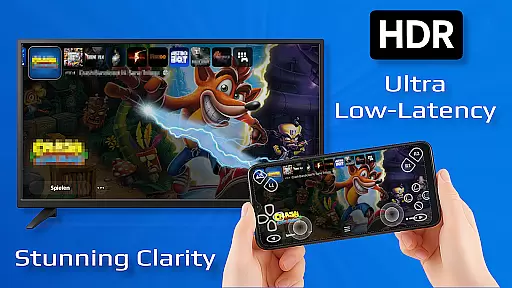
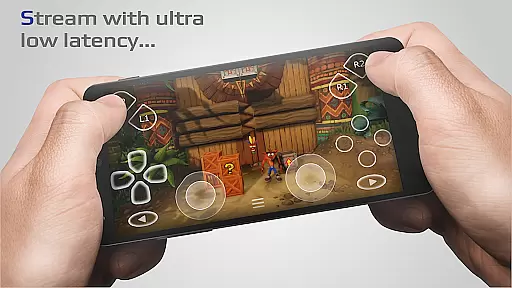
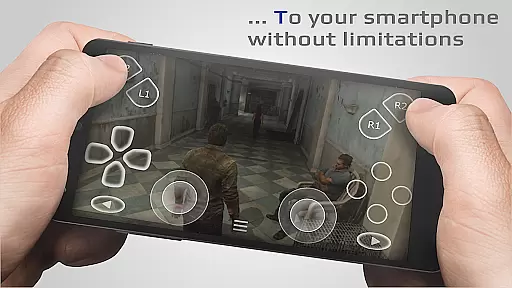
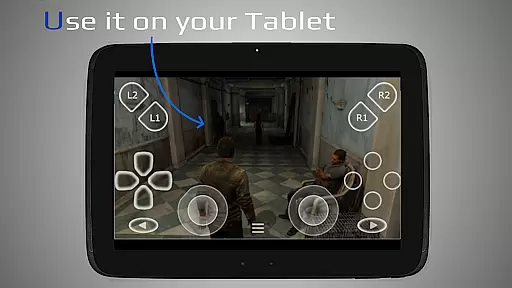
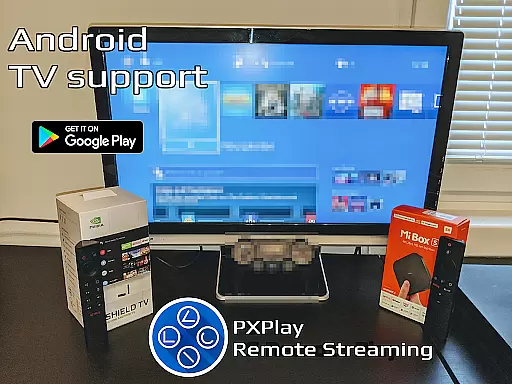
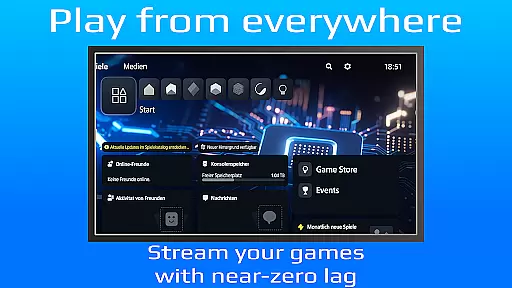
PXPlay is a powerful remote control application designed for gaming enthusiasts who want to access their gaming devices from anywhere. The app offers an optimized streaming experience with minimal latency, supporting third-party controllers and mobile data connections. Whether you're using Android TV or smartphones, PXPlay ensures seamless gameplay with features like gamepad button mapping, customizable onscreen layouts, and Picture-In-Picture mode.
One of the standout capabilities of PXPlay is its ability to function as a virtual controller, allowing users to play games that support Remote Play functionality. With support for firmware versions from 5.05 and newer, PXPlay caters to a wide range of devices. It also supports advanced features such as screen recording (with third-party apps) and multi-window functionality. For optimal performance, it's recommended to use a wired internet connection and a 5GHz WiFi network.
This app is ideal for gamers who need flexibility and high performance while streaming their favorite games remotely. Its compatibility with rooted devices and older firmware makes it versatile, though users are advised to verify firmware updates before upgrading to ensure uninterrupted service.
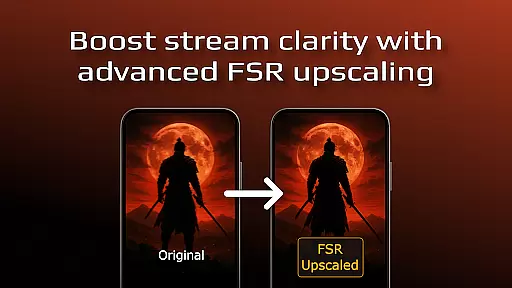
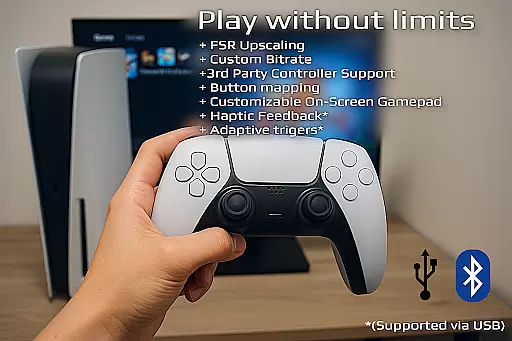
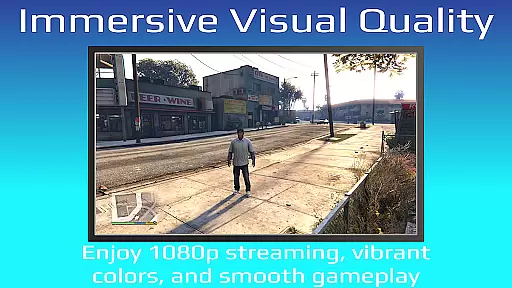
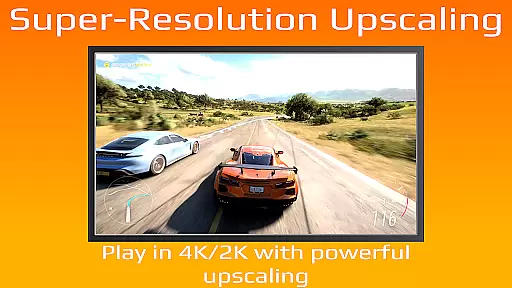
PXPlay stands out with its robust feature set tailored for both casual and hardcore gamers. One of its key highlights is FSR upscaling and sharpening, which enhances video quality during streaming sessions. This ensures that even on less-than-ideal networks, users can enjoy crisp visuals. Additionally, the app supports third-party controllers across all Android devices, giving users the freedom to choose their preferred hardware.
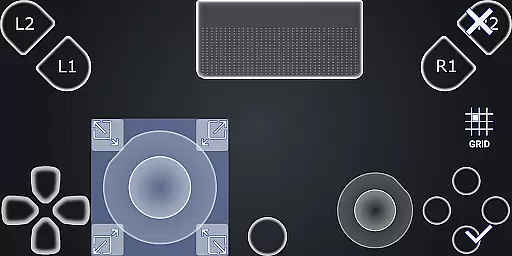
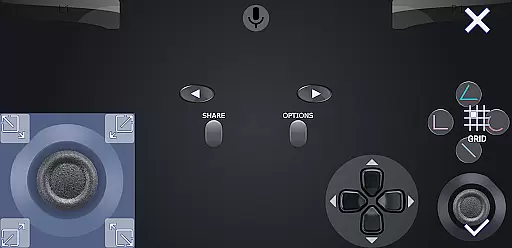
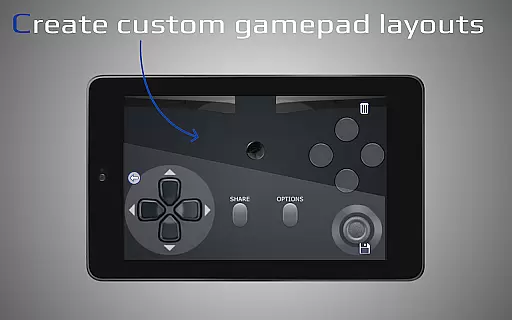
The app allows multiple profile registrations, making it convenient for households with shared devices. Gamers can customize their onscreen gamepad layout to suit their preferences, ensuring a personalized experience. PXPlay also supports advanced functionalities like Picture-In-Picture mode and multi-window support, which require Android 8.0 and 7.0 respectively. These features make multitasking easier while maintaining low-latency streaming.
For users concerned about connectivity, PXPlay recommends specific hardware configurations such as dual-core CPUs, at least 2GB of RAM, and high-speed internet connections with 15 Mbps upload/download speeds. By adhering to these recommendations, users can maximize the app's potential and enjoy uninterrupted gaming sessions regardless of location.
PXPlay is designed to provide an exceptional remote gaming experience by ensuring core functions are both accurate and effective. The app's primary feature is its ability to stream games from your gaming device with minimal latency, a crucial factor for maintaining an immersive experience. By supporting third-party controllers and offering customization options like gamepad button mapping and onscreen layout adjustments, PXPlay ensures that users can tailor the controls to their preferences.
The application supports a wide range of Android devices, including Android TV, and offers advanced functionalities such as Picture-In-Picture mode and Multi-Window support. These features enhance multitasking capabilities and allow users to manage their gaming sessions more efficiently. Additionally, PXPlay's compatibility with rooted devices and older firmware versions demonstrates its versatility and commitment to serving a broad user base.
For users seeking optimal performance, PXPlay recommends specific hardware configurations, such as dual-core CPUs, at least 2GB of RAM, and high-speed internet connections. Following these guidelines helps ensure the best possible streaming quality and responsiveness. Overall, PXPlay's dedication to providing a reliable and customizable remote gaming solution makes it a valuable tool for gamers who demand precision and flexibility in their gaming experiences.
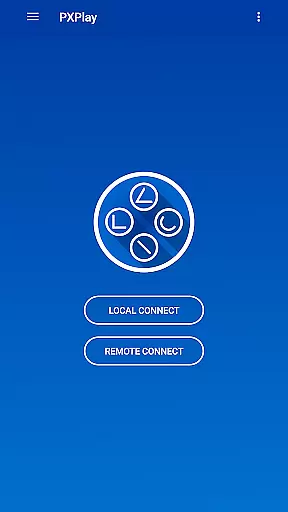
A key aspect of PXPlay's design philosophy is maintaining an interface that is both simple and intuitive. This focus ensures that users can easily navigate through the app's features without encountering a steep learning curve. Upon launching PXPlay, users are greeted with a straightforward setup process that facilitates quick connections to their gaming devices. This ease of use extends to the app's support for various controller types, allowing gamers to start playing with minimal configuration.
PXPlay further enhances user experience by offering customization options for onscreen gamepad layouts. This flexibility enables players to adjust control schemes according to their comfort levels, promoting longer and more enjoyable gaming sessions. Moreover, the inclusion of features like Picture-In-Picture mode and Multi-Window support demonstrates PXPlay's commitment to providing an interface that adapts to different usage scenarios.
By prioritizing clarity and ease of use, PXPlay ensures that even those new to remote gaming can quickly become proficient with the app. Its intuitive design not only simplifies initial setup but also allows for seamless transitions between different gaming sessions and devices. Ultimately, PXPlay's user-friendly interface empowers gamers to focus on what truly matters u2013 enjoying their favorite games without technical hindrances.
User-friendly interface
Low latency streaming
Customizable controls
Supports rooted devices
Wide firmware compatibility
Requires stable internet
Firmware update risks
Premium features limited
Third-party app dependency
Controller setup complex

Connect instantly to a fast, encrypted VPN with one tap
 4.60
4.60
eXtended Permission Manager - a small app to manage permissions and AppOps
4.50
VESC Tool can monitor and configure VESC-compatible devices over BLE and Wifi
4.20
Small and simple app to Verify Root Access and BusyBox Install!
4.70
Unleash gamepad precision for ultimate mobile gaming dominance.
3.90
Screen Mirroring with sound for Samsung TV, LG TV, Sony TV, Smart TV and Browser
4.20
NFC Tools can read and write NFC tags.
4.70
A clean app.
4.50
The ideal app to be the digital eye of your family
3.40
Connect wirelessly to your computer to watch movies, browse the web, play games
5.00
Change your GPS location instantly. Simulate routes anywhere in the world.
4.90
Pro Emulator is an easy to use game console emulator for a range of consoles.
4.40
pdf merge, word to pdf, jpg to pdf, edit pdf, convert to pdf and much more!
4.20
Just one-tap to easy translate in any language after calls within seconds.
4.20
App that Recover your pictures, videos or files after you delete them.
4.20
A powerful, easy-to-use flight computer on your phone or tablet!
3.80
This app unlocks the Pro features of the Central for DayZ app
3.60
PDF Reader - Document Viewer: Read, Manage & Organize Your Documents
3.10
Download any file easily and quickly with Downloader
4.5


User Reviews