
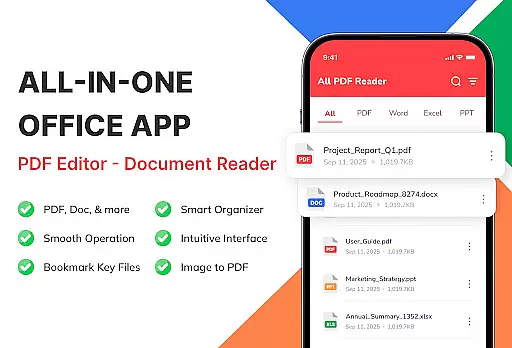
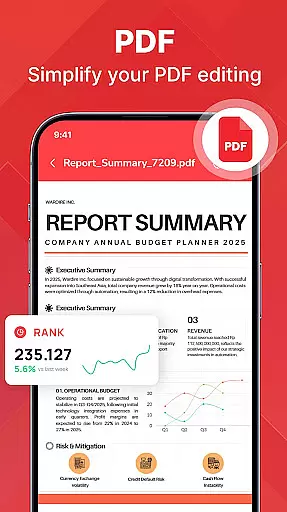
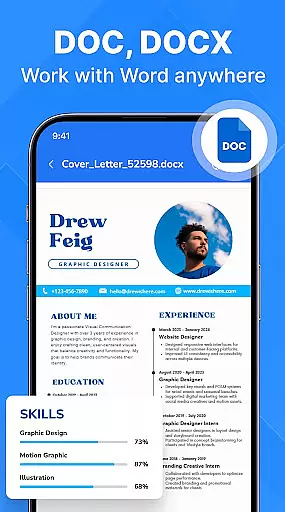
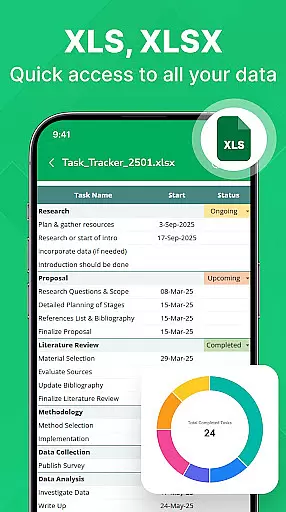
PDF Reader - Document Viewer is a versatile tool designed to streamline document management on Android devices. This application allows users to read, manage, and organize various document formats including PDF, Word, Excel, and PowerPoint files all in one place. With its unified viewer, users can easily access eBooks, reports, manuals, and presentations without switching between different apps.
The app stands out with its fast and reliable performance. It opens PDF files instantly, provides smooth page navigation, and maintains perfect formatting for Word and Excel documents. Its lightweight design ensures stability across different devices. Additionally, the smart file management system automatically detects documents on the device, allowing users to sort, search, and categorize files efficiently.
Whether you are a student, professional, or remote worker, this app catifies diverse needs by providing quick access to essential files anytime, anywhere. The clean interface and offline functionality further enhance user experience, making it an ideal choice for anyone looking to boost productivity and simplify document handling.
PDF Reader - Document Viewer offers a comprehensive set of features that cater to various document management needs. One of its key highlights is the support for multiple document formats such as PDF, Word, Excel, and PowerPoint. Users can read eBooks, review reports, view tables, and swipe through presentations seamlessly. The app ensures that every document retains its original formatting, providing a consistent viewing experience.
In addition to its format versatility, the app boasts fast and smooth performance. It opens files quickly, navigates pages effortlessly, and operates reliably even on less powerful devices. The smart file management system is another standout feature, automatically detecting files stored on the device and offering robust sorting and searching capabilities. Users can browse by category, access recent or favorite documents, and find files by name, size, or date.
Designed with user convenience in mind, the app supports offline functionality, ensuring that users can access their files without an internet connection. Privacy is also a priority, as all files remain securely on the device. These features collectively make PDF Reader - Document Viewer a reliable tool for anyone needing efficient and secure document access.
For a document viewer app like PDF Reader - Document Viewer, core function accuracy and effectiveness are paramount. This app ensures that every PDF, Word, Excel, and PowerPoint file opens instantly without any delay or formatting issues. The smooth scrolling feature allows users to navigate through lengthy documents effortlessly, while the lightweight design guarantees stability across various Android devices.
The app's ability to maintain perfect formatting for different file types is crucial for professionals and students alike. Whether reviewing reports, studying lecture slides, or examining detailed charts in Excel sheets, users can trust that their documents will appear exactly as intended. This reliability enhances productivity by eliminating the frustration of distorted layouts or missing elements.
Moreover, the automatic file detection system simplifies document management. By sorting and searching files based on name, size, or date, users can quickly locate specific documents. This smart organization feature not only saves time but also ensures that important files are always within reach, contributing to an efficient workflow.
A simple and intuitive interface is essential for a seamless user experience in document viewing applications. PDF Reader - Document Viewer boasts a clean, easy-to-use design that caters to both tech-savvy individuals and those less familiar with digital tools. Its straightforward layout allows users to open, read, and manage their documents without unnecessary complications.
The app supports offline functionality, ensuring that users can access their files anytime, anywhere, without needing an internet connection. This feature adds to the overall simplicity, as it removes dependency on external factors and provides peace of mind regarding data privacy since all files remain securely stored on the device.
Furthermore, the categorization and quick access options such as Recent and Favorite documents enhance the intuitiveness of the app. Users can easily switch between different types of files and find what they need promptly. These thoughtful design choices make PDF Reader - Document Viewer an ideal tool for anyone looking to streamline their document management process efficiently.
User-friendly interface
Fast file loading
Multi-format support
Offline functionality
Smart file management
Limited editing tools
No cloud integration
Basic annotation features
Occasional bugs
Ads in free version

pdf merge, word to pdf, jpg to pdf, edit pdf, convert to pdf and much more!
 4.20
4.20
Clean the junk files on your device
3.40
Canon PRINT is a companion app for your Canon printer.
4.60
App to pay for FUTO Keyboard
4.60
Excellent scientific calculator with symbolic algebra, integrals, derivatives
4.80
WiFi Signal Strength Meter help you detect WiFi Signal Strength in real time.
4.80
The Ultimate Bluetooth Keyboard & Mouse. Securely control your PC, Mac, and more
4.50
Quickly check the frequency of the Earth
4.30
Clean up large files and similar photos, fast and easy to use
4.40
Connect wirelessly to your computer to watch movies, browse the web, play games
5.00
Enjoy smooth gameplay with Game Booster
4.90
Easily install aab(Android App Bundle) files on your Android device with our app
4.80
Fast Video Downloader, Movie Downloader, Torrent Downloader & Adblock Browser
4.70
Creation, Learning, Entertainment & More — The All-in-One AI Search Engine
4.70
FV File Manager Pro, Fast and powerful file manager for Android
4.60
With videos, electrical calculators, and built-in ebook, Ugly’s has your answer.
4.50
Smart and comfortable browsing experience.
3.80
Safely recover deleted photos, videos, and files with a single easy tap.
3.70
Unlock your Essential Key. Create custom shortcuts to your favorite apps!
4.3


User Reviews