
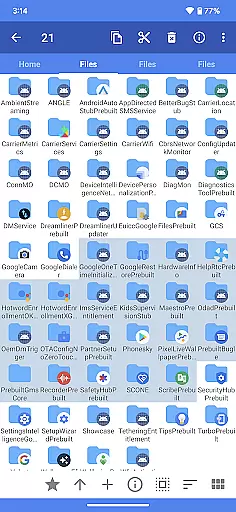
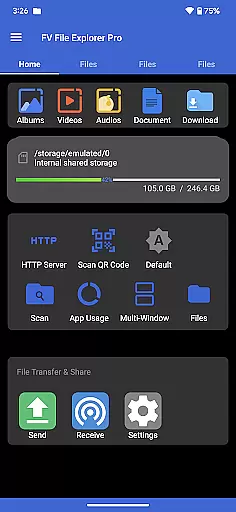
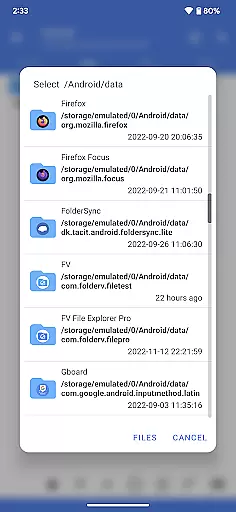
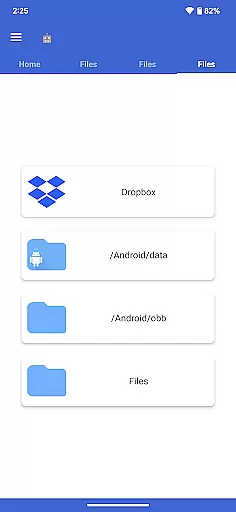
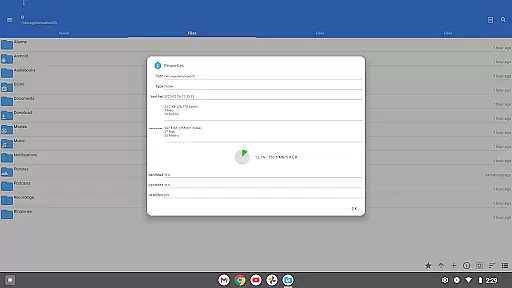
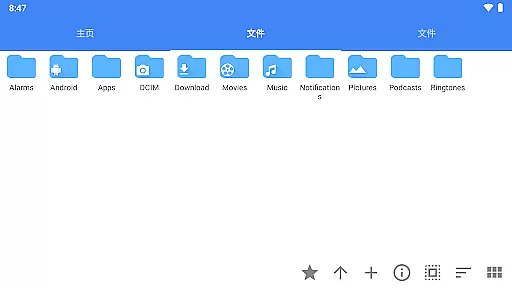
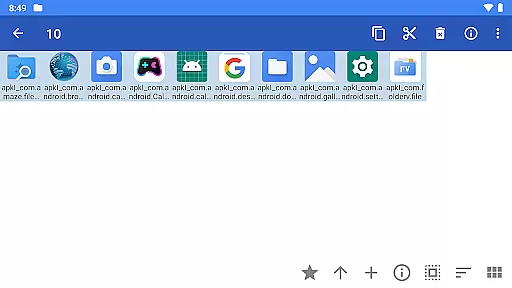
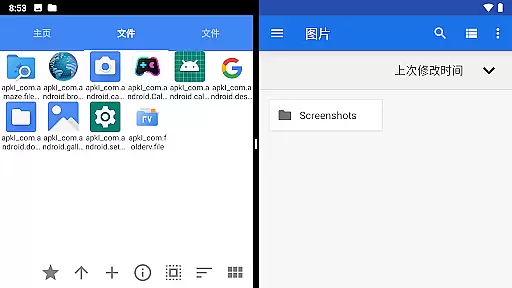
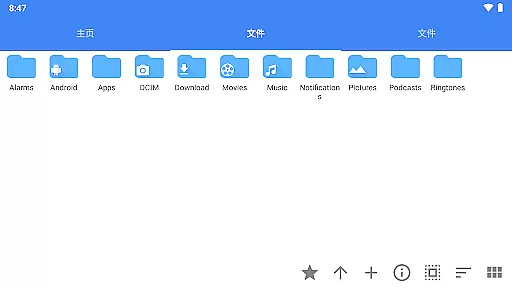
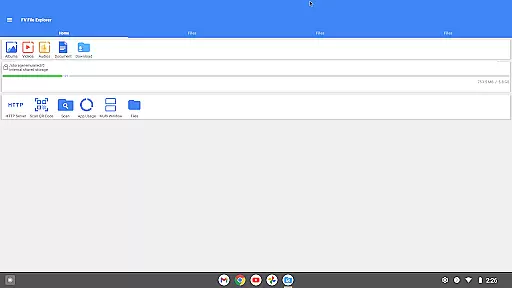
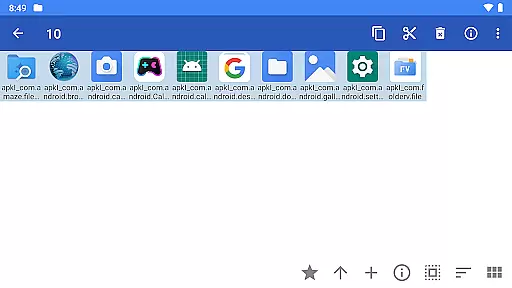
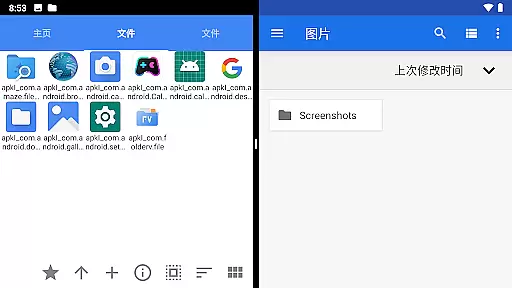
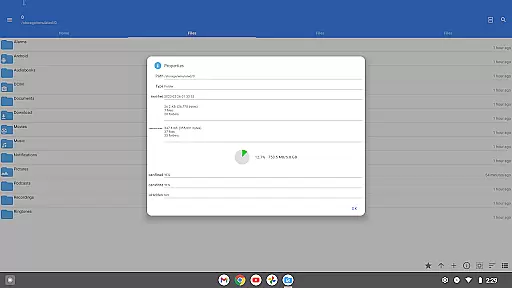
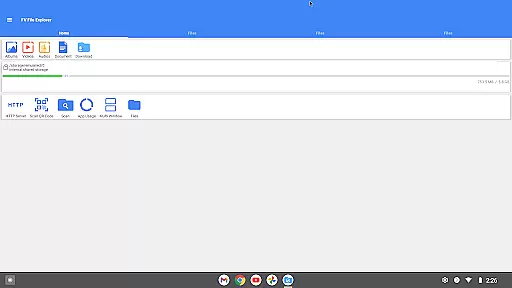
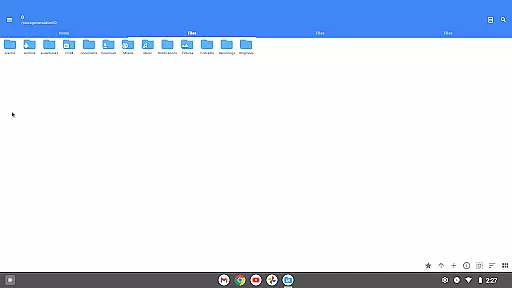
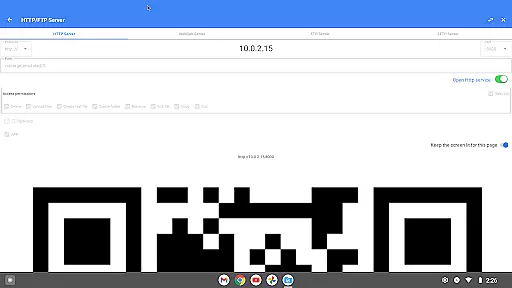
FV File Pro is a robust file management tool designed specifically for Android devices. This app offers users the ability to efficiently manage their files with features such as accessing restricted directories like /Android/data and /Android/obb on Android 13 without requiring root access. Its Material Design UI ensures an intuitive user experience while supporting multiple image formats including JPG, PNG, BMP, TIFF, WEBP, HEIF, AVIF, ICO, and APNG.
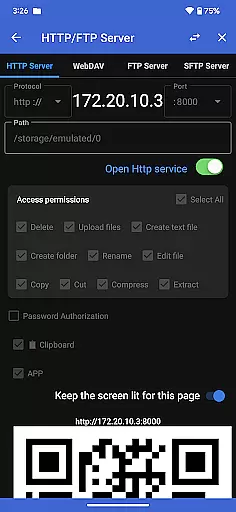
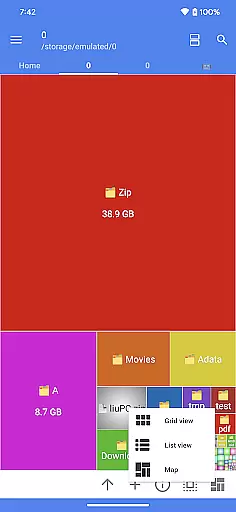
Additionally, FV File Pro allows users to extract various compressed files such as ZIP, RAR, 7Z, ISO, and DMG formats. The app also facilitates wireless file management through HTTP, FTP, or SFTP within a local area network, eliminating the need for data cables. With its WebDAV server functionality, users can easily connect from their Mac using Finder by entering the server address. Furthermore, the treemap visualization feature provides a graphical representation of storage usage, making it easier to identify large files.
FV File Pro stands out with its comprehensive set of features tailored for efficient file management. One notable feature is the ability to view multiple image formats, which caters to users who frequently work with different types of images. Another significant aspect is the support for extracting various compressed file formats, thus simplifying the process of handling archives.
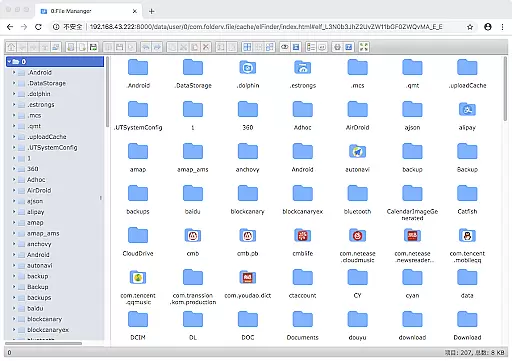
The app's wireless network management capabilities allow users to transfer documents, pictures, and text files between their computer and mobile device seamlessly. By utilizing protocols such as HTTP, FTP, or SFTP, users can avoid using data cables and conserve mobile data. Additionally, the WebDAV server functionality enables easy integration with macOS systems, allowing users to connect via Finder effortlessly.
Moreover, the treemap visualization for storage provides an innovative way to understand disk usage patterns. Each file is represented as a colored rectangle, with its size proportional to the file's dimensions. Directories are depicted as larger rectangles containing all their files and subdirectories, offering a clear overview of storage distribution. These features collectively enhance productivity and streamline file management tasks.
FV File Pro stands out as a robust file management tool designed for Android users, offering precise and effective core functionalities that cater to both casual and power users. The app provides seamless access to typically restricted directories such as /Android/data and /Android/obb on Android 13 without requiring root permissions, ensuring users can manage their files with full autonomy.
One of the key strengths of FV File Pro is its support for a wide array of file formats. Whether it's handling various image formats like JPG, PNG, BMP, TIFF, WebP, HEIF, AVIF, ICO, and APNG or extracting multiple compressed file types including ZIP, RAR, 7Z, ISO, and DMG, the app ensures that users can work with their files without compatibility issues. This versatility significantly enhances productivity by eliminating the need for additional tools.
The app also excels in managing files over a wireless network, allowing users to transfer documents, pictures, and text files between their computer and mobile device via HTTP, FTP, or SFTP within a local area network (LAN). This feature not only simplifies file sharing but also conserves mobile data usage, making it an efficient solution for both personal and professional environments.
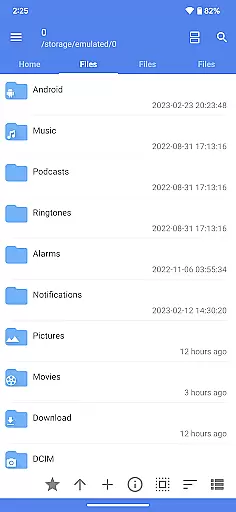
A user-friendly interface is crucial for any tool, and FV File Pro delivers an intuitive experience through its Material Design UI. This design choice ensures that even those new to file management can navigate and utilize the app's features with ease. The clean and organized layout helps users focus on their tasks without being overwhelmed by complex menus or options.
Beyond its aesthetic appeal, FV File Pro incorporates advanced visualization tools like treemap representations for storage management. Each file is depicted as a colored rectangle, the size of which corresponds to the file's actual size. This innovative approach allows users to quickly identify large files and manage their storage space more effectively, enhancing overall usability.
Additional features further augment the app's intuitiveness, such as integrated QR code and barcode scanning, markdown file previews, and HTTP file download capabilities. These functions are seamlessly woven into the interface, providing users with a comprehensive yet straightforward toolset that meets diverse needs while maintaining an accessible and engaging user experience.
User-friendly interface
Extensive format support
Wireless file transfer
Advanced visualization tools
Comprehensive feature set
Limited iOS compatibility
Occasional performance lags
Complex setup for beginners
Requires network stability
Premium features locked behind paywall

 4.50
4.50 4.50
4.50
Just one-tap to easy translate in any language after calls within seconds.
4.20
Use your phone as a webcam on your computer over WiFi or USB.
4.40
Optimize your WiFi network, turn your phone into Wifi Analyzer
4.70
Effortlessly run ADB commands directly on your device without a PC.
4.20
Mirror your screen to Chromecast and Android TV - Super fast and simple
4.60
Download any file easily and quickly with Downloader
4.2
Clean up your phone, find files, play media, and share files offline
4.50
Remote Play with FSR upscaling, low latency & full controller support
4.80
The one-and-only remote control for PC, Mac, and Linux
4.70
Clean up large files and similar photos, fast and easy to use
4.40
App that Recover your pictures, videos or files after you delete them.
4.20
Detect hidden spy camera with advanced scanning {{ Premium version }}
4.00
1-Click close all background apps on Android TV
3.90
Family Locator, Share location, StayConnect with your family in real time
3.90
A recovery soft,it features photo recovery, video recovery, file recovery.
3.40
Undelete and recover your lost or deleted files with DiskDigger!
3.40
card-reader app
2.20


User Reviews