

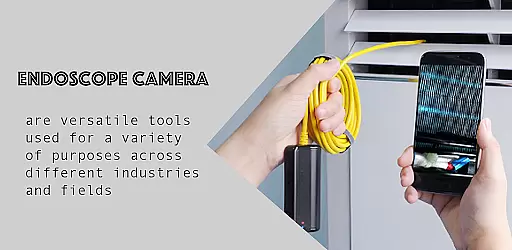
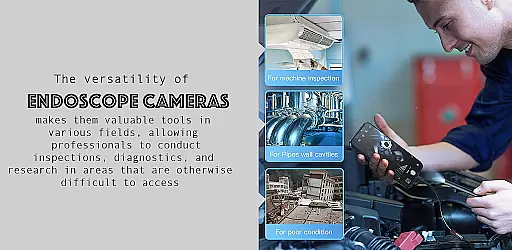
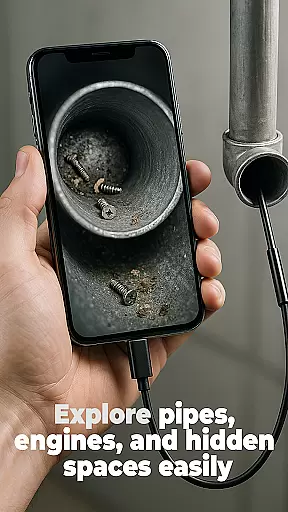
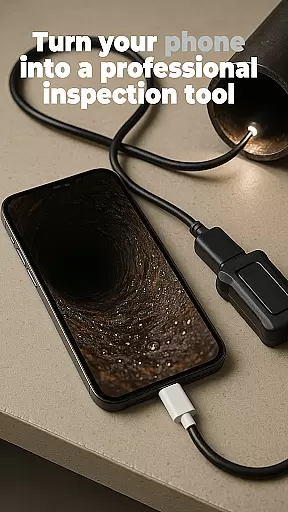
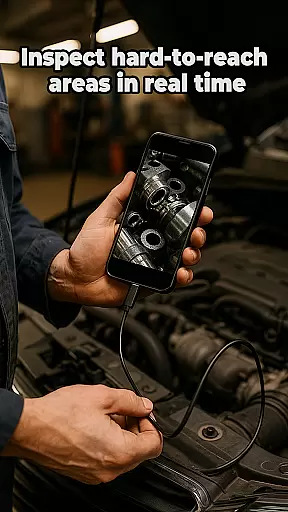
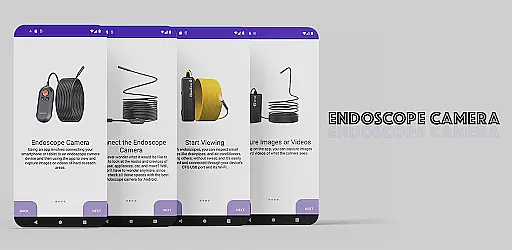
The Endoscope Camera app is a versatile tool designed to connect your smartphone with various external camera devices, including endoscopes, USB cameras, borescopes, and sewer inspection cameras. This functionality makes it an ideal solution for inspecting hard-to-reach areas such as blocked drains or pipes without the need for costly plumbing services.
With its user-friendly interface, the app allows users to easily capture high-quality photos and videos through their connected devices. The captured media can be conveniently managed within the built-in gallery, where users can view, delete, and organize their files effortlessly. Whether you're a professional plumber or a DIY enthusiast, this app provides a practical and efficient way to diagnose and solve problems in tight spaces.
This application is particularly beneficial for professionals who require reliable visual inspections of inaccessible areas. By providing clear visuals of blockages or damages, the Endoscope Camera app not only saves time but also reduces the need for invasive procedures, making it a valuable asset in both personal and professional settings.
One of the standout features of the Endoscope Camera app is its broad compatibility with various types of external cameras, including endoscopes, USB cameras, and borescopes. This versatility ensures that users can utilize the app across different scenarios, from plumbing repairs to detailed inspections of narrow spaces.
The app offers a seamless setup process, allowing users to connect their devices quickly using OTG USB technology. Once connected, users can capture high-resolution photos and videos, which are essential for accurate diagnostics. The intuitive interface simplifies navigation, enabling users to start recording or taking pictures with just a few taps.
Additionally, the built-in gallery feature enhances user experience by providing easy access to all captured media. Users can manage their files directly from the app, performing actions such as viewing, deleting, and organizing photos and videos. This comprehensive functionality makes the Endoscope Camera app an indispensable tool for anyone needing to conduct thorough visual inspections.
Endoscope Camera app offers a comprehensive solution for connecting your smartphone to various external camera devices, ensuring broad functionality coverage. This includes compatibility with endoscopes, USB cameras, borescopes, and sewer inspection cameras.
The app is designed to support quick and easy setup through OTG USB connections, allowing users to swiftly begin their inspection tasks. Whether it's blocked drains or hard-to-reach areas, the app provides the necessary tools to capture high-quality photos and videos efficiently.
With its built-in gallery feature, users can conveniently view, manage, and delete their captured files. This ensures that all essential functions for inspection and documentation are covered, making it an indispensable tool for both professionals and DIY enthusiasts.
Usability is at the core of the Endoscope Camera app, offering an intuitive interface that simplifies the process of capturing and managing media. Users can easily navigate through the app to access the camera controls and gallery functionalities without any hassle.
Operational smoothness is guaranteed through seamless integration with compatible devices, providing real-time viewing and recording capabilities. The app ensures that users experience minimal latency, even when capturing high-quality images or videos in challenging environments.
Additionally, features like one-tap photo capture, video recording, and straightforward file deletion enhance the overall user experience. These elements collectively contribute to making inspections faster, easier, and more efficient than ever before.
User-friendly interface
High-quality image capture
Versatile device compatibility
Efficient file management
Cost-effective inspection solution
Limited to compatible devices
Requires OTG support
No advanced editing tools
Dependent on external hardware
Potential connectivity issues

Record with Double Camera Video Recording using Dual Camera Front and Back Video
 3.00
3.00
Tune your game graphics with our GFX optimizer for optimal gaming experience
4.50
SmartCast mirrors Android phone to TV screen With Cast Screen, Chromecast.
4.80
Block and secure the microphone and protect from secret listening and recording.
4.50
Connect and find your Smarttag devices through our app.
4.00
Popular mods fnaf mods for melon playground
4.50
You can remote control and play much easier.
4.10
Block, disable and secure phone camera from secretly taking photos by spyware.
4.50
Phone Software Update Quick Checker helps you to keep your phone apps up to date
4.50
An essential GFX utility developed for specific FPS mobile games
4.50
Do you want to drive easy ? do you wanna full mirror link Mobile with your car
4.10
Easily evaluate the performance of Scandit's barcode and ID scanning SDK
4.10
Demo version of the mcpro24fps manual video camera. Try and buy a full version!
4.00
Connect and find your Smart Tag 2 devices through our app.
3.60
Endoscope camera an app to connect with endoscope cam or any device
3.30
DamonSx2 is the open Source LGPL Emulator
3.20
If you are looking for melon playground mod that fun you deffinitely try our app
2.70
Read Quran pak offline & listen online mp3 Quran in Al Quran Majeed app
4.2
Mirror Link Car Display to share your screen with car dashboard wirelessly
4.5


User Reviews