
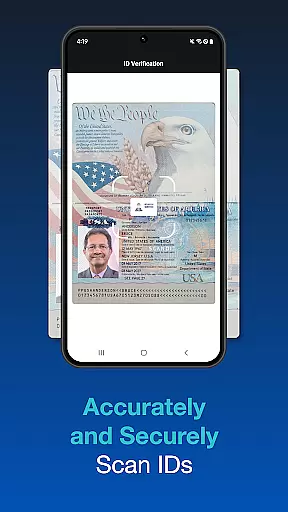
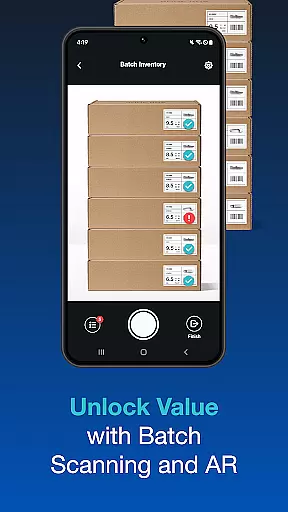
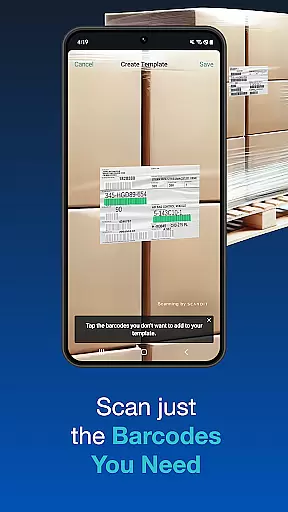
Scandit SDK Showcase is a powerful demonstration tool that allows developers and businesses to experience the full range of Scandit's barcode scanning and data capture capabilities. This app serves as a practical demonstration of how Scandit's technology can be integrated into various applications without requiring any coding during the evaluation phase.
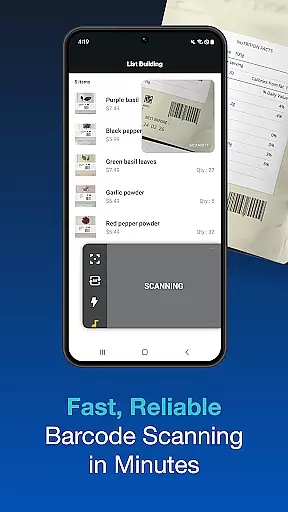
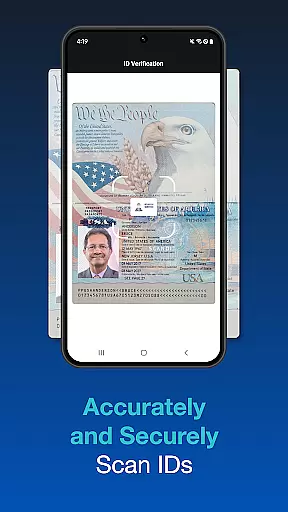
The app supports over 30 common barcode formats, offers fast and secure ID scanning for more than 2500 ID documents globally, and includes advanced features like batch scanning, augmented reality overlays, and multi-barcode recognition. These capabilities make it an ideal solution for retail, logistics, and other industries where efficient data capture is crucial.
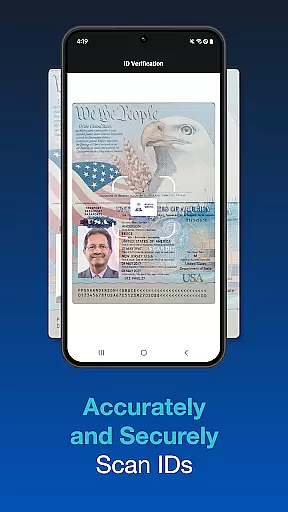
One of the standout features of Scandit SDK Showcase is its high-performance barcode reader, which supports over 30 different barcode formats. This ensures compatibility with a wide range of industry standards, making it versatile for various use cases. Additionally, the app provides fast and accurate ID scanning capabilities for over 2500 ID documents worldwide, enhancing security and verification processes.
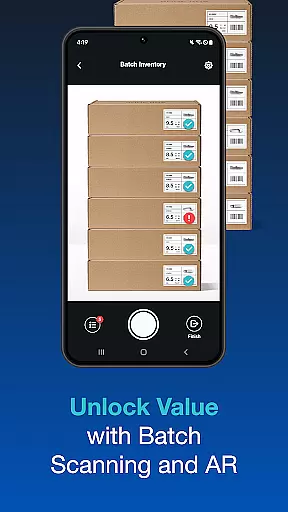
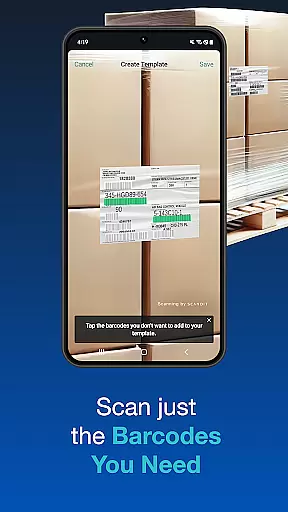
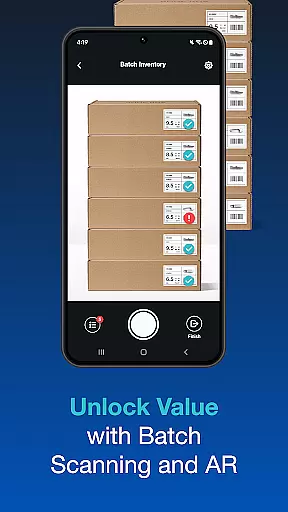
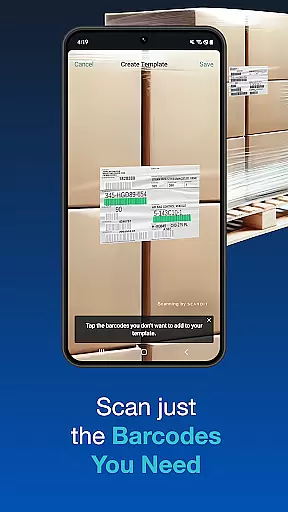
Other notable features include pre-built scanning user interfaces that facilitate quick integration, batch scanning for processing multiple codes simultaneously, and augmented reality (AR) overlays that provide real-time information display. The ability to scan multiple barcodes on a single label or select one out of many further demonstrates the app's advanced data capture functionalities.
Functionality completeness is a critical aspect of any software development kit, and Scandit SDK Showcase excels in this area. The app provides a comprehensive set of tools for barcode scanning and ID document recognition, covering over 30 common barcodes and more than 2500 ID documents worldwide.
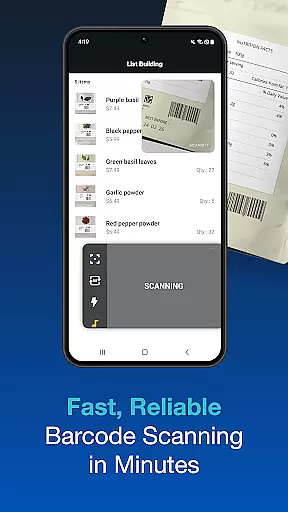
Developers can evaluate the performance of the high-speed barcode reader, which supports batch scanning of multiple codes simultaneously. This feature significantly enhances productivity by allowing users to scan an entire inventory without needing individual scans for each item.
In addition to basic scanning capabilities, Scandit offers advanced features like augmented reality overlays and the ability to scan multiple barcodes on a single label. These functionalities provide developers with the flexibility to create tailored solutions that meet specific business needs.
The inclusion of pre-built scanning user interfaces ensures fast integration into existing systems, saving valuable development time. With its extensive functionality coverage, Scandit SDK Showcase empowers businesses to implement smart data capture solutions efficiently and effectively.
Usability and operational smoothness are essential for ensuring a positive user experience, and Scandit SDK Showcase delivers on both fronts. The app's interface is designed to be intuitive, allowing users to evaluate multiple smart data capture capabilities without writing a single line of code.
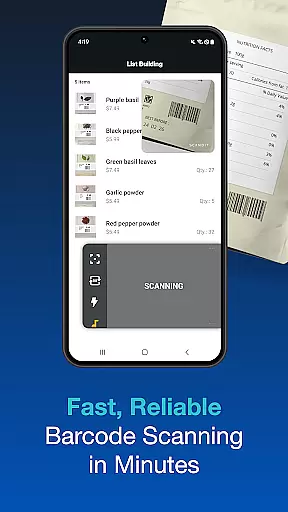
One key aspect of the app's usability is its fast and accurate scanning performance. Users can quickly scan barcodes and ID documents with high precision, thanks to Scandit's advanced algorithms and machine learning technology. This speed and accuracy translate into operational efficiency, reducing the time required for data capture tasks.
The app also offers secure ID scanning for thousands of document types worldwide, ensuring that sensitive information is handled safely. Additionally, features like batch scanning and the ability to select specific barcodes from a group demonstrate Scandit's commitment to providing smooth operational experiences.
With its focus on user-friendly design and efficient performance, Scandit SDK Showcase proves to be an invaluable tool for businesses looking to integrate robust data capture solutions into their workflows.
High-performance scanning
Wide barcode support
Fast ID scanning
Augmented reality features
Batch scanning capability
Limited free trial
Complex setup required
Advanced features need license
Resource-intensive
Steep learning curve

Game Booster GFX for smoother gaming experience. Enjoy 120 FPS and 4x Game Space
 4.20
4.20
Collection of high-quality, trendy skins and outfits!
4.0
Use your Phone as Drone Controller.
3.70
Sad ringtones full of feeling, sad music ringtones
3.90
Demo version of the mcpro24fps manual video camera. Try and buy a full version!
4.00
Mirror Link Car Display to share your screen with car dashboard wirelessly
4.2
Mirror link car connector to share your screen with car dashboard
3.80
Explore The Holy Quran Majeed for Muslim. Listen to MP3 Quran & Al Quran Kareem.
4.80
Mirror phone to TV effortlessly! Stream, share & connect with Airplay ease.
3.60
SmartCast mirrors Android phone to TV screen With Cast Screen, Chromecast.
4.80
Expo is a free & open source platform to build apps using JavaScript and React.
4.70
Wireless reverse charging using phone now is possible
4.30
With Endoscope Camera Connector you can connect your phone with endoscope cam
3.70
Now Available on Android ™
3.40
Collection of Maps and Mods for Dmod
3.30
Looking to connect your phone to your car screen? Mirror Link is the solution.
3.20
DamonSx2 is the open Source LGPL Emulator
3.20
Identify securely online
3.10
Turn your phone into a wireless Xbox controller – play, stream & control anytime
4.0


User Reviews