
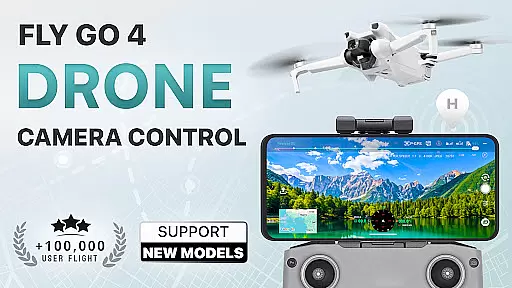
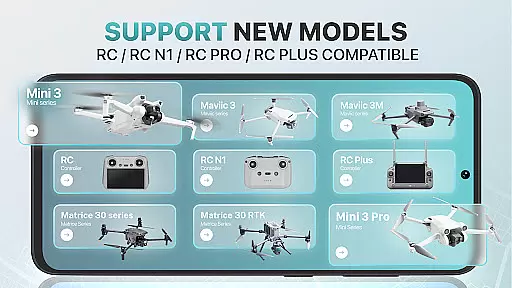
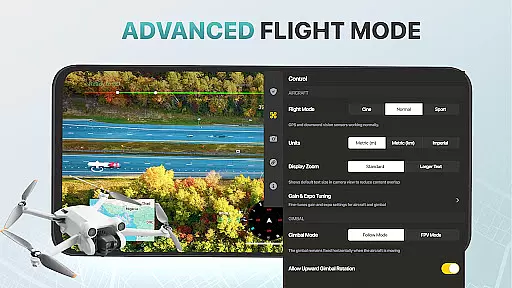
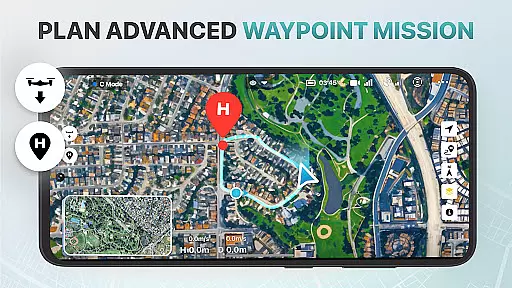
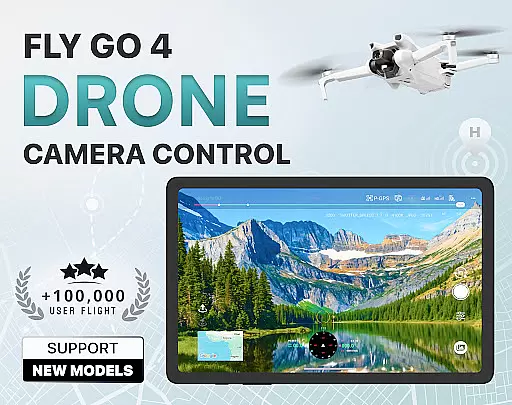
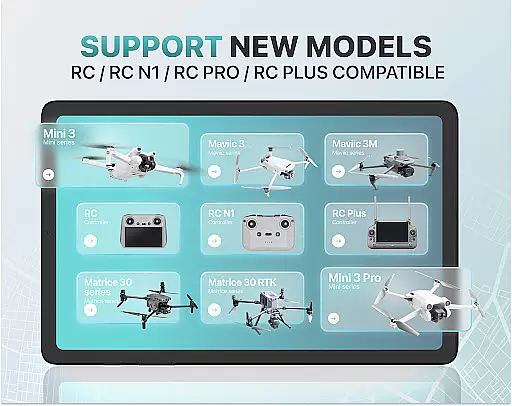
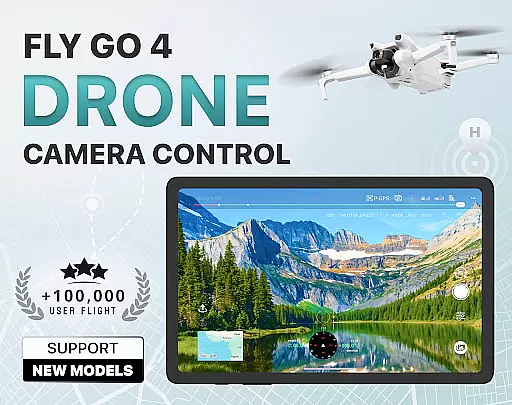
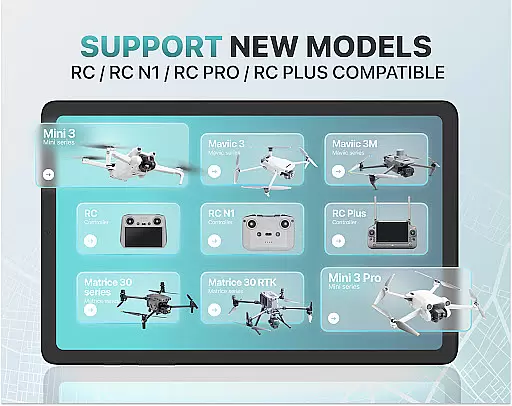
Fly Go 4 Drone Camera Control is a comprehensive drone management app designed for both amateur and professional UAV pilots. This application allows users to seamlessly control their drones, flycams, and other UAV models through an intuitive interface on their mobile devices. With compatibility across a wide range of popular drone models such as Matrice 350 RTK, DJI Mini 3, and DJI Mavic 3 Enterprise Series, the app ensures smooth integration with various hardware setups.
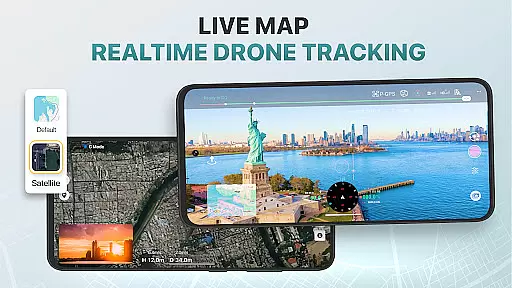
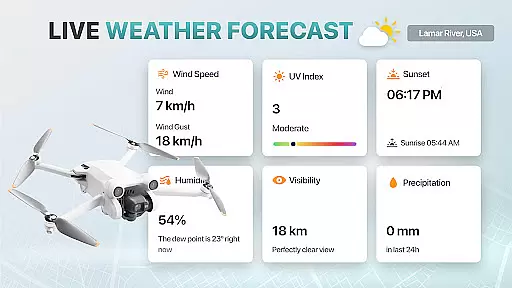
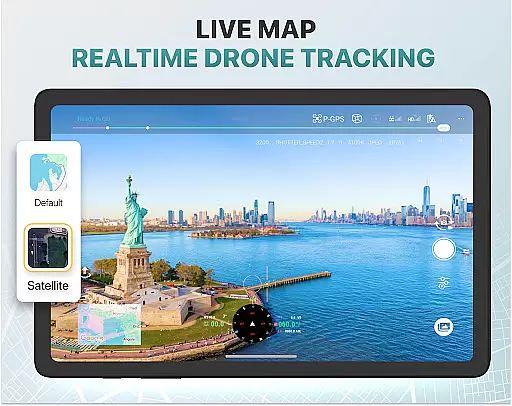
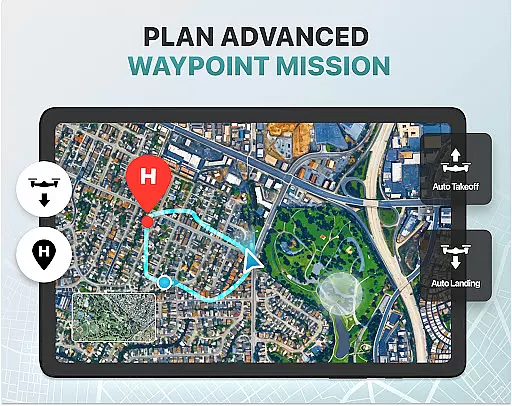
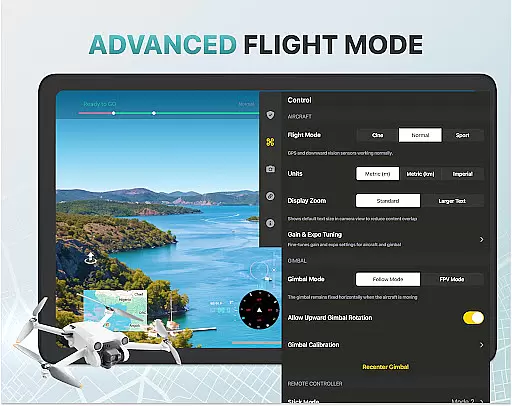
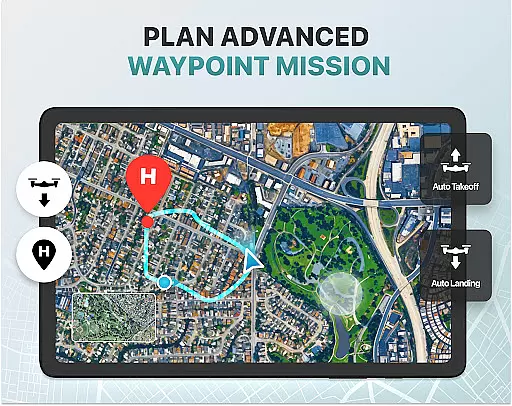
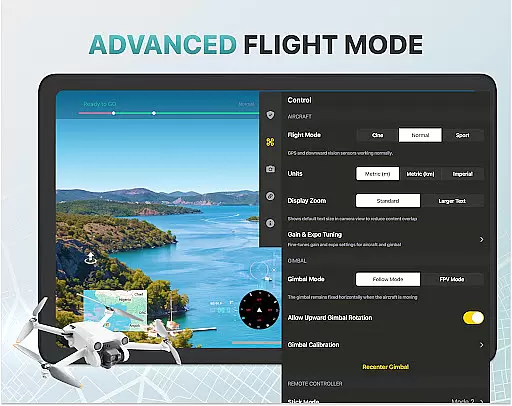
Key features include real-time camera feed, advanced panorama photography options, and intelligent flight modes that simplify complex maneuvers. The app also provides essential tools like weather forecasting, no-fly zone alerts, and GPS tracking to enhance safety and efficiency during flights. Whether you're capturing stunning aerial footage or managing your drone's operations, Fly Go 4 offers a complete solution tailored to meet diverse user needs.
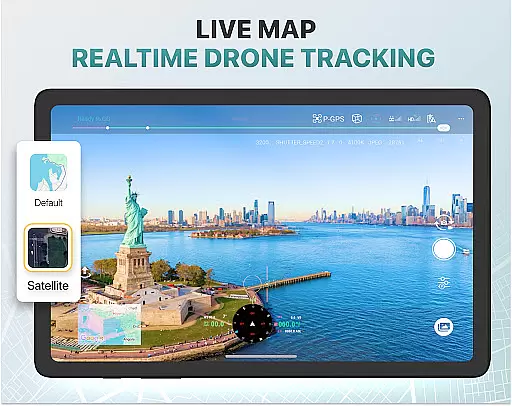
The Fly Go 4 Drone Camera Control app boasts an array of sophisticated features designed to elevate your drone flying experience. One standout capability is its real-time camera feed functionality, which delivers lag-free video streaming directly to your phone screen. This feature enables precise control over your drone's camera positioning, allowing you to capture breathtaking aerial shots with ease.
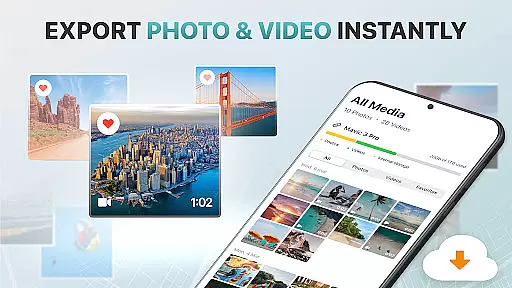
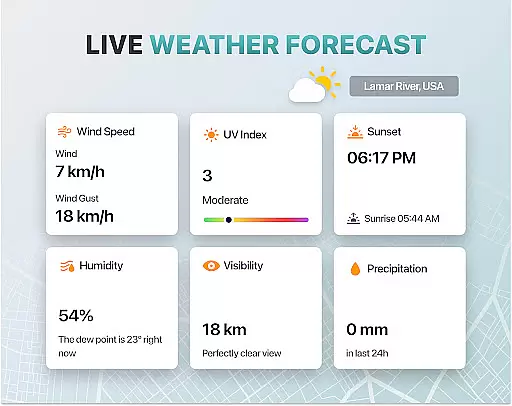
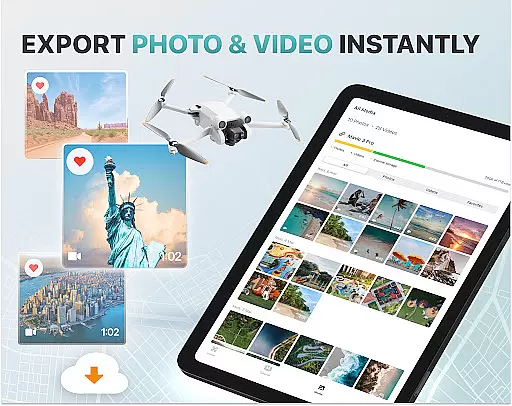
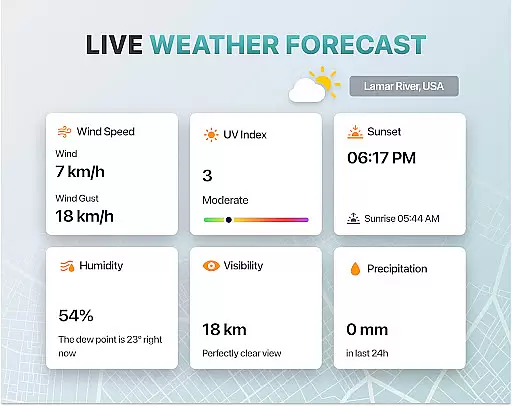
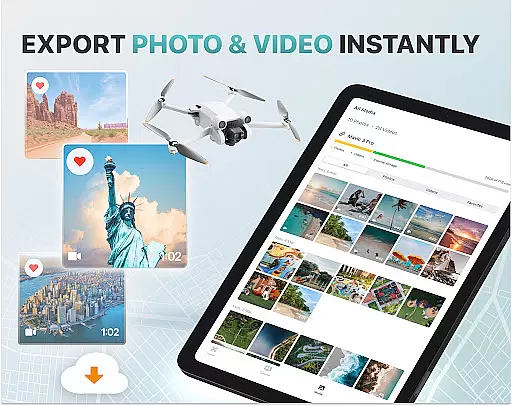
In addition to its impressive camera controls, the app includes advanced tools such as UAV weather forecasting and no-fly zone alerts. These features ensure that users can plan their flights safely by receiving real-time updates on weather conditions and restricted airspace information. Furthermore, the app supports smart media export options, enabling quick transfer of high-quality footage in various formats for easy sharing and editing. With extensive compatibility across multiple drone models and intuitive beginner tutorials, Fly Go 4 stands out as a versatile and powerful tool for all types of drone enthusiasts.
Real-time capture and preview functionality is essential for drone photography, allowing users to see exactly what their drone's camera is capturing as it happens. The Go Fly Drone Controller Pro app excels in this area by providing a seamless live video feed directly to the user's phone screen.
This feature ensures that every shot can be perfectly framed and timed, offering precision control over the final output. With lag-free transmission, users can make real-time adjustments to their drone's position and camera settings, ensuring optimal image quality.
The app supports a wide range of drones, including popular models like DJI Mini 3, DJI Mavic 3 Enterprise Series, and Matrice 350 RTK. This compatibility ensures that no matter which drone model you own, you'll have access to high-quality, real-time previews of your aerial footage.
By delivering a responsive and reliable live stream, the Go Fly Drone Controller Pro enhances the overall photography experience, making it easier than ever to capture stunning panoramic images and videos with confidence.
While primarily focused on drone control, the Go Fly Drone Controller Pro also incorporates AI beauty and enhancement features that ensure captured footage looks its best without appearing overly processed. These enhancements are applied naturally, preserving the authenticity of the original content while elevating its visual appeal.
The app intelligently adjusts exposure settings, color balance, and contrast in real time, optimizing each frame for maximum impact. This process is handled by advanced algorithms that understand the nuances of aerial photography, ensuring that skies are bluer, landscapes are greener, and cityscapes are more vibrant.
For users who demand professional-grade results, these AI-powered enhancements provide an extra layer of polish that can make all the difference. Whether shooting for personal enjoyment or commercial purposes, the ability to enhance footage naturally is a significant advantage.
Ultimately, the AI beauty and enhancement features within the Go Fly Drone Controller Pro empower users to produce visually stunning content that stands out, without sacrificing the genuine essence of their aerial photography projects.
User-friendly interface
Wide device compatibility
Real-time camera feed
Advanced weather tools
Comprehensive tutorials
Premium subscription required
Limited free trial period
No iOS support mentioned
Third-party app risks
Occasional GPS inaccuracies

Create & Edit with AI: AI Remove, Enhance, Retouch, Filter
 4.10
4.10
Create collages easily! Nice pic collage maker & background eraser for Instagram
4.50
Cartoon and artistic effects for your photos and videos
4.70
Turn your phone into a professional camera - full DSLR manual photography
4.30
Transform Photos: Edit, Beautify and Craft Memories & Make Collages!
4.10
Astrophotography with your smartphone, photo live stacking and much more!
3.90
Pro version: AR sun/moon tracker for any date. Tool for photographers & planners
4.90
A light meter for true photographers.
4.20
Try an anime version, cartoon yourself, and generate AI hug or aging videos!
3.70
Create funny photos and videos with the popular Time Warp Scan filter.
4.90
Photo prints, cards, & gifts at Walgreens. Easy ordering & fast local pickup !
4.80
Amazing Photo Effects - The most fun you can have with your photos!
4.70
Take videos and pictures with the popular TikTok TIME WARP SCAN filter.
4.60
Enhance, retouch & create your story - Share the moment with Photoshop Express.
4.60
Movie camera, supports pro recording settings for filming. Try it and be amazed!
4.50
RAW video capture with advanced controls
4.40
The #1 app for B&W film developing featuring an advanced darkroom timer.
4.10
Photo editor: face & body editor, beauty cam, filters and quality enhancer.
4.00
Professional quality photo edits with the new Snapseed.
4.00


User Reviews