
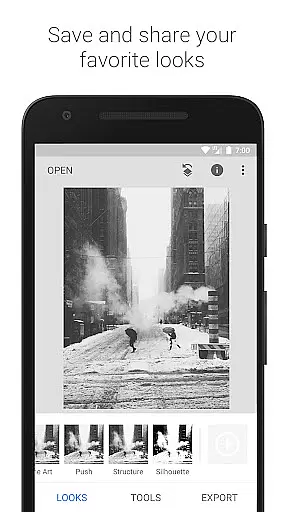
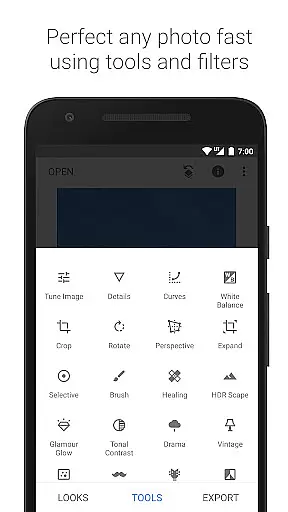
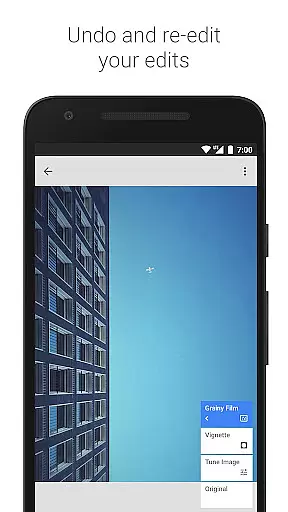
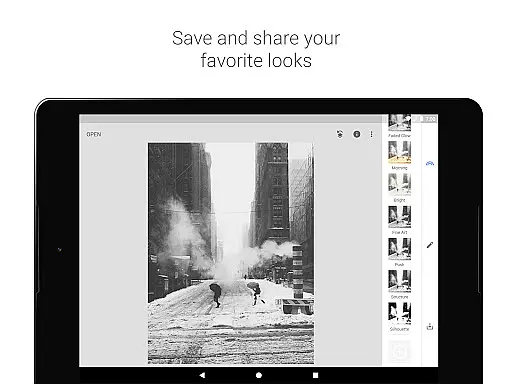
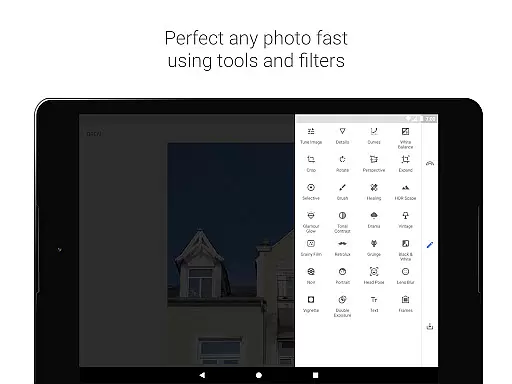
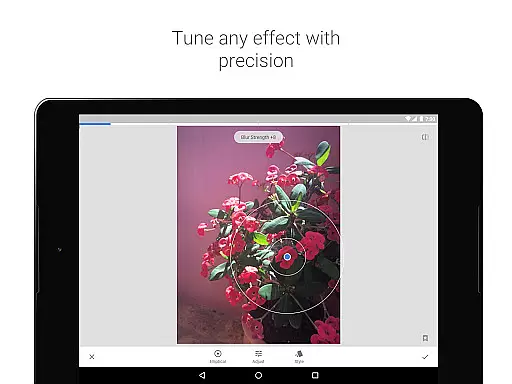
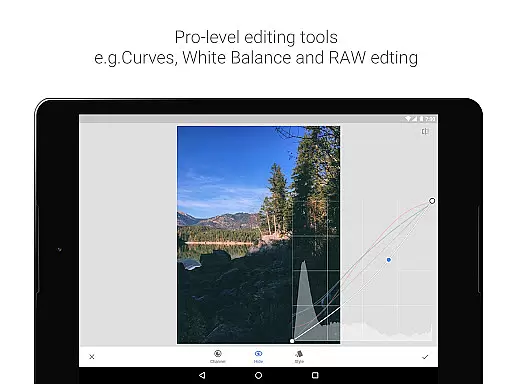
Snapseed is a comprehensive photo editing application developed by Google, offering professional-grade tools for both amateur and expert photographers. The app provides 29 powerful tools and filters, including Healing, Brush, Structure, HDR, and Perspective correction, making it an all-in-one solution for photo enhancement.
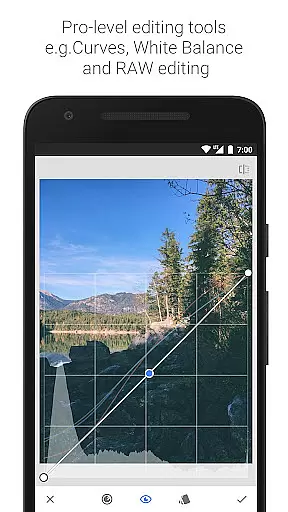
One of Snapseed's standout features is its ability to open and edit both JPG and RAW files, allowing users to work with high-quality images directly on their mobile devices. The Selective filter brush and precise control over styles enable detailed adjustments, while the capability to save personal looks ensures consistent editing across multiple photos.
Whether you're looking to correct image perspective, apply glamour effects, or add creative filters, Snapseed delivers exceptional results. Its intuitive interface and robust feature set make it an essential tool for anyone seeking to elevate their mobile photography.
Snapseed stands out with its extensive range of 29 tools and filters designed to meet diverse photo editing needs. From basic adjustments like cropping and rotating to advanced techniques such as RAW file development and selective filter brushing, the app offers unparalleled versatility. Each tool is crafted to provide fine, precise control, ensuring professional-quality edits every time.
The app's innovative features include Perspective correction for fixing skewed lines, the renowned Control Point technology for selective enhancements, and a Healing tool for removing unwanted elements from photos. Additionally, Snapseed allows users to save and apply personalized looks, streamlining the editing process for future projects.
With capabilities like HDR Scape for multi-exposure effects, Grunge for edgy styles, and Face Enhance for portrait refinement, Snapseed empowers users to unleash their creativity. These features not only enhance image quality but also offer unique artistic possibilities, setting Snapseed apart from other photo editing apps.
Snapseed offers a robust real-time capture and preview feature that allows photographers to see adjustments as they are made. This immediate feedback is crucial for making precise edits without guesswork.
The application supports both JPG and RAW files, providing flexibility in capturing images with different levels of quality and detail. This ensures that users can work with the best possible starting point for their editing process.
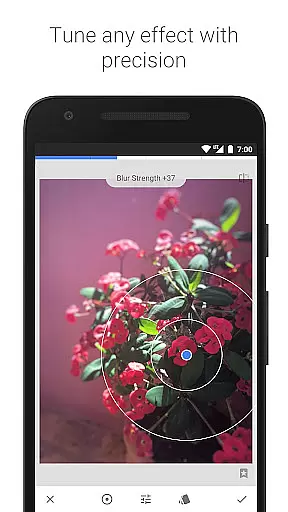
With its selective filter brush and control point technology, Snapseed enables users to apply enhancements exactly where they are needed. This level of precision ensures that every part of the image can be perfected according to the photographer's vision.
Ultimately, this real-time functionality empowers users to experiment freely with various tools and filters, knowing they can achieve their desired outcome efficiently and accurately.
Snapseed incorporates advanced AI beauty and enhancement features that elevate photo editing to new heights. These intelligent tools help in refining images while maintaining a natural look, avoiding the over-processed appearance common in lesser applications.
Among its arsenal of 29 tools and filters, Snapseed includes options like Healing and Vignette which assist in removing unwanted elements and adding artistic touches respectively. The Glamour Glow and Face Enhance features specifically target portrait improvements, focusing on skin smoothing and eye enhancement.
What sets Snapseed apart is its fine, precise control over all styles and effects. Users can tweak each adjustment minutely, ensuring that enhancements complement the original photo rather than overwhelming it.
This dedication to natural enhancement not only improves image quality but also preserves the authenticity and emotional impact of the photograph, making it an invaluable tool for both amateur and professional photographers.
User-friendly interface
Extensive toolset
Precise editing controls
Supports RAW files
Customizable looks
Steep learning curve
Overwhelming options
Limited video editing
No real-time collaboration
Occasional bugs

AI portrait generator and polaroid AI selfie, fun AI generated AI photo creator!
 4.30
4.30
Search, tag and rate your way to an organized image gallery
4.40
Easily stitch panoramas from multiple photos or video.
4.40
Perfect body tune & face app - photo retouch, makeup, slim body & beautify face.
4.80
Create collages easily! Nice pic collage maker & background eraser for Instagram
4.50
Superimpose one photo on top of another using the original Superimpose app!
3.20
A must-have app for landscape photographers
4.60
Create amazing frames with up to five photos. Rounded corners, effects and more!
3.60
PhotoSync Bundle Add-On License. Enables all features and services in PhotoSync.
4.60
Cartoon and artistic effects for your photos and videos
4.70
1M influencer's special filter
4.60
Viewfinder, Light meter, Reciprocity failure time, DOF & Bellows Extension
4.60
Light-weight Media Gallery app for Android made with Jetpack Compose
4.60
Cut and paste photo editor & eraser to customize photos easy and swap faces fun
4.50
Photo editor & gallery. Crop pictures & edit photos offline, no wifi!
4.50
Use AI Video Generator to turn your words to ai generated videos.
4.50
Natural Beauty, Selfie Retouch
4.30
Photobooth mini FULL app will allow you to add more fun to your parties
4.00
How old age camera Gender Swap App Face Shape Hairstyle App Hair Styler App fun!
4.00


User Reviews