
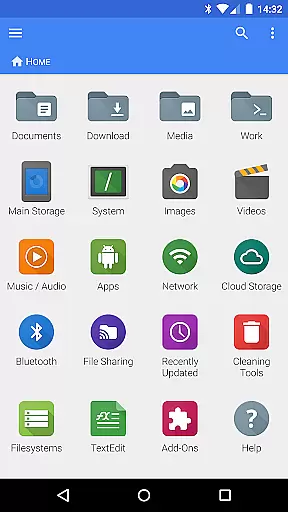
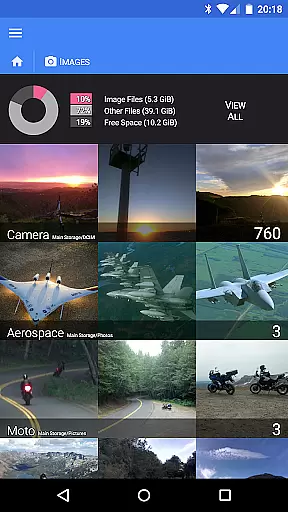
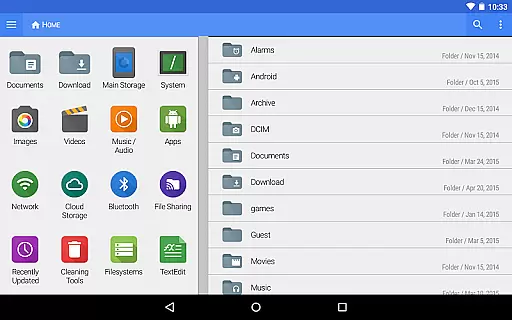
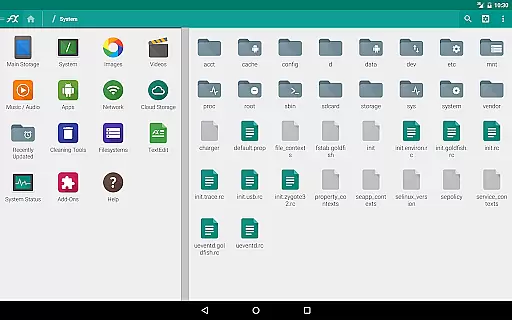
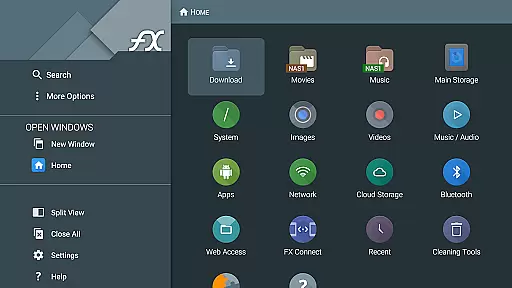
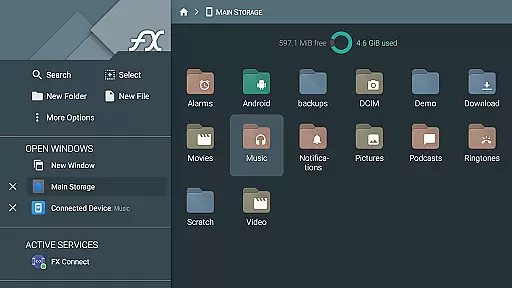
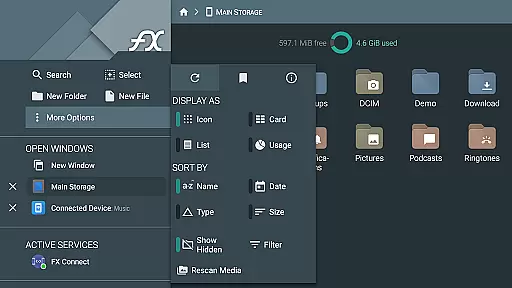
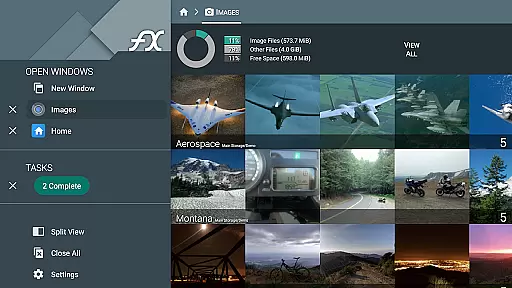
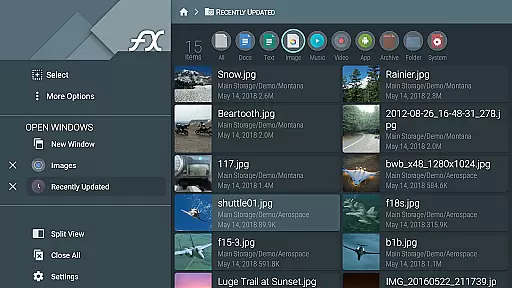


FX File Explorer is a robust business tool designed to enhance file management and media capabilities on your device. This application transforms basic file handling into an advanced experience by integrating networking, cloud services, and comprehensive media management. With features like AES-encrypted zip files, users can securely manage their data while accessing it seamlessly across platforms.
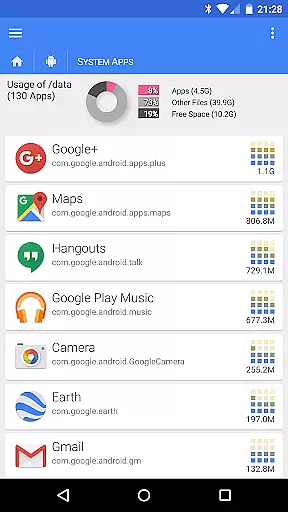
The app's core strength lies in its ability to connect various cloud services such as Google Drive, Dropbox, and more, allowing for effortless file transfers and streaming. Whether you're browsing installed applications or rearranging playlists with drag-and-drop functionality, FX File Explorer provides a professional-grade solution for businesses that demand efficiency and security in managing digital assets.
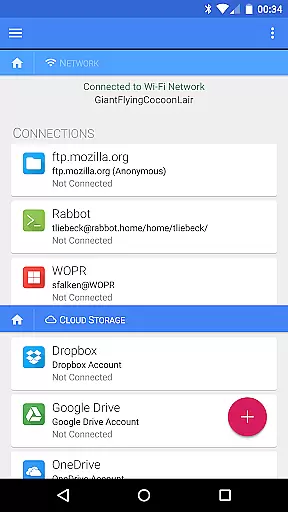
FX File Explorer offers an extensive range of features tailored for business professionals. One standout capability is the support for AES-128 and AES-256 encrypted zip files, enabling secure file storage without prior decryption. The app also excels in network and cloud integration, providing access to FTP, SSH, WebDAV, and major cloud providers like Google Drive and Dropbox.
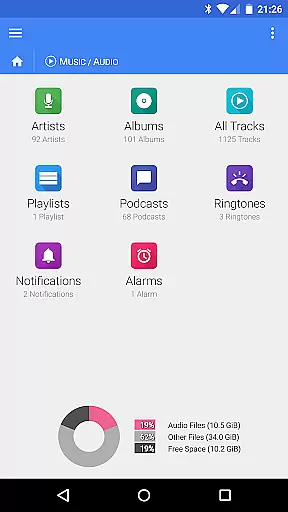
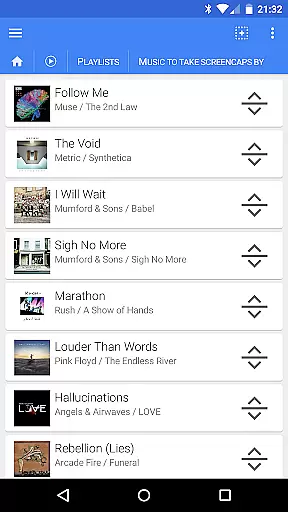
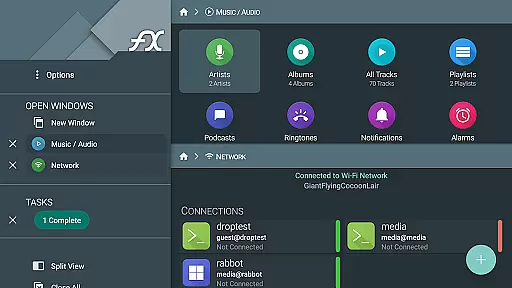
Additionally, FX File Explorer enhances media management through advanced audio and video streaming from various sources including SMB and cloud storage. Users can browse multimedia collections, rearrange playlists, and even transfer files between devices using NFC or Wi-Fi. These features collectively ensure that FX File Explorer stands out as a versatile tool for efficient and secure business operations.
FX File Explorer offers robust collaborative work features that are essential for modern business environments. The application supports network and cloud capabilities, allowing teams to share files seamlessly across different platforms such as Google Drive, Dropbox, and SMB shares.
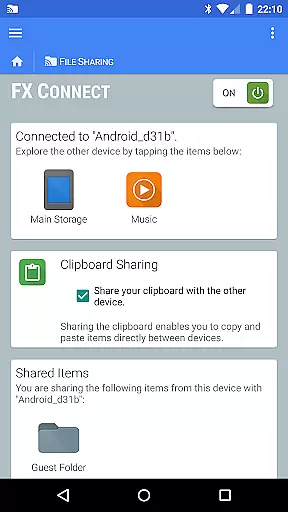
One of the standout functionalities is FX Connect, which enables direct file transfers between devices using NFC or Wi-Fi. This feature ensures that collaboration is not just limited to cloud services but extends to local networks, making it versatile for various work settings.
Additionally, FX Web Access allows users to manage their files through a computer's web browser, providing another layer of convenience for collaborative projects. These features collectively enhance productivity by streamlining access and sharing of resources within teams.
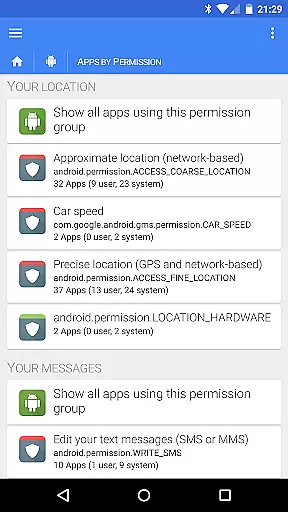
Task management in FX File Explorer is designed to optimize how users handle their digital tasks efficiently. With its advanced file management capabilities, users can organize, browse, and manage installed applications, media collections, and network shares with ease.
The application provides comprehensive tools for handling media and files, such as creating and extracting AES-encrypted zip files without needing to decrypt them first. This functionality is crucial for maintaining security while managing sensitive data, thus supporting effective task management.
Moreover, the ability to rearrange playlists with drag-and-drop and browse audio by artist, album, or playlist adds a layer of personalization and control over media tasks. These features ensure that users can manage their digital content systematically, enhancing overall productivity.
Advanced encryption
Cloud integration
Media streaming
Network sharing
Playlist management
Complex interface
Requires FX File Explorer
No standalone use
Premium cost
Limited free features

viewing and sharing of PDFs
 3.60
3.60
Quickly open and manage PDF files on your device.
3.80
ANDROID'S TOP MOBILE OFFICE - Word, Excel, PowerPoint and PDF at your fingertips
4.50
Scan Business Cards & Conference Badges - Capture Leads at Events & Tradeshows
4.20
Manage work life on the go
4.50
Find the right fit, faster.
4.70
Find part-time earning opportunities near you that pay within days.
3.20
Say hello to the mobile work experience built to help you thrive at work.
4.30
Earn money with the driver & delivery partner app for Uber, UberEats & Postmates
4.60
FaxCover - Create fax cover pages. Works with any app or fax machine.
4.90
Employee Management Made Easy
4.80
Permission Guard is a security app that helps you manage app permissions.
4.80
Earn free swag, G-Cards & food • Enter sweepstakes • Find stores • So much more.
4.70
Mobile POS for any business: sales, invoices, retail, restaurants & appointments
4.60
Drive and earn extra money
4.50
The Penny Puss app with DG penny finder
4.10
Take the stress out of storage with the all-in-one app to manage your space.
3.70
We are a dynamic team of creatives people of design, marketing, web & apps
3.00
Completed Course Lectures on how to use IBM Maximo in Maintenance issues
4.1


User Reviews