
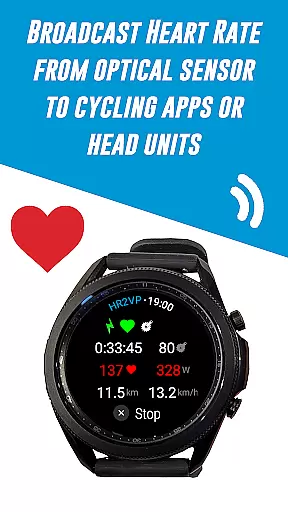
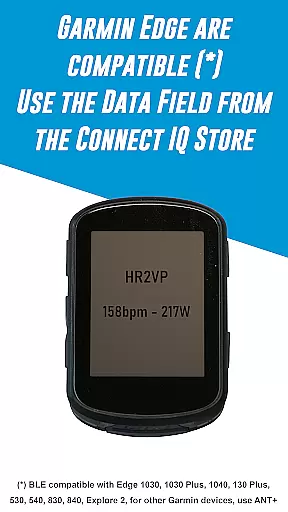
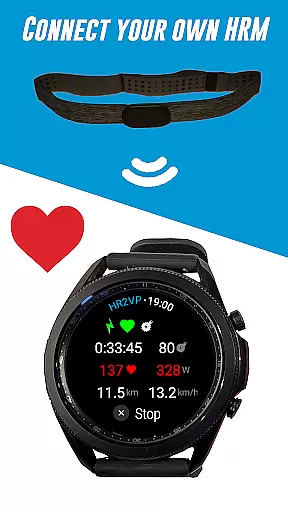
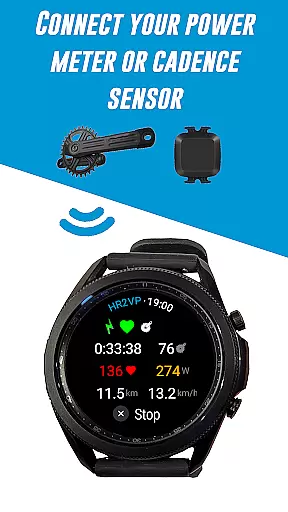
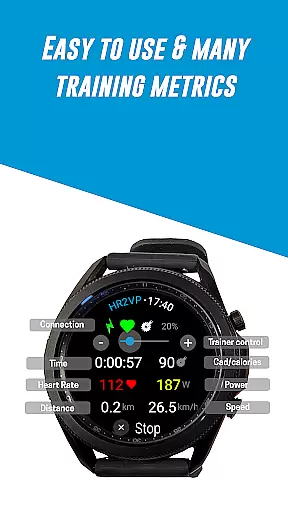
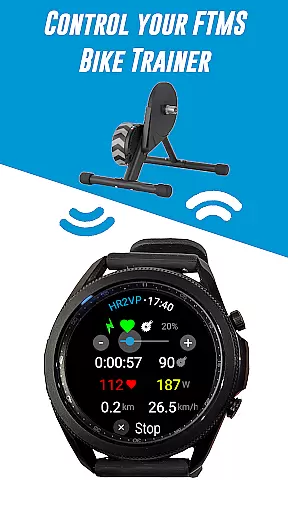
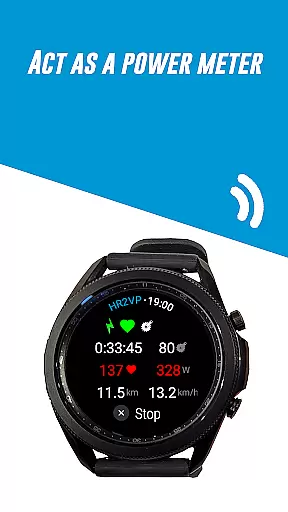
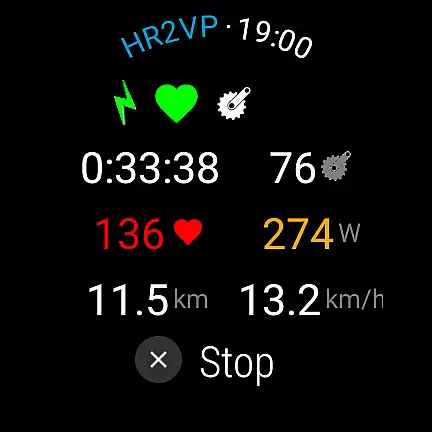
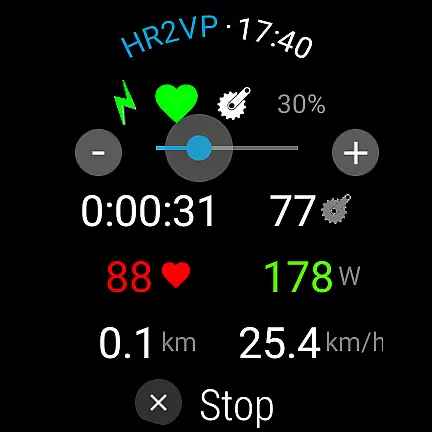
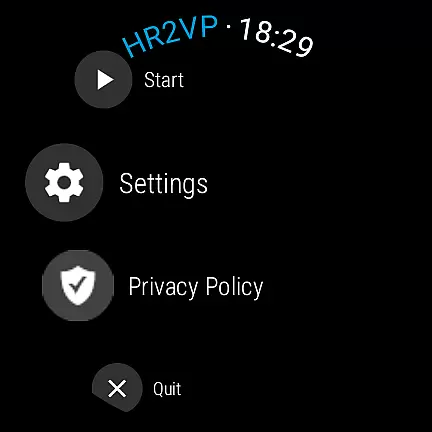
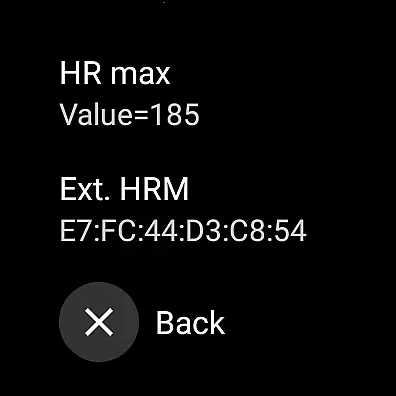
HR2VP Watch Bike Computer is a specialized fitness application designed for cyclists who use Wear OS smartwatches. This app transforms your watch into a powerful cycling tracker by measuring and broadcasting heart rate data over Bluetooth Low Energy or ANT+. It also calculates power metrics based on heart rate, providing valuable insights for both indoor and outdoor rides.
The application supports connectivity with various devices including Garmin Edge bike computers, Strava, and indoor training apps like Zwift. By integrating with external sensors such as power meters and cadence sensors, HR2VP delivers comprehensive training metrics that enhance your cycling experience. Whether you're monitoring your fitness level or analyzing ride data, this app offers practical solutions for serious cyclists.
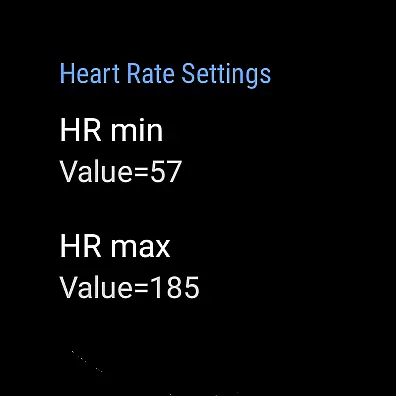
HR2VP Watch Bike Computer stands out with its unique ability to compute power based on heart rate using an advanced matching algorithm. The app utilizes individual parameters such as FTP, resting heart rate, and maximum heart rate to deliver accurate power estimations. This feature allows cyclists to monitor their performance and track calories burned during workouts.
Another notable feature is the seamless integration with multiple devices and platforms. Users can connect their Wear OS watch directly to compatible bike computers or use their phone as a bridge for ANT+ connectivity. The app also supports direct Bluetooth connections to popular indoor cycling applications, ensuring broad compatibility and reliable data transmission across different training environments.
Personalized planning in fitness applications refers to the ability to tailor workout routines and metrics specifically to an individual's needs and goals. HR2VP Watch Bike Computer excels in this area by integrating advanced algorithms that compute power output based on heart rate data.
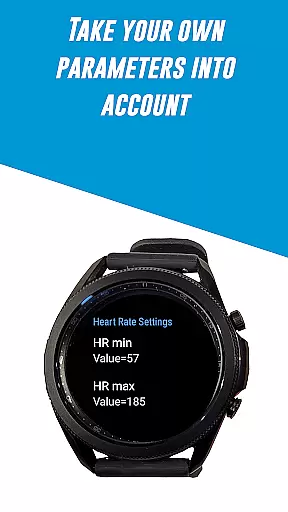
This application measures heart rate using the optical sensor built into your Wear OS watch, ensuring accurate and personalized data collection during workouts. By considering individual parameters such as Functional Threshold Power (FTP), resting heart rate, and maximum heart rate, HR2VP provides a more precise estimation of power output tailored to each user.
Users benefit from this personalized approach as it allows them to monitor their fitness levels more accurately and adjust their training intensity accordingly. The app also supports connecting additional sensors like power meters and cadence sensors for even more detailed personalization.
Ultimately, personalized planning with HR2VP empowers cyclists and fitness enthusiasts to optimize their training sessions, track progress effectively, and achieve better results over time.
Progress visualization is crucial for maintaining motivation and tracking improvements over time. With HR2VP Watch Bike Computer, users can visualize their progress through various metrics displayed directly on their Wear OS watch or connected apps like Zwift and Strava.
The app broadcasts heart rate and power data via Bluetooth Low Energy or ANT+, allowing seamless integration with indoor cycling platforms. This ensures that every ride contributes to a comprehensive overview of the useru2019s fitness journey, visible through engaging graphs and charts.
One significant advantage of HR2VP is its ability to upload rides automatically to Strava, where users can see their routes on maps along with performance statistics. This feature not only enhances visibility but also encourages users to set new goals and strive for continuous improvement.
By providing clear and actionable insights into workout performance, HR2VPu2019s progress visualization tools help users stay committed to their fitness routines and celebrate milestones along the way.
User-friendly interface
Advanced power calculation
Wide device compatibility
Comprehensive training metrics
Direct Bluetooth connectivity
Occasional connectivity issues
Limited accuracy on short intervals
Requires manual settings adjustments
Additional peripherals may be needed
No real-time voice feedback

Control your sleep in real-time wearing Garmin device
 3.60
3.60
The app helps you address digestive symptoms based on the Fast Tract Diet.
3.50
Using Recognise™ has been shown to reduce pain and improve performance.
4.4
Interval timer for High Intensity Interval Training, Tabata and Circuit Training
4.20
Using Recognise™ has been shown to reduce pain, and improve performance.
4.5
Measure real-time wrist & ambient temperature with your Galaxy Watch (Wear OS)
3.20
Track heart rate & HRV in 30s! Get live health insights and anomaly alerts
4.40
Track sleep cycle, relax with white noise, sleep sounds & smart alarm clock
3.80
Scan food & cosmetic products and evaluate their impact on your health
4.80
Drink water reminder app. Track water intake. Smart simple hydration tracker.
4.70
A brain game that moves you
4.70
Effortlessly and naturally release anxiety by harnessing the power of your brain
4.60
The Crunch Mobile app - Find a gym, manage favorites, reserve & cancel classes.
4.60
The OFFICIAL Couch to 5K® running training app! A 9 week walk-run workout plan.
4.50
Looking to take control of your health? Our psychology-based programs can help.
4.10
Understand your body’s most meaningful messages and transform your health.
3.90
3D Body Measurement System
3.60
The Sleep Miracle Sound Machine: Soothes baby to sleep with a gentle "Shhh"
3.00
Using Recognise™ has been shown to reduce pain and improve performance
4.0


User Reviews