
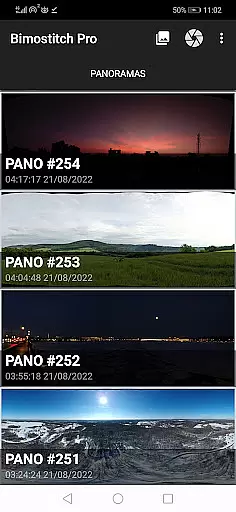
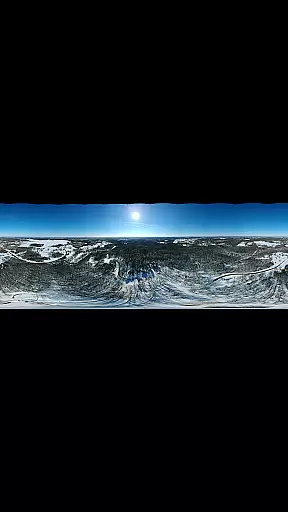
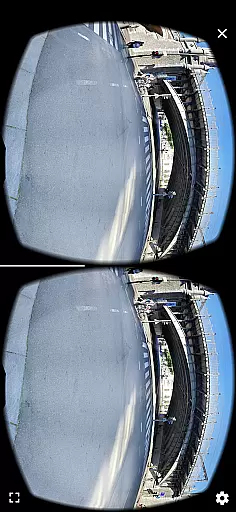
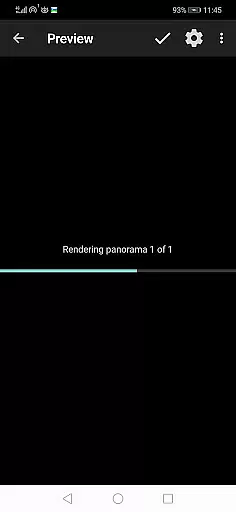
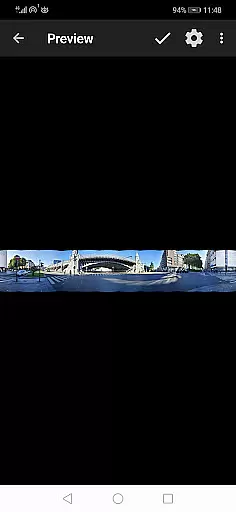
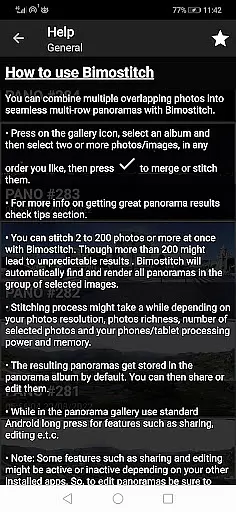
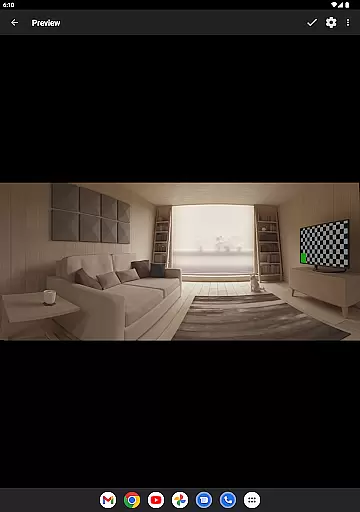
Bimostitch Panorama Pro is a powerful photography app designed for creating high-resolution panoramic images directly on your mobile device. The application allows users to stitch together 2 to 200+ overlapping photos into impressive wide-view panoramas, including single-row, multi-row, vertical, horizontal, 360° panoramas, or photospheres. With advanced on-device image stitching algorithms, the app automatically matches, aligns, and blends selected images into seamless panoramas.
One of the standout features of Bimostitch Panorama Pro is its ability to maintain the quality of source photos while producing ultra-high-resolution outputs of up to 1 Gigapixel. Additionally, it supports video-to-panorama conversion, enabling users to transform videos of panning motion into stunning panoramic images. Whether you're a professional photographer or an amateur, this app provides all the tools necessary to create PC-quality panoramas right from your smartphone, making it perfect for capturing memorable moments during travel or events without the need for bulky equipment.
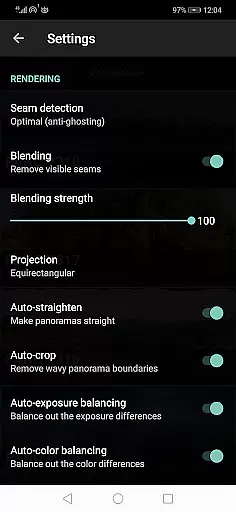
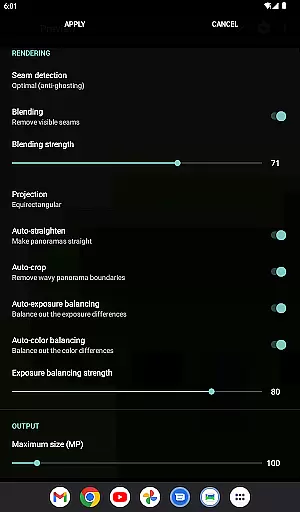
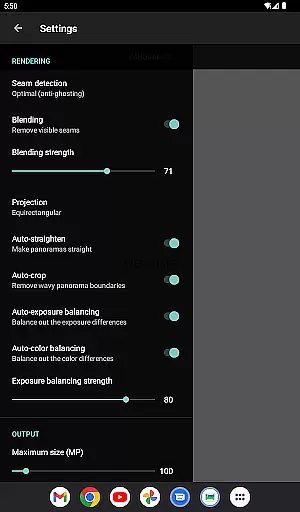
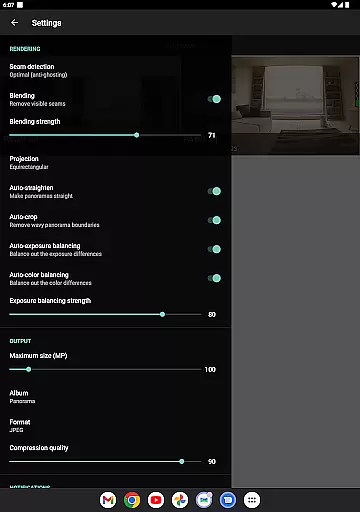
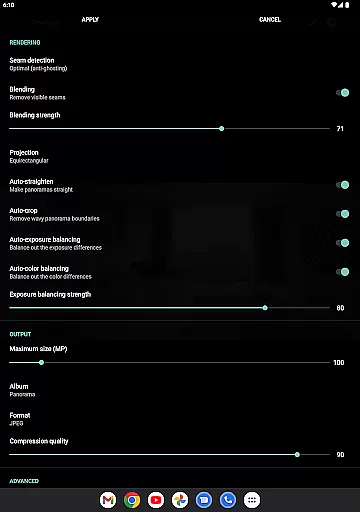
Bimostitch Panorama Pro offers a comprehensive suite of features tailored for both novice and experienced panoramic photographers. The app includes automatic exposure balancing, straightening, and cropping, ensuring minimal reduction in resolution while maximizing the visual impact of the final panorama. Users can also benefit from advanced functionalities such as auto-color balancing, seam detection modes, and adjustable blending intensity, which collectively enhance the overall quality of the stitched images.
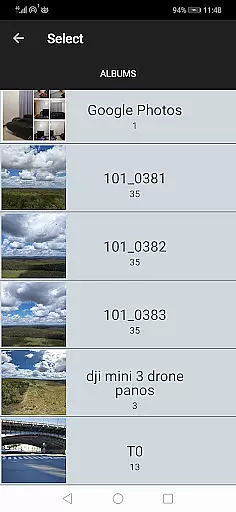
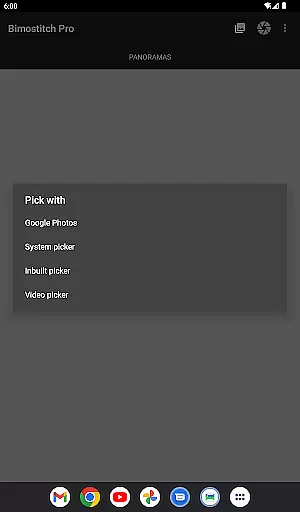
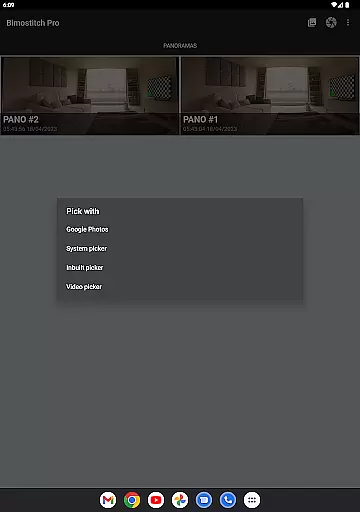
In addition to these core features, the app provides several pro-level capabilities, including JPEG or PNG output formats, compression options for large panoramas, and the ability to save previews for later use. The built-in photo-picker simplifies the process of selecting images, whether they are sourced from the device's gallery, a DSLR camera, or even aerial shots captured by drones. Furthermore, the app supports offline usage, allowing users to create panoramas without needing an internet connection, thus ensuring convenience and accessibility regardless of location.
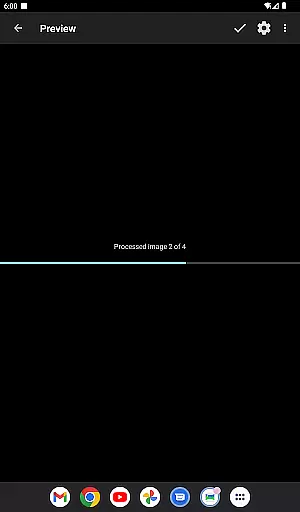
Real-time capture and preview functionality is essential for ensuring that every moment is captured accurately. Bimostitch Panorama Pro offers users the ability to stitch high-resolution panoramas directly on their device, providing immediate visual feedback. This feature allows photographers to see the results of their work instantly, making necessary adjustments before finalizing the panorama.
The app supports stitching of 2 to 200+ overlapping photos into impressive wide-view panoramas. With automatic exposure balancing and straightening, users can be confident that their panoramas will look professional and polished. The real-time preview ensures that each photo aligns perfectly, reducing the need for post-processing and enhancing the overall quality of the final image.
For those who require even more control, Bimostitch Panorama Pro includes advanced features such as auto-lens calibration for lens distortion compensation. This ensures that images captured with wide-angle, ultra-wide angle, and fisheye lenses are seamlessly integrated into the panorama. By offering real-time previews, the app empowers users to create stunning panoramic images with precision and ease.
AI beauty and enhancement features have become increasingly important in photography apps, allowing users to enhance their images naturally. Bimostitch Panorama Pro leverages advanced AI algorithms to provide automatic color balancing and seam detection modes, ensuring that the final panorama looks as natural as possible. These enhancements are applied in a way that maintains the original quality of the source photos, preserving the authenticity of the scene.
In addition to color balancing, the app offers options to adjust the intensity of auto-exposure and blending features. Users can fine-tune these settings to achieve the desired level of enhancement without over-processing the image. This flexibility ensures that the final panorama reflects the true essence of the captured moment, whether it's a breathtaking landscape or a detailed cityscape.
Bimostitch Panorama Pro also supports ultra-high resolution output of up to 1 Gigapixel, making it ideal for professional photographers who demand the highest quality. The appu2019s AI-powered enhancements ensure that even the smallest details are preserved, resulting in panoramas that are both visually stunning and technically impressive. With these features, users can create memorable pano shots that truly stand out.
User-friendly interface
High-quality output
No ads
Offline functionality
Wide compatibility
Requires 4GB RAM
Premium cost
Complex settings
Limited free features
Heavy on storage

Trendy TikTok time warp scan funny filter app brings you unique photos & videos.
 4.40
4.40
Pet Camera
3.70
Photo prints, cards, & gifts at Walgreens. Easy ordering & fast local pickup !
4.80
Light-weight Media Gallery app for Android made with Jetpack Compose
4.60
Photo Exif Editor allows to view, add and modify EXIF data of multiple photos
4.50
Collage your moments in one tap: 1000+ layouts, filters, stickers, and texts.
4.90
Unblur, enhance & restore photos with powerful AI photo enhancer tools.
4.60
Effortlessly make high-quality GIFs from images & videos without any watermarks.
4.70
Your Family Calendar + Photos. Manage your Skylight Calendar and Skylight Frame.
4.40
AI Photo Editor with 100+ Filters, Effects! Remove BG, Retouch & Photo Enhancer.
4.80
Discover & download millions of art for The Frame TV or Hisense CanvasTV
4.60
HD Camera Pro with HD Video shooting, Panorama, Photo editor , Beauty Camera.
4.50
Transform photos into videos! Create realistic or anime-style images easily!
4.50
Future baby face generator: AI kids generator, kid face! What my baby look like?
4.40
Shooting photos and records video easily and efficient with professional Camera
4.30
All-in-One Editor & AI Photo Enhancer, Collage, Cartoonify, Funny Stickers & BGS
4.10
How old age camera Gender Swap App Face Shape Hairstyle App Hair Styler App fun!
4.00
An interval timer to automate photo taking process for timelapse
2.90
Photo Album Watch Face shows your favorite pictures as a Watchface.
1.90


User Reviews