
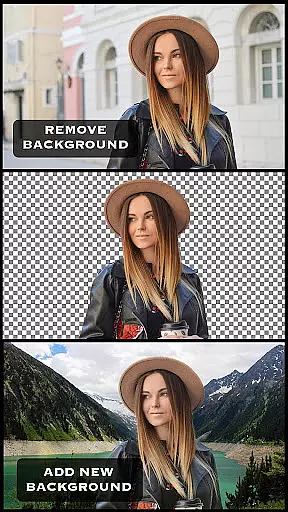
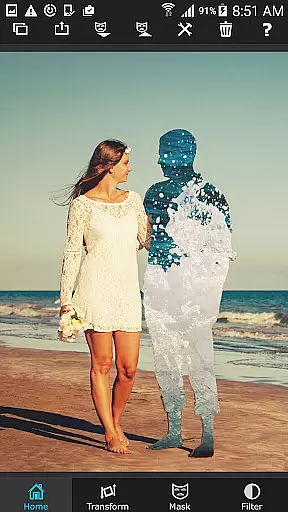

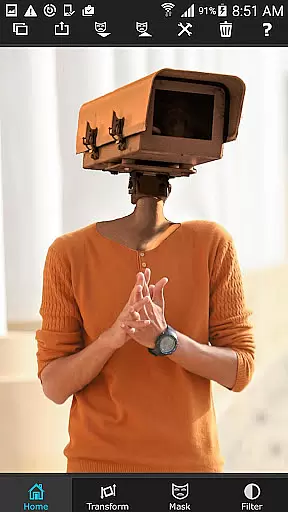
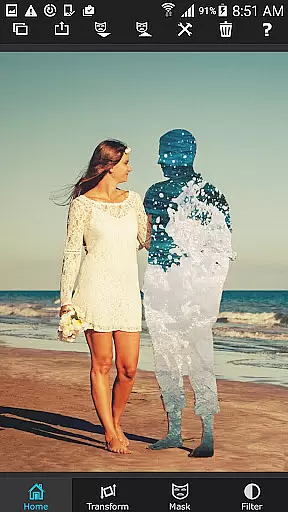

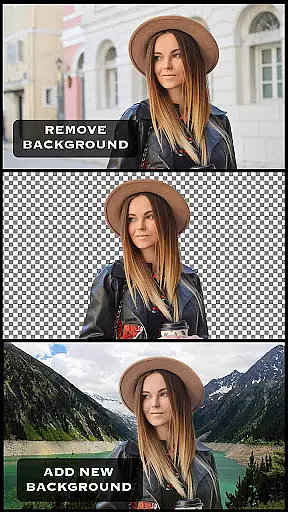
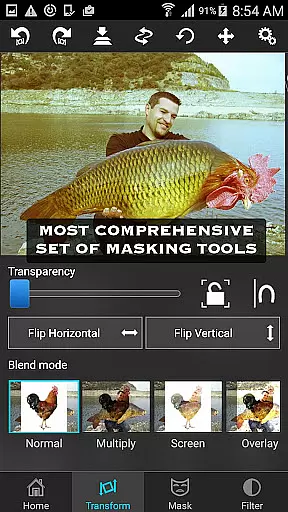
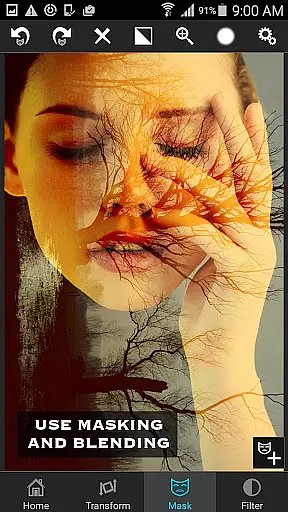
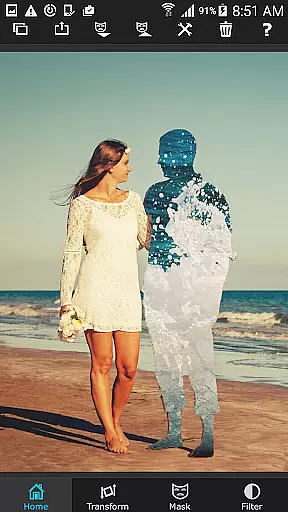

Superimpose is a powerful mobile application designed for photo editing enthusiasts who want to create professional-grade superimposed or juxtaposed images directly on their iPhone. The app eliminates the need for computers and expensive software by providing intuitive tools that allow users to seamlessly blend, overlay, or cut/copy/paste one photo onto another with just a few taps.
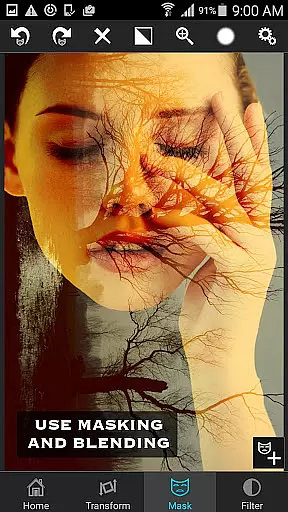
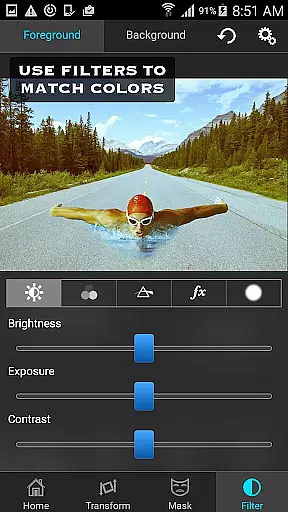
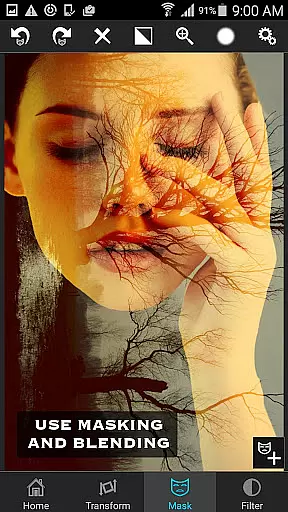
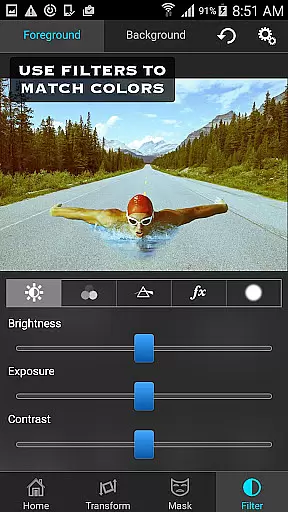
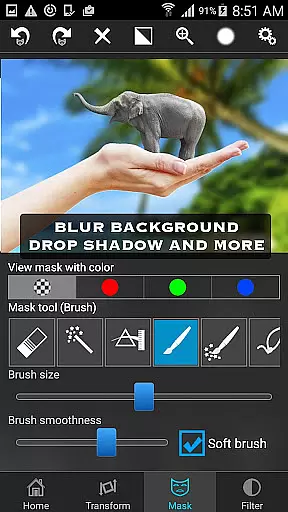
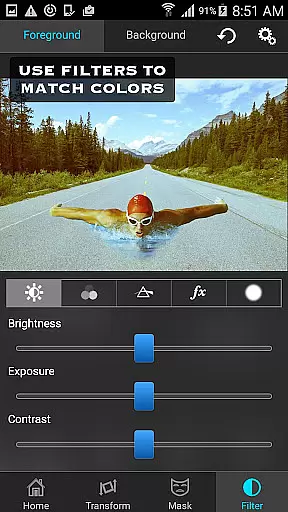
The core functionality of Superimpose revolves around its advanced masking tools, which enable users to remove unwanted portions of an image with precision. Whether you're looking to blend textures, overlay borders, or experiment with double exposure effects, this app offers a wide range of features including 18 blending modes and adjustable transparency settings. Additionally, users can adjust colors, exposure, contrast, hue, and saturation to ensure both foreground and background images are perfectly matched in terms of color balance.
Ideal for both casual hobbyists and serious photographers, Superimpose provides a versatile platform for creative expression. From crafting visually stunning compositions to performing detailed photo editing tasks, this app empowers users to produce high-quality results without needing extensive technical expertise.
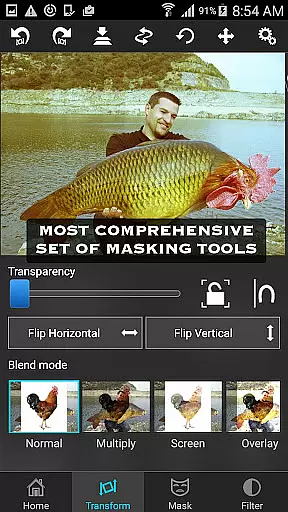
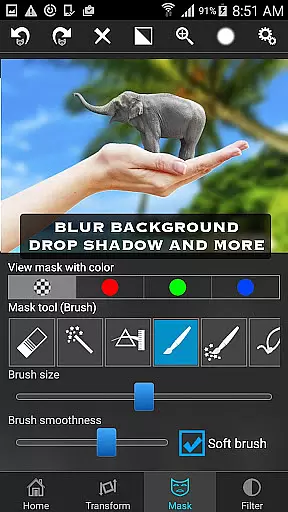
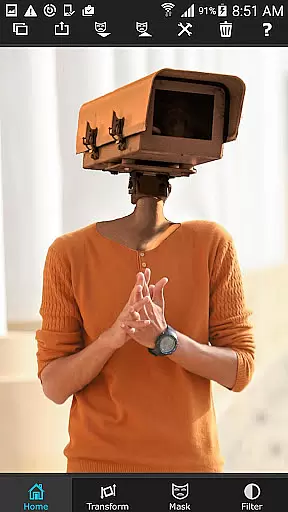
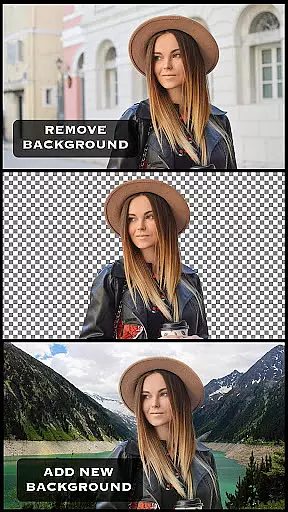
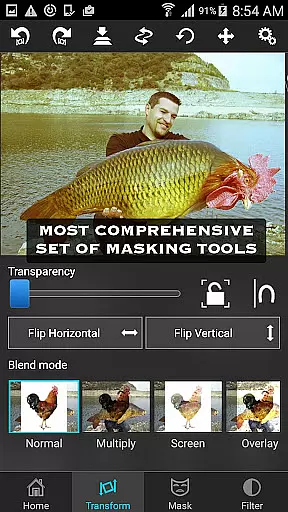
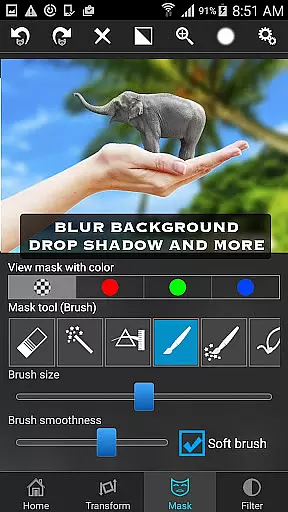
Superimpose stands out due to its comprehensive suite of photo editing tools tailored specifically for creating complex compositions. One of the key highlights is its industry-leading masking capabilities, which include options like brush, lasso, global color similarity, rectangle, ellipse, linear, bi-linear, and radial gradient masking. These tools make it easy to isolate specific areas of an image with remarkable accuracy.
In addition to masking, the app allows users to manipulate their images through scaling, resizing, rotating, flipping, and repositioning elements within the frame. Fine-tuning adjustments such as smoothening edges or tweaking color settings (exposure, contrast, hue, saturation) ensures that every composition looks polished and cohesive. With support for 18 blending modes and customizable transparency levels, users have complete creative control over how their final piece will appear.
Another notable feature is the ability to share your creations instantly with friends and family, making it perfect for social media enthusiasts. Whether you're aiming to create artistic overlays or perform advanced photo manipulations, Superimpose delivers a robust set of functionalities that cater to various skill levels while maintaining ease of use.
Real-time capture and preview functionality is essential for ensuring that users can see the results of their photo editing instantly. In Superimpose, this feature allows users to witness the changes they make to their images as they happen, providing an intuitive and responsive editing experience.
The app achieves this by leveraging advanced image processing algorithms that work seamlessly in the background. As users adjust masks, apply filters, or modify image properties such as exposure and contrast, they can observe these alterations immediately on their device screens without any lag.
This instant feedback loop empowers users to make precise adjustments and creative decisions on the fly. Whether they are blending textures, overlaying borders, or creating double exposures, real-time previews ensure that the final composition meets their artistic vision before sharing it with others.
Ultimately, the real-time capture and preview capability enhances user satisfaction by streamlining the editing process and eliminating guesswork, making professional-grade photo manipulations accessible even to amateur photographers using their iPhones.
AI beauty and enhancement features have become a staple in modern photography apps, aiming to improve or accentuate certain aspects of a photograph naturally. Superimpose incorporates sophisticated AI-driven tools that assist users in beautifying their images while maintaining authenticity.
These enhancements range from skin smoothing and blemish removal to more complex modifications like body reshaping or facial feature adjustments. The AI algorithms are designed to recognize various elements within an image and apply enhancements that look genuine rather than artificial.
By prioritizing naturalness, Superimpose ensures that edited photos retain their original charm and character. Users can subtly refine their portraits or landscapes without making them appear overly processed or losing detailu2014a common pitfall with less advanced editing software.
With its focus on delivering realistic outcomes, Superimpose's AI beauty features cater to both casual snappers looking for quick touch-ups and professional photographers seeking non-destructive ways to enhance their work before publication or sharing across social platforms.
User-friendly interface
Advanced masking tools
Versatile blending modes
Real-time previews
High-quality results
Limited Android support
No desktop version
Occasional bugs
Premium price tag
Steep learning curve

All-in-One Editor & AI Photo Enhancer, Beautify & Retouch, Collage, Cartoonify
 4.20
4.20
Shooting photos and records video easily and efficient with professional Camera
4.30
1M influencer's special filter
4.60
Photo prints, cards, & gifts at Walgreens. Easy ordering & fast local pickup !
4.80
AI photo enhancer with Sora 2! Enhance, descratch, and colorize your old photos.
4.50
Transform Photos: Edit, Beautify and Craft Memories & Make Collages!
4.10
Hair color changer, AI haircut app, fun hair editor and buzz cut filter for all!
3.80
Unblur, enhance & restore photos with powerful AI photo enhancer tools.
4.60
Effortlessly make high-quality GIFs from images & videos without any watermarks.
4.70
A must-have app for landscape photographers
4.60
Photo editor & gallery. Crop pictures & edit photos offline, no wifi!
4.50
RAW video capture with advanced controls
4.40
Professional camera app that brings DSLR manual photography controls to Android.
4.20
All-in-One Editor & AI Photo Enhancer, Collage, Cartoonify, Funny Stickers & BGS
4.10
Catch sunlight, sunrise sunset times and sun phases with the AR sun tracker.
4.10
Professional quality photo edits with the new Snapseed.
4.00
Perfect photos with body shaping, BG changer and object remover.
3.70
HD Photo gallery and photo manager to edit, hide private photos, videos & albums
4.5
Add a dreamy vibe to your selfies and videos with soft style filters
4.2


User Reviews