

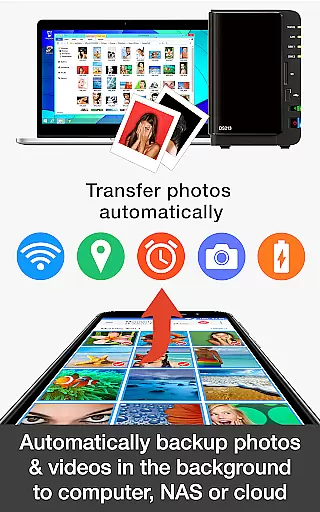
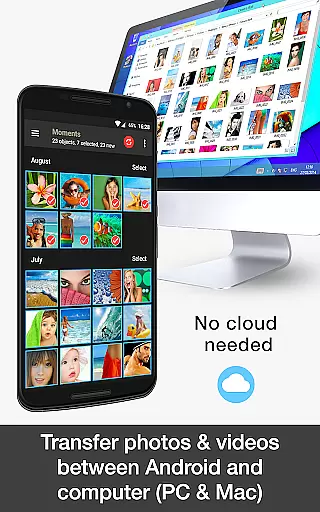



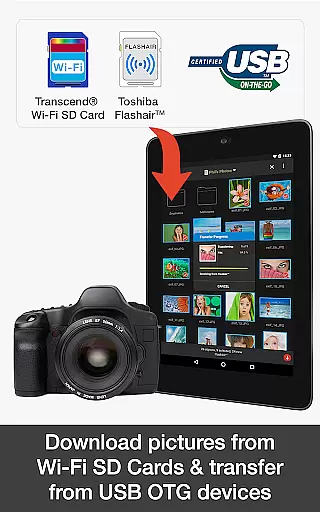
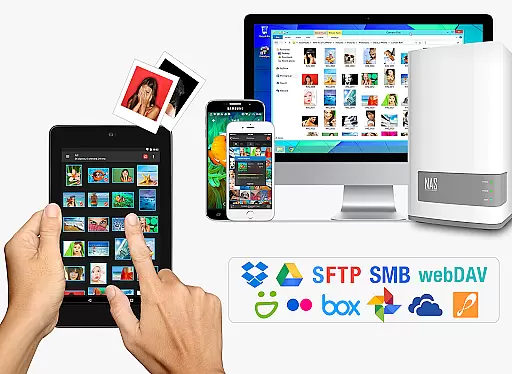
PhotoSync Bundle Add-On is an advanced photography application designed for wireless transfer, backup, and sharing of photos and videos across multiple devices and platforms. Compatible with Android, iOS, Windows, and Mac, this tool transforms the basic PhotoSync app into a comprehensive solution by integrating autotransfer, NAS, and cloud functionalities.
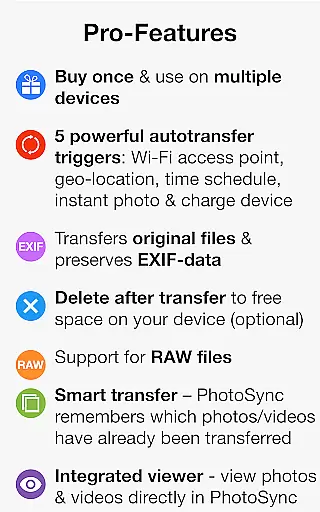
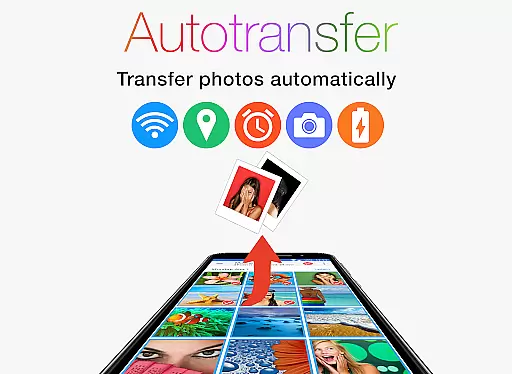
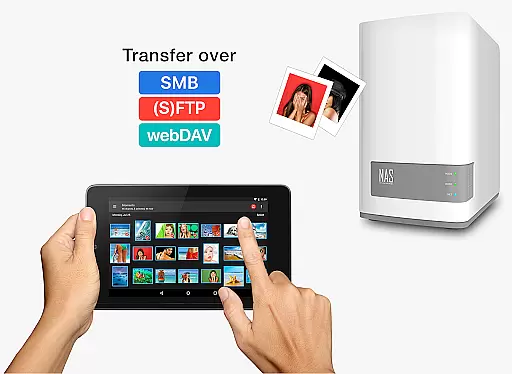
This add-on enables users to automatically back up media to computers, NAS systems, or cloud services using various protocols like SMB, FTP, and WebDAV. It supports instant transfers triggered by events such as capturing new media, connecting to specific Wi-Fi networks, or reaching certain locations. Additionally, it facilitates cross-device synchronization, ensuring that all your devices have the latest media files without manual intervention.
With over 10,000 positive reviews and millions of successful transfers, PhotoSync stands out as a reliable and secure option. Its customizable settings provide users with complete control over how and when their media is transferred, making it ideal for both casual users and professional photographers seeking efficient media management solutions.
PhotoSync Bundle Add-On enhances the free version by adding powerful capabilities like automatic photo and video transfer, NAS support, and cloud integration. These features enable seamless wireless backups and sharing across multiple platforms including Android, iOS, Windows, and Mac.
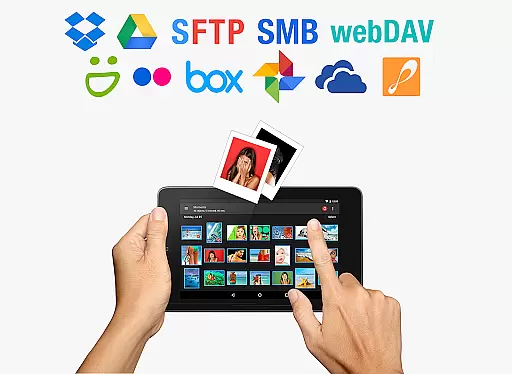
The autotransfer functionality allows instant media uploads based on triggers such as Wi-Fi connection or geolocation. With NAS and cloud add-ons, users can securely store and retrieve files from various services like Dropbox, Google Drive, and Synology NAS. This flexibility ensures users maintain total control over their data while enjoying an uninterrupted flow of media across devices.
By purchasing the bundle, users save significantly compared to buying individual add-ons and enjoy an ad-free experience. The application's ten-year presence in the market highlights its reliability and commitment to continuous improvement, making it a trusted choice for photographers and everyday users alike.
Real-time capture and preview functionality is essential for ensuring that every photo or video taken meets the desired quality standards. PhotoSync Bundle Add-On enhances this experience by enabling instant transfer of media from the moment it's captured.
This application supports automatic backups and transfers of photos and videos directly from Android devices to various storage solutions like computers, NAS, and cloud services. This immediate action ensures that users never lose a moment due to device failure or accidental deletion.
With features such as location-based transfer, time schedules, and instant transfer upon capturing, PhotoSync provides flexibility and peace of mind. Users can customize triggers based on their preferences, making sure that all valuable moments are securely stored without manual intervention.
The real-time aspect of PhotoSync not only saves time but also adds a layer of reliability to the photography process. Whether you're a professional photographer or someone who simply enjoys capturing life's moments, this feature ensures your memories are preserved instantly and effortlessly.
AI beauty and enhancement features have become increasingly popular in photography applications, aiming to improve image quality while maintaining natural aesthetics. PhotoSync Bundle Add-On incorporates advanced AI algorithms to enhance photos and videos seamlessly.
While PhotoSync focuses primarily on transferring and backing up media, its integration capabilities with cloud services like Google Photos and Dropbox allow users to leverage AI-powered editing tools available within these platforms. This indirect approach ensures that enhancements remain subtle and true to the original content.
Users benefit from enhanced images without compromising authenticity. The AI technology works behind the scenes to optimize lighting, color balance, and sharpness, providing polished yet natural-looking results. This method respects the integrity of the captured moment while offering improved visual appeal.
By combining robust transfer functionalities with access to sophisticated AI enhancement tools, PhotoSync delivers an unparalleled user experience. It caters to both amateur and professional photographers seeking efficient ways to manage and refine their digital assets.
Seamless sync
Cross-platform
Secure backup
Customizable
Cost-effective
Limited free features
Paid add-ons
Complex setup
Needs stable Wi-Fi
Occasional bugs

Perfect photos with body shaping, BG changer and object remover.
 3.70
3.70
Trendy TikTok time warp scan funny filter app brings you unique photos & videos.
4.40
1M influencer's special filter
4.60
Pet Camera
3.70
Perfect body tune & face app - photo retouch, makeup, slim body & beautify face.
4.80
AI photo enhancer with Sora 2! Enhance, descratch, and colorize your old photos.
4.50
Enhance, retouch & create your story - Share the moment with Photoshop Express.
4.60
Easily create custom gifts, cards, photo books & more on the Shutterfly app!
4.60
Unblur, enhance & restore photos with powerful AI photo enhancer tools.
4.60
Create funny photos and videos with the popular Time Warp Scan filter.
4.90
Take videos and pictures with the popular TikTok TIME WARP SCAN filter.
4.60
Automatically backup your photos and videos to computer, NAS and Cloud services
4.60
AI photo editor with hair editor, retouch tools, hair color changer & filters!
4.50
Create Business Headshots, Polaroid Filter, Retake Photos,Profile Pics,AI Photos
4.50
Create AI photos & videos with Enhancer; restore, fix, beautify, enhance photos
4.50
Create & Edit with AI: AI Remove, Enhance, Retouch, Filter
4.10
Long exposure camera with computational photography
2.60
Photo Album Watch Face shows your favorite pictures as a Watchface.
1.90
HD Photo gallery and photo manager to edit, hide private photos, videos & albums
4.5


User Reviews