
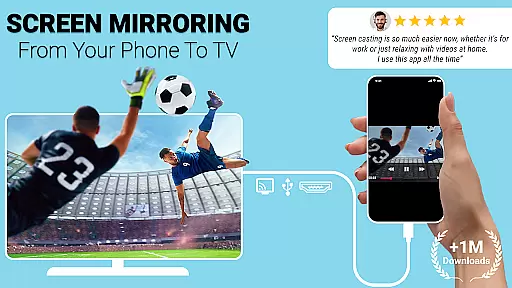
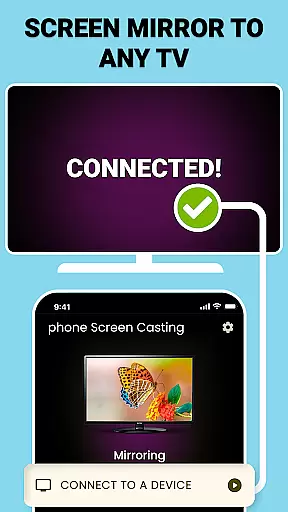
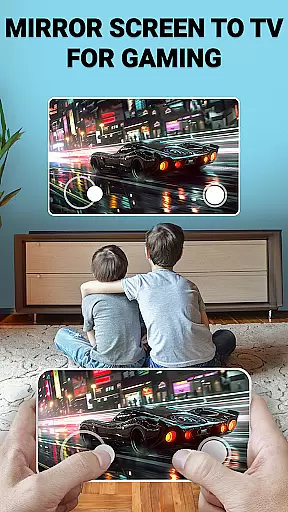
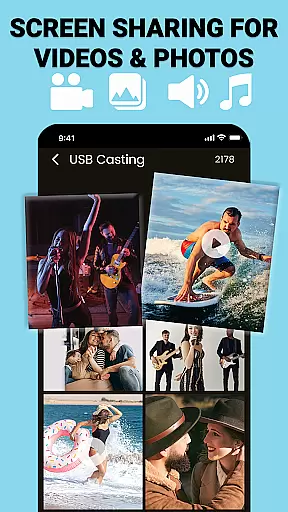
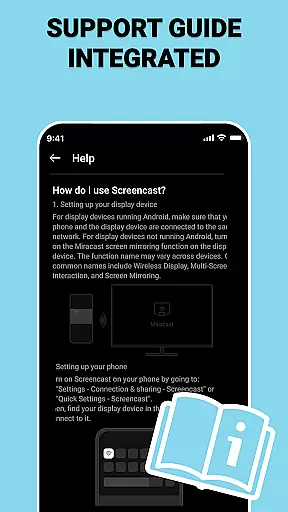
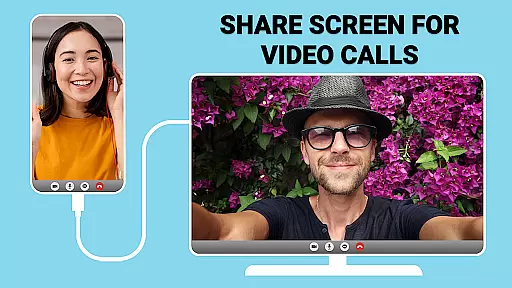
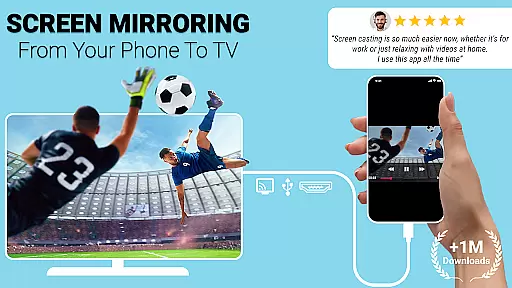
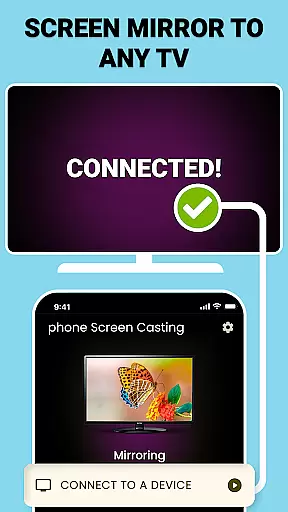
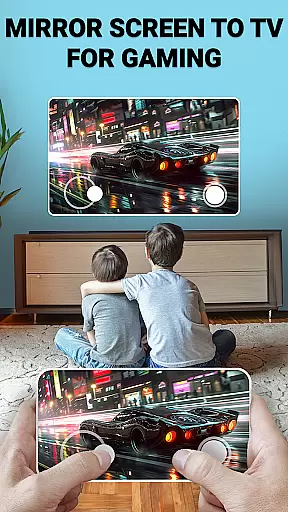
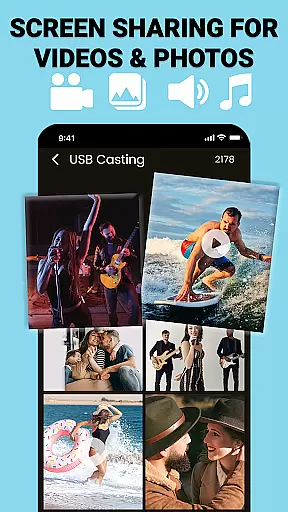
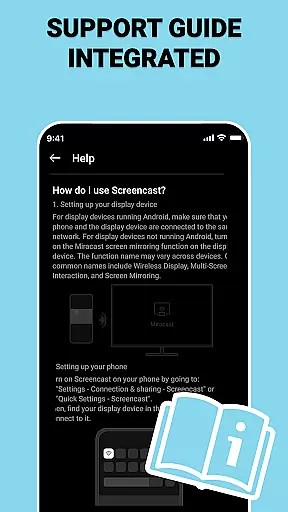
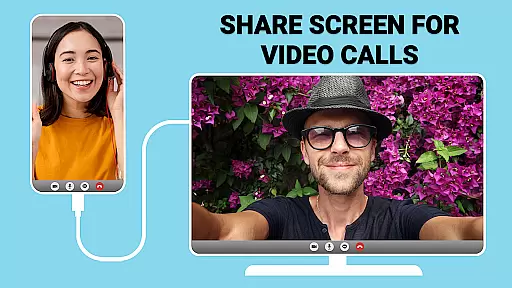
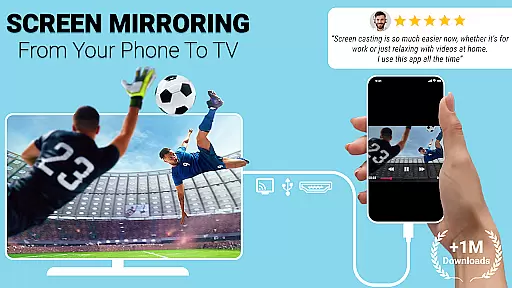
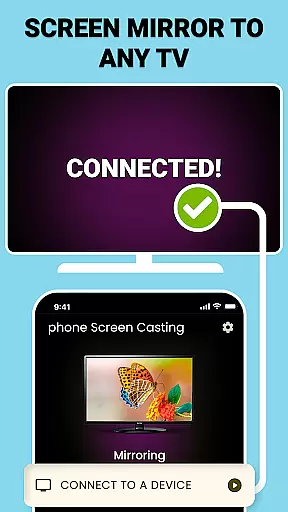
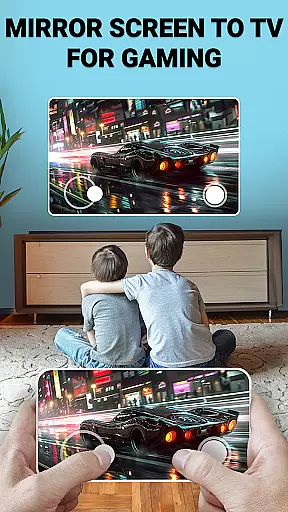
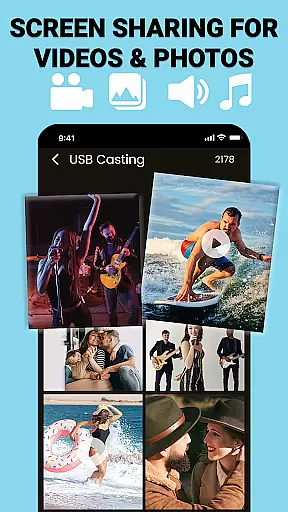
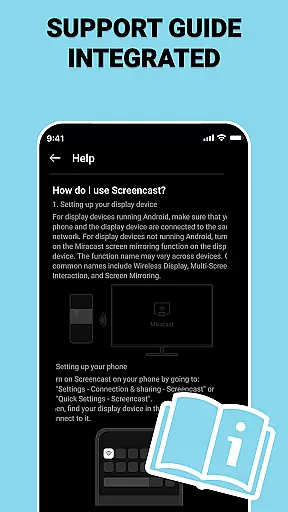
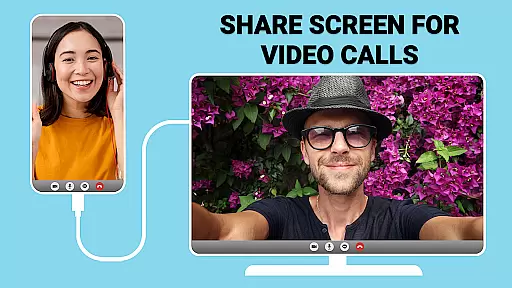
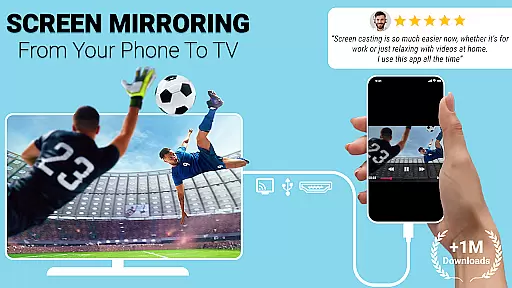
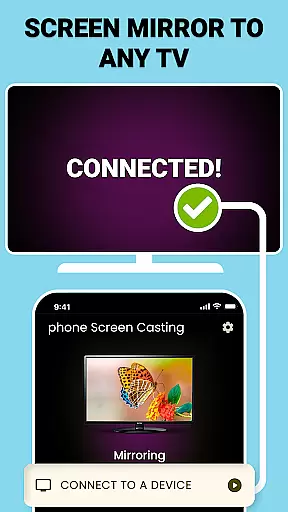
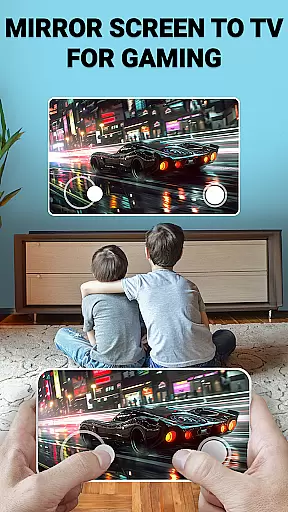
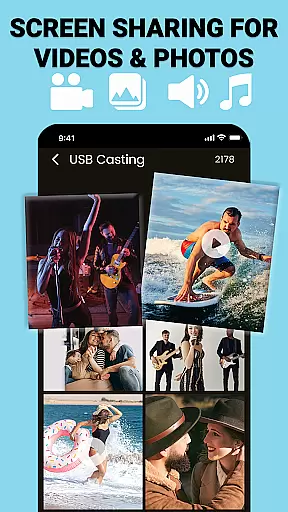
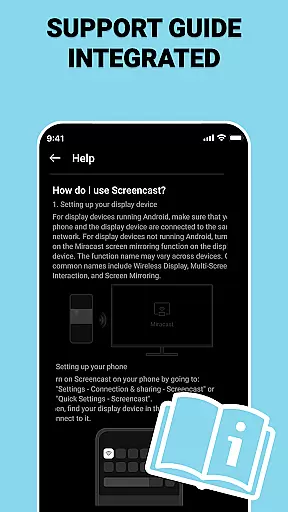
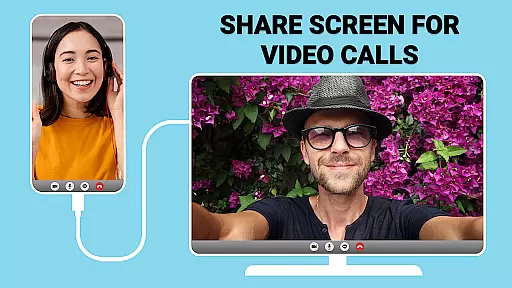
USB Screen Cast is a versatile screen mirroring application designed to connect your mobile device to a TV effortlessly. The app supports both wireless casting via WiFi and stable wired connections using a TV USB connector, ensuring reliable performance for various screen sharing needs. With its user-friendly interface, you can mirror photos, videos, presentations, and more with just a few taps.
The app's key strength lies in its dual connectivity options. Users can opt for the convenience of wireless casting or choose the stability of USB screen mirroring when WiFi signals are weak. This flexibility makes it ideal for both entertainment purposes, like streaming movies, and professional settings, such as delivering presentations in meetings or classrooms. The app also offers customizable casting settings, allowing users to adjust resolution for optimal viewing quality.
Whether you're looking to enhance productivity during work presentations or elevate your home entertainment experience, USB Screen Cast provides a seamless solution. Its lag-free performance and high-quality mirroring capabilities ensure an enhanced viewing experience on the big screen, making it a valuable tool for both personal and professional use.
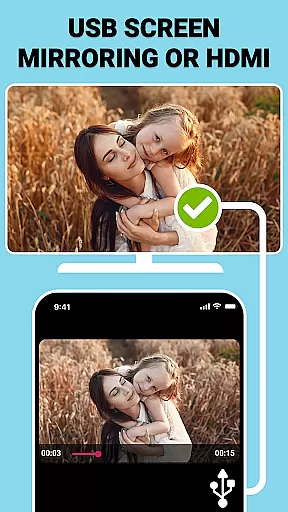
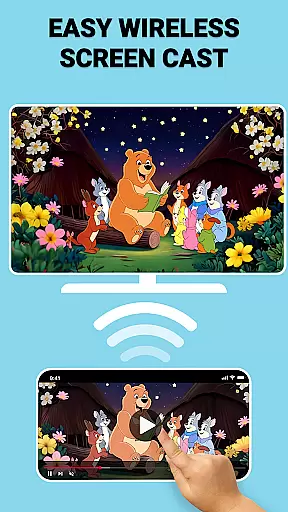
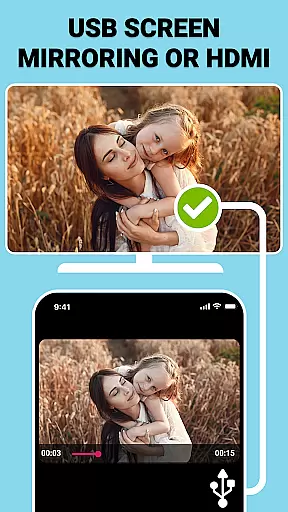
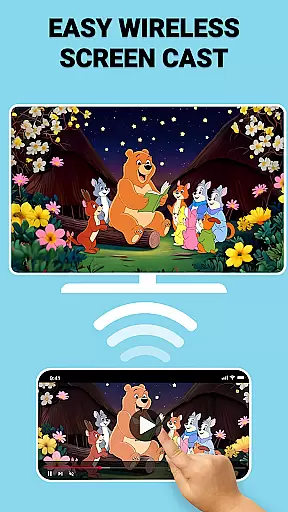
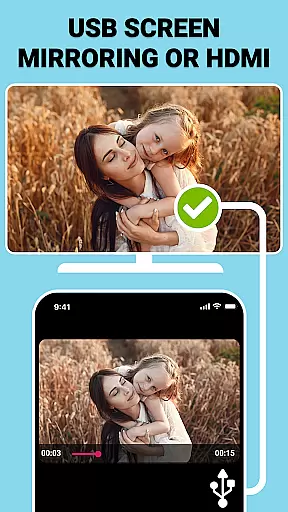
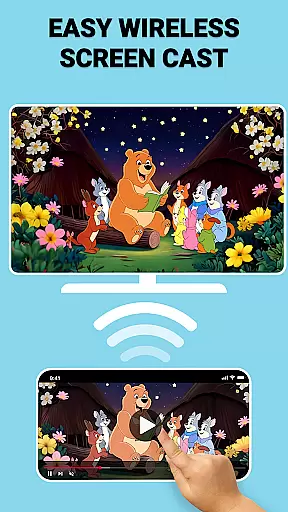
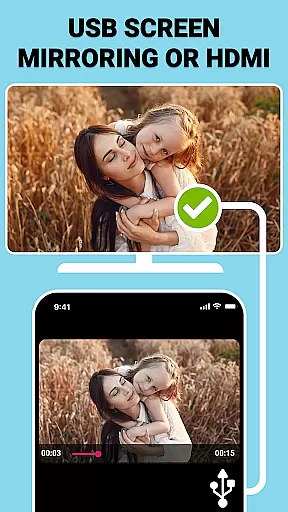
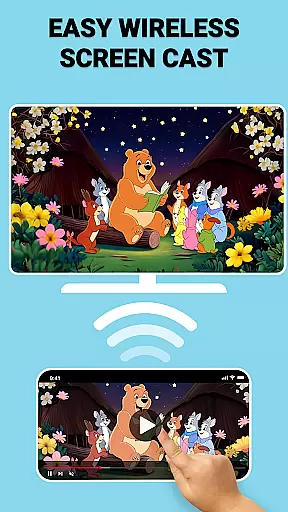
USB Screen Cast stands out with its comprehensive feature set tailored for seamless screen sharing. One of its core features is Wireless Screen Casting, which allows users to cast content to their TV via WiFi without any cables, providing a clutter-free experience. For environments where wireless signals may be unreliable, the app offers USB Screen Mirroring through a TV USB connector, ensuring stable and high-quality transmission even in low-connectivity areas.
In addition to these primary functions, the app includes several advanced features. Users can enjoy lag-free screen sharing for activities like gaming and streaming, thanks to the app's optimized performance settings. The Mirror Screen to TV functionality enables instant mirroring with crystal-clear quality, while customizable casting options allow users to adjust resolution settings based on their preferences and TV specifications. These features collectively deliver a smooth and reliable screen sharing experience.
Another notable aspect is the app's ability to cater to both casual and professional users. Whether you're streaming media for entertainment or sharing documents during business meetings, USB Screen Cast adapts to your needs. The app's versatility is further enhanced by its support for multiple content types, including photos, videos, and presentations. This combination of reliability, flexibility, and ease of use establishes USB Screen Cast as a top choice for anyone seeking efficient screen mirroring solutions.
Functionality completeness refers to the app's ability to deliver a comprehensive set of features that meet user expectations across various use cases. USB Connector Cast Phone to TV excels in this area by offering both wireless and wired screen mirroring options, ensuring users can connect their devices regardless of their specific needs or technical limitations.
The app supports multiple connectivity methods including WiFi for wireless casting and USB connections for stable, lag-free mirroring. This dual approach demonstrates an understanding of diverse user scenarios, from casual entertainment to professional presentations. The inclusion of customizable resolution settings further enhances its functional coverage, allowing users to optimize the viewing experience based on their specific requirements.
Users benefit from having all necessary tools within a single application, eliminating the need for additional software or complicated setup processes. Whether streaming movies, sharing photos, or conducting business presentations, the app provides reliable performance across different content types and usage contexts.
This complete feature set ensures that users can confidently rely on USB Connector Cast Phone to TV for both personal and professional screen sharing needs, making it a versatile solution in the Libraries & Demo category.
Usability focuses on how easily users can navigate and operate the application, while operational smoothness measures the consistency and reliability of its performance. USB Connector Cast Phone to TV achieves high marks in both areas through its intuitive interface design and stable functionality.
The app features a straightforward three-step process: connecting devices, launching the app, and selecting the target TV. This simplified workflow enables even novice users to successfully mirror their screens without extensive technical knowledge. Clear device detection and one-tap connection further enhance the user experience, minimizing potential frustration during setup.
Operational smoothness is evident in the app's consistent performance across different connection types. Both wireless casting via WiFi and wired connections through USB maintain stable transmission rates with minimal latency. The app's ability to handle various content formats - from video streaming to document sharing - without interruption demonstrates its robust operational capabilities.
These usability and performance characteristics make USB Connector Cast Phone to TV an accessible and reliable tool for users of all technical skill levels, ensuring a positive user experience throughout each interaction with the application.
User-friendly interface
Dual connectivity options
Customizable resolution
Lag-free performance
Versatile content support
Requires compatible devices
Occasional setup complexity
Premium features locked
WiFi dependent for wireless
USB cable needed for wired

Game Booster GFX for smoother gaming experience. Enjoy 120 FPS and 4x Game Space
 4.20
4.20
View your cameras anywhere and anytime
4.20
Connect and find your Smart Tag 2 devices through our app.
3.60
use your smartphone as Remote control drones .
4.20
charging your phone by other phone easly
4.00
TV USB connector app provides you a seamless cast option from your phone to tv.
4.70
MirrorLink for connecting your Android phone to your car’s infotainment screen.
4.50
Phone Software Update Quick Checker helps you to keep your phone apps up to date
4.50
Now Available on Android ™
3.40
Tune your game graphics with our GFX optimizer for optimal gaming experience
4.50
Barcode scanning made simple!
4.40
Connect and find your Smarttag devices through our app.
4.00
A Pydroid Quick Install repository provider.
4.00
a wireless controller that provides a seamless and gaming experience for players
3.80
Use your Phone as Drone Controller.
3.70
With Endoscope Camera Connector you can connect your phone with endoscope cam
3.70
Experience virtual reality on your smartphone with Cardboard.
3.50
Collection of Maps and Mods for Dmod
3.30
A great tool help you to format Micro SD memory Card
3.10


User Reviews