
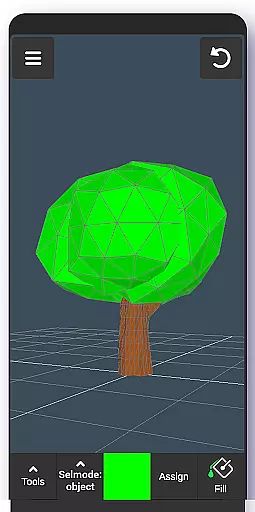
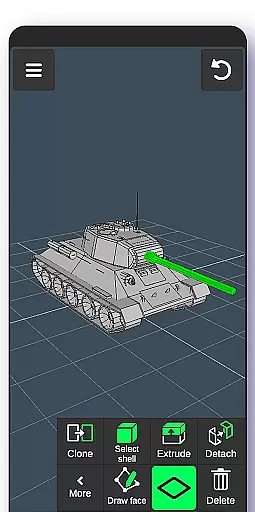
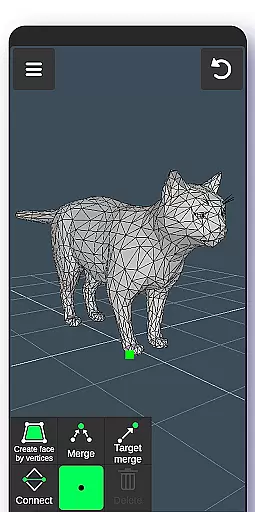
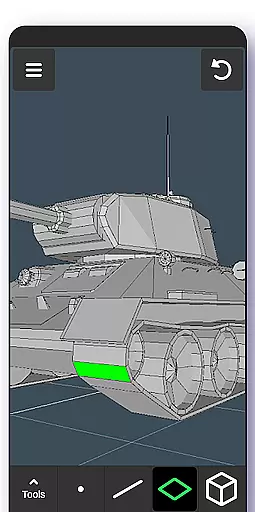
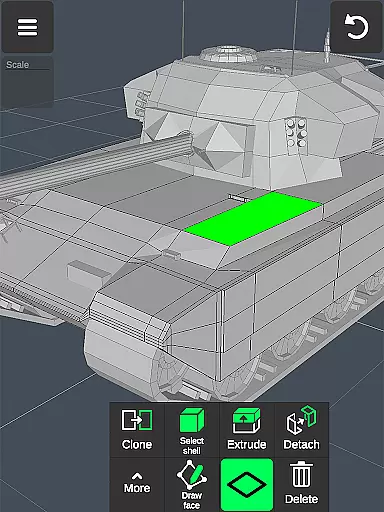
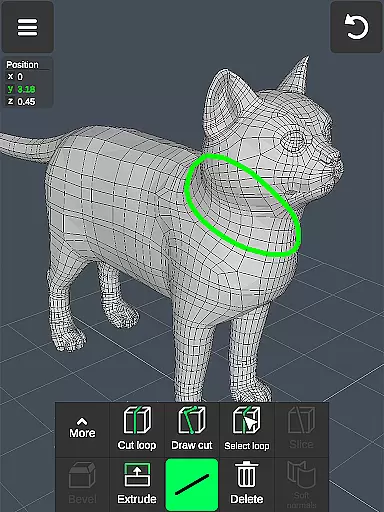
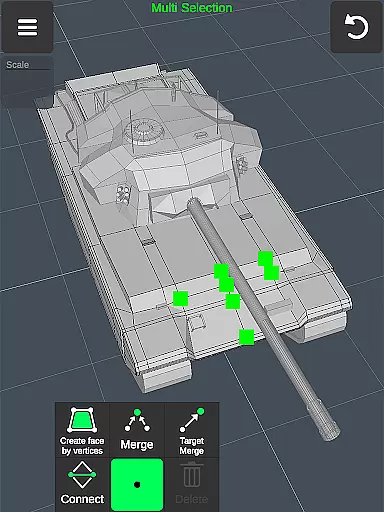
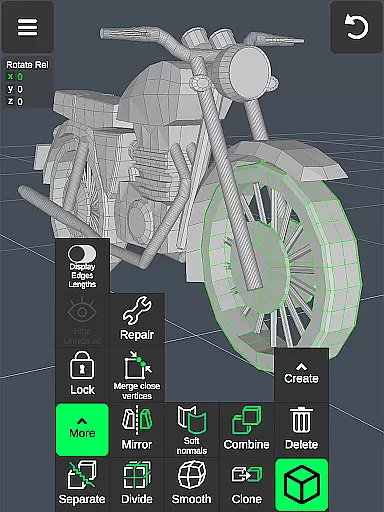
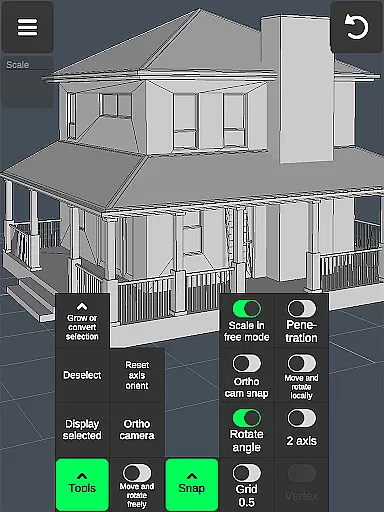

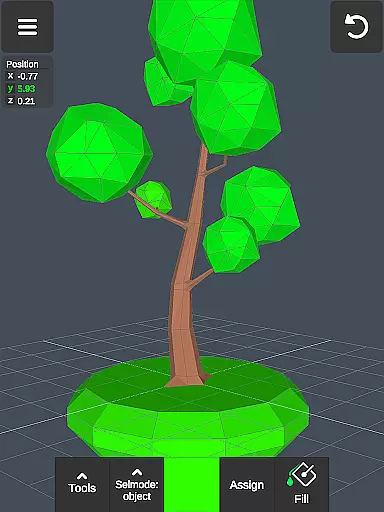
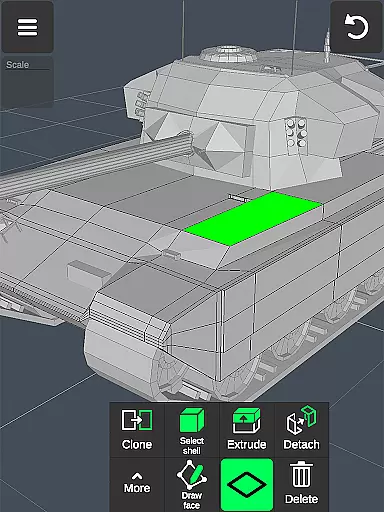
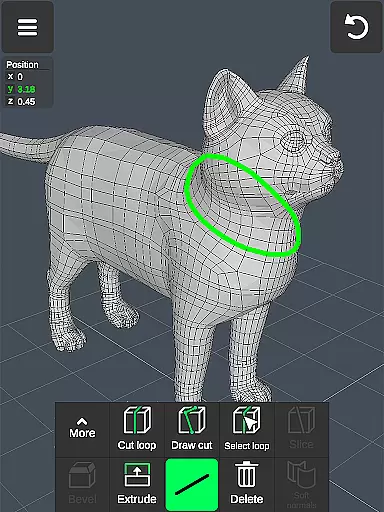
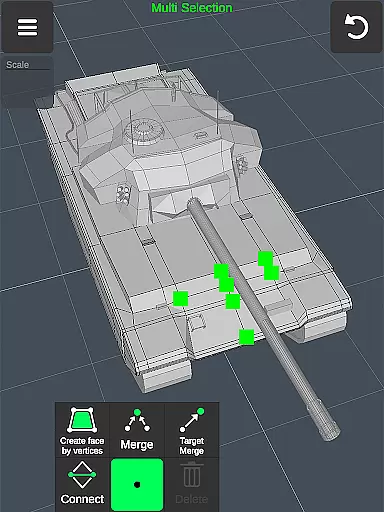
3D Modeling App is a powerful mobile solution for creating 3D models, objects, and art directly on your phone or tablet. Designed for professionals and hobbyists alike, this application enables users to generate detailed 3D designs using intuitive gestures. Whether you're an engineer working on industrial projects or an artist crafting digital sculptures, the app provides the tools necessary to bring your ideas to life.
The software stands out with its versatile feature set that supports various professional applications. From architectural visualization to game development, users can create 3D characters, design game environments, and model physics-based interactions. The app also functions as a digital canvas for painting and sketching, making it suitable for a wide range of creative disciplines including woodworking, automotive design, and landscape architecture.
With its comprehensive toolset and user-friendly interface, 3D Modeling App empowers users to work efficiently on-the-go. Its ability to export and import .obj files ensures compatibility with major 3D modeling and CAD software, making it an essential addition to any designer's toolkit.
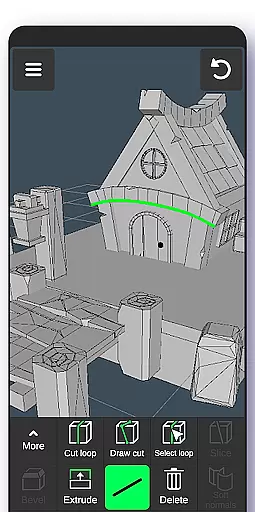
3D Modeling App offers an extensive array of features designed to streamline the 3D creation process. One of its standout capabilities is the fast workflow system, allowing users to manipulate 3D images through simple gestures. You can move, rotate, and scale objects effortlessly while switching between tools quickly. The multi-selection feature lets you choose vertices, edges, faces, and entire objects with ease, either by long-tapping or drawing selection frames.
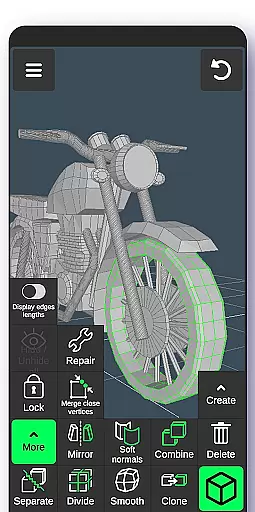
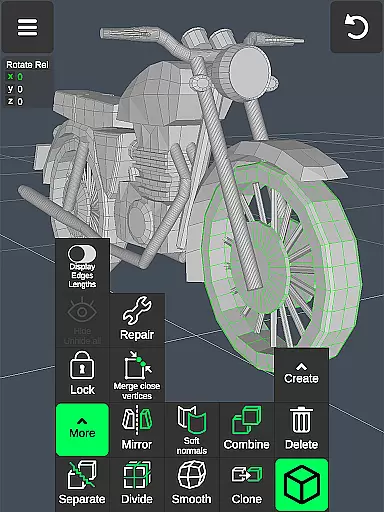
The app includes specialized tools for different aspects of 3D geometry editing. Vertex tools enable merging, connecting, and face creation, while edge tools provide options for cutting, looping, and extruding. Face tools allow for complex manipulations like extrusion, detachment, and cloning. Object tools support combining, separating, mirroring, and smoothing operations. Additionally, sculpting tools offer precise control over brush size and strength, perfect for detailed work.
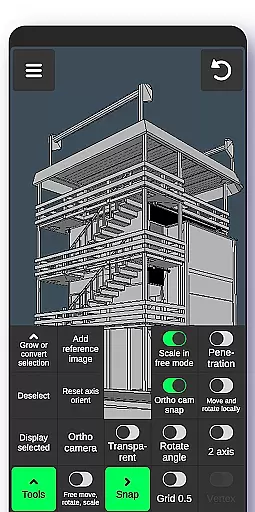
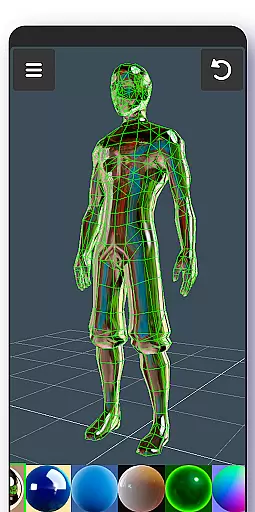
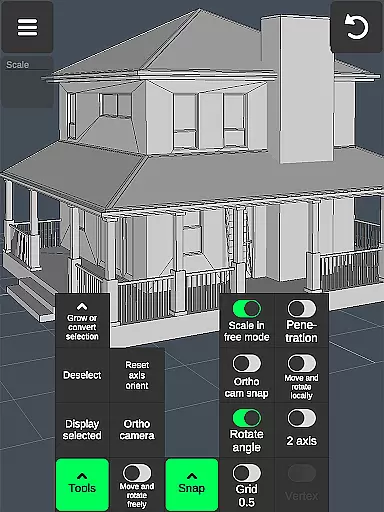
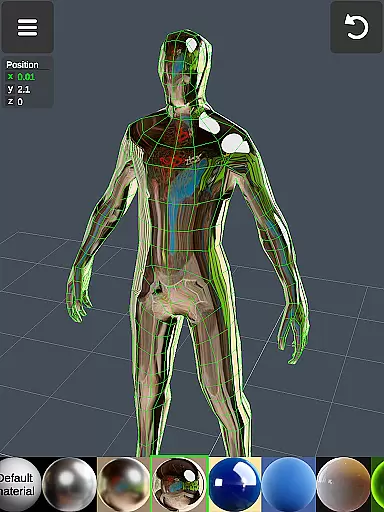
Beyond basic modeling, the app provides advanced display options and coloring features. Users can toggle wireframes, shadows, and axis displays, and apply up to 20 materials to their objects. The inclusion of orthographic camera views and precise value settings for movement, rotation, and scaling makes this app suitable for professional-grade work. With auto-save functionality and broad file compatibility through .obj import/export, 3D Modeling App ensures both convenience and versatility in your creative projects.
In the realm of 3D modeling and design, having a comprehensive suite of creative tools is essential for professionals and hobbyists alike. The 3D Modeling App excels in this area by offering an extensive array of features that cater to various aspects of 3D creation. From vertex, edge, and face tools to object manipulation and sculpting, the app provides all the necessary instruments for detailed 3D work.
Users can take advantage of advanced functionalities such as merging vertices, creating edge-loops, extruding faces, and cloning objects. These tools allow for intricate modifications and the ability to produce complex models with precision. Additionally, the inclusion of display tools like wireframe views, shadows, and axis indicators enhances the modeling experience by providing clear visual feedback.
The app's sculpting tools further augment its creative capabilities, enabling users to refine their models through operations like move, push, pull, and smooth. With adjustable brush sizes and strengths, artists have fine control over the details of their creations. This level of detail empowers users to bring their ideas to life with accuracy and artistry.
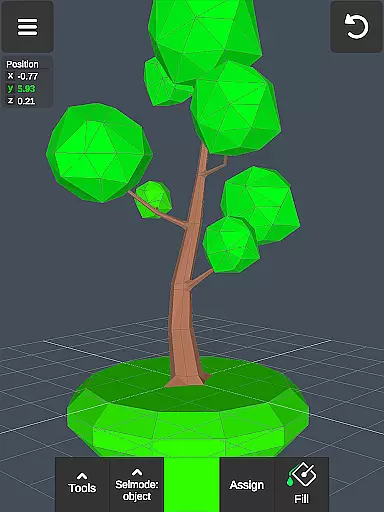
Moreover, support for up to 20 materials and coloring options via vertex painting adds another layer of depth to the creative process. Users can apply textures and colors to their models, making them more realistic and visually appealing. Such a complete set of creative tools ensures that whether you're a digital sculptor, game designer, or engineer, the 3D Modeling App has everything needed to realize your vision.
A versatile canvas and flexible format options are crucial for any art and design application, allowing creators to adapt their workspace to suit different project requirements. The 3D Modeling App offers remarkable flexibility in terms of canvas size and format compatibility, ensuring that users can work on projects of varying scales and complexities without constraints.
One of the standout features is the ability to manipulate 3D images using gestures, which includes moving, rotating, and scaling objects and the camera itself. This intuitive interaction method streamlines the workflow and makes it easier to navigate around the 3D space. Furthermore, precise values can be set for movements, rotations, and scaling, giving users exact control over their designs.
The app supports exporting and importing .obj files, a widely used file format in the 3D modeling community. This feature enables seamless integration with other industry-standard software such as 3ds Max, Maya, Blender, and CAD programs like AutoCAD and SolidWorks. By facilitating cross-platform compatibility, the app ensures that your work can be easily transferred and utilized in different environments.
Additionally, the app allows for conversion to multiple file formats using third-party converters, expanding its utility even further. Whether you need to import models into specialized applications like Shapr3d or uMake, or prepare files for 3D printing, the 3D Modeling App provides the necessary flexibility. This adaptability not only enhances productivity but also broadens the scope of what can be achieved within the app.
User-friendly interface
Wide range of professional tools
Excellent compatibility with other software
Intuitive gesture controls
Comprehensive feature set
Steep learning curve for beginners
Occasional performance lags
Limited advanced animation tools
No built-in tutorials
Subscription fees required for full access

Apply cartoon, caricature, and portrait effects to make your photos stand out!
 3.60
3.60
Text to Image, Image to Video & AI Chat
4.20
Castle is social media for creating and playing games!
4.60
Novices can also easily complete diamond painting masters
4.70
Mobile pixel art editor. Simple. Fast. Portable.
4.80
Android 14 style widgets and wallpapers app.
4.0
A luxurious gold watch face for an elegant and refined look.
4.5
Create amazing pictures and unleash your creative genius with AR Drawing Sketch
4.40
AI-powered photo & video creation—fast, fun, and effortless with Quick Actions
4.60
Photo editor for art, avatars, filters & fun transformations.
4.60
Share the joy of painting with ibis Paint! Drawing anime and manga art.
4.50
Everything you need to create hand drawn animation, anywhere you go!
4.40
Draw, make movies & animate cartoons easily with our 2D animation maker app
4.40
Remove Background, Magic Eraser, Photo Enhancer, Story Templates, Collage Maker
4.30
Customizable Outlined Fonts. Watch Face Format. Battery friendly Digital Clock.
4.20
AI Face Swap, Video Effects Editor, Realtime Morph, Funny Video FX,AI Filters
3.70
Create sweet, cool and unique couple avatars easily, in just a few steps!
3.40
Vidu is an AI video generator made for creators and aspiring makers.
3.30
Create trending AI photos & videos with powerful effects and 3D styles.
3.20


User Reviews