
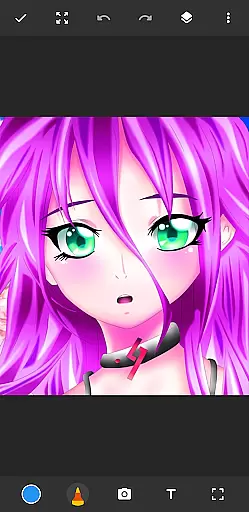
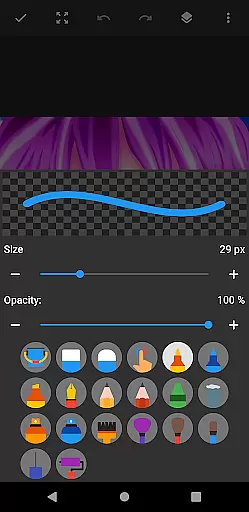
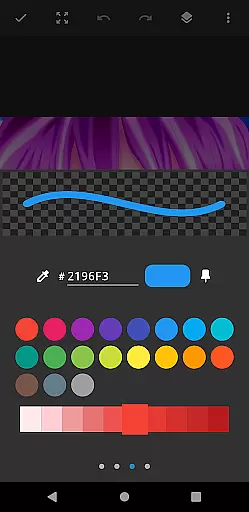
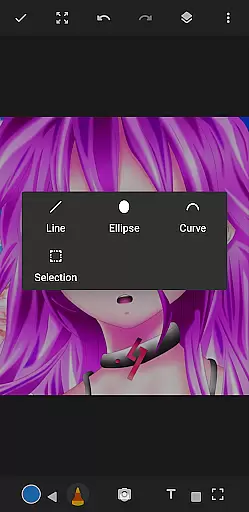
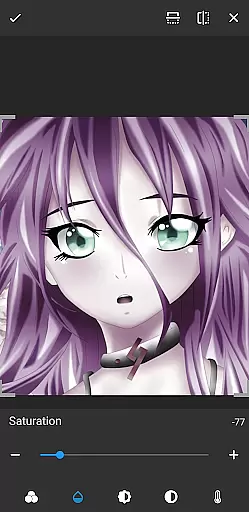
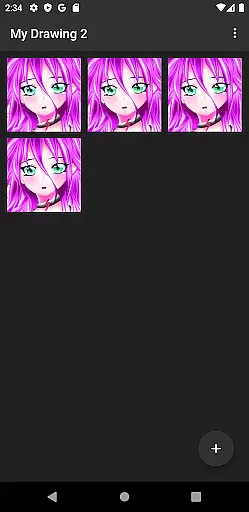
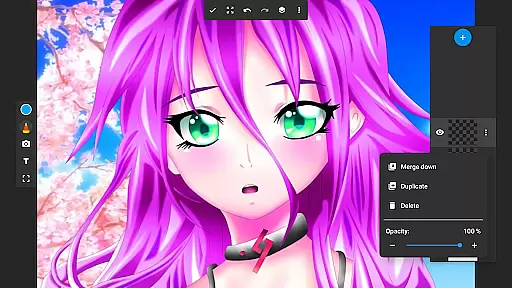
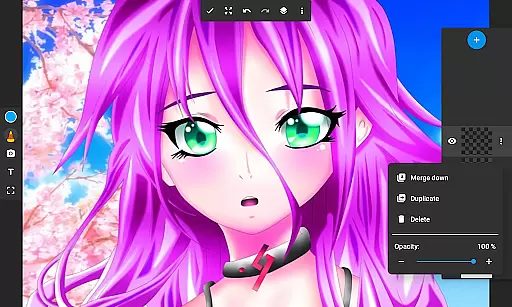
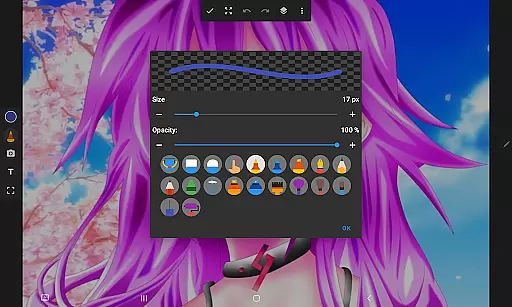
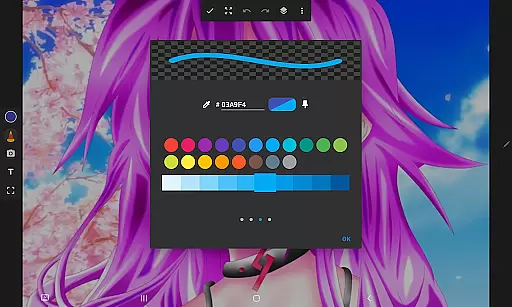
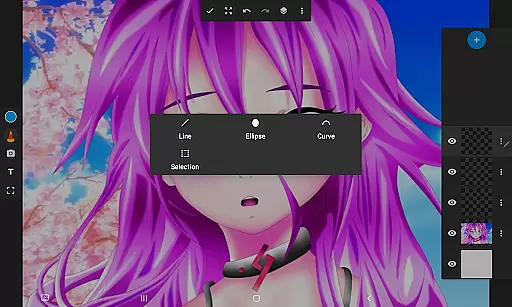
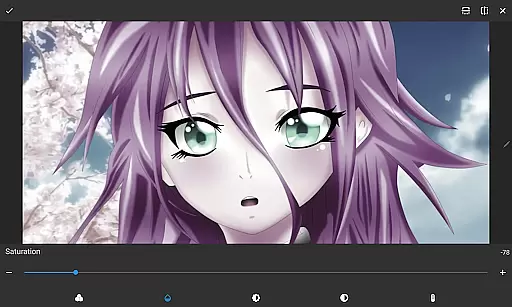
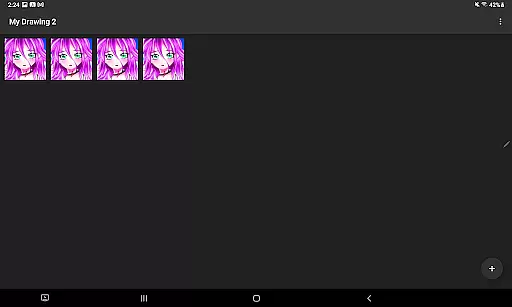
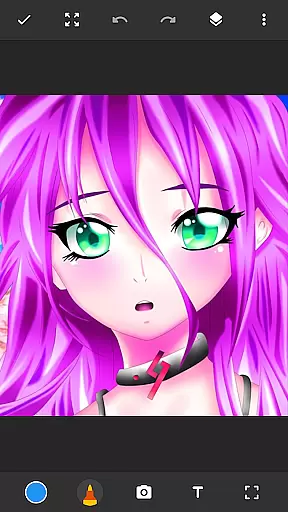
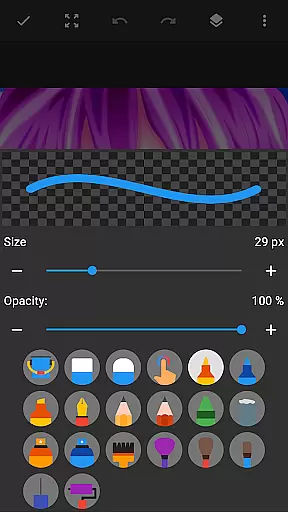
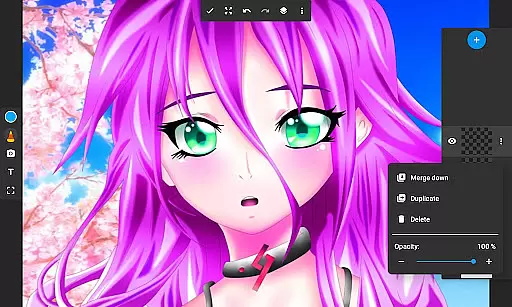
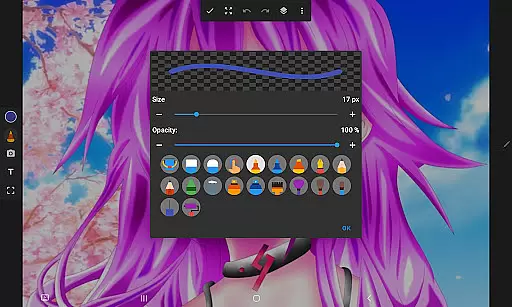
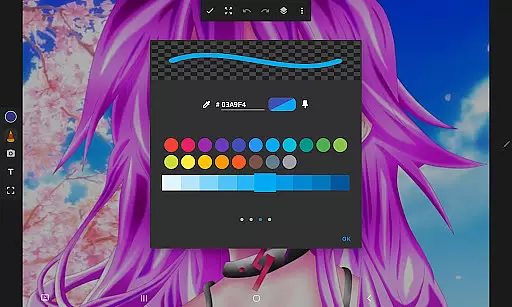
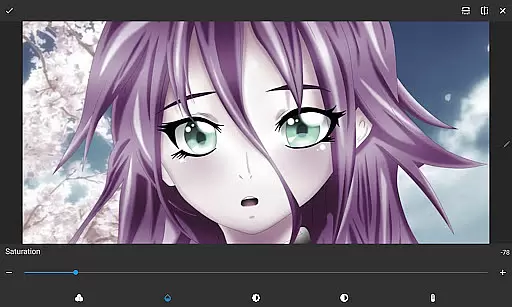
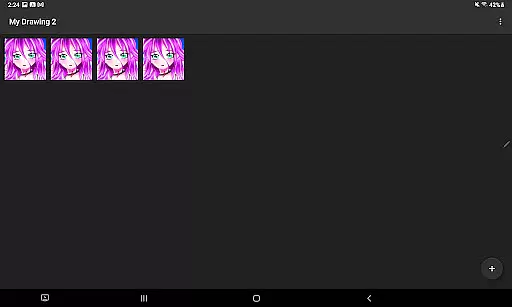
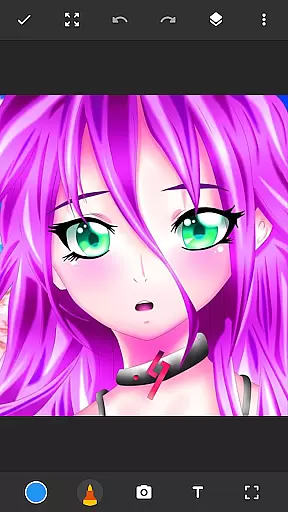
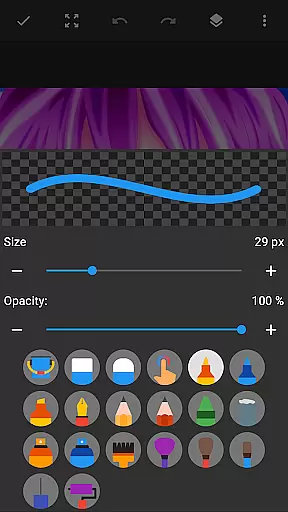
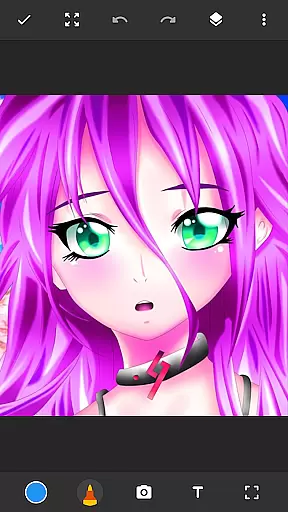
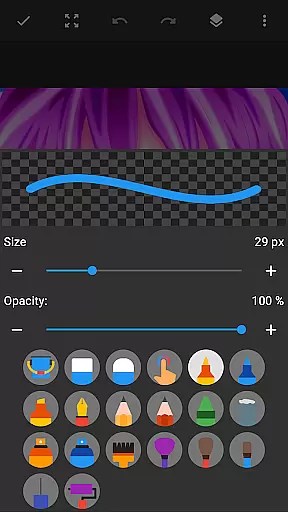
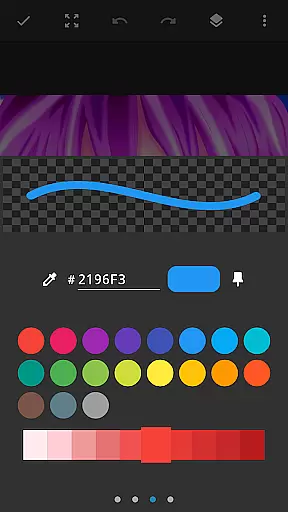
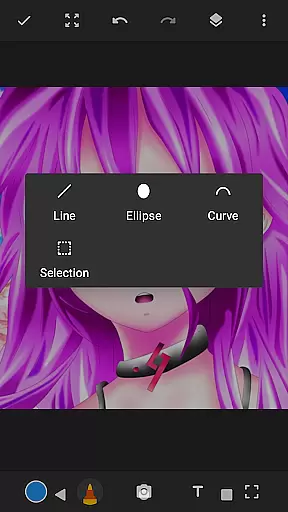
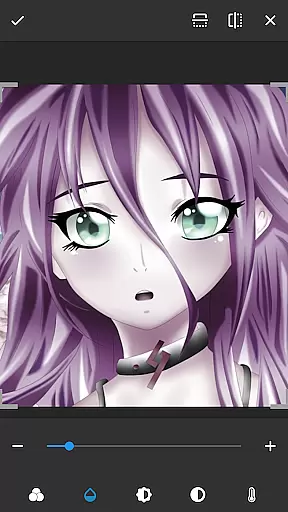
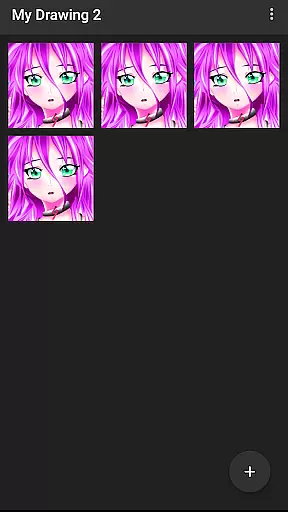
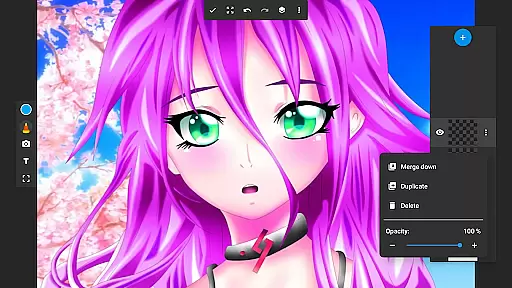
Drawing Pad Lite is a premier digital art application designed for both aspiring and professional artists. This versatile drawing app provides an intuitive platform to create stunning sketches, paintings, and illustrations right on your mobile device. With its comprehensive set of brush tools, pencil options, and vibrant color palettes, users can easily produce detailed artwork with precision.
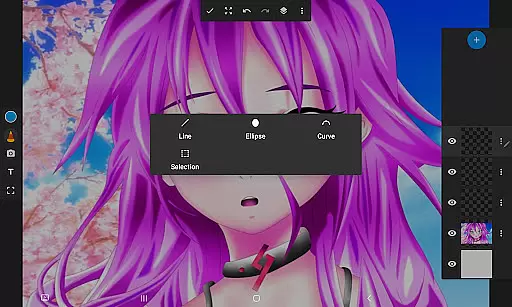
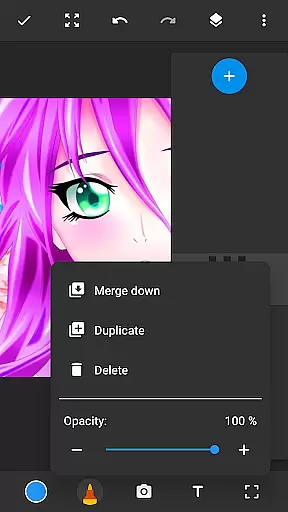
The app's standout feature is its layer functionality, allowing artists to organize their work efficiently and experiment with different design elements without affecting the entire composition. Whether you're into anime coloring, manga creation, or photo editing, Drawing Pad Lite offers the perfect environment to express your creativity. Its user-friendly interface makes it accessible for beginners while providing advanced features that satisfy professional requirements.
Designed for convenience and artistic freedom, Drawing Pad Lite serves as a portable artbook that combines traditional sketching techniques with modern digital capabilities. The application's robust drawing editor empowers users to refine their artwork until it reaches perfection, making it an essential tool for anyone interested in digital art.
Drawing Pad Lite distinguishes itself through its extensive range of artistic features. The application offers diverse brushstrokes and pen tools, each customizable in terms of size, style, and texture, enabling users to create unique and intricate designs. These tools provide complete control over drawings and paintings, ensuring every stroke meets the artist's expectations.
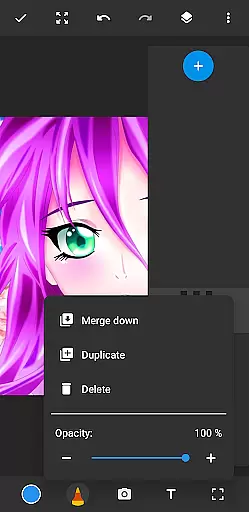
A key innovation is the layer system, which revolutionizes how users manage complex artworks. Artists can separate different elements of their compositions into distinct layers, allowing for non-destructive editing and easy adjustments. This feature proves invaluable when working on detailed projects that require multiple iterations or experimental approaches.
Additional notable features include the ability to draw directly on photos, various coloring options for vibrant artwork, and a comprehensive set of pencils, pens, and markers. These tools collectively create an environment where creativity knows no bounds. Whether you're doodling for fun or creating professional-grade digital art, Drawing Pad Lite provides everything necessary to bring your artistic visions to life.
In the realm of digital art, having a comprehensive set of creative tools is essential for artists to fully express their visions. Sketchbook Lite - Artbook rises to the occasion by offering an extensive array of brushstrokes, pencil types, pens, and markers.
Each tool within this drawing app provides various sizes and styles, ensuring that artists can find the perfect match for their sketches. The inclusion of vibrant colors and intricate detailing options allows users to create stunning pieces with professional finesse.
Moreover, the ability to draw on photos adds another layer of versatility, making it not just a sketch pad but also a dynamic photo editor. This feature empowers users to transform ordinary images into personalized works of art.
A hallmark of any powerful drawing tablet is its canvas and format flexibility, enabling artists to customize their workspace according to their needs. Sketchbook Lite - Artbook excels in this area by providing a Layers feature that revolutionizes how digital art is organized and created.
Artists can save their work in multiple layers, allowing them to experiment freely without affecting the entire piece. They have the freedom to rearrange these layers or adjust opacity levels, giving them complete control over the composition's depth and texture.
This drawing editor goes beyond static formats by supporting various image manipulations such as doodling on photos or creating complex digital paintings. Such adaptability ensures that every artistu2019s unique style can be accommodated within this versatile artbook.
User-friendly interface
Extensive brush options
Powerful layer system
Vibrant color palettes
Photo drawing capability
Limited free features
Occasional lag
Ads in free version
Learning curve
Storage intensive

Vidu is an AI video generator made for creators and aspiring makers.
 3.30
3.30
Download now for a stylish and functional timepiece
4.4
Sketch, plan, take notes and illustrate on an infinite canvas.
4.20
See Color, Paint Color
4.90
Unleash Your Creativity with Draw Cartoon - AR Drawing App
4.10
Draw glowing spinners, relax, and spin your creative art
4.60
Art of Combination Wear OS Watch faces (for Wear OS 5+ devices)
3.90
Create and Design Custom Logos in Seconds with AI-Powered Tools!
4.40
Create amazing pictures and unleash your creative genius with AR Drawing Sketch
4.40
Photo editor for art, avatars, filters & fun transformations.
4.60
Discover Cartoon Dream : Unleash Your Creativity with CuttingEdge AI
4.50
Unleash your drawing and painting potential
4.50
Create color palette from Image, RGB & RYB Color wheel harmonies, Color Scheme
4.50
Painting, drawing, & sketching
4.50
800+ Drawing, Painting Lessons App to Practice, Sketch & Paint Art.
4.30
Digital Drawing: Draw & Paint
4.10
AR Anime Drawing: How to draw anime with AR drawing & sketching apps!
4.00
Experience next-gen icons with a modern liquid glass look.
3.60
Pose and morph realistic male and female models! 3D poser app
3.00


User Reviews