
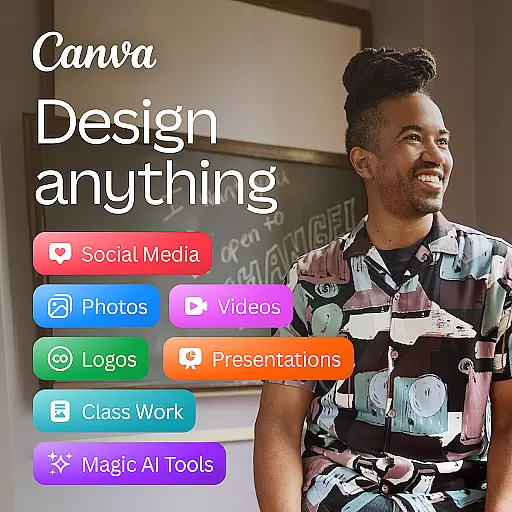


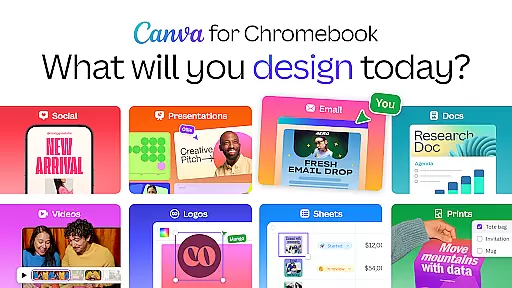
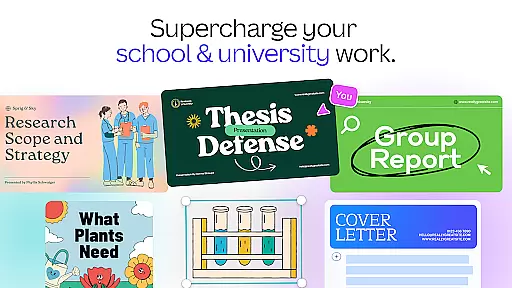
Canva is a versatile design application that combines photo editing, video creation, and graphic design tools in one platform. This app empowers users to create stunning visuals for social media, presentations, and marketing materials using customizable templates and AI-powered features. With its intuitive interface, Canva makes professional-quality design accessible to everyone, from individuals to businesses.
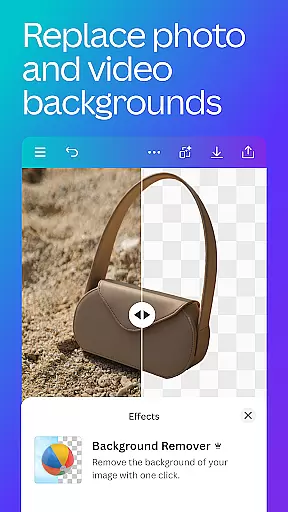
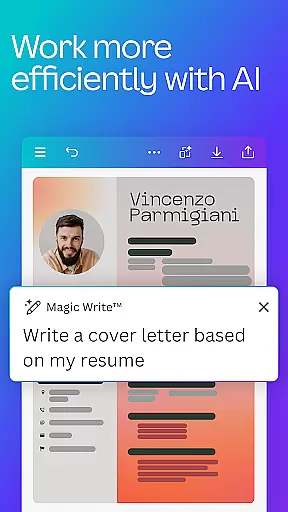
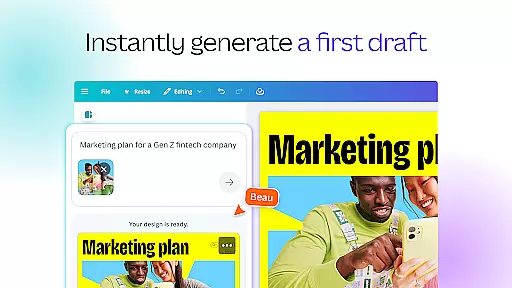
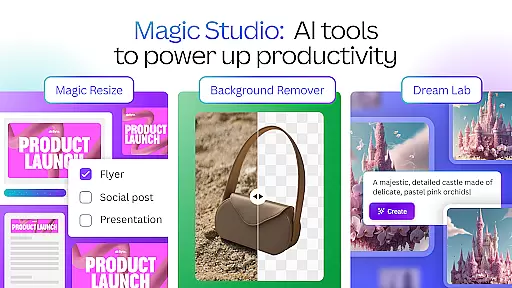
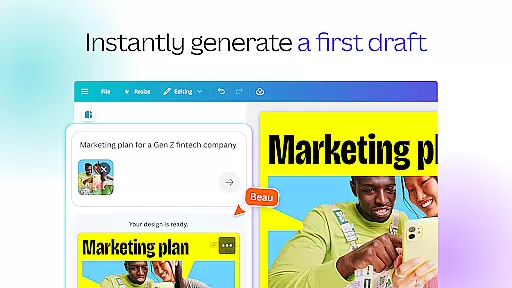
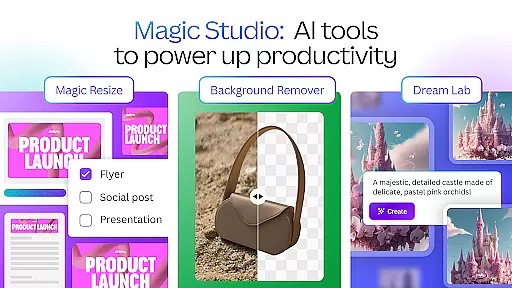
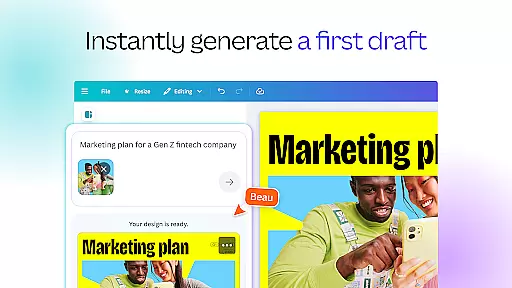
The app's standout feature is its built-in AI capabilities, including the Magic Design tool that generates designs from simple text inputs and the Magic Edit function that allows effortless object removal and image manipulation. These innovative tools, combined with an extensive library of over 2 million royalty-free assets, make Canva an indispensable tool for content creators, marketers, and educators alike.
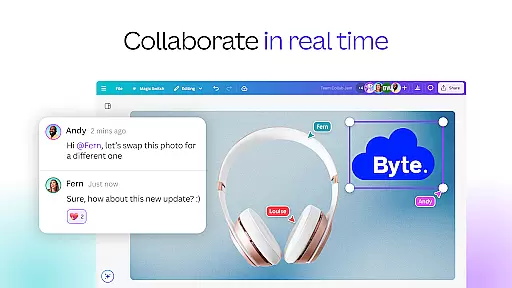
Whether you're designing social media posts, creating professional presentations, or developing marketing materials, Canva streamlines the creative process while maintaining high-quality results. Its cross-platform functionality and real-time collaboration features make it particularly valuable for teams and remote workers who need to create and share designs efficiently.
Canva offers an impressive array of features that cater to various design needs. The app's AI-powered tools include Magic Design for automatic layout generation, Magic Edit for seamless image manipulation, and Beat Sync for music synchronization in videos. These intelligent features significantly reduce design time while maintaining professional-quality results.
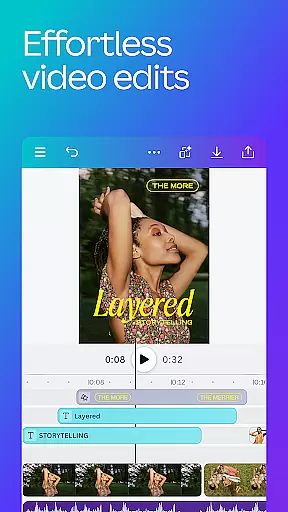
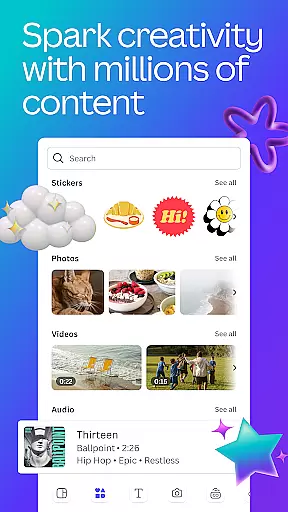
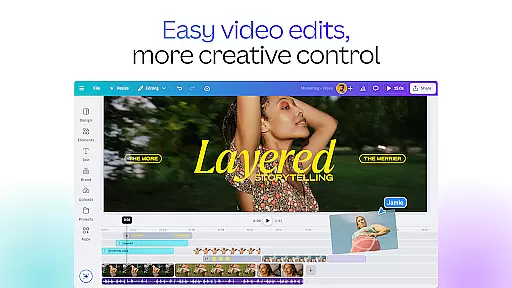
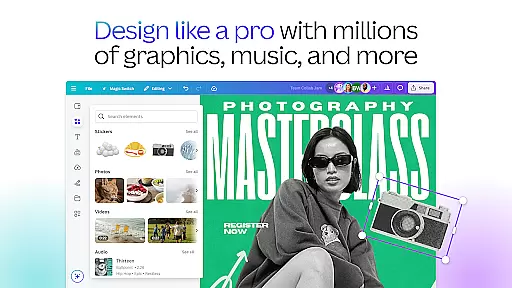
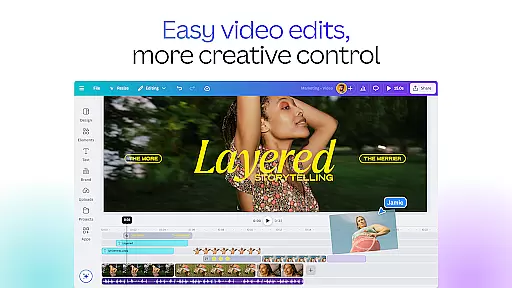
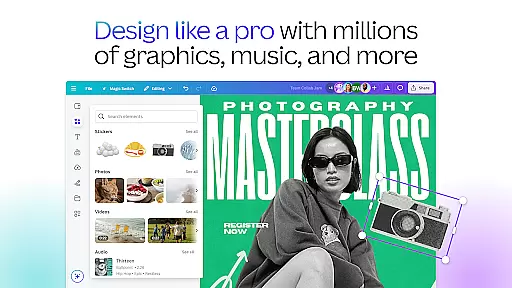
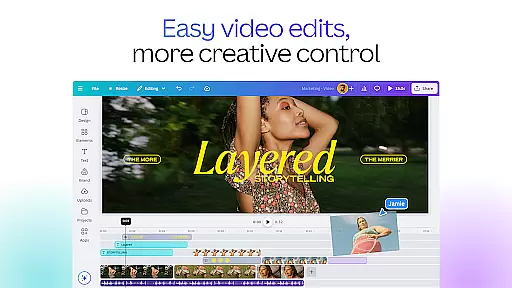
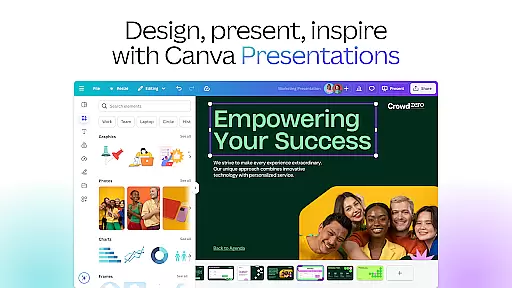
The application provides specialized tools for different design purposes, including a comprehensive photo editor with advanced adjustment options, a robust video editor with real-time collaboration capabilities, and a presentation maker with dynamic transitions. Users can access over 25,000 pre-licensed audio tracks, 500+ fonts, and thousands of watermark-free videos through its extensive content library.
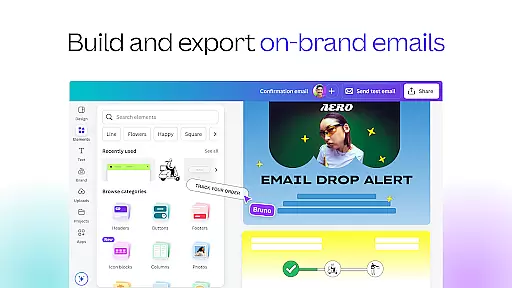
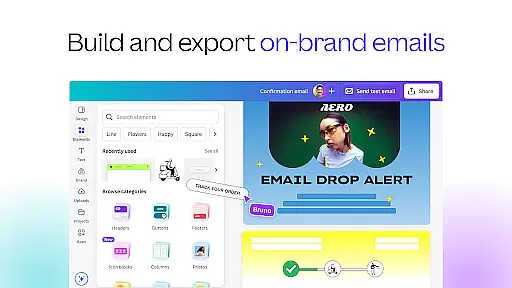
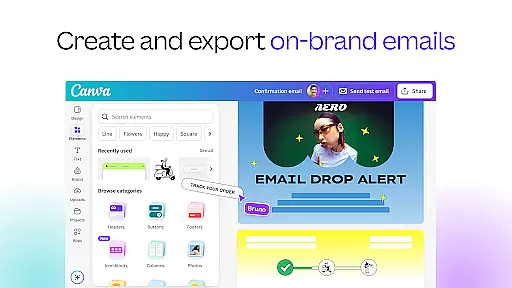
Canva's strength lies in its ability to integrate these features seamlessly into a user-friendly interface. The app supports cross-platform functionality, allowing users to start projects on one device and continue on another. Its real-time collaboration tools enable teams to work together efficiently, while the Brand Hub feature helps businesses maintain consistent visual identity across all their designs.
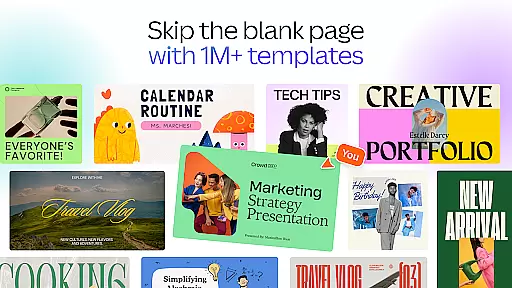
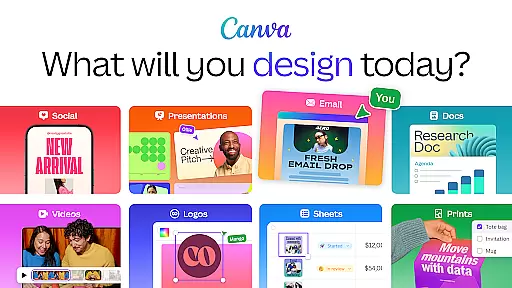
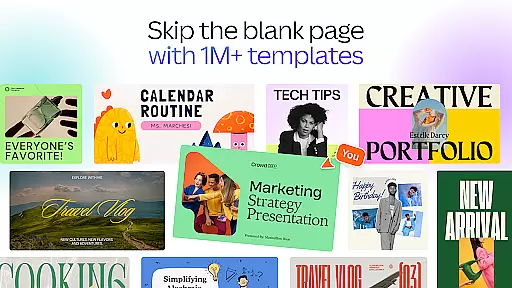
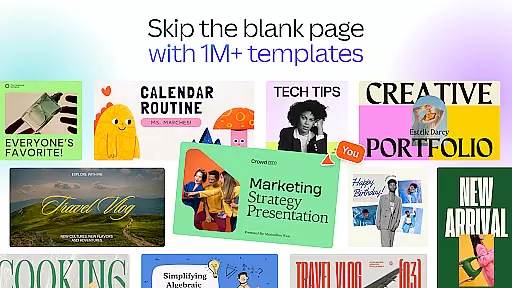
In the realm of graphic design and content creation, having access to comprehensive creative tools is essential. Canva addresses this need by offering an extensive suite of features that cater to various design requirements. The app includes a powerful AI art generator, photo editor, video maker, and a range of professional templates for social media posts, presentations, and more.
Canva's capabilities extend to providing users with over 2 million royalty-free images, thousands of watermark-free videos, and 25,000+ pre-licensed audio tracks. This vast library ensures that creators have all the necessary assets at their fingertips to produce high-quality designs without additional costs or copyright concerns.
Moreover, Canva incorporates innovative AI-powered tools such as Magic Design, Magic Edit, and Translate functionalities. These cutting-edge features allow users to automate complex tasks like translating designs into more than 100 languages or editing images with unprecedented ease. Such tools not only save time but also open up new possibilities for creativity and personalization in design projects.
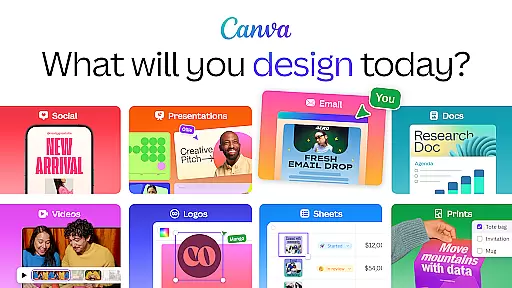
Flexibility in canvas and format options is crucial for adapting designs to different platforms and purposes. Canva excels in this area by enabling users to customize layouts for Instagram templates, resumes, photo collages, logo creation, video editing, and much more. Whether you're designing for personal use, educational materials, or professional marketing collateral, Canva provides adaptable solutions tailored to meet diverse needs.
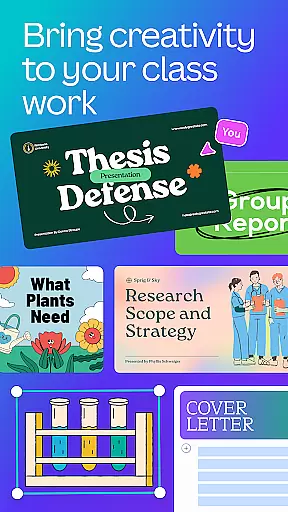
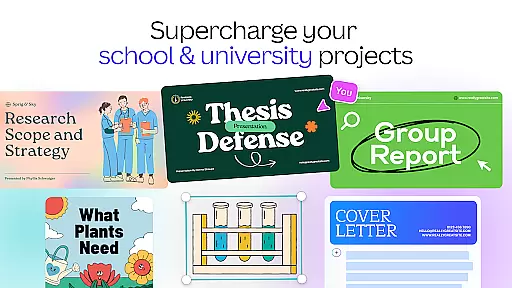
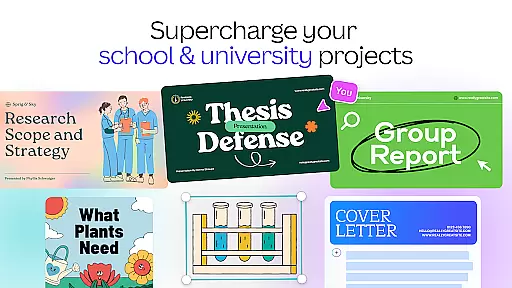
The application supports entrepreneurs in growing their businesses through versatile design options suitable for logos, posters, and promotional videos. Students and teachers can engage audiences effectively using interactive presentations and worksheets designed within Canvau2019s flexible framework.
Additionally, social media managers and content creators benefit from Canva's ability to generate brand visuals and mood boards effortlessly. With specialized tools for scheduling posts on platforms like Instagram and Facebook, alongside advanced resizing features for both images and videos, Canva empowers professionals to maintain consistent branding across multiple channels while optimizing their workflow efficiency.
User-friendly interface
Extensive template library
Powerful AI tools
Real-time collaboration
Cross-platform support
Limited free features
Pro subscription costly
Occasional lag
File size limitations
Basic animation options

Premium version of Shimeji-ee app with no ads & no limit active shimeji
 4.4
4.4
The ultimate tool for creating animations
4.60
Download now for a stylish and functional timepiece
4.1
Custom Character Creator & PFP Maker!
4.20
Apply cartoon, caricature, and portrait effects to make your photos stand out!
3.60
Logo Generator powered by AI: Create stunning logos effortlessly!
4.70
Android 14 style widgets and wallpapers app.
4.5
Art of Combination Wear OS Watch faces (for Wear OS 5+ devices)
3.90
Everything you need to create hand drawn animation, anywhere you go!
4.40
See Color, Paint Color
4.90
Novices can also easily complete diamond painting masters
4.70
Turn your drawings into flipbook-style animations with simple creative tools
4.60
Draw, fidget, and spin glow art! Relax and express your creativity with a finger
4.60
AI Tattoo Generator: Create Tattoo Designs & Get Ideas! Ink & Stencil Maker
4.50
Design your dream room with AI. Get decor ideas & plan home interiors
3.90
Powerful home decoration & house design that allows you to design dream home.
3.80
Art of Combination Wear OS Watch Faces
3.30
Pose and morph realistic male and female models! 3D poser app
3.00
Art of Combination Wear OS Watch Faces
4.2


User Reviews