
AR Drawing - Sketchar App is a revolutionary tool in the Art & Design category that combines augmented reality with creative expression. This app allows users to transform their real-world environment into a canvas for drawing and sketching, blending physical spaces with virtual art elements.
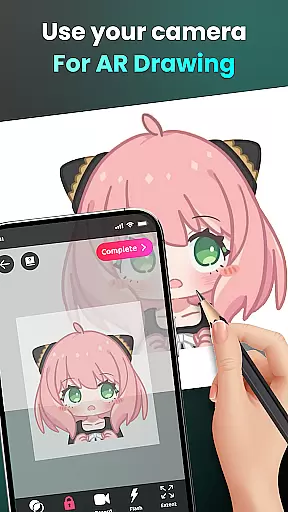
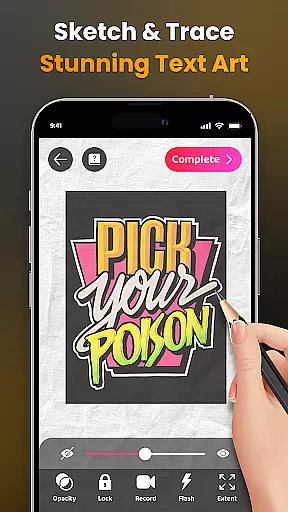
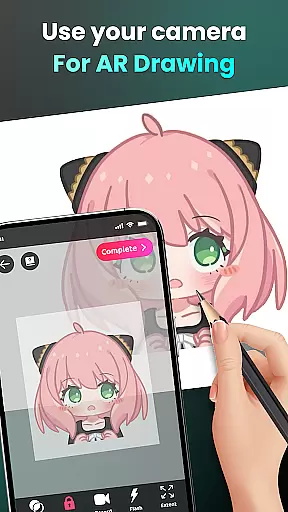
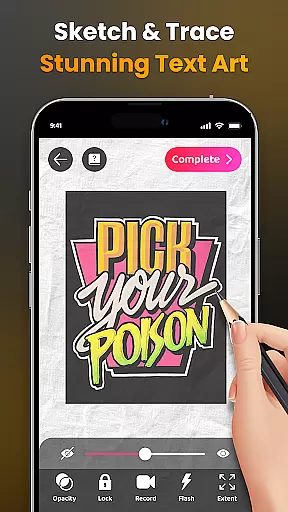
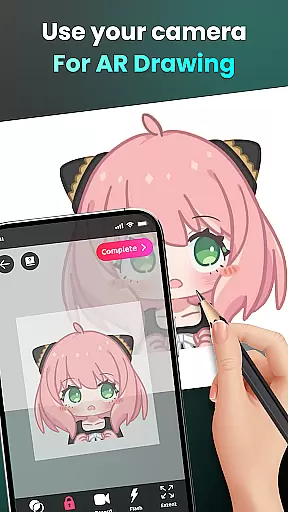
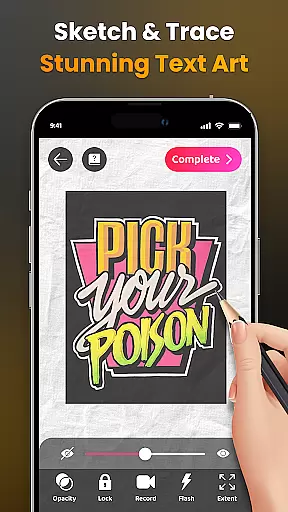
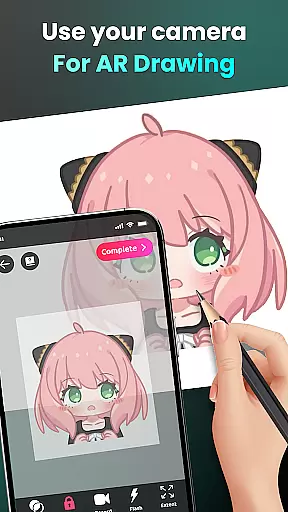
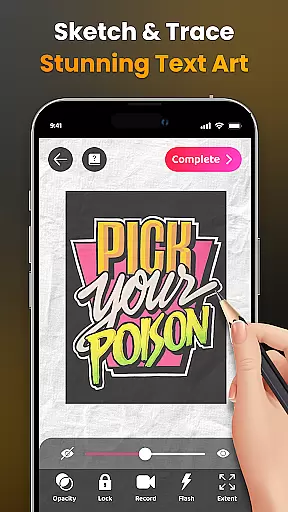
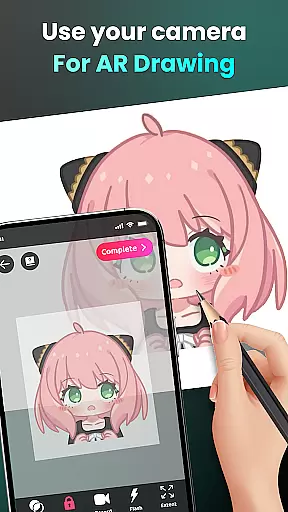
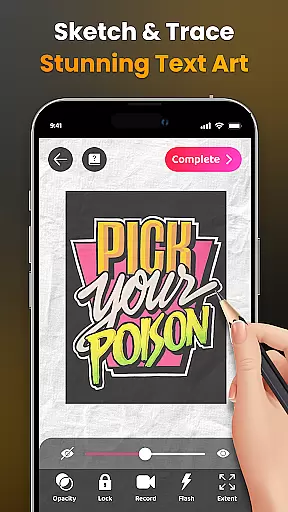
The core functionality includes camera-based drawing, where users can sketch anything they see through their phone's camera. Whether it's characters like Hello Kitty or Pikachu, or complex scenes from daily life, the app makes drawing accessible to everyone. It also offers advanced features such as adjustable opacity, flash control, and zoom options, making it suitable for both beginners and professional artists.
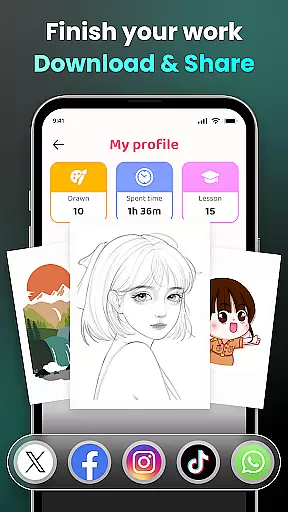
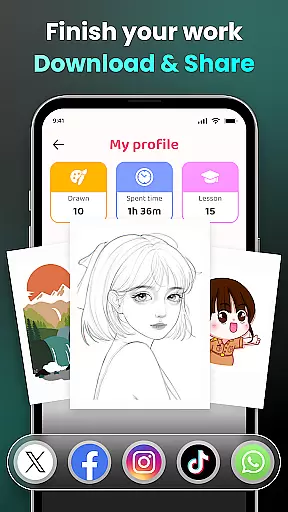
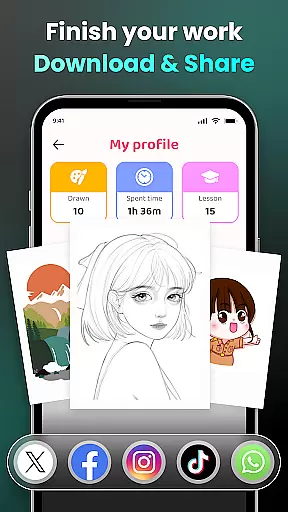
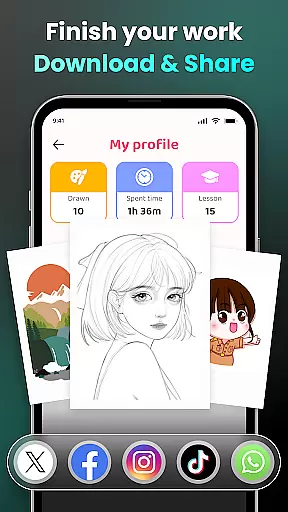
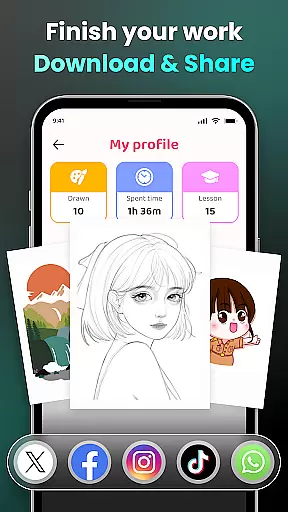
This app is particularly useful for those who want to learn drawing in a modern, interactive way. The ability to trace images and follow structured lessons provides an excellent learning platform. With a community of 50 million users worldwide, AR Drawing fosters creativity while enabling easy sharing of artwork on social platforms.
AR Drawing stands out with its diverse feature set tailored for artistic innovation. The app's main strength lies in its Augmented Reality (AR) technology, which lets users draw directly through their device's camera. This feature enables users to sketch live scenes or objects in front of them, creating a seamless blend between reality and imagination.
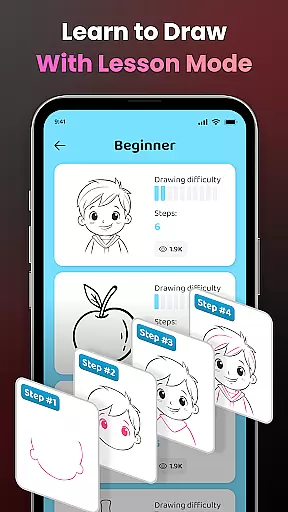
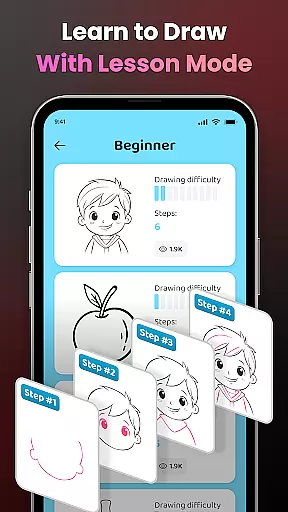
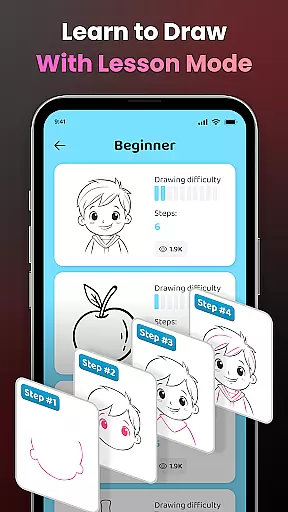
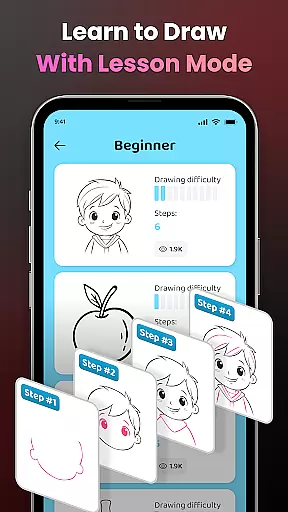
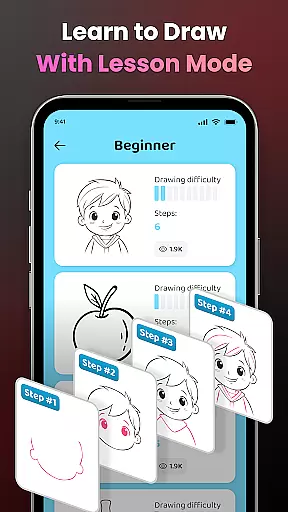
Another key aspect is the app's educational component. Users can access various drawing lessons categorized by difficulty levels, helping them progress from basic sketches to more complex artworks. The tracing feature simplifies intricate images into manageable outlines, allowing users to practice and refine their skills effectively.
Additionally, the app supports unlimited creativity through its extensive library of samples and the option to import personal photos. Advanced customization tools like video recording of the drawing process, adjustable opacity, and zoom controls provide users with complete creative freedom. These features collectively make AR Drawing a comprehensive tool for anyone interested in digital art and design.
In the realm of digital art, having a comprehensive set of creative tools is essential for unleashing an artist's full potential. AR Drawing - Sketchar App offers an impressive suite of features that cater to both budding artists and seasoned professionals.
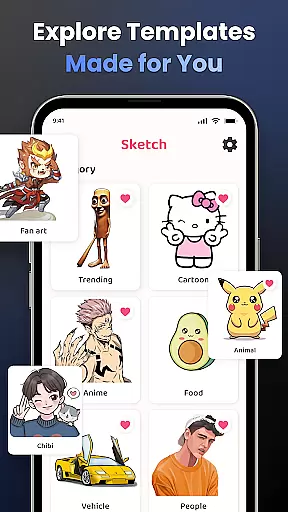
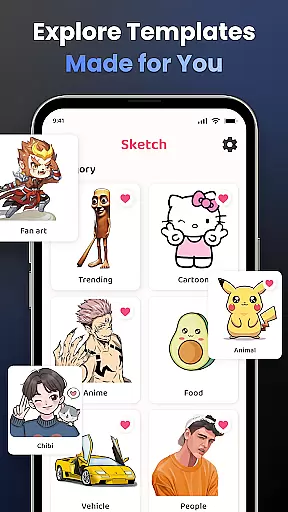
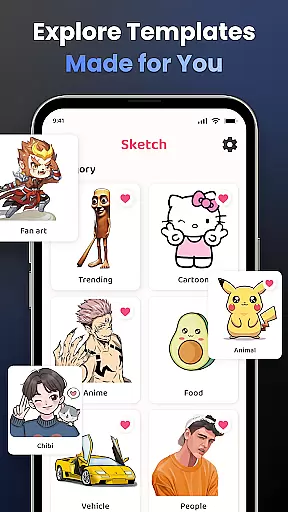
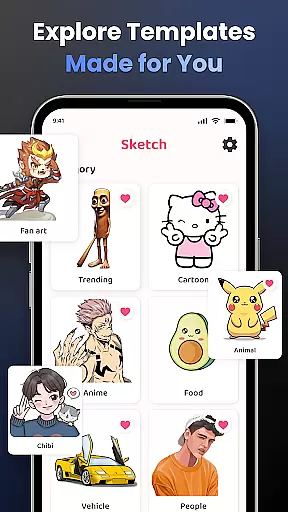
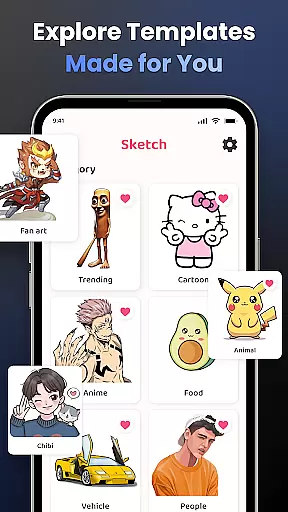
The app provides users with the ability to draw through their camera, transforming any scene into a canvas. This feature supports unlimited creativity by allowing users to sketch everything from sample photos to entire scenes, including beloved characters like Hello Kitty and Pikachu. The inclusion of diverse categories such as Anime, Cartoon, and Nature ensures that every artist can find inspiration within the app.
Moreover, AR Drawing enhances the drawing experience with advanced options like adjusting opacity, recording the drawing process, zooming in and out, and controlling the flash. These functionalities not only improve the quality of the artwork but also make the creation process more enjoyable and engaging.
With personalized content and detailed video tutorials available for beginners, AR Drawing - Sketchar App stands out as a complete package for anyone looking to explore the world of augmented reality art.
Flexibility in canvas and format options is crucial for artists who wish to express their creativity without limitations. AR Drawing - Sketchar App excels in providing users with versatile canvas and format capabilities that adapt to various artistic needs.
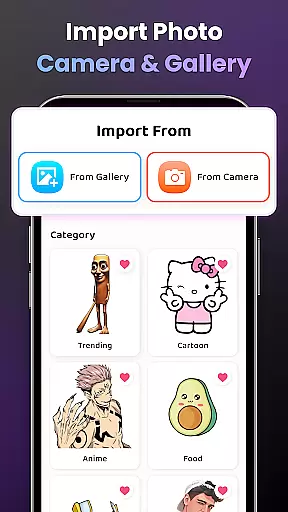
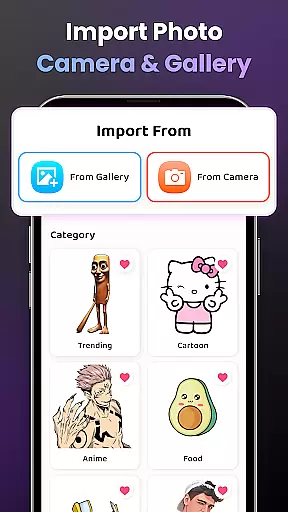
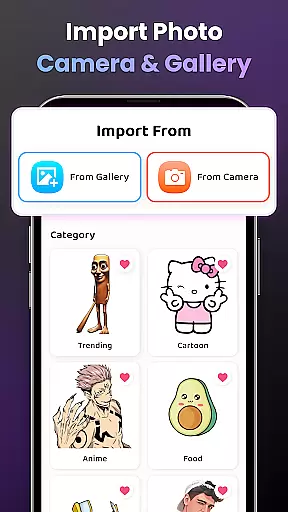
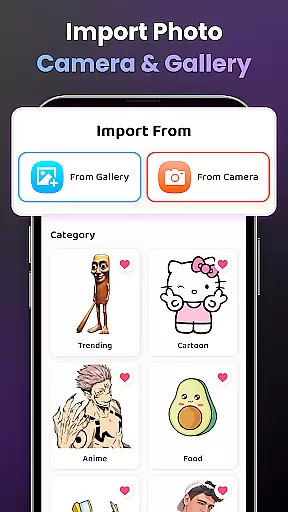
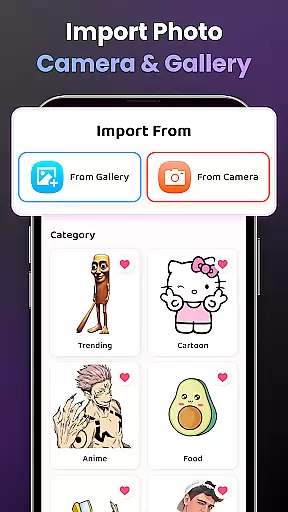
Users can select from a diverse sample library or import images directly from their gallery, giving them the freedom to work with familiar materials or experiment with new ideas. The app's support for different image formats ensures compatibility and ease of use, regardless of the source material.
Additionally, the app allows artists to adjust the canvas size and orientation, catering to individual preferences and project requirements. Whether creating small sketches or large-scale artworks, users can customize their workspace to suit their vision.
This level of flexibility empowers artists to push the boundaries of their creativity, making AR Drawing - Sketchar App a valuable tool for those seeking to innovate and expand their artistic horizons.
User-friendly interface
Innovative AR features
Vast lesson library
Active community support
Customizable drawing tools
Requires stable internet
Premium content costs
Device compatibility issues
Learning curve for new users
Limited offline functionality

Premium version of Shimeji-ee app with no ads & no limit active shimeji
 4.3
4.3
Transform photos into amazing monochrome dither art with professional algorithms
4.0
Learn how to draw with step-by-step tutorials, fun lessons & multiplayer drawing
4.70
AI Art Generator transforms your words into AI generated art & paintings.
3.70
Novices can also easily complete diamond painting masters
4.70
Your AI soulmate — meaningful chats, and unique emotional moments
4.70
Minecraft & Roblox Clothes
4.70
Get creative and make art with your Sesame Friends!
4.00
Explore future self face age filter & remove background image for a unique look.
3.50
Mobile pixel art editor. Simple. Fast. Portable.
4.80
Photo stitcher for automatically screenshot stitching into a long screenshot
4.70
Turn your drawings into flipbook-style animations with simple creative tools
4.60
Digital illustration drawing & painting pad app to paint Anime and Manga art
4.50
Photo blender app to create overlay photos & double exposure.
4.40
Unleash the artist in you with our AR drawing and tracing tool for photo drawing
4.10
Design your dream room with AI. Get decor ideas & plan home interiors
3.90
Powerful home decoration & house design that allows you to design dream home.
3.80
Pose and morph realistic male and female models! 3D poser app
3.00
Art of Combination Wear OS Watch faces
4.5


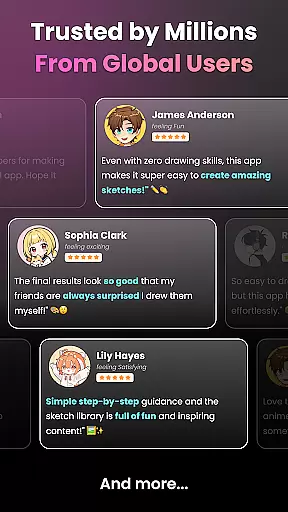
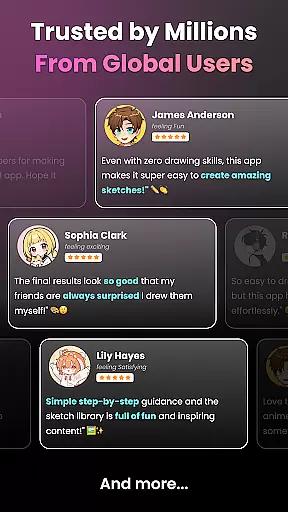
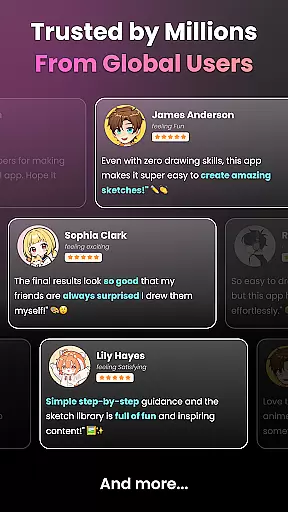
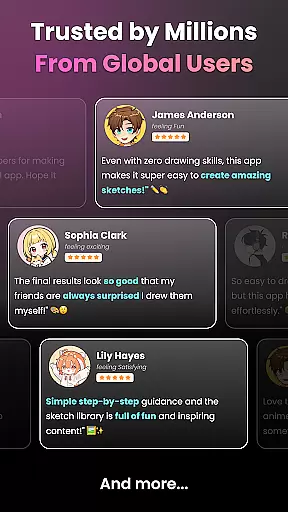
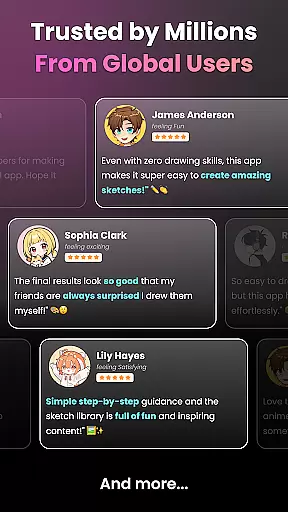
User Reviews