
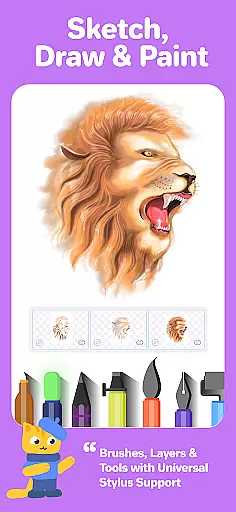
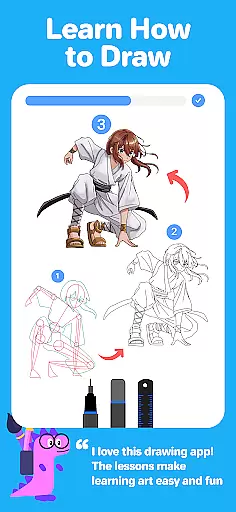
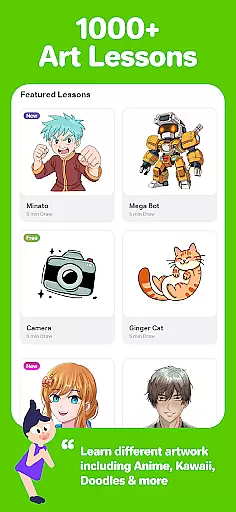
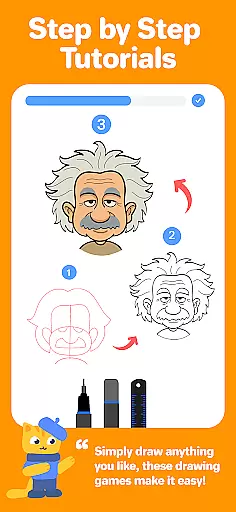
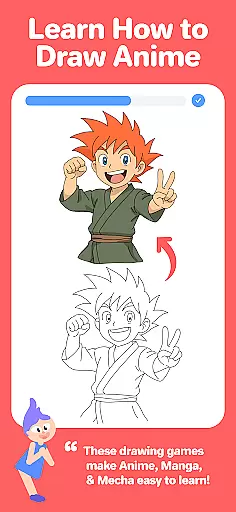
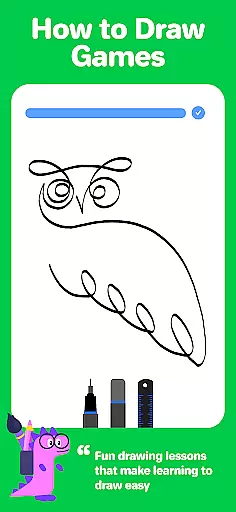
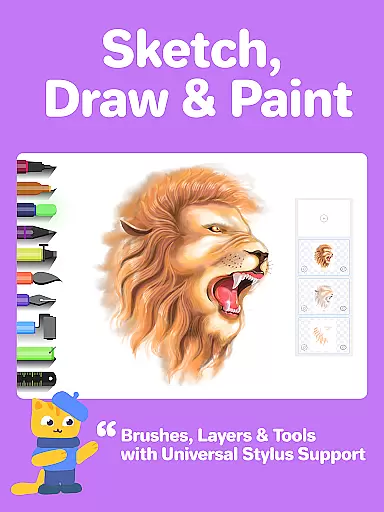
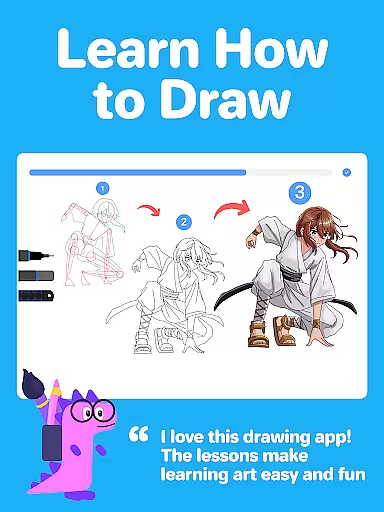
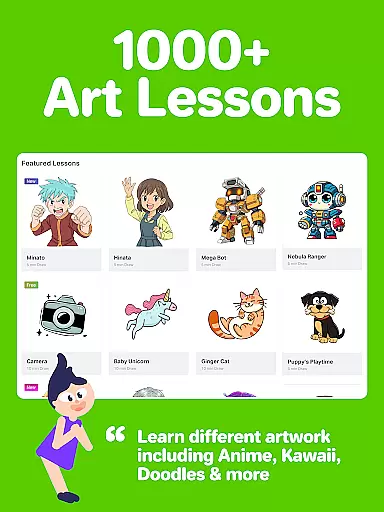
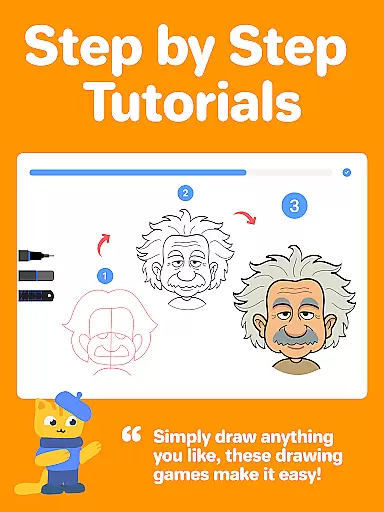
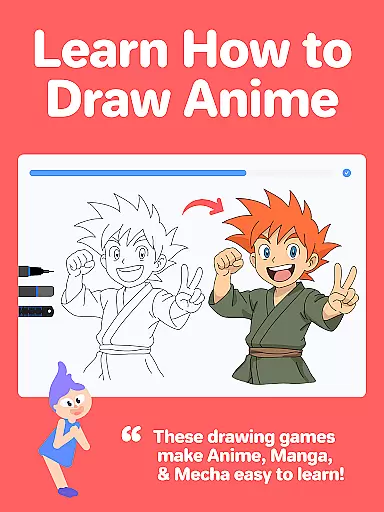
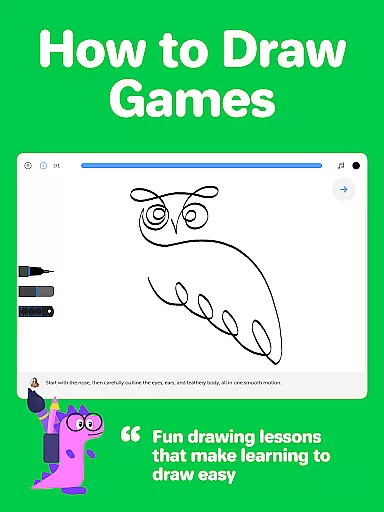
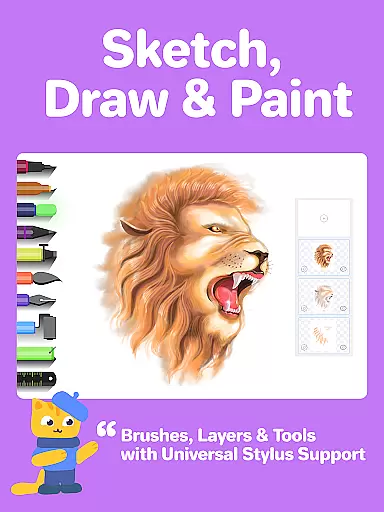
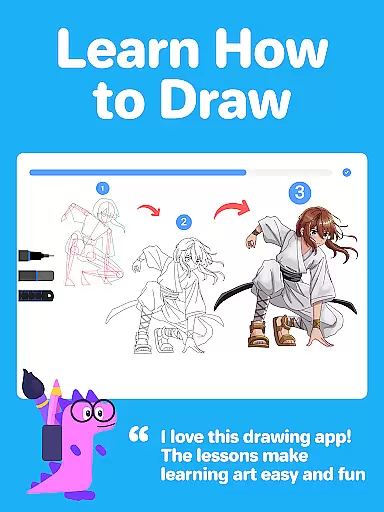
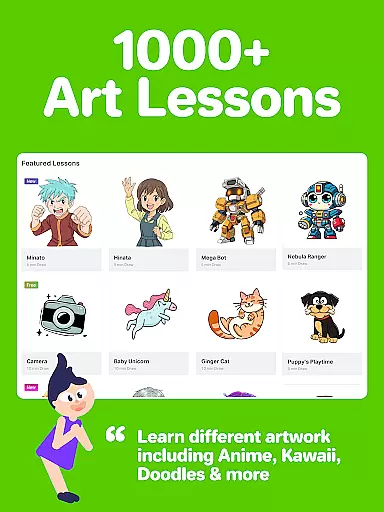
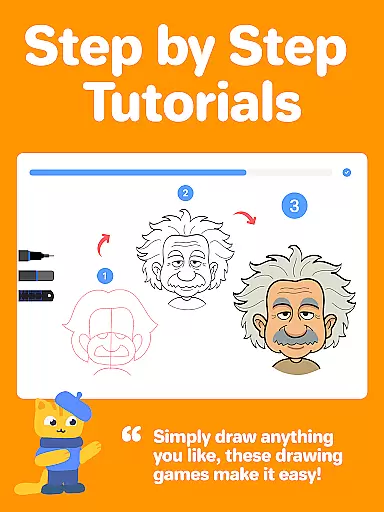
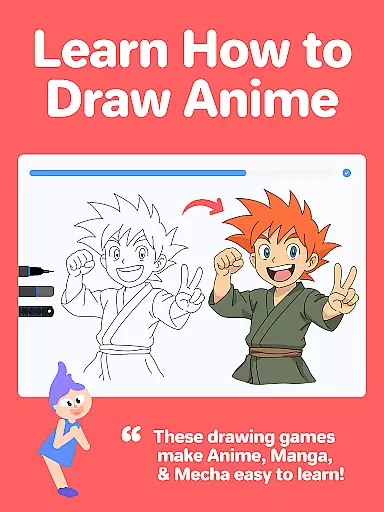
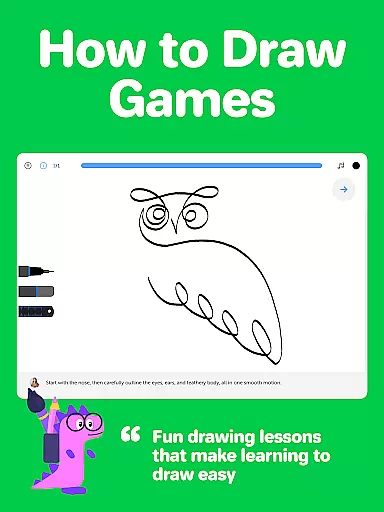
Drawing Desk is a premier digital art application designed for both beginners and advanced artists. With over 70 million users globally, it offers an extensive suite of drawing and painting tools including pencils, crayons, watercolor brushes, and more. The app provides a structured learning path with 1000+ step-by-step drawing lessons covering various styles like Anime, Manga, and Kawaii.
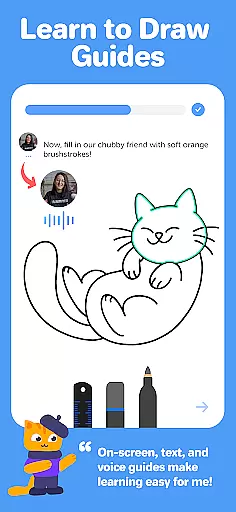
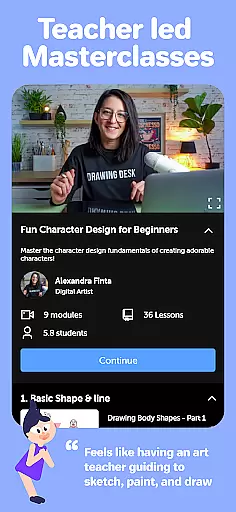
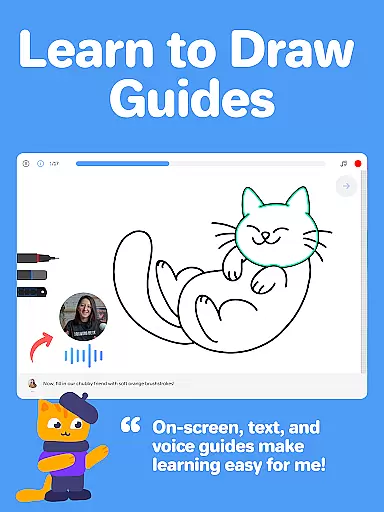
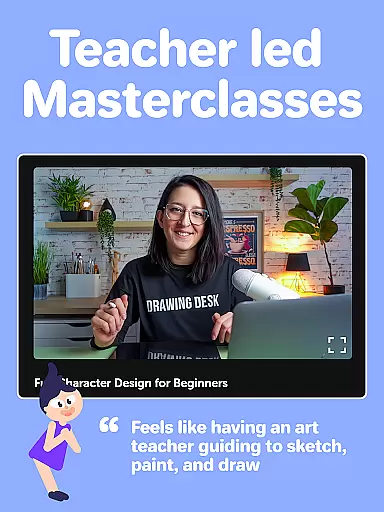
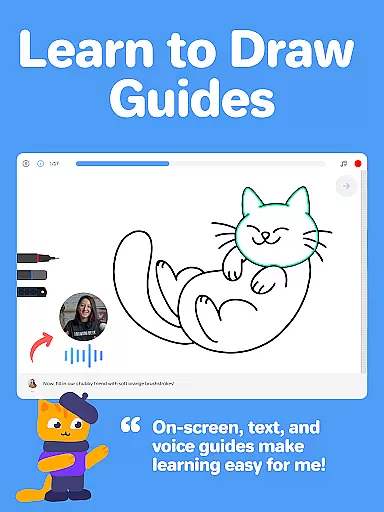
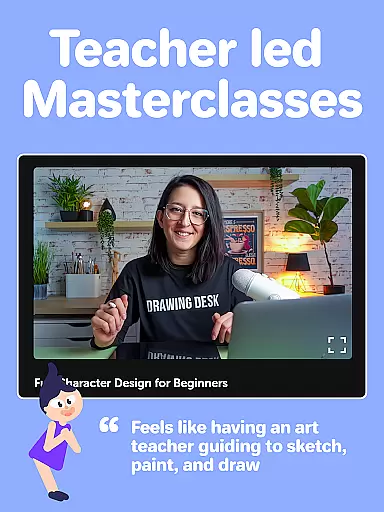
One of the standout features is its Masterclasses conducted by professional artists, offering detailed video explanations, on-screen guides, and voice instructions. Additionally, Drawing Desk incorporates AI-powered tools such as Sketch to Art AI and Auto Colorize, which enhance creativity and streamline the artistic process. Whether you're looking to learn new techniques or create professional-grade illustrations, Drawing Desk caters to all your artistic needs.
Drawing Desk boasts a rich array of features tailored to elevate your artistic journey. It includes 25+ sketch tools like pen, pencil, neon, and watercolor brush, allowing users to experiment with different mediums. The app supports unlimited layers and various canvas sizes, providing flexibility in creating complex artworks. Advanced functionalities such as symmetry tools, instant shapes, and gradient color palettes further enhance the creative experience.
AI-powered tools are another highlight, enabling users to transform sketches into art, auto-colorize drawings, and remove backgrounds or objects from images effortlessly. These innovative features ensure that artists can focus on their creativity without being hindered by technical limitations. Overall, Drawing Desk combines traditional art techniques with cutting-edge technology to offer a comprehensive digital art platform.
In the realm of digital art, having a comprehensive set of creative tools is essential for artists to fully express their visions. Drawing Desk rises to the occasion by offering an extensive suite of over 25 sketch tools that cater to various artistic needs. These include traditional options like pen, pencil, and watercolor brushes, alongside more unique choices such as neon and smudge tools.
Artists using Drawing Desk can also take advantage of advanced features not commonly found in other drawing apps. The app provides unlimited layers, enabling complex compositions and non-destructive editing. Quick shape drawing, symmetry tools, and an impressive library of 200+ instant shapes further expand the possibilities for creativity.
The inclusion of AI-powered tools adds another dimension to the creative process. Users can leverage Sketch to Art AI, Text to Art AI, and Auto Colorize features to push the boundaries of their artwork. Additionally, practical tools for removing backgrounds or unwanted objects from images streamline the editing process, making it easier than ever to refine and perfect digital creations.
A versatile canvas is crucial for artists who wish to work across different mediums and formats. Drawing Desk addresses this need by providing various canvas sizes, particularly within its Pad app version. This flexibility allows creators to choose the perfect workspace that aligns with their project requirements or personal preferences.
Beyond just size variations, Drawing Desk enriches the painting experience with sophisticated color management options. Artists have access to customizable color palettes and gradients, empowering them to achieve precise hues and shades in their work. The fill bucket tool, enhanced with 125+ textures, offers even more opportunities for adding depth and detail to digital paintings.
For those interested in structured learning paths, Drawing Desk's Masterclasses present a guided approach to digital art education. These classes offer video lessons from professional artists, complete with step-by-step on-screen guides and voice instructions. Such resources ensure that users not only have flexible formats at their disposal but also the knowledge to utilize them effectively in their artistic journey.
User-friendly interface
Extensive toolset
AI-powered enhancements
Structured learning paths
Professional Masterclasses
Some features may require purchase
Advanced tools can be complex
Occasional performance issues
Limited offline functionality
Subscription model

Premium version of Shimeji-ee app with no ads & no limit active shimeji
 4.2
4.2
Remove Background, Magic Eraser, Photo Enhancer, Story Templates, Collage Maker
4.30
Make your phone cooler and have a fantastic experience
4.80
Photo editor for art, avatars, filters & fun transformations.
4.60
Your AI soulmate — meaningful chats, and unique emotional moments
4.70
Mobile pixel art editor. Simple. Fast. Portable.
4.80
2D animation studio for Android tablets - unlimited layers, infinite timeline
4.70
How to draw anime step by step for beginner easily by AR drawing sketch & paint.
3.60
AI-powered photo & video creation—fast, fun, and effortless with Quick Actions
4.60
Logo Generator powered by AI: Create stunning logos effortlessly!
4.70
Digital, Abstract, Classic - all types of color wheels in one app!
4.60
Draw glowing spinners, relax, and spin your creative art
4.60
Create neon drawing with magic doodle and fun doodle art effects!
4.50
Share the joy of painting with ibis Paint! Drawing anime and manga art.
4.50
Kling AI is an image and video generation and editing studio powered by AI.
4.50
Image/ Text to Video Generator
4.40
Easy 3D drawing design maker & creator. Model designing, Sculpting. Create&paint
4.00
Create stunning video, photo & magic from text with FlixAI GPT video generator.
3.10
Art of Combination Wear OS Watch faces (for Wear OS 5+ devices)
3.00


User Reviews