
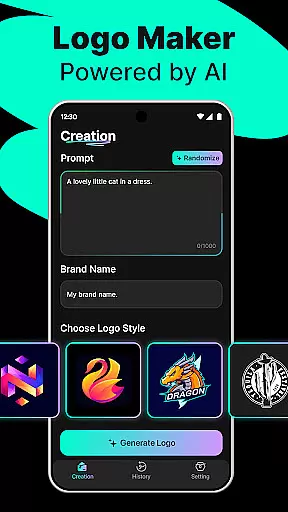
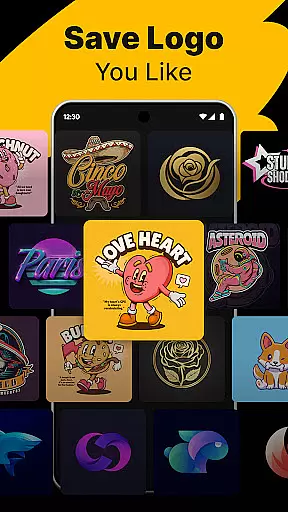
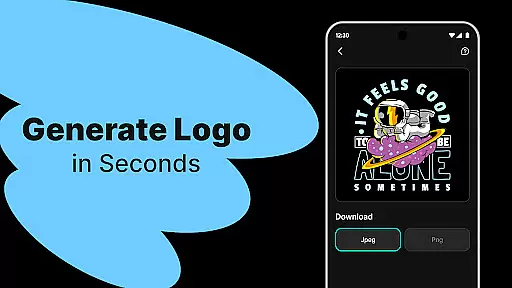
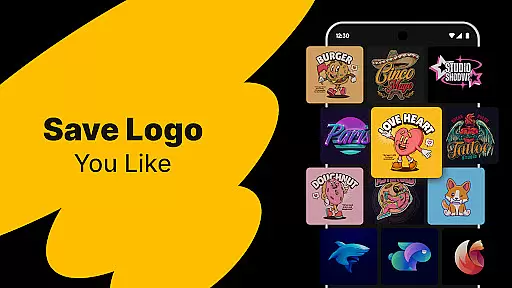
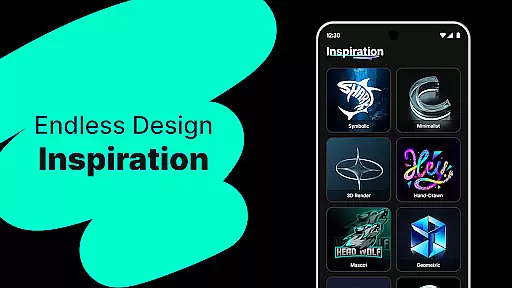
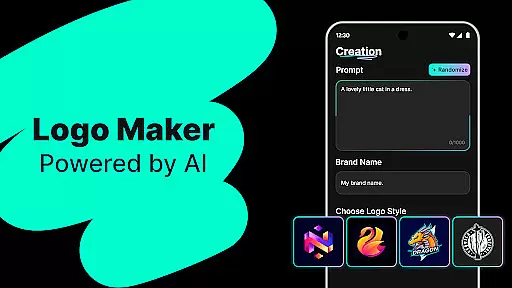
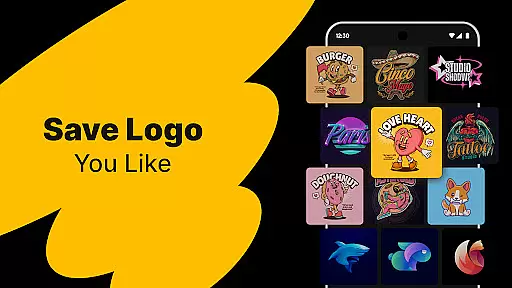
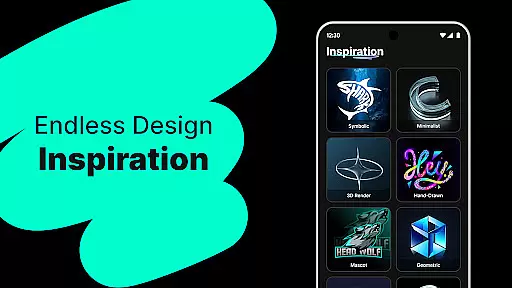
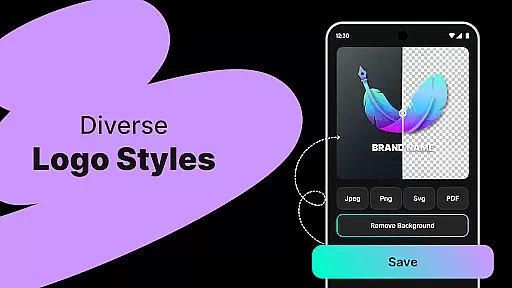
Logo Maker is an AI-powered logo design tool that enables users to create professional logos effortlessly. The app caters to entrepreneurs, small businesses, and creators who need a strong brand presence without the complexity of traditional design processes. With its smart generator, users can describe their vision and instantly receive multiple unique logo designs tailored to their brand.
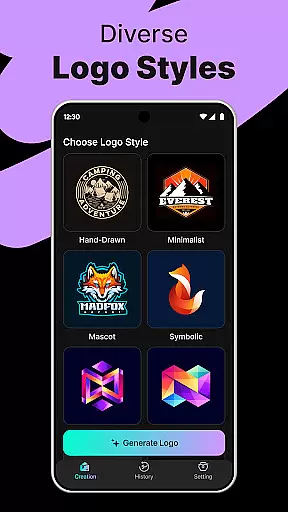
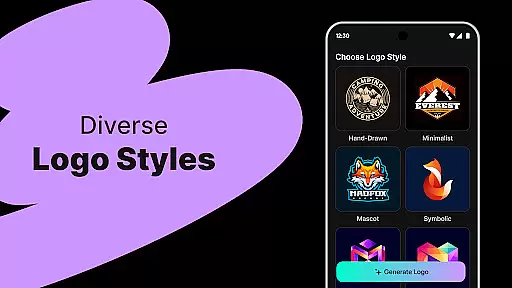
The application offers hundreds of customizable templates in various styles including modern, minimalist, vintage, and hand-drawn. Users can easily edit these templates with a user-friendly drag-and-drop editor, making it accessible even for those without prior design experience. Additionally, Logo Maker supports high-quality exports in PNG and JPG formats, suitable for websites, business cards, social media, and print materials.
This app is particularly valuable for startups, freelancers, content creators, and individuals managing events or personal projects. It provides a budget-friendly solution that delivers premium quality logos quickly, helping users establish a professional visual identity for their brands.
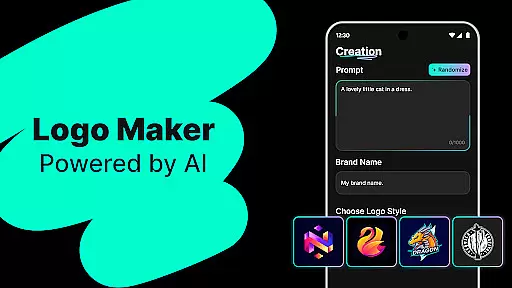
Logo Maker stands out with its powerful AI-driven logo generation capabilities. Users simply input their brand name and relevant keywords, and the app's intelligent system generates numerous unique logo concepts within seconds. This feature eliminates the need for professional design skills, democratizing access to high-quality branding resources.
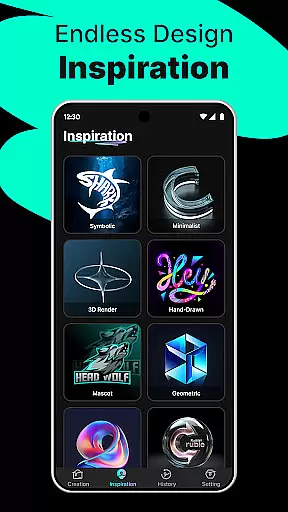
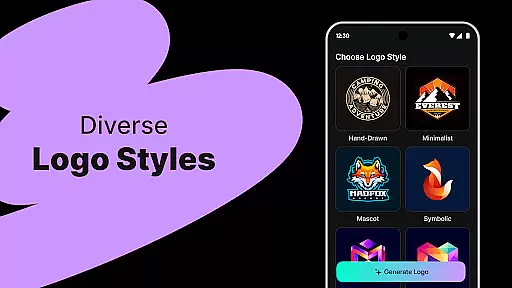
In addition to AI-generated designs, the app includes hundreds of professionally crafted logo templates. These templates span a wide range of styles from sleek and modern to classic and vintage aesthetics. Each template is fully customizable through an intuitive editor interface, allowing users to adjust colors, fonts, layouts, and other elements with simple drag-and-drop actions.
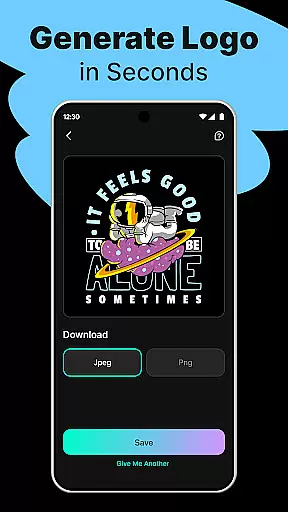
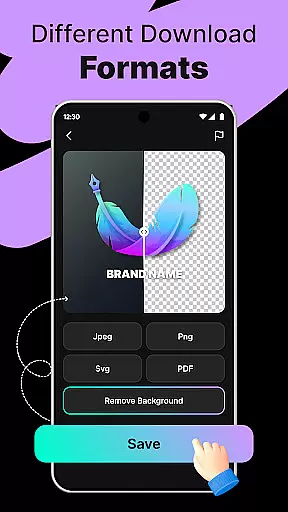
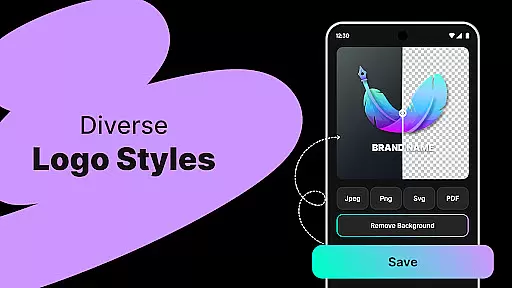
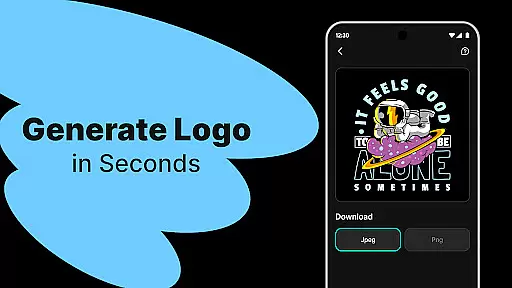
Another key advantage is the ability to export logos in high-resolution formats suitable for both digital and print use. Whether creating graphics for social media profiles, designing business cards, or preparing marketing materials, users can download their final designs in industry-standard file types like PNG and JPG. This versatility ensures that logos maintain crisp quality across all platforms and mediums.
When it comes to designing a professional logo, having access to comprehensive creative tools is essential. Logo Maker offers an extensive suite of features that cater to both beginners and experienced designers. The AI-powered logo generation allows users to input their brand name and keywords, instantly receiving multiple unique logo concepts.
The platform doesn't stop there; it provides hundreds of customizable templates covering various styles such as modern, minimalist, vintage, and hand-drawn designs. This ensures that no matter the brand identity you're aiming for, there's a template that fits your vision. Additionally, the user-friendly editor enables effortless customization through simple drag-and-drop actionsu2014no prior design experience required.
For those seeking high-quality results, Logo Maker supports exporting logos in PNG and JPG formats suitable for websites, business cards, social media profiles, and print materials. With these robust tools at your disposal, creating a standout logo becomes an intuitive and efficient process.
A crucial aspect of any design application is its canvas and format flexibility, allowing creators to bring their visions to life without constraints. Logo Maker excels in this area by offering versatile design options tailored to meet diverse branding needs. Whether you're designing for digital platforms or preparing files for print, the application ensures your logo maintains its integrity across all mediums.
The software supports various file formats including PNG and JPG, which are ideal for different use casesu2014from website icons to large-scale marketing materials. This flexibility extends beyond just file types; users can also customize dimensions and resolutions based on specific project requirements.
Moreover, Logo Makeru2019s adaptive canvas lets designers experiment with layout variations while maintaining aspect ratios, ensuring consistency throughout the creative process. By providing such adaptable solutions, Logo Maker empowers entrepreneurs, small businesses, freelancers, and content creators alike to craft logos that truly represent their brands without being limited by technical restrictions.
User-friendly interface
AI-powered design
Customizable templates
High-quality exports
Budget-friendly pricing
Limited advanced tools
Fewer customization options
No live support
Basic typography
Template dependency

Sketch, trace and master AR drawing with awesome anime art!
 3.30
3.30
Art of Combination Wear OS Watch faces
4.3
Castle is social media for creating and playing games!
4.60
Nano Banana AI Image Generator, Anime Filter, AI Portrait, AI Photo Generator
4.30
Painting, drawing, & sketching
4.50
Unleash the artist in you with our AR drawing and tracing tool for photo drawing
4.10
Bring One UI 8.5 Icons to life -elegant dark icons with a modern, premium touch.
4.30
Inky runs Inkscape on Android devices and Chromebooks
2.90
Unleash your inner artist! Sketchar: AR Drawing for Limitless Creativity
4.40
Draw glowing spinners, relax, and spin your creative art
4.60
Turn your drawings into flipbook-style animations with simple creative tools
4.60
Stylish letters, Stylish Keyboard, Symbols, Emojis, Cool nickname
4.40
Create stylish invitation cards using templates for weddings, birthdays & RSVP.
4.20
Digital Drawing: Draw & Paint
4.10
Turning simple sketches into captivating tales filled with life and motion
3.90
Powerful home decoration & house design that allows you to design dream home.
3.80
Create trending AI photos & videos with powerful effects and 3D styles.
3.20
Meet the magic aı 3d photo generator and smart AI video generator app.
3.20
Download now for a stylish and functional timepiece
4.5


User Reviews