
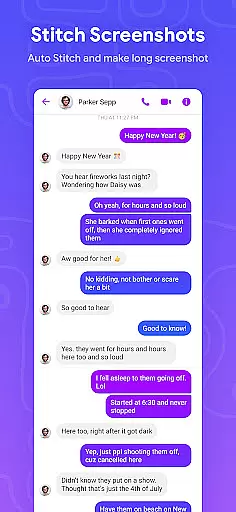
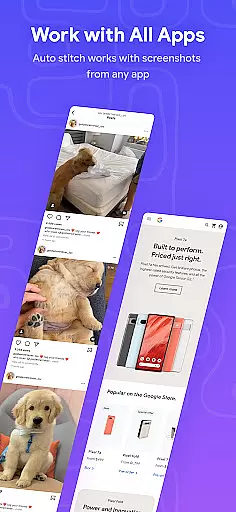
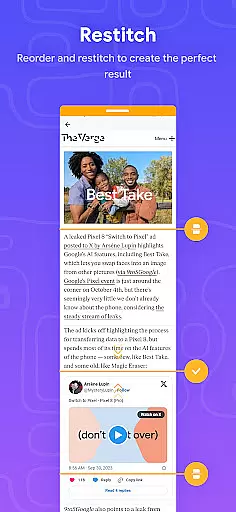
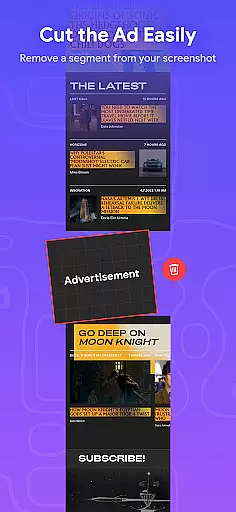
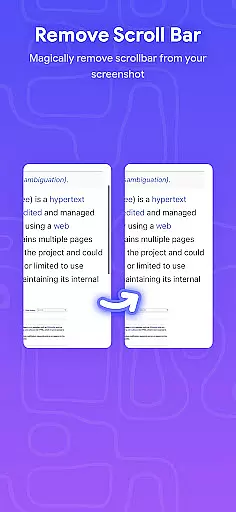
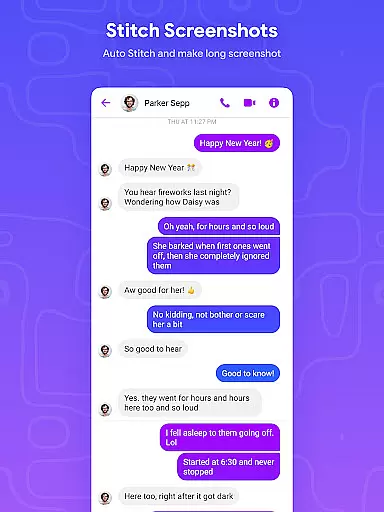
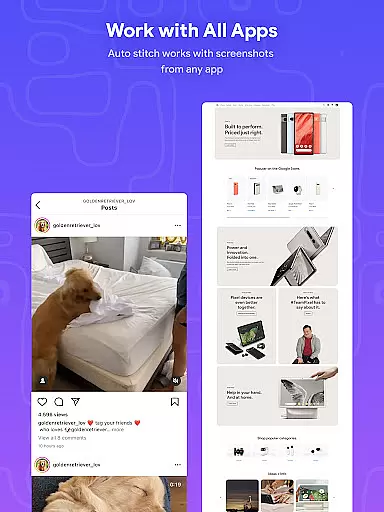
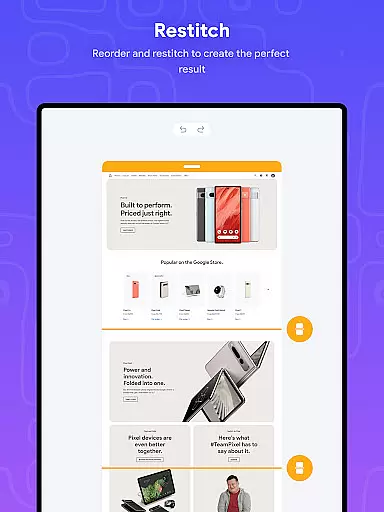
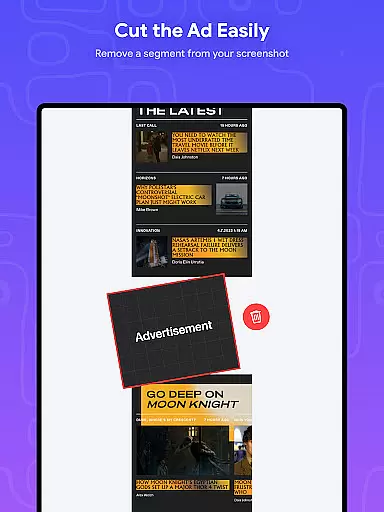
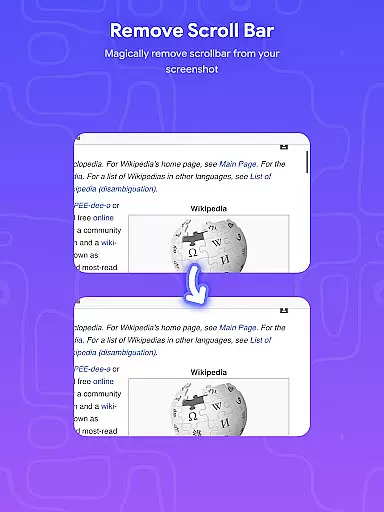
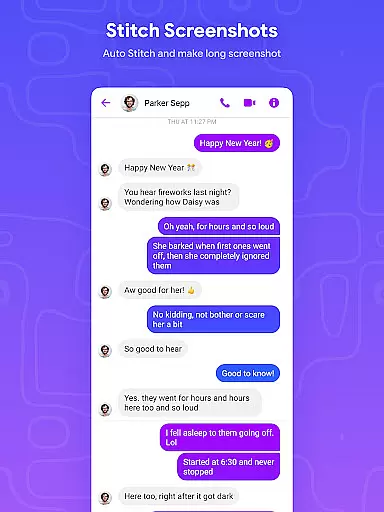
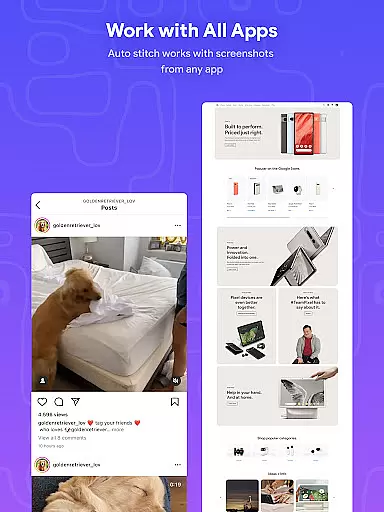
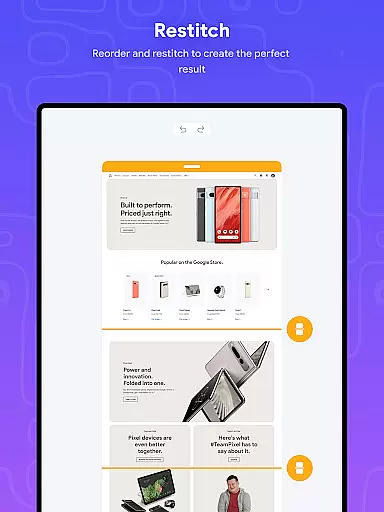
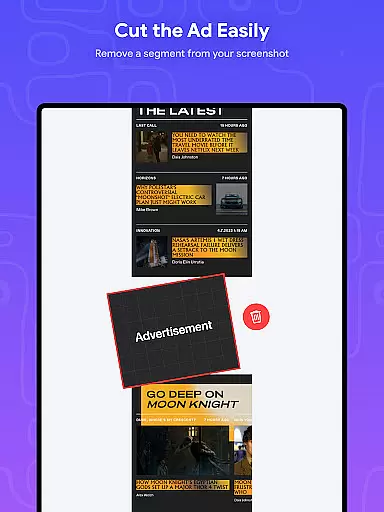
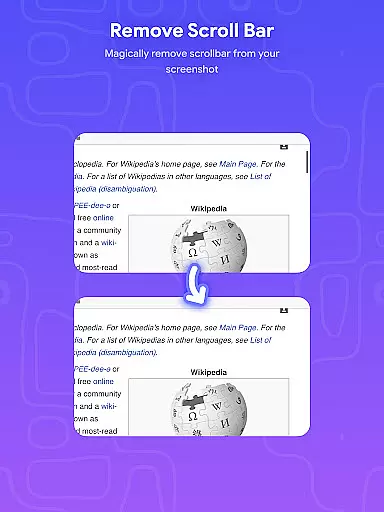
Stitch Photos is an innovative photo stitching application designed for users who want to create seamless panoramas and document scans with ease. Powered by advanced AI technology, the app can automatically recognize and stitch screenshots or long website captures both vertically and horizontally.
The app's core functionality lies in its ability to flawlessly combine multiple images into a single cohesive panorama. Whether you're capturing majestic landscapes or creating long website screenshots, Stitch Photos ensures every detail is preserved. The app is particularly useful for designers, photographers, and anyone needing to create high-quality composite images.
With its user-friendly interface and powerful processing capabilities, Stitch Photos provides a professional-grade photo stitching solution right on your mobile device. Users can now effortlessly produce high-resolution panoramas and share them directly through social media platforms.
Stitch Photos offers a comprehensive set of features that make photo stitching more accessible and efficient than ever before. The app's automatic stitching capability works both vertically and horizontally, allowing users to create various types of panoramas with minimal effort.
One of the standout features is its ability to seamlessly stitch long screenshots or website captures. This functionality is particularly useful for creating documentation or sharing lengthy web content. The app maintains high-resolution quality throughout the stitching process, ensuring professional-looking results every time.
Additional features include an intuitive user interface that simplifies the entire photo stitching experience. Users can easily adjust settings, preview results, and share their creations directly from the app. The combination of advanced AI technology and thoughtful design makes Stitch Photos a valuable tool for anyone working with digital images.
Stitch Photos offers a comprehensive suite of creative tools that cater to all your photo stitching needs. The app leverages advanced AI-powered technology to automatically recognize and stitch screenshots or long website captures both vertically and horizontally.
This functionality ensures that whether you're capturing majestic landscapes or creating document scans, the final output is always flawless. The automatic alignment feature saves significant time and effort, making it an ideal solution for both casual users and professionals.
The application also supports high-resolution long screenshot saving, ensuring that the quality of your stitched images remains uncompromised. This attention to detail highlights the app's commitment to providing a complete set of creative tools for an exceptional user experience.
One of Stitch Photos' standout features is its remarkable canvas and format flexibility. Users can effortlessly create seamless panoramas, regardless of the orientation or size of their original images. This flexibility allows for both vertical and horizontal stitching, accommodating a wide range of creative projects.
In addition to supporting various orientations, the app provides a user-friendly interface that simplifies the entire photo stitching process. With just one touch, users can align multiple shots perfectly, eliminating the guesswork often associated with manual adjustments.
Furthermore, Stitch Photos enables direct sharing of the final stitched image via social media or other platforms. This seamless integration enhances the overall user experience by offering both creative freedom and convenient distribution options, making it an indispensable tool for anyone looking to expand their artistic horizons.
User-friendly interface
High-resolution output
AI-powered stitching
Vertical and horizontal stitching
Seamless panorama creation
Limited advanced editing tools
Occasional processing errors
No batch processing option
Basic sharing options
Subscription required for full features

Premium version of Shimeji-ee app with no ads & no limit active shimeji
 4.4
4.4
Transform photos into amazing monochrome dither art with professional algorithms
4.1
Draw anime easily with AR guidance, sketch templates & trace tools!
3.10
Image resizer to resize, crop, rotate, flip, change dpi photo or picture in bulk
4.60
Get creative and make art with your Sesame Friends!
4.00
Get an overview over all your embroidery threads, projects and more.
4.60
Turning simple sketches into captivating tales filled with life and motion
3.90
How to draw anime step by step for beginner easily by AR drawing sketch & paint.
3.60
All-in-One art, logo & collage maker. Design photos and edit video backgrounds
4.80
Passport size photo maker, create ID photo and visa photo in seconds
4.80
Novices can also easily complete diamond painting masters
4.70
Minecraft & Roblox Clothes
4.70
2D animation studio for Android tablets - unlimited layers, infinite timeline
4.70
AI Tattoo Generator: Create Tattoo Designs & Get Ideas! Ink & Stencil Maker
4.50
Remove Background, Magic Eraser, Photo Enhancer, Story Templates, Collage Maker
4.30
Create sweet, cool and unique couple avatars easily, in just a few steps!
3.40
Pose and morph realistic male and female models! 3D poser app
3.00
Inky runs Inkscape on Android devices and Chromebooks
2.90
Art of Combination Wear OS Watch Faces
4.2


User Reviews